
Best Chairs for Spine: A First Time Buyer Guide for 2026
Disclosure: We may earn a commission when you buy through links on this page, at no extra cost to you. As an Amazon Associate I earn from qualifying purchases. Learn more

Shopping for the best chairs for spine for the first time? Learn the key terms, compare support features, and avoid common setup mistakes with ease.
If you sit for work and end the day stiff, your chair may be asking your back to do work the chair should do. The best chairs for spine support keep your lower back in contact with the backrest, let your feet rest flat, and make posture changes easy. This guide moves step by step to sizing and setup, so you can read the comparison table below with clear priorities.
Start with how long you sit, where discomfort shows up, and how much room you have. Those answers narrow the field faster than price or color, and they help you spot a chair that fits your body.
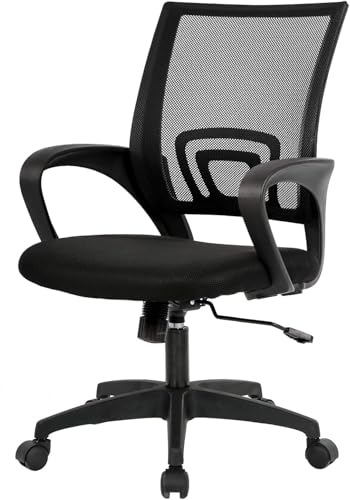
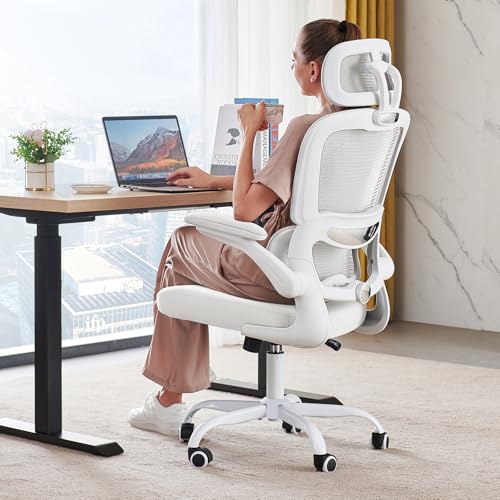
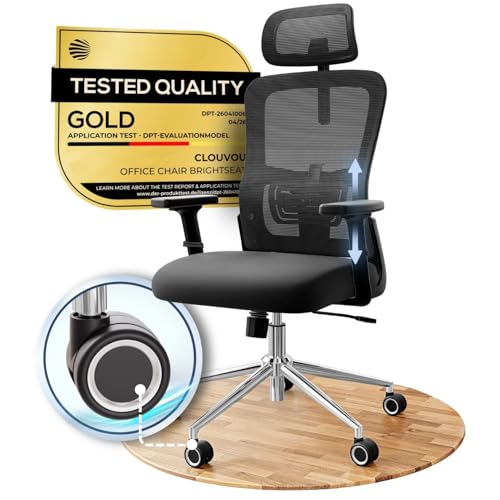
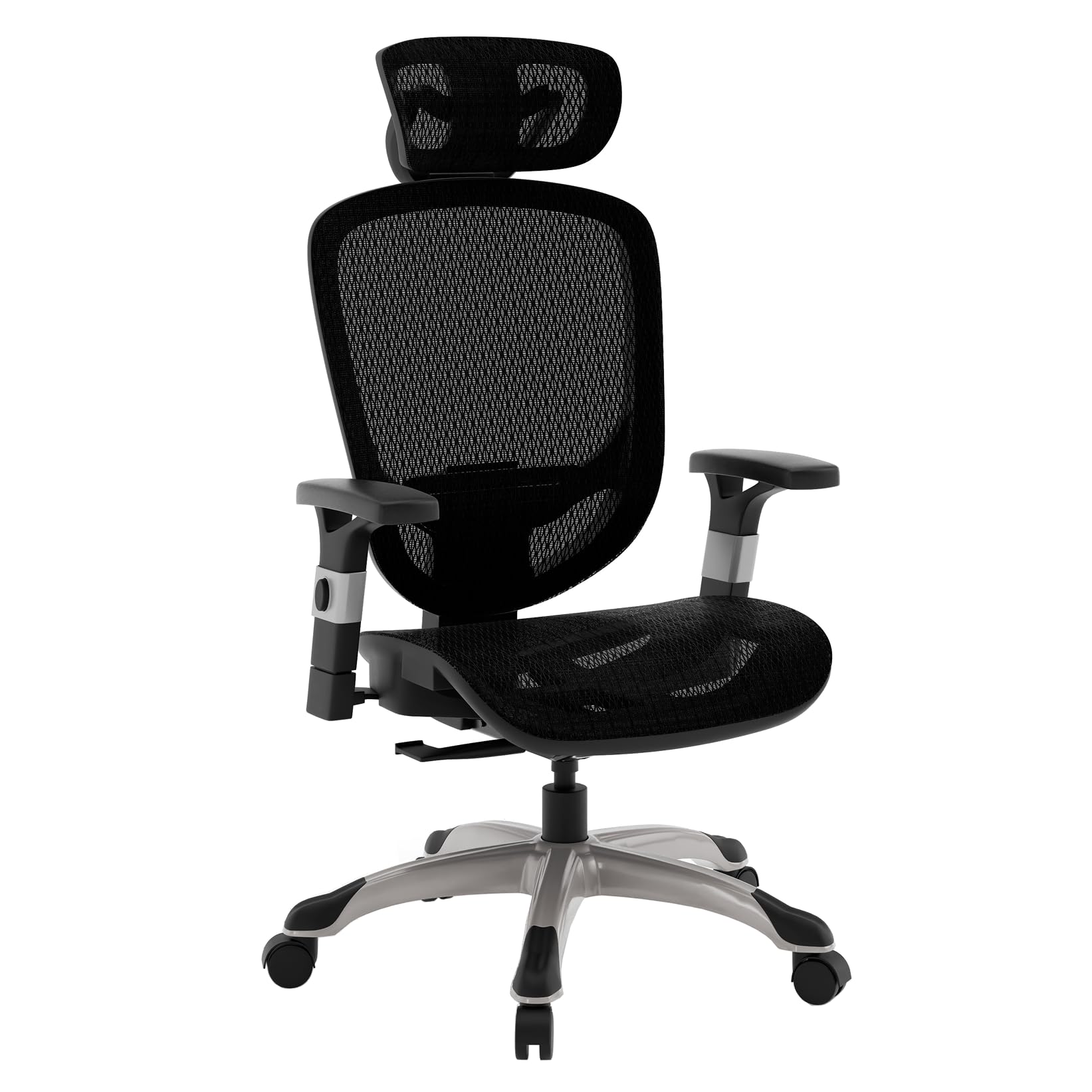
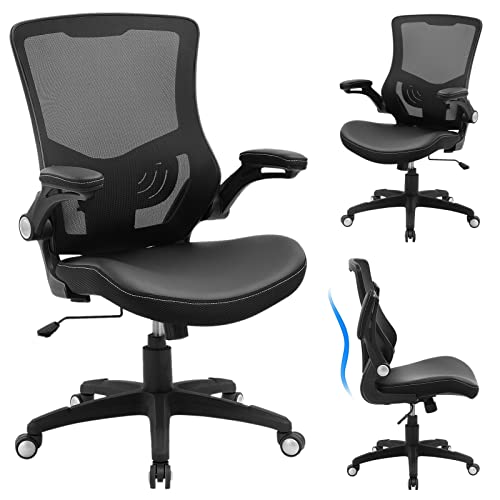
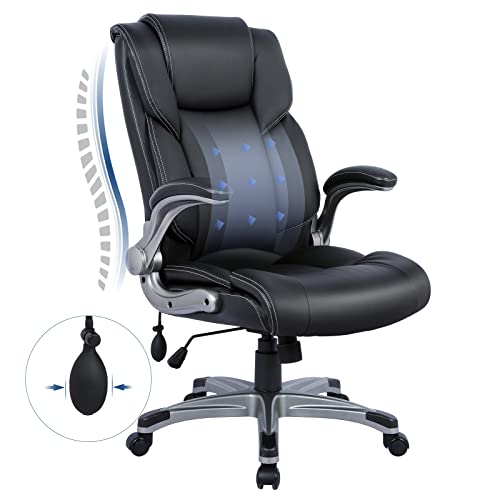
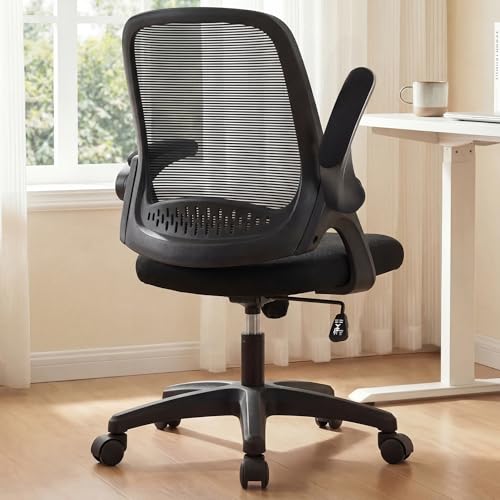

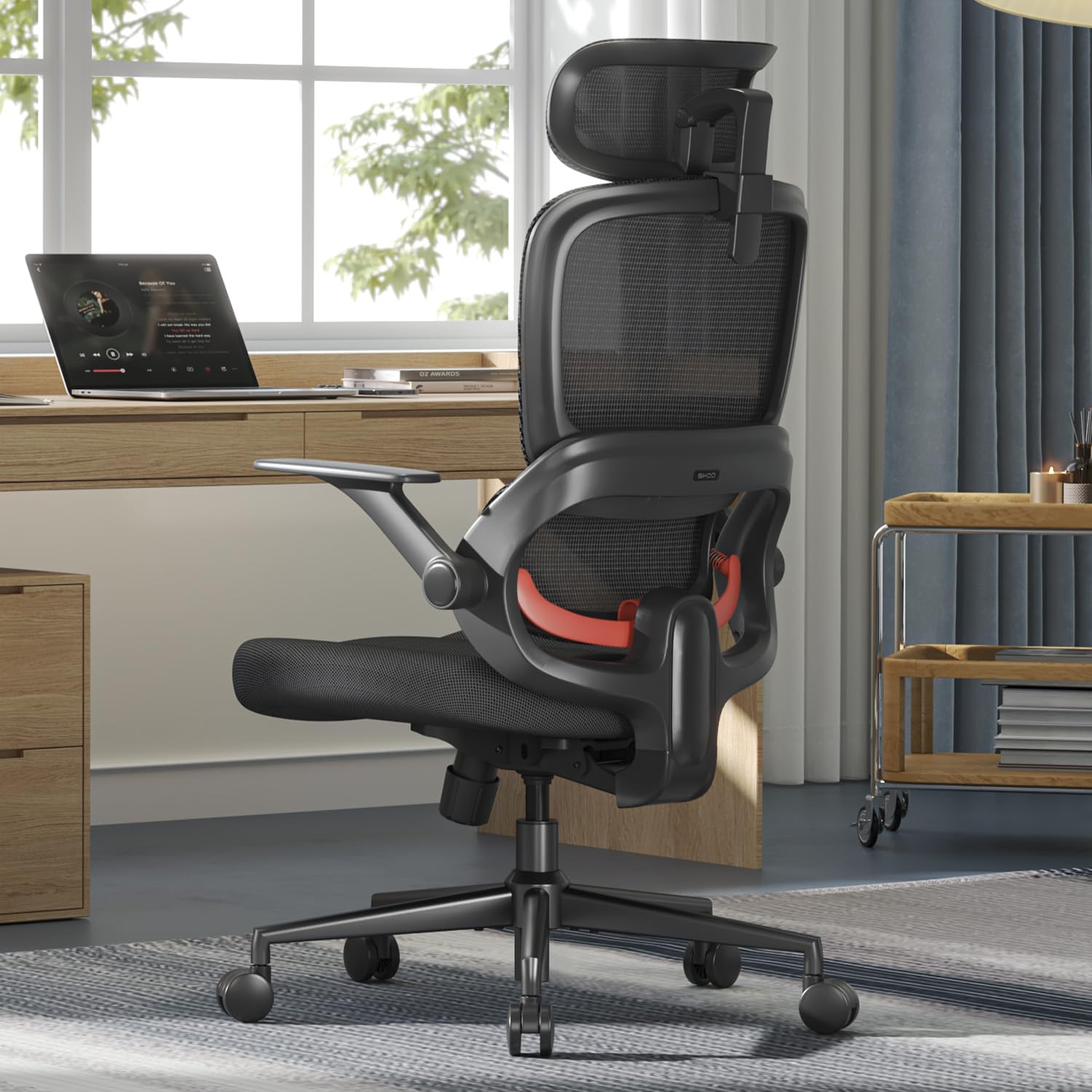
Who Should Buy a Chair Built for Spine Support?
Spine support matters most when sitting is a large part of your day and your current chair leaves a gap behind your lower back. Each group below should weight the features a little differently.
Desk Workers Who Slump by Mid Afternoon
You sit for six or more hours, often leaning toward a screen as focus fades. Look for a backrest that follows you as you recline slightly, plus lumbar support you can move until it meets the curve above your belt line. A firm and level seat also helps, because a soft front edge lets your hips slide forward.
Home Workers Still Using a Dining Chair
You work at a table on a fixed chair with a flat back and no height adjustment. Choose adjustable seat height first, since dining chairs often sit too low or too high for a desk. Compact and space saving models suit a corner setup, and a mesh back gives your spine a shaped surface without crowding a small room.
Taller or Heavier Sitters Who Need a Firmer Base
You need depth and strength as much as padding. A shallow seat leaves your thighs unsupported, while a cushion that bottoms out tilts your hips. Choose a deeper seat pan, a higher weight capacity, and a backrest tall enough for your shoulder blades. For a formal look on calls, see our guide to the best officer chairs and check the same points there.
Key Features to Compare
Compare support features in a fixed order, starting with the lower back and seat. When you shop for best chairs for spine support, a long feature list means little if the first two items do not fit you. Note your desk height before you start, because that number decides several settings.
Lumbar Support That Matches Your Lower Back
Lumbar support is a shaped pad or flexible panel that fills the inward curve above your hips. Fixed support costs less, but adjustable support is safer for a first purchase because you can raise, lower, or firm it as you learn what feels right. Sit back fully and check for even pressure, not a hard push at one point. If you feel numbness or tingling in a leg, pain below the knee, weakness, or pain after a fall, seek medical care promptly, and talk with your clinician about your personal seating needs.
Seat Height, Seat Depth and Cushion Density
Seat height should let your feet rest flat with your knees near a right angle, and most models adjust through about 17 to 21 inches. Seat depth matters just as much, because a deep pan presses behind your knees, while a short pan leaves your thighs hanging. High density foam holds its shape longer than soft foam and keeps your hips level. Choose a sliding pan if you can, or a depth of about 17 to 19 inches.
Backrest Height, Recline and Tilt Lock
A backrest should support your lower and mid back without forcing your shoulders forward, and taller backs suit taller users. Recline lets you shift pressure during calls, and a tilt lock holds the angle you choose instead of letting the chair snap upright. Look for tension control as well, since light users need less resistance to recline smoothly. Small angle changes are the point, because staying locked upright can feel as tiring as slouching.
Adjustable Armrests That Keep Shoulders Relaxed
Adjustable armrests should meet your forearms when your elbows rest close to your sides and your shoulders stay down. Height adjustment is the minimum, while width and angle adjustment help narrow or broad shoulders. Arms set too high shrug your shoulders, and arms set too low invite you to lean to one side. For shared chairs, see our guide to the best office task chairs for models built around frequent readjustment.
Frame, Gas Lift, Base and Weight Capacity
The frame and base carry every movement you make, so check the stated weight capacity and stay below it. A metal base with five casters spreads load and rolls more steadily than a thin plastic base, and a class 4 gas lift is the stronger common grade for daily use. Premium and executive models often add thicker joints at a higher price. During setup, shift your weight and listen for creaks from a loose joint.
Mesh Back, Padded Back and Room Fit
A mesh back breathes well and flexes with your back, which many warm rooms and long sitters prefer. A padded back feels softer at first touch, but thick padding can hide a flat shape with little real support. Measure your space before you buy, including recline space behind the chair. If build quality is your main question, see our guide to the best quality chairs for checks on frames and fabrics.
Getting Started: Setup and First Adjustments
Assembly means attaching the base, gas lift, seat, backrest, and arms, and it often takes about 20 to 40 minutes with the included tool. Build on a soft surface, keep bolts loose until all parts align, then tighten them in stages. Check bolt tightness again after the first week.
- Set seat height so your feet rest flat and your screen sits near eye level.
- Sit back until a small gap remains behind your knees.
- Move lumbar support until it fills the curve above your hips.
- Set armrests so your shoulders stay relaxed while you type.
- Unlock recline, set tension for your weight, then lock an angle for focused work.
Make one change at a time during the first few days and note how your back feels after an hour. A chair that needs constant large corrections is likely the wrong size.
Common Mistakes to Avoid
- Buying by looks alone leaves you with a flat backrest that never touches your lower back.
- Choosing a seat that is too deep presses behind your knees and makes you perch at the front.
- Setting armrests too high lifts your shoulders all day and leaves your neck tense by evening.
- Locking the chair fully upright removes movement and makes stiffness build faster.
- Ignoring weight capacity overloads the gas lift and base and shortens the life of the chair.
- Skipping a room measure can leave a reclining backrest hitting a wall behind you.
Care and Maintenance for a Spine Support Chair
Vacuum mesh and fabric weekly with a soft brush, because dust and grit wear fibers where your back rubs most. Wipe smooth padding with a damp cloth and mild soap, then dry it fully. Keep the chair out of strong direct sun, since heat can dry padding and fade fabric.
Every few months, tighten arm and backrest bolts, check casters for hair, and wipe the gas lift post clean so height adjustment stays smooth. Stop using the chair if the frame cracks or the seat tilts, because a rocking base shifts load to your back.
FAQ
What features matter most in chairs for spine support at a desk?
Adjustable lumbar support and correct seat depth matter most in chairs for spine support at a desk. Together they keep your hips back and your lower back in contact with the chair. A useful extra is a waterfall front edge, which curves down at the front and reduces pressure under your thighs.
How do you choose the right size in a chair for spine support?
You choose the right size in a chair for spine support by matching seat depth to your thigh length first. Sit back fully and look for about two or three fingers of space behind your knees. Also check that the backrest top does not push your head forward, a point that matters more if you wear a headset for meetings.
Is an expensive chair for spine support worth the extra cost?
An expensive chair for spine support can be worth the cost if the extra money buys adjustments you will actually use. Lumbar depth control, a sliding seat, and a stronger base change daily fit in ways that color and trim do not. If you sit only an hour a day, a simpler model may serve you just as well.
How long should a good chair for spine support last with daily use?
A good chair for spine support should last about five to eight years with daily use. Foam and mesh usually show age first, sagging or stretching so the shaped support slowly flattens. You can extend that span by keeping the chair away from a hot radiator and by tightening bolts before joints flex.
What helps spine support most during long hours of sitting in a chair?
Movement helps spine support most during long hours of sitting in a chair. Change your recline angle at natural breaks, stand for calls when you can, and reset your feet flat after you return. A small footrest can help shorter users whose desk forces a higher seat, because dangling feet pull the hips forward even in a well shaped chair.
Wrapping Up
Start with lumbar fit and seat depth, then confirm height, arm position, and capacity for your body and room. A chair that supports your spine well should feel almost plain after an hour, with no single pressure point asking for attention. Use the product table above to compare those points before you look at style or extras.
For a first purchase, the best chairs for spine choice is rarely the softest or tallest model in the list. Choose the chair you can adjust to your body today, and adjust it again after a week of real work.


