
Best Chairs for Developers in 2026: Which One Fits the Way You Use It?
Disclosure: We may earn a commission when you buy through links on this page, at no extra cost to you. As an Amazon Associate I earn from qualifying purchases. Learn more
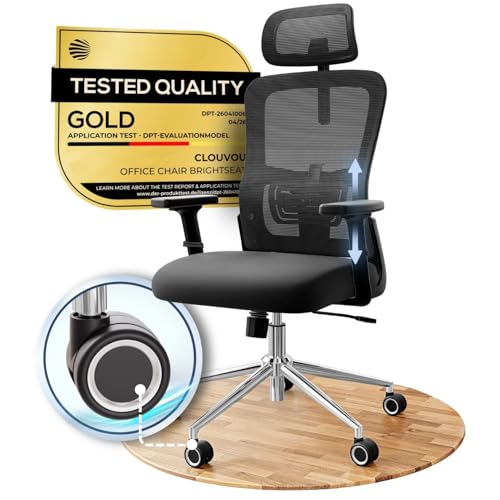
Compare the best chairs for developers by fit, support, and price, with feature guidance matched to long coding sessions, deep focus, and home offices.
No single chair suits every developer, because the way you work shapes what you need from a seat. A developer who spends six unbroken hours in deep focus asks different things of a chair from one who moves between calls, reviews, and short tasks all day. The best chairs for developers are the ones matched to that pattern, not the ones with the longest feature list.
The comparison table below groups current options by class and price band. The sections after it explain which features matter for long screen hours, which ones you can safely skip, and how the same budget buys very different chairs depending on your work pattern.


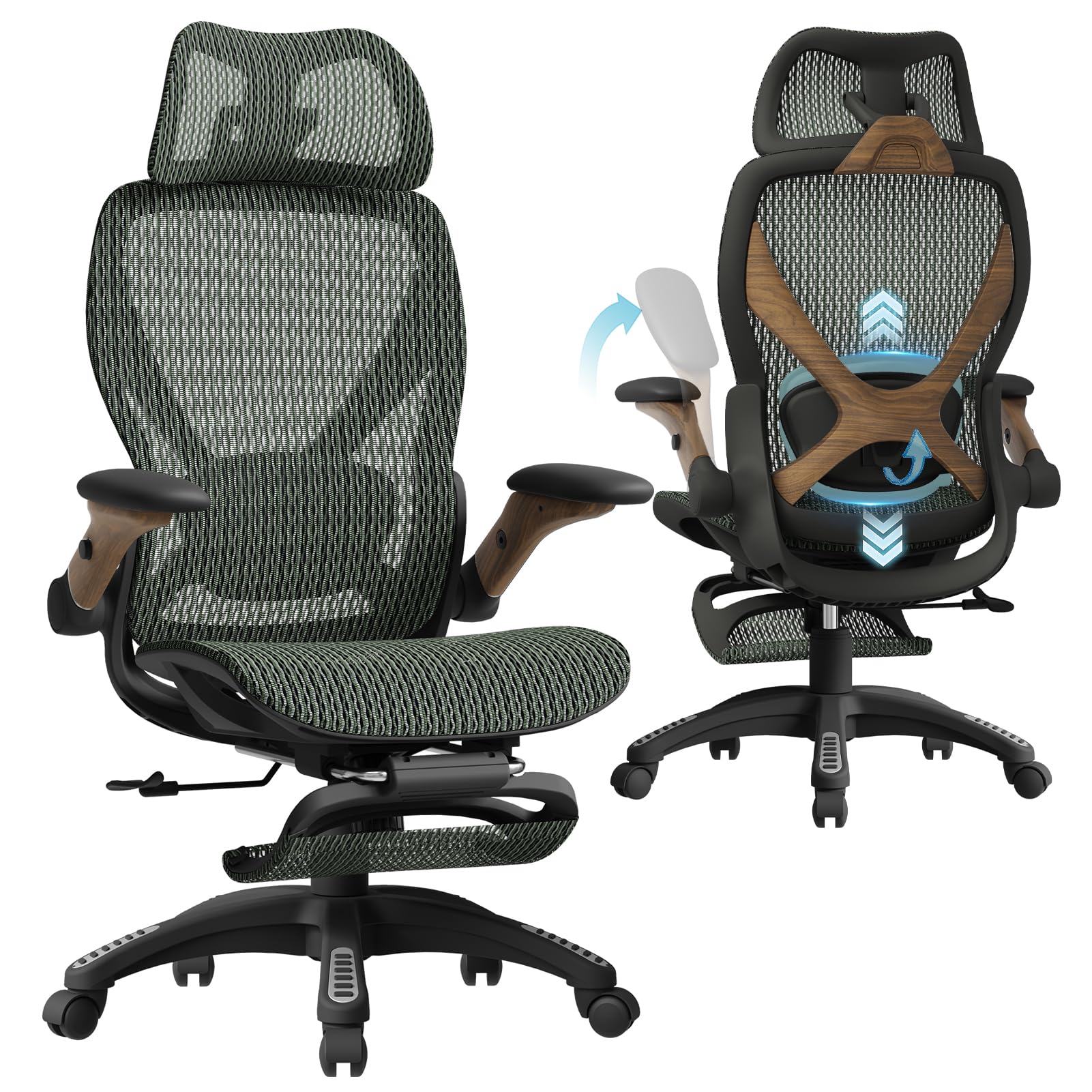
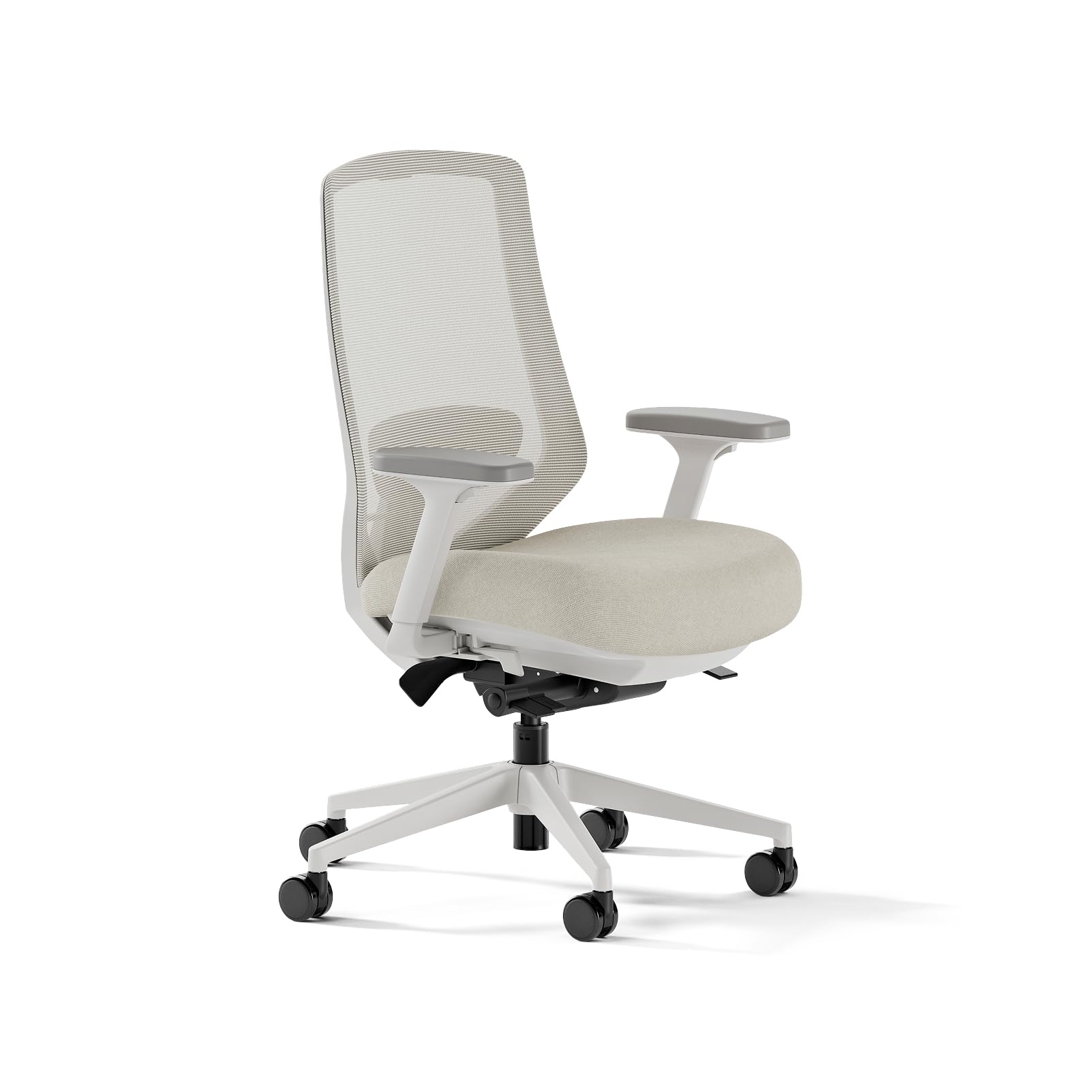
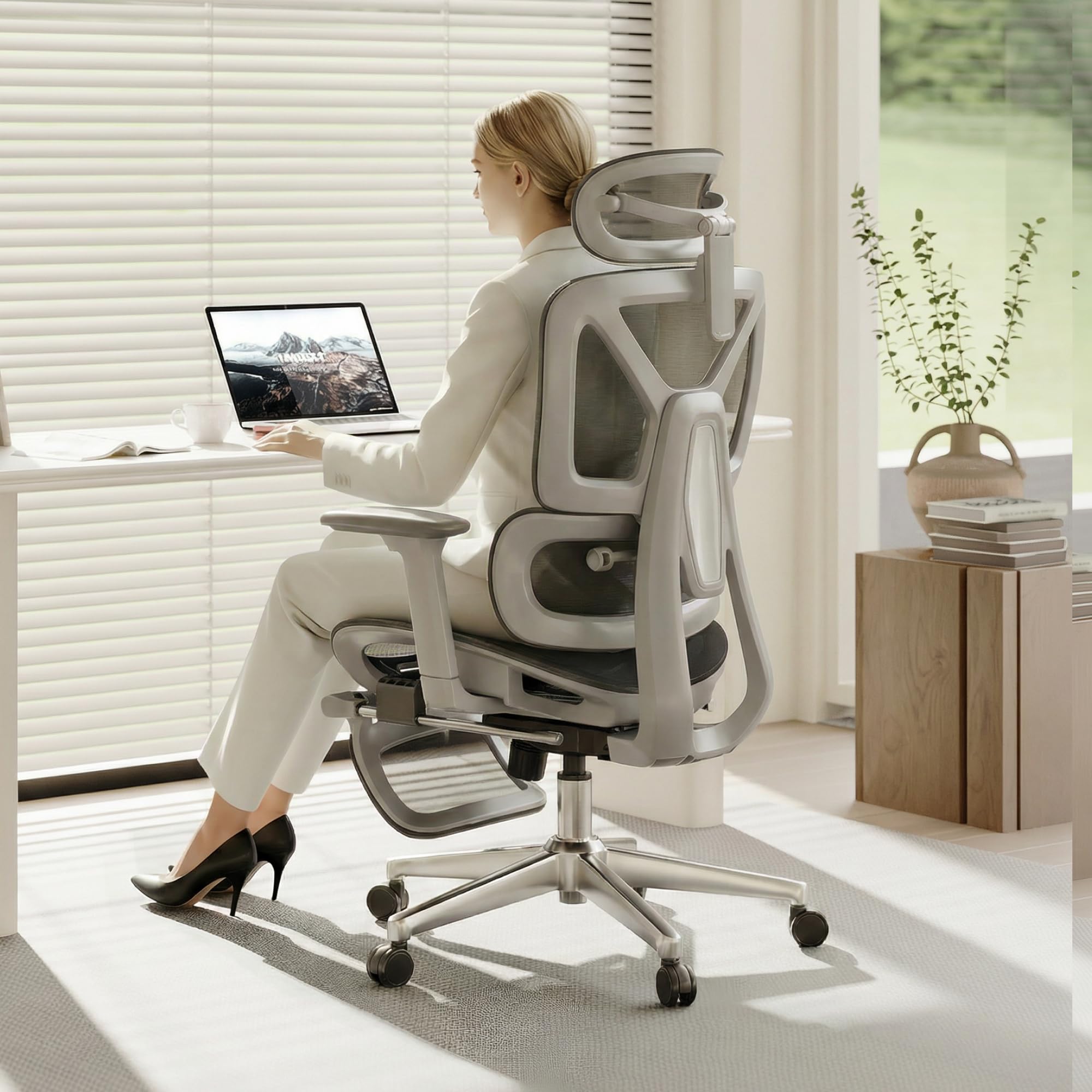
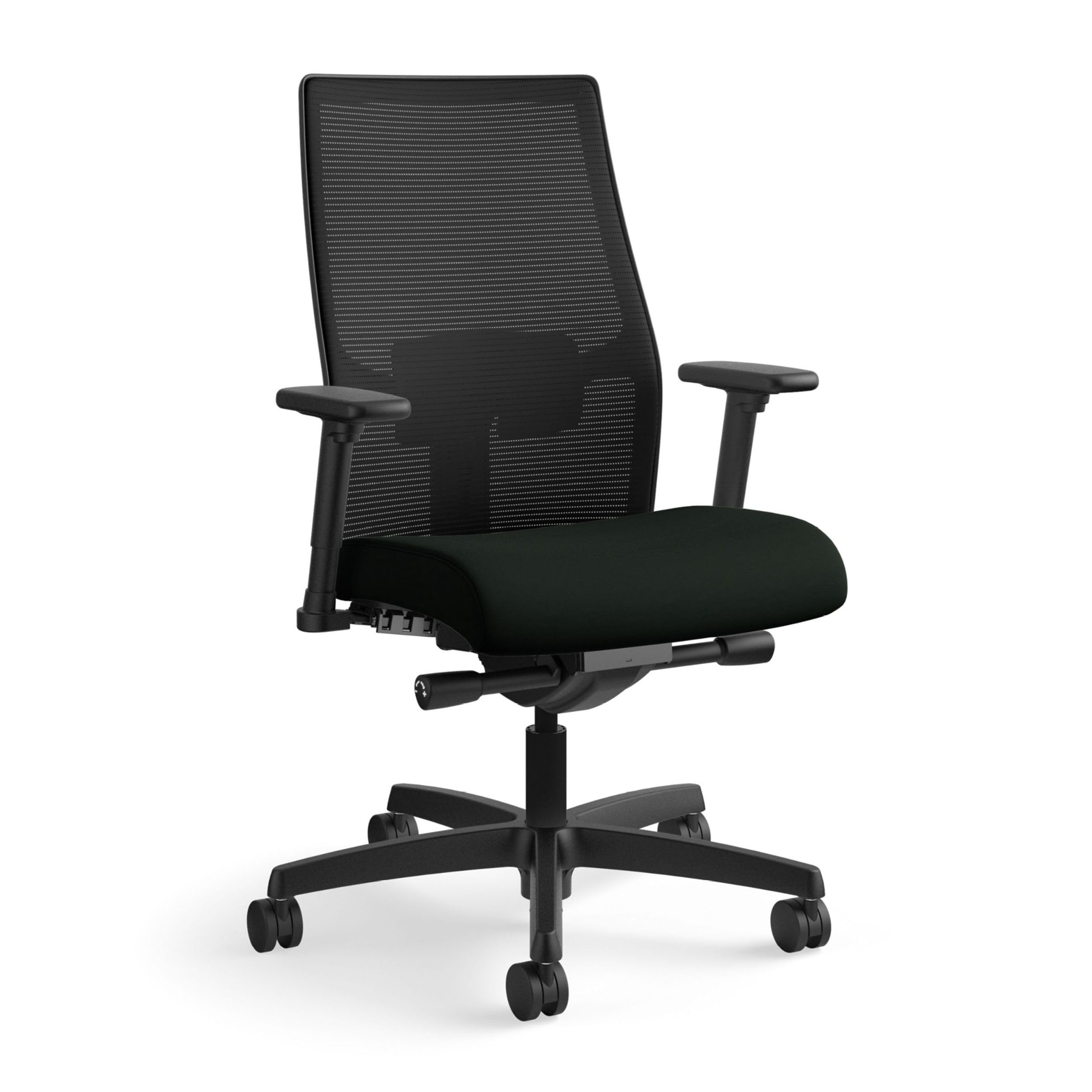
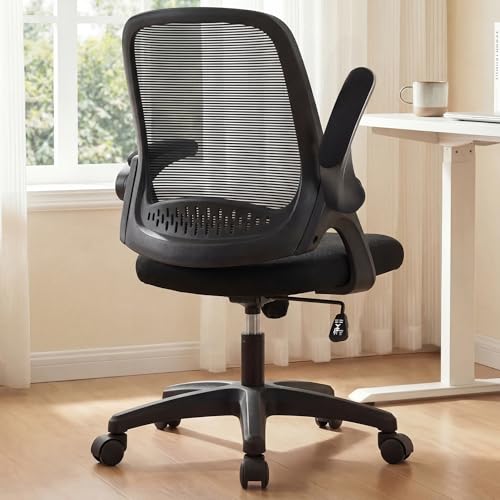
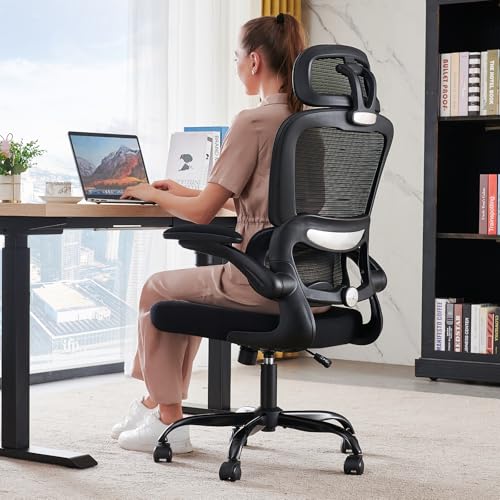

Who Should Buy Which Chair?
Start with the way your working day actually looks. The three patterns below cover most developer setups, and each one points to a different set of priorities.
For Developers in Long Focus Blocks
Deep work is the hardest pattern on a chair, because you may not shift position for an hour or more at a stretch. Because these sessions are long and unbroken, a small fit miss that feels minor at nine in the morning can dominate by mid afternoon. Prioritize seat depth that supports your thighs without pressing behind your knees, a backrest tall enough to support your shoulder blades, and a cushion that still feels even at the end of the day. Most chairs that do this well sit in the mid price band, about $300 to $600.
For Developers Who Split the Day Between Code and Calls
If your day mixes coding with pair sessions, standups, and video calls, you change posture far more often than a deep focus developer. Look for tilt that moves with you instead of locking you upright, armrests that drop or swing away when you lean in to type, and a swivel that feels smooth rather than stiff. A chair that adapts to movement matters more here than maximum cushion thickness.
For Developers Setting Up a First Home Office
A first setup usually has a tight budget and a small room, so the priorities narrow. Spend on a wide seat height range, a stable five star base, and a return window long enough to test the chair across real working days. Most starter setups begin with task seating, and our guide to best office task chairs walks through that class in more depth. Solid first chairs cluster around $150 to $300.
Key Features to Compare
Feature lists for this shelf often borrow from guides to best chairs for software developers, which sort the same chairs by job title. The checks below sort them by what your body and your desk actually need.
Support That Serves Sitting Comfort, Nothing More
A chair supports sitting comfort during long screen hours. It does not correct your posture, and it does not treat back, neck, or arm pain. Movement breaks are the larger half of comfort on a coding day, so stand up, walk, and change position at least once an hour whatever chair you buy. If pain keeps returning or spreads into an arm or a leg, talk with a clinician about your own situation instead of shopping for a fix.
Seat Height, Depth, and Back Height
Set seat height so your feet rest flat on the floor with your thighs roughly level. Seat depth should leave about 2 to 3 inches of space behind your knees when your back touches the backrest, so the edge never presses into the backs of your legs. The backrest should reach at least to your shoulder blades, and lumbar support should sit in the curve of your lower back rather than pushing at your belt line.
Armrests and Tilt for Changing Tasks
Armrests should adjust in height so your shoulders can stay relaxed while your forearms rest level with the desk. Width and depth adjustment helps if you alternate between a keyboard tray and the desk surface. Tilt tension you can set to your body weight lets you lean back to read code without fighting the chair, and a tilt lock holds that angle for calls. Skip fixed armrests entirely, since they force one posture on every task.
Racing style seats sold as best video game chairs take the opposite approach, with tall backs and firm side bolsters built for reclined play. Some developers like that wrapped feel, but the bolsters can crowd your shoulders during upright typing.
Cushions and Back Materials
Foam cushions feel supportive at first touch, but thin foam can bottom out against the seat pan after a few hours, which is why density matters more than softness. Mesh backs spread pressure and let air move, a real advantage in warm rooms, though the frame edge can bother shorter users. Hybrid designs pair a foam seat with a mesh back and suit developers who want cushion under them and airflow behind them.
Warranty, Returns, and Weight Capacity
Read the warranty by part, not by headline. The frame and gas lift carry the real load, and coverage of five years or more on those parts signals a chair built for daily use. Weight capacity is a fit figure as much as a safety one, so choose a rating comfortably above your body weight for a stable feel. Shoppers who sort by build standards first can compare the classes in our guide to best quality chairs.
Category labels can mislead: executive ranges catalogued as best officer chairs describe a styling class within office seating, not a separate kind of chair with different support.
Common Mistakes to Avoid
- Buying by headline price alone, which often means thin foam and a one year warranty on the parts that wear first.
- Choosing a chair sized for a much taller or shorter person, so the lumbar support lands in the wrong place all day.
- Skipping the return window check, then discovering on day ten that the seat depth is wrong with no way to send it back.
- Setting armrests once and never again, even though the right height changes between typing and calls.
- Expecting a new chair to fix pain that has been building for months, instead of treating it as a comfort upgrade and getting the pain checked.
Care and Maintenance Tips
Tighten the base and armrest bolts every few months, because daily swiveling slowly works them loose and a small wobble grows into a creak. Vacuum mesh backs and wipe foam seat covers with a damp cloth to keep dust out of the weave. Keep casters clear of hair and stray cables, and replace a gas lift that sinks on its own rather than raising the seat again every morning. A chair that gets this basic care usually outlasts its warranty.
Developer Chair Questions Answered
How often should a developer get up from the chair during a coding day?
Aim to stand or walk for a few minutes at least once an hour, even in a chair that fits you well. Sitting loads the same tissues in the same way for as long as you stay still, and no cushion changes that math. Short breaks also clear the mental fog that builds during long debugging sessions, so treat the timer as part of your setup rather than a distraction from the work.
Is a headrest worth paying for on a developer chair?
A headrest only earns its cost if you recline to read, review, or think between tasks, because it does nothing while you sit upright and type. If your work is heads down from morning to evening, put that money toward a better cushion or a longer warranty instead. Developers who lean back during calls and code reviews tend to use a headrest daily and notice its absence.
Do developers need a footrest with their chair?
Most developers do not, because the right seat height puts both feet flat on the floor. A footrest helps when your desk is tall and your chair must sit high to match it, leaving your feet dangling. Shorter developers at fixed height desks are the group that benefits most. Try a sturdy box or a stack of books for a week first to see whether raised support actually feels better before buying one.
How long should a good developer chair last?
A well built chair used daily should last about seven to ten years before the cushion and lift need attention. Foam usually tires first, softening and losing its shape, while the frame and base often remain sound. Gas lifts are the most common midlife repair and are cheap to swap. A chair that starts rocking, sinking, or shedding cracked plastic within two years was built below the standard this price range should meet.
What desk height pairs best with a developer chair?
Most desks sit about 28 to 30 inches high, and your chair should let your elbows rest at that height with your shoulders relaxed. If your shoulders shrug upward to reach the keyboard, the desk is too high or the chair too low. Adjustable desks solve the mismatch by meeting the chair where it is. Whatever the pairing, your screen top should sit near eye level so your neck stays neutral.
The Bottom Line
Match the chair to your work pattern first, then check seat depth, support placement, and warranty before you compare prices. The product table above shows how current options group by class and band. For most readers, the best chairs for developers will be a mid band task chair with real adjustment, a cushion that holds up past lunch, and a return window long enough to be sure.


