Best Cases for Tablets for 2026: Which One Fits the Way You Use It?
Disclosure: We may earn a commission when you buy through links on this page, at no extra cost to you. As an Amazon Associate I earn from qualifying purchases. Learn more

Compare the best cases for tablets by routine, from keyboard covers for work to rugged shells for travel, with fit, protection, and price guidance.
There is no single case that suits every tablet owner, because the way you use your tablet decides what the case has to do. A cover that works beautifully on a desk can feel clumsy on a train, and a slim folio offers little help when a tablet slides off a car seat. Choosing among the best cases for tablets starts with your routine, not with a spec sheet.
This guide groups cases by the jobs people actually give them, then walks through fit, materials, stands, and prices. As you read, compare your shortlist with the comparison table below, and note which features matter for your routine and which ones you can safely skip paying for.

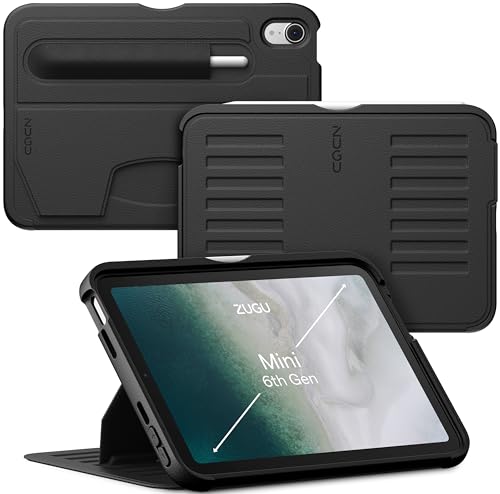
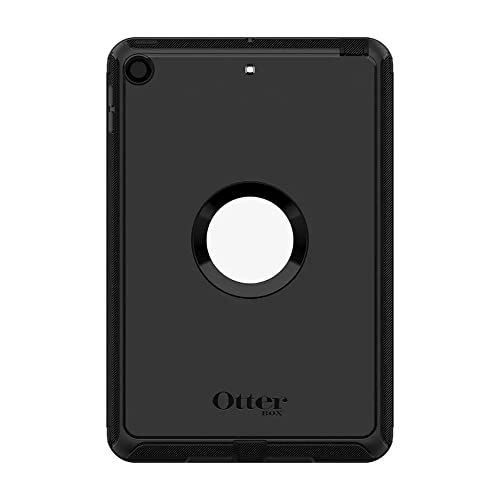

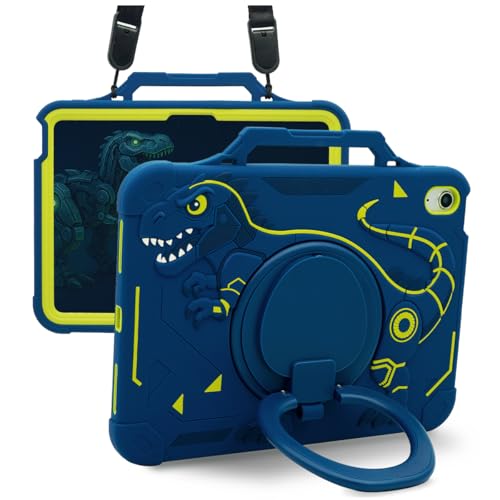
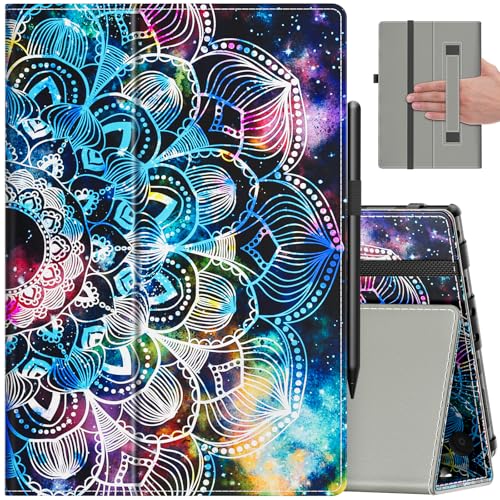


Who Should Buy Which Case?
Remote Workers and Creators
If your tablet doubles as a work machine, you need a case that holds the screen at a comfortable typing and viewing angle for hours. A keyboard case or a sturdy folio with several stand positions keeps the screen steady during calls and editing. Look for a holder for a stylus, because a loose pen disappears into bags and desk clutter. Raised edges around the camera and screen matter less here than stable hinges and a cover that folds flat without wobbling.
Gamers and Power Users
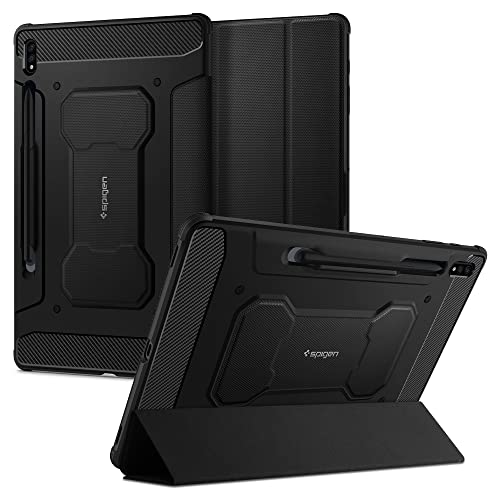
Long gaming sessions call for grip and airflow more than elegance. Textured sides and slightly thicker corners help the tablet stay put in your hands, and a case that leaves the vents and speaker cutouts fully open avoids trapped heat. A built in stand supports video and controller play between matches. Avoid bulky armor that adds weight at the wrists, because fatigue builds fast during an hour of play, and choose a matte finish rather than a glossy back that slides on laps and sofas.
Travelers and Commuters
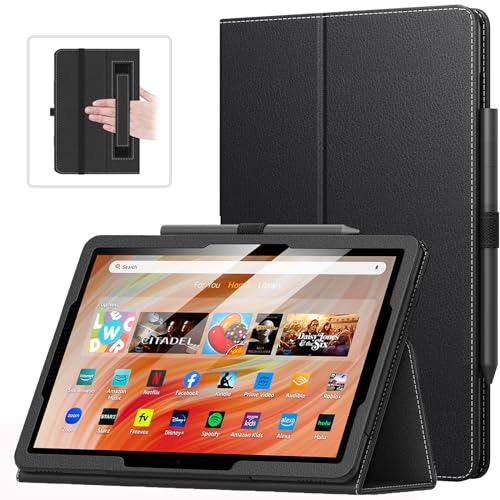
For bags, trains, and overhead bins, the priorities are low weight, corner protection, and a cover that stays shut. A folio with a magnetic flap or a shell with a secure front cover keeps keys and chargers from scratching the screen in transit. Slim designs slip into a carry on without stealing space from everything else. If you read on the move, a hand strap on the back makes one handed holding far less tiring and reduces the chance of a drop on a crowded platform.
Students and Everyday Users
Students need a case that survives backpacks, lecture halls, and café tables without costing much. A midweight folio with a stand, a stylus loop, and reinforced corners covers nearly every school day situation. Everyday home users can go lighter still, since most drops happen from sofas and beds rather than pavement. What matters most is exact fit for your model, because a shared family tablet still needs its buttons, ports, and cameras fully usable by everyone.
Picking the Right Case Style for Different Uses
Best Keyboard Cases for Tablets: What to Prioritize
When comparing the best keyboard cases for tablets, start with the typing feel, since small keys and shallow travel tire your fingers quickly. A detachable keyboard gives you options, letting you leave the keys at home on light days. Check that the case holds the screen at more than one angle, because a fixed tilt rarely suits both desks and laps. Battery life on the keyboard itself varies widely, so favor models that charge over USB C and last for weeks between charges.
Best Hard Cases for Tablets: What to Prioritize
Shoppers comparing the best hard cases for tablets usually want rigid protection against knocks, pressure, and drops. A stiff polycarbonate back resists flexing when a bag is packed tight, and firm corners absorb the impact that cracks screens. Hard shells add little grip, though, so pair one with a front cover or choose a model with textured edges. No hard case can promise your tablet survives every fall, so treat drop test ratings as a rough guide rather than a guarantee, and for genuinely rough settings see how the best protective cases for tablets trade bulk for extra layers of defense.
Best Waterproof Cases for Tablets
The best waterproof cases for tablets seal the whole device inside a pouch or a fitted housing with clear film over the screen. Check the depth and time rating before trusting one near a pool, and test the seal with a tissue inside before your tablet goes anywhere near water. Touch response through the film is always a little slower, and sound becomes muffled, so these cases suit reading by the pool or following recipes in a splashy kitchen better than daily typing. Rinse and dry the case after salt water use.
Key Features to Compare
Exact Fit and Model Compatibility
Tablet cases are molded for one exact model, and even a small change in button placement or camera shape can make a case useless. Before ordering, confirm your full model name and screen size in the settings of the tablet, then match it against the case listing word for word. If you are buying a tablet and a case together, the guides to the best tablets to purchase can help you settle on the device first, since the case choice follows the model. A case that blocks a speaker or squeezes the buttons will annoy you every single day.
Drop Protection and Raised Edges
Protection comes from three places: corners that compress on impact, edges that rise above the screen and camera lenses, and a back stiff enough to spread force. Lips of about 1 to 2 mm above the glass keep the screen off flat surfaces when the tablet lands face down, and air pockets molded into corners add a simple and effective cushion. Remember that ratings describe controlled tests, not real pavements, so no case removes the need for care. Match the protection level to where your tablet actually lives and travels.
Materials and How They Age
Silicone feels grippy and soft but attracts lint and can stretch at the edges over time. Thermoplastic polyurethane, usually shortened to TPU, balances flex and firmness and resists yellowing better than cheap clear plastics. Polycarbonate is rigid and light, which suits hard shells, though it can crack at a corner after a hard knock. Fabric and leather style folios look smart and wear gracefully, yet they add little impact protection, so pick the material that fits your routine and check reports of long term wear rather than first impressions.
Stands, Angles, and Hands Free Use
A good stand changes how often you reach for your tablet. Folios fold into two or three angles, which usually covers reading, typing, and video, while kickstand cases hold one or two fixed angles but feel sturdier on uneven surfaces like beds and train trays. If you present or draw, look for a low drawing angle that keeps the screen steady under your palm. Magnetic stands are quick to set up, although strong magnets near the edges can interfere with some stylus input, so check the maker notes for your pen.
Ports, Buttons, and Stylus Charging
Precise cutouts decide whether a case feels finished or frustrating. The charging port opening should accept your cable without forcing it at an angle, and covered buttons should click with a clear response rather than a mushy press. If your stylus charges by snapping to the side of the tablet, the case must leave that edge open or provide a shaped channel. Cases that cover the charging edge look tidy but quietly break pen charging, which is a common and avoidable disappointment.
Weight and Everyday Carry
A case can add anywhere from about 100 to 500 grams, with slim folios at the light end and rugged shells and keyboard cases at the heavy end, and that difference decides whether a tablet stays pleasant to hold. Think about total carry weight with the charger and your other daily items, not the case alone. If you mostly read in bed or on a sofa, a lighter cover with a hand strap beats armor you will end up removing. Weight also matters for children, who drop tablets more often when their hands tire.
What Tablet Cases Cost
Simple covers and folios run about $10 to $25 and cover scratch protection, a basic stand, and neat everyday looks. Midrange folios and rugged shells cost about $25 to $60, adding stronger corners, better materials, and more reliable stands. Keyboard cases and premium builds run about $60 to $150, where the money goes to keys, trackpads, and rigid construction. Prices in the product table above show how these tiers stack up for current models, and spending more buys features and finish, not a promise that a tablet can survive any drop.
Common Mistakes to Avoid When Buying a Case
- Ordering by screen size alone, since two tablets with the same display size often have different bodies, buttons, and cameras.
- Choosing the thickest armor for a tablet that never leaves the house, then fighting the extra weight every day.
- Forgetting stylus charging, and discovering the case blocks the magnetic edge the pen needs.
- Trusting a waterproof rating without testing the seal first, which risks a soaked tablet on the very first swim.
- Ignoring the return window, even though fit and button feel are hard to judge from photos alone.
Care and Maintenance Tips
Wipe the case weekly with a soft cloth that is slightly damp, and dry it fully before refitting so grit does not grind against the tablet back. Take the case off once a month and brush dust out of the port cutouts and speaker openings. After any hard drop, inspect the corners for cracks and check that the shell still grips every edge, because a loosened case protects far less than it appears to. Replace a case when the corners crack, the stand hinge goes slack, or the cover stops staying shut in your bag.
Frequently Asked Questions
How do I know whether a tablet case fits my exact model?
Check the full model name and year in your tablet settings, then compare it with the case listing word for word. Screen size alone is not enough, because makers move buttons and cameras between generations. If the listing shows button and camera diagrams, match them against your device one by one. When two listings look identical, choose the seller that states your exact model number rather than a size range.
Does a tablet case affect stylus pairing or wireless charging?
Yes, a case can affect both if it covers the wrong edge. Many styluses charge by snapping magnetically to one side of the tablet, and a thick shell over that side prevents charging. Look for a case with an open channel along the pen edge. Wireless charging through cases is uncommon on tablets, but metal plates added for car mounts can block it, so remove such plates before charging or choose a case without them.
Is a hard case or a folio case better for travel?
A folio case is better for most travel because it protects the screen in a bag and doubles as a stand. Hard shells guard the back and corners well but leave the glass exposed unless you add a separate cover. Frequent flyers who pack tightly may prefer a hard shell inside a padded sleeve. Whichever you choose, a cover that stays shut matters more than raw thickness once the tablet is inside luggage.
How much should I spend on a tablet case?
Most owners land in the about $25 to $60 range and get solid corners, decent materials, and a stand that lasts. Spending under $15 usually means thinner plastic and weaker hinges, which is fine for a tablet that stays home. Keyboard cases justify higher prices only if you type daily. A useful rule is to spend roughly a tenth of the tablet price on its case, then adjust for how rough your routine is.
When should I replace a tablet case?
Replace a tablet case when cracks appear at the corners, the cover no longer stays closed, or the stand slips under light pressure. Yellowing clear plastic is cosmetic, but stretched edges that let the tablet shift inside are a real protection problem. After a drop that bends the shell, replacement is safer than trusting it again. Most everyday cases last about one to two years of regular use before the fit and hinges noticeably loosen.
Final Thoughts
Start from your routine and let it rank the features: stand and keys for desk work, grip and airflow for play, light weight and a cover that stays shut for travel, and simple value for school. Then confirm the exact model fit before anything else, because even the best cases for tablets fail when they are molded for the wrong device. Compare your finalists against the product table above, and pick the lightest case that still protects the way you actually live with your tablet every day.