Best Car Tablets 2026: What to Know Before Buying
Disclosure: We may earn a commission when you buy through links on this page, at no extra cost to you. As an Amazon Associate I earn from qualifying purchases. Learn more

Learn how to pick the best car tablets, from mounts and offline maps to battery life, brightness and safe hands free setup.
A tablet in the car can serve as a navigator, an entertainment screen or a learning tool, but best car tablets need different strengths than a sofa tablet. The comparison table below outlines the main choices, and this guide explains what matters on the road. Brightness, mount compatibility, offline capability and battery life shape the experience far more than raw processing speed.
Drivers should never handle a tablet while driving. The safe setup is a fixed mount, voice control or a passenger managing the screen. Rear passengers, especially children, have more freedom, but they still need content controls and volume limits. Planning who uses the tablet, and where it sits, prevents most problems before you buy.
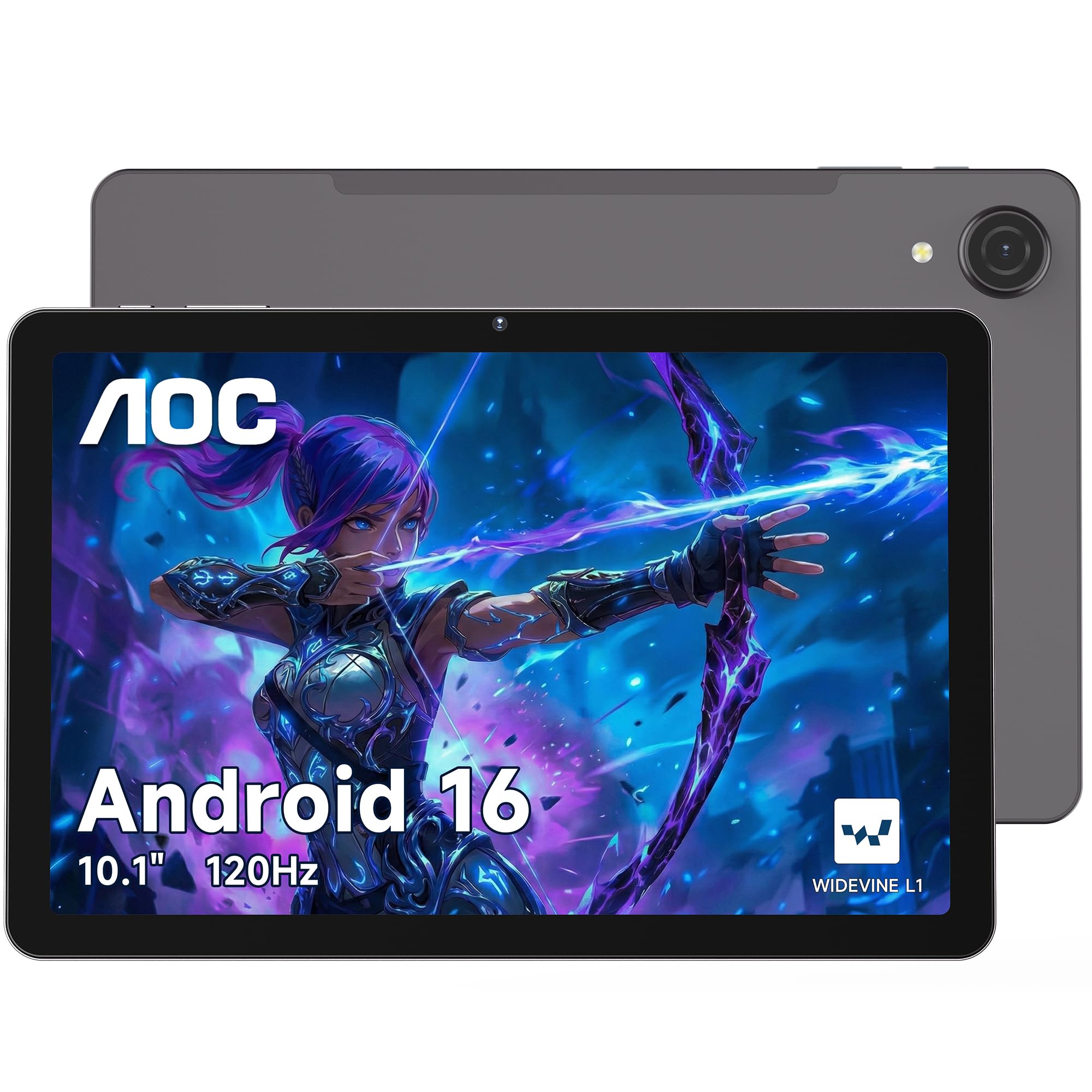
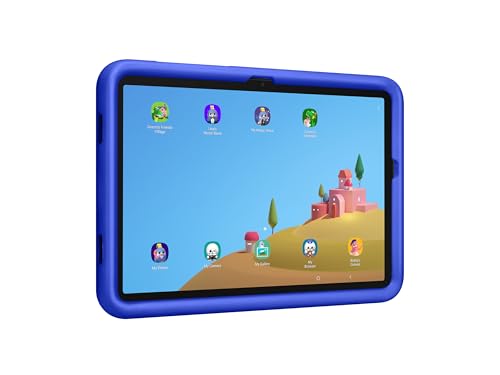

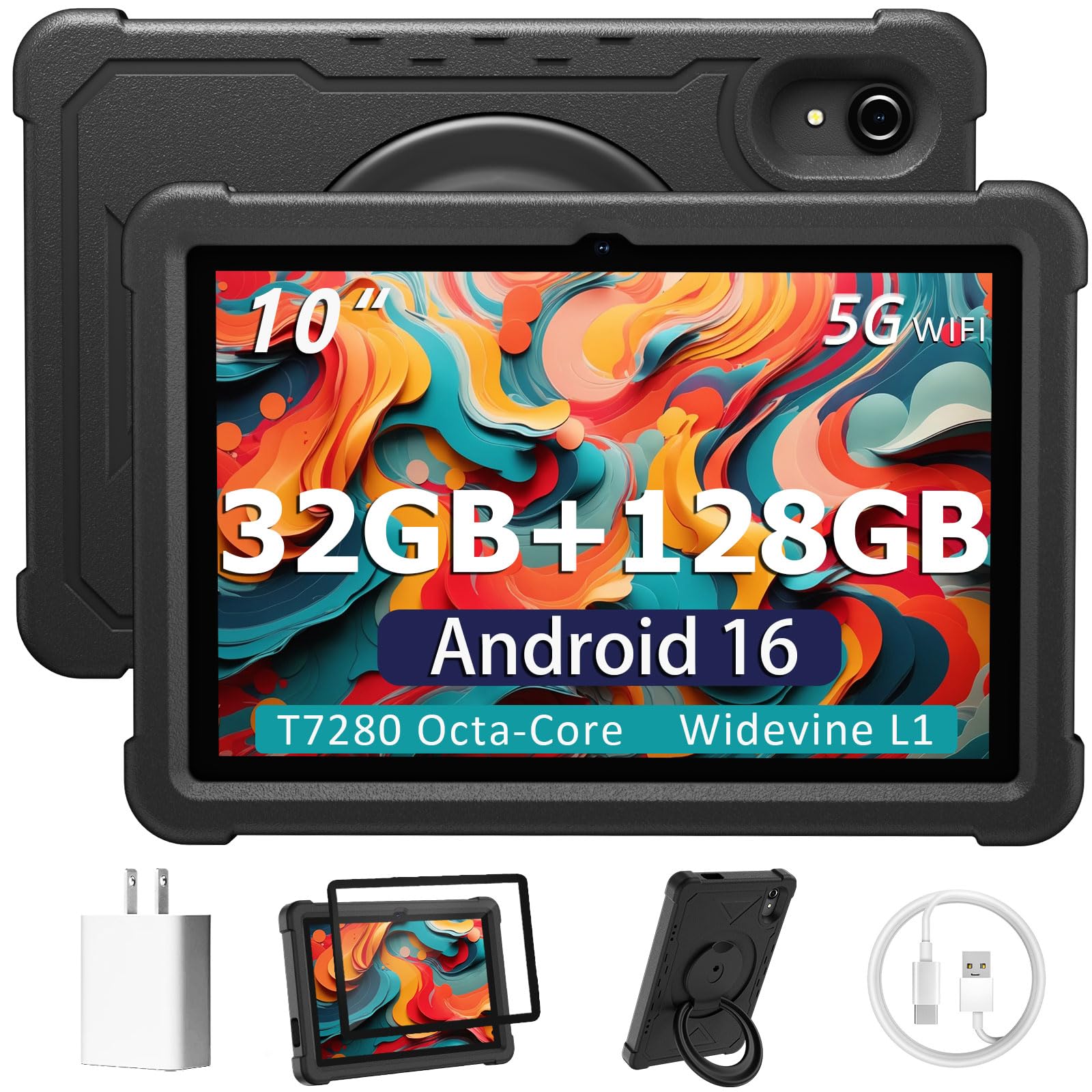


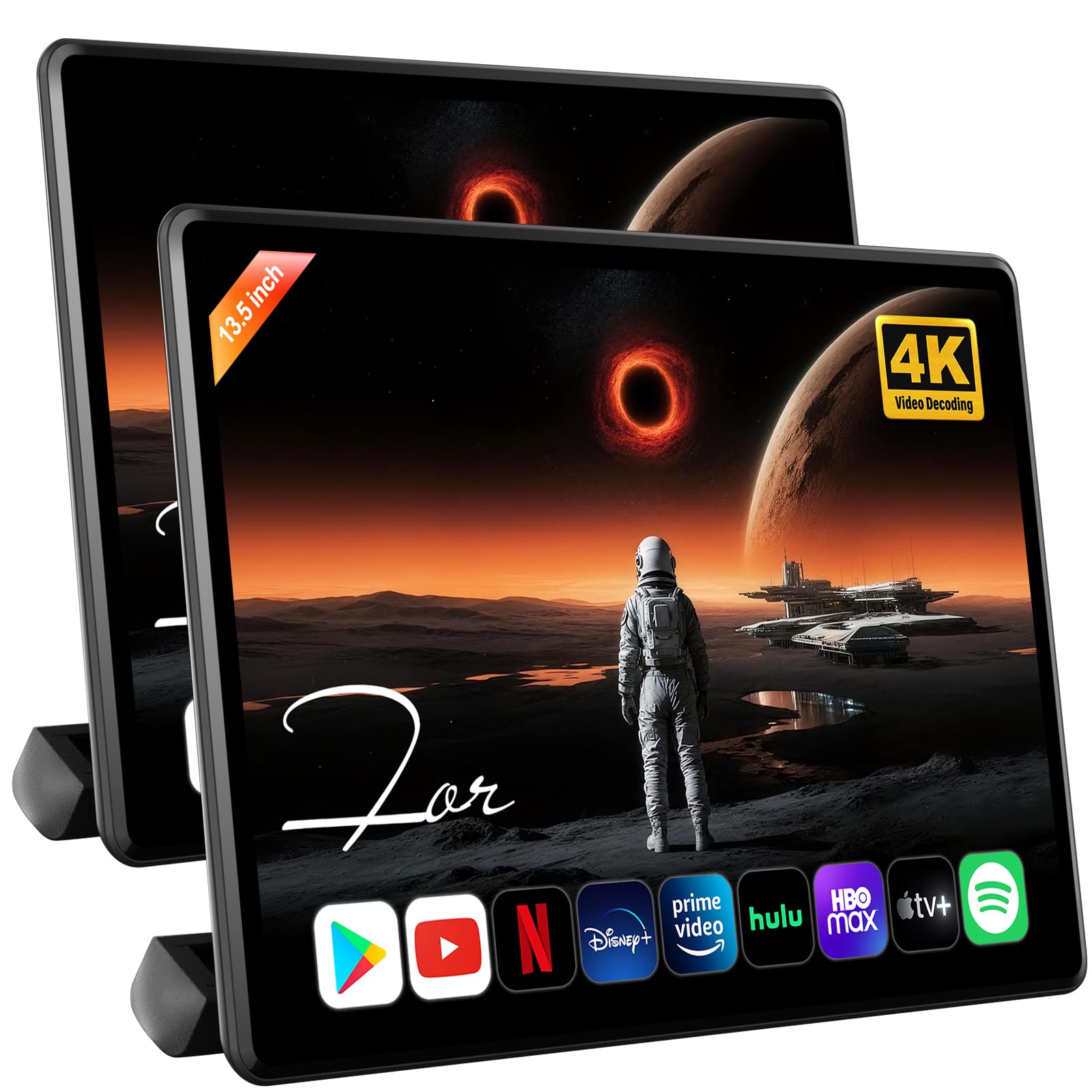

Plan Around the Longest Trip
Connectivity matters too. Some cars offer wireless internet, others do not, so offline maps, downloaded shows and local music become essential. Check charging options as well, since a tablet that dies halfway through a journey helps no one. A good car tablet is practical first and powerful second.
Trip length changes tablet priorities. Short city trips need quick navigation and hands free calls. Long highway journeys need entertainment, battery life and offline content. Weekend camping trips need durability and offline maps.
Thinking about your longest regular trip, rather than your shortest, ensures the tablet copes when it matters most.
Who Uses a Car Tablet
Drivers benefit from a mounted tablet for navigation and hands free calls, provided it is set before departure and controlled by voice. A bright screen that stays readable in sunlight matters here. Glare is a real problem on dashboards, so check brightness ratings and anti glare options.
Rear passengers use tablets for films, games and learning on long trips. For children, look for sturdy cases, content filters and volume limited headphones. For adults, a larger screen and good speakers or headphone support matter more. Matching the tablet to the passenger avoids arguments and wasted money.
Key Features to Compare
Screen brightness and size are top priorities. A screen of 8 to 11 inches suits most car mounts, balancing readability and space. Brightness above typical indoor levels helps in sunlight. Also check viewing angles, since rear passengers view from the side and a narrow angle washes out colors.
Battery life and charging shape real use. Look for all day battery claims measured against video playback, not standby. Check whether the tablet charges over a standard car USB port or needs a higher power charger. Storage matters for offline content, so favor models with expandable storage or enough built in capacity for your downloads.
Mounts, Safety and Legal Use
A secure mount is essential. Windshield mounts must not block the driver view, and dashboard mounts need a stable base that survives bumps and heat. Headrest mounts suit rear passengers and keep screens at eye level. Test the mount with the tablet case fitted, since thick cases change grip and balance.
Never interact with a tablet while driving, and check local rules on screen placement and phone use. Set navigation, music and child profiles before you move. Voice assistants help, but they still distract, so keep commands short. Safety rules come first, and no feature is worth a risky glance away from the road.
Content, Offline Use and Controls
Download maps, films and music before long trips, especially on rural routes with weak signal. Offline capability turns a tablet from a frustration into a reliable companion. For children, set up profiles with age limits, time limits and approved apps before the journey, not during it.
Check app support for your needs. Navigation apps, streaming services and learning apps vary by platform. Also check headphone options: wired headphones avoid pairing fuss, while wireless models reduce cable clutter. A splitter or multi listener support helps when two children share one tablet.
Budget and Value
Budget tablets suit children and basic navigation, provided the screen is bright enough and storage is adequate. Mid range tablets offer better screens, longer support and smoother performance for mixed use. Premium tablets add sharper displays and faster processors, but they also cost more to replace if dropped in a car.
Value depends on the user. A child tablet needs a tough case and controls more than top speed. A driver navigation tablet needs brightness and mount support. A family entertainment tablet needs battery and storage.
Spend where your use case demands it, and save where it does not.
Quick Checklist Before You Buy
- Choose screen size and brightness for sunlight and viewing angle.
- Confirm mount compatibility with the case fitted.
- Download maps and media for offline use before trips.
- Set child profiles and volume limits in advance.
- Check charging power and storage for long journeys.
If you are comparing general tablet options or a tablet for a young child, related tablet guides can help you weigh screen, battery and controls. best pc tablets, best tablets to purchase, best tablets for kindergarteners.
Getting the Most From Your Choice
Charging strategy deserves planning. A single car charger may not keep a large tablet charged during navigation and video playback simultaneously. Check power output ratings and consider a dedicated high power charger for the tablet. Keep cables tidy and secured, since loose cables distract drivers and tangle with passengers.
A tidy charging setup is a safety feature, not just convenience.
Software updates and storage management keep a car tablet reliable. Update maps and apps on home wireless before trips, and clear old downloads that fill storage. Set automatic updates to run overnight at home, not during journeys. A tablet that updates mid trip or runs out of space at the wrong moment frustrates everyone.
A Final Check Before You Order
Heat is a real enemy of car tablets. Cars parked in sun reach temperatures that degrade batteries and screens over time. Never leave a tablet on a dashboard in summer heat. Store it in shade or take it with you when parked.
If a tablet feels very hot, let it cool before charging or heavy use, since heat accelerates battery wear.
Sharing one tablet among family members works better with separate profiles. Each profile can hold its own apps, limits and downloads, reducing arguments and accidental purchases. Set a shared media profile for films everyone enjoys, plus individual profiles for personal content. Profiles turn one device into a flexible family tool.
Frequently Asked Questions
Can a driver legally use a tablet for navigation?
Rules vary by location, but the safe approach is a fixed mount, route set before departure and voice guidance only while driving. Never hold or tap a tablet while moving. Check your local road rules for screen placement, since some areas restrict where screens may sit. When in doubt, let a passenger manage the device.
What size tablet works best in a car?
A tablet of 8 to 11 inches suits most cars, balancing readability with mount stability. Smaller tablets fit tight dashboards but strain rear viewing. Larger tablets look great for films yet may block vents or wobble on mounts. Measure your mount area and test with the case on before committing to a size.
How do I keep children entertained safely on long trips?
Download films, games and books in advance, set child profiles with age and time limits, and use volume limited headphones. Pack a charger and a backup activity for breaks. Short, planned stops matter as much as screen time, since children cope better with journeys that mix entertainment and movement.
Do I need mobile data for a car tablet?
Not always. Offline maps, downloaded media and local files cover most trips without data. Mobile data helps for live traffic and streaming, but rural coverage can be patchy. If you rely on live traffic, check your route coverage in advance and keep offline maps as a backup for dead zones.
How can I stop glare on a car tablet screen?
Choose a bright screen, use an anti glare screen protector and angle the mount away from direct sun. Dashboard shades and headrest mounts also reduce glare for rear passengers. Avoid maximum brightness all day, since it drains battery fast. A small change in mount angle often solves glare better than a new tablet.
Final Thoughts on Car Tablets
The right car tablet fits its user, its mount and its journey. Use the product table above to compare screen, battery and storage options, then plan mounts, offline content and safety before the first trip. Practical choices make car time smoother for everyone.
Set everything up before you drive, keep charging simple and choose controls that suit the passenger. With that preparation, a car tablet becomes a genuinely useful travel companion rather than another source of distraction.
With mounts, charging and offline content planned in advance, best car tablets become reliable travel companions rather than distractions. Use the product table above to compare screen and battery options, then set safety rules before the first journey and enjoy smoother trips. Compare the best car tablets in the table above one last time before you order.