Best Broadcast Cameras in 2026: Which Type Is Right for You?
Disclosure: We may earn a commission when you buy through links on this page, at no extra cost to you. As an Amazon Associate I earn from qualifying purchases. Learn more

Compare broadcast camera types side by side, from studio and PTZ models to camcorders, with guidance on sensors, zoom, outputs, and typical prices.
Broadcast cameras look confusing at first because the label covers very different machines, from large studio units on pedestals to small remote cameras on a ceiling. Choosing the best broadcast cameras for your production starts with matching the camera type to your venue, your crew size, and the way your signal reaches viewers.
This guide compares each type by strengths, limits, typical users, and price range, then covers the specs that decide picture quality and reliability. Use the product table to see the main types side by side.


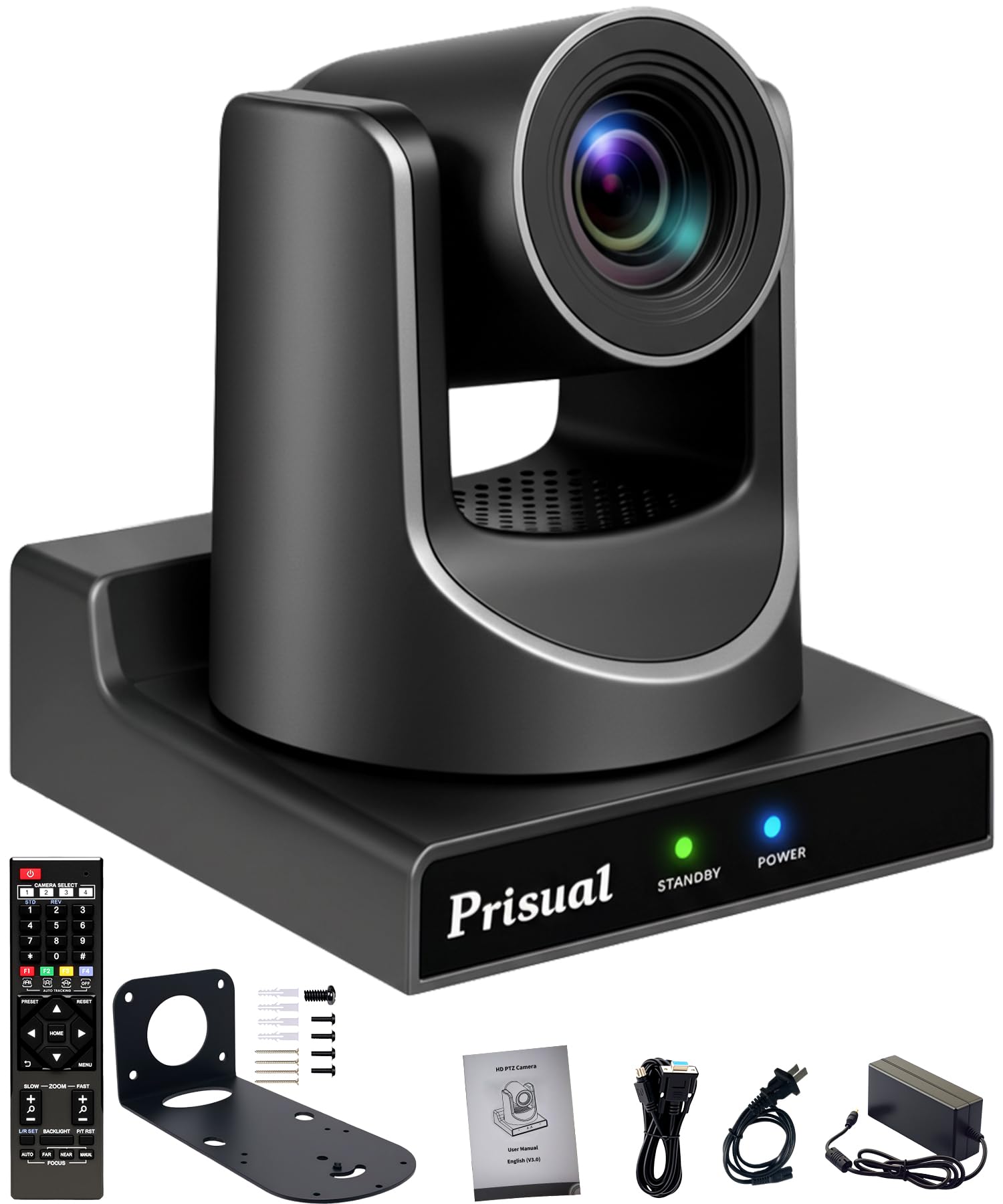

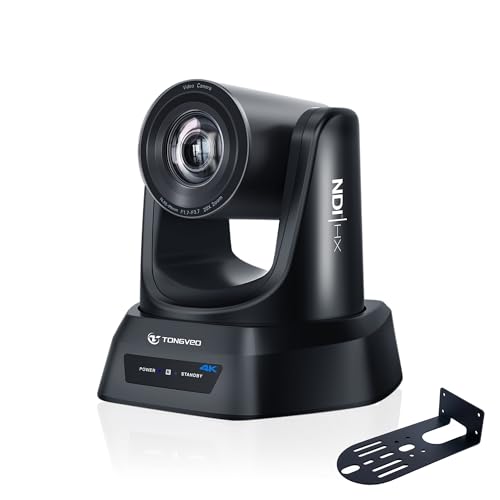
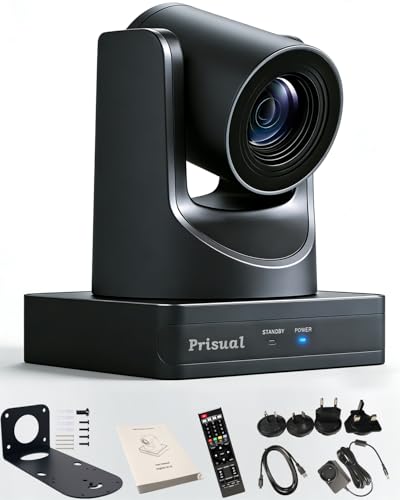
Types of Broadcast Cameras Compared
Broadcast cameras fall into four broad types, split mostly by how the camera is operated and connected. Studio system cameras run as part of a chain with a control unit and a switcher. PTZ cameras move under remote control. Professional camcorders record and output a live signal from one self contained body. Box and POV cameras sit in fixed spots where no operator can stand. Typical prices for each type appear below.
Studio System Cameras
A studio system camera splits the work between a camera head on a pedestal or tripod and a separate control unit linked by fiber or triax cable. Operators frame and focus while a shader in the control room matches color and exposure across every camera, so all angles cut together cleanly. This setup suits network style studios and talk shows where consistency matters more than portability.
The trade off is cost. Beyond the camera you budget for control units, intercom, and large studio lenses, and a full chain often totals around $25,000 or more per position. Small teams rarely need this class.
PTZ Cameras
PTZ stands for pan, tilt, and zoom, and these cameras mount on a wall, ceiling, or truss and move under control from a joystick panel or software. One operator can run three or four PTZ cameras at once, which is why they dominate in churches, lecture halls, and council chambers. Many models output over SDI and network cables, and one network cable can carry video, control, tally, and power together.
The limits show up in fast action and dim rooms. Small sensors and modest lenses mean PTZ cameras struggle when light is low, and their slower moves cannot follow sports the way a skilled operator can. Prices commonly run about $1,000 to $5,000 per camera, before the controller.
Professional Camcorders
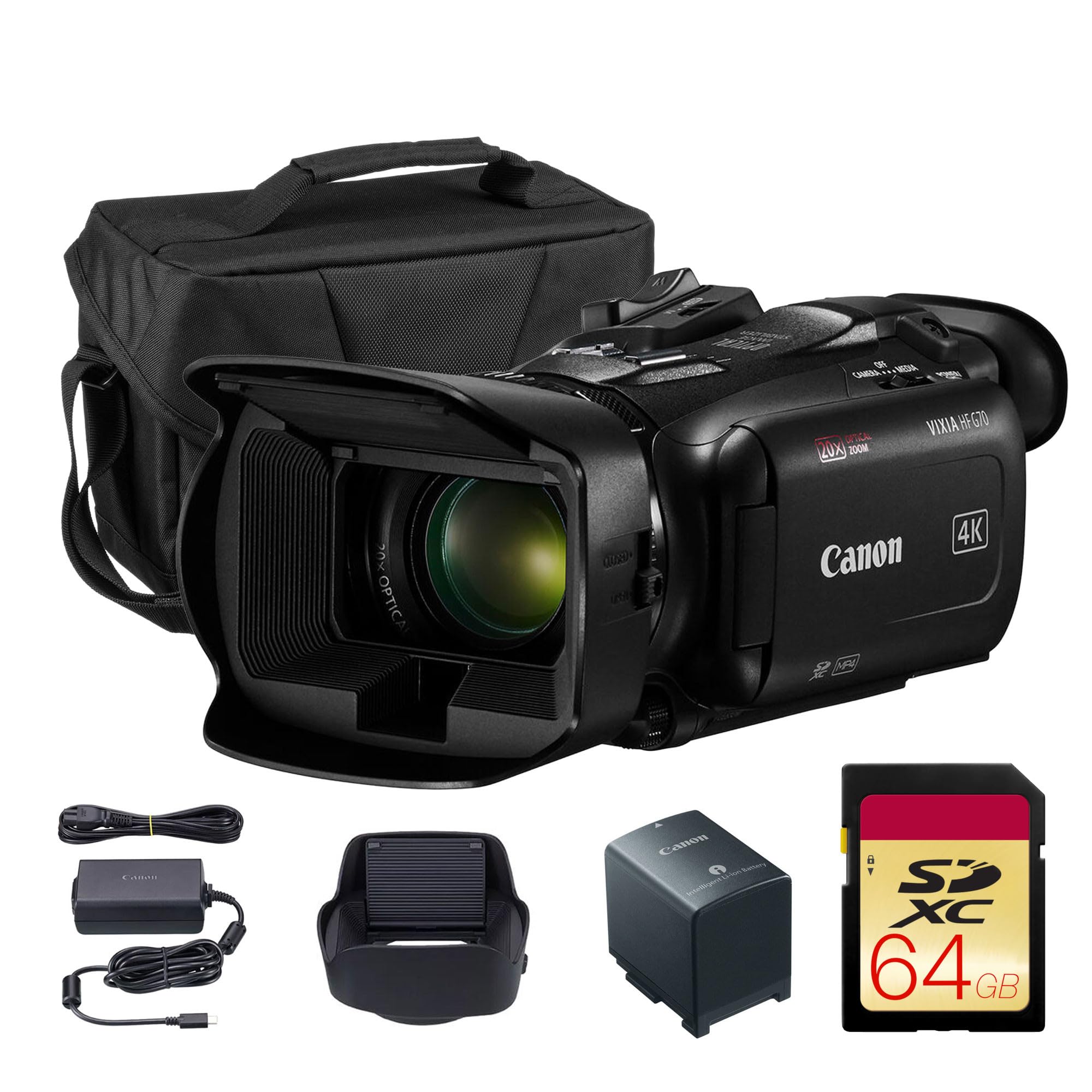
A professional camcorder puts the lens, sensor, recording, and live outputs in one body that an operator holds on the shoulder or mounts on a tripod. News crews and event videographers favor them because they set up in minutes, run on batteries, and still feed a switcher through SDI. Built in ND filters, XLR audio inputs, and long optical zoom ranges come standard on most models.
Because everything lives in one unit, no separate shader matches your picture during a show, so multi camera shoots take more care in setup. Expect to pay about $2,500 to $8,000 for a capable model, lens included.
Box and POV Cameras
Box cameras are compact units with interchangeable lenses that bolt onto backboards, goal posts, and ceilings where a full camera cannot go. Action cameras fill a similar role for rugged or underwater angles, trading broadcast outputs for tiny size and weatherproof housings. Directors use these feeds as cutaway shots, such as a view from behind the glass at hockey.
On their own they rarely carry a whole show. Controls are limited, audio options are basic, and matching their color to your main cameras takes work. Treat them as supplements, usually under $1,500 each.
PTZ Cameras vs Camcorders: Which Should You Choose?
Most small and midsize productions narrow the choice to these two types. For crew size, PTZ wins clearly, since one person can operate several cameras while a camcorder needs a dedicated operator for every angle. For picture quality in poor light, the camcorder usually wins, because its larger sensor and brighter lens gather more light.
For following action, the camcorder wins again, since human hands react faster than remote motors. For tidy installation, PTZ wins, because the cameras stay mounted and cabled between events. Choose PTZ when your events follow a predictable layout and your team is small. Choose camcorders when the action moves or the venue changes often.
How to Choose the Right Broadcast Camera
Type is only the first filter. Within any type, the specs below separate a camera that fits your production from one that fights you every week, and outputs and lens reach rule out more models than picture quality ever will.
Lens and Zoom Range
Optical zoom describes how far the lens can reach using glass alone, stated as a ratio such as 12x, 20x, or 30x. That ratio is the magnification between the widest and tightest views, so a 20x lens on the back wall of an auditorium can still frame a speaker at the front. Digital zoom only enlarges pixels and softens the picture, so ignore it.
Measure your longest throw before you shop, and favor a lens that reaches that shot at about three quarters of its zoom range, leaving headroom for tighter framing. Aperture matters alongside reach, because many zoom lenses lose light at the tight end, dimming the image exactly when you zoom in.
Sensor Size and Image Quality
Sensor size drives low light performance and depth of field more than any other spec. Broadcast cameras commonly use sensors from about 1 inch up to full frame in cinema style bodies, while many studio and PTZ models use smaller chips that keep lenses compact. A larger sensor collects more light per pixel, so pictures stay cleaner when you raise the gain in a dim venue.
Megapixel counts matter less than sensor dimensions here, because a 4K video signal needs only about 8 megapixels. If two cameras claim the same resolution, the one with the larger sensor almost always looks better after dark.
Outputs, Sync, and Control
Live production runs on connections, and this is where true broadcast gear separates from consumer cameras. Look for 3G SDI output for long cable runs to a switcher, plus HDMI as a secondary feed. Genlock input lets every camera lock to the same sync reference, which prevents frame drift when you cut between angles. Timecode in and out keeps recordings from separate cameras aligned for editing later.
Tally and intercom support complete the picture on studio models, telling operators which camera is live. Point and shoot compacts and phones lack nearly all of these connections, which is why they seldom appear in a broadcast chain.
Autofocus and Image Stabilization
Autofocus quality decides how much trust you can place in an unmanned or single operator camera. Face and eye detection tracking, now common on camcorders and higher end PTZ models, holds focus on a moving speaker without constant manual correction. Check how it behaves at the long end of the zoom, because that is where focus hunting shows up first.
Image stabilization smooths the small shakes that travel through floors, risers, and lightweight tripods. Optical stabilization in the lens handles fine vibration best, while electronic modes crop the frame slightly. A fixed PTZ install may never need it, but a camcorder on a tall tripod benefits on every shoot.
Video Capabilities and Formats
Decide whether your production actually needs 4K video or whether 1080p is your house standard, because many switchers and streaming encoders still run at 1080p end to end. A 4K camera feeding a 1080p chain still helps, since the downconverted picture looks sharper and you can crop into the frame in post. Frame rates matter for sports, where 59.94 frames per second keeps motion smooth and allows clean slow motion replays.
Log profiles and 10 bit color give editors more room to grade footage, which matters if the same camera also shoots recorded content. If you are comparing general models for stills as well as video, see our guide to the best digital cameras.
Ease of Use for Your Skill Level
The best specified camera fails you if your volunteers cannot run it confidently. Look for clear auto exposure modes, presets that recall zoom and focus positions at one touch, and menus that expose weekly controls without burying them. PTZ systems live or die by their controllers, so test whether calling up a saved shot feels fast before you commit.
If your team is just starting out, our roundup of the best starter cameras covers simpler gear for building basic camera skills, though broadcast models always demand more training than entry level stills cameras.
Broadcast Cameras for Specific Needs
General advice only goes so far, because a few common scenarios change which specs deserve your money.
Best 1080p Broadcast Cameras
If your switcher and streaming chain run at 1080p, spend your budget on sensitivity and outputs rather than resolution. A native 1080p sensor with large pixels often looks cleaner in dim venues than a 4K chip downconverting in the same body. Prioritize 3G SDI output and strong autofocus, and you can usually save about 20 to 40 percent over a comparable 4K model.
Best Broadcast Cameras for Churches: Which Type Works Best
Sanctuaries point to PTZ cameras more than any other setting, usually two or three units run by one volunteer from the sound booth. Long optical zoom matters because cameras mount at the back and must frame the platform tightly. Quiet movement is essential so pans do not distract during services, and preset recall lets one operator cover the choir, the pulpit, and a wide shot with single button presses.
Best Broadcast Cameras for Low Light
Dim stages and evening services reward sensor size above every other spec, so camcorders and studio heads with the largest sensors in their class lead here. Look for a fast lens that holds its aperture through the zoom range and gain that stays usable before noise takes over. Dual native ISO designs, borrowed from cinema cameras, keep shadows clean at the high sensitivity settings that candlelit scenes demand.
How to Make Your Broadcast Camera Last Longer
Clean the lens with a proper lens cloth and blower, never your shirt, because grit trapped in fabric scratches coatings over time. Carry a spare battery for every camcorder and rotate packs so none sits empty for months, which shortens lithium battery life. Store each camera in a dry, padded bag or case with silica gel packs, and coil cables loosely.
Protect the connections that broadcast work depends on. Support SDI cables with strain relief so their weight does not bend the connector on the camera body, and cap unused ports to keep dust out of vents and sync inputs. Update firmware only between production runs, never the night before an event.
Broadcast Cameras: Your Questions Answered
What specs matter most when buying a first broadcast camera?
Start with outputs, zoom reach, and sensor size, in that order. Your camera must feed your switcher, so SDI output is essential for most live setups, and the lens must frame your subject from your real mounting distance. One extra point for new buyers is support: choose a brand your local dealer knows well, because fast service matters more than a small spec edge during a live season.
Which broadcast camera type handles low light scenes best?
Camcorders and studio cameras with larger sensors handle low light best, because bigger pixels gather more light before noise appears. PTZ cameras have improved, but their compact lenses and smaller chips still give up ground in dark rooms. One factor buyers miss is lens speed at full zoom: a camera that holds a bright aperture while zoomed in can outperform a larger sensor model whose lens dims at full zoom.
How much should you spend on a first broadcast camera?
Most small productions land between about $1,500 and $5,000 per camera position once mounts, cables, and a share of the controller cost are counted. PTZ models sit at the lower end, while camcorders with tripods and cases sit higher. Budget for the full position rather than the camera alone, because cable runs and installation labor often equal the camera cost.
Is a smartphone enough instead of a broadcast camera for a live stream?
A smartphone can start a stream, but it cannot join a multi camera broadcast chain in any practical way. Phones lack SDI output, genlock, powered zoom, and the wired reliability that live switching demands, and their batteries work against long events. Where a phone does help is as a temporary extra angle or an emergency backup feed.
Should a broadcast camera shoot 1080p or 4K for live production?
Match the camera to the format your switcher and delivery platform use, which is still 1080p for most local broadcasts and streams. A 4K camera earns its premium when you record for editing or want to crop a second framing from one position. Keep in mind that 4K also raises your costs for recording media and storage, so count the whole workflow.
Final Thoughts
Every buying decision in this guide comes back to three checks: pick the type that fits your crew and venue, confirm the outputs and sync your switcher needs, and make sure the lens and sensor can handle your longest shot in your worst light. The product table pulls those priorities together with prices. When those boxes are ticked, the best broadcast cameras for your production become a straightforward match between the room you work in and the pictures you want to send out.
If stills are your next project after the broadcast upgrade, see our guide to the best cameras for photography and our comparison of the best quality cameras.