Best Bright Projectors: Which One Fits the Way You Use It for 2026
Disclosure: We may earn a commission when you buy through links on this page, at no extra cost to you. As an Amazon Associate I earn from qualifying purchases. Learn more

Lumens, throw distance and ports explained for the best bright projectors in lit rooms, movie nights and gaming.
A bright projector only feels bright in the room where you actually use it. A model that looks punchy in a dark basement can look washed out in a living room with windows, and a classroom unit built for daylight may be far more power than a bedroom needs. The best bright projectors for you depend on your light, your screen size, and what you watch or play most.
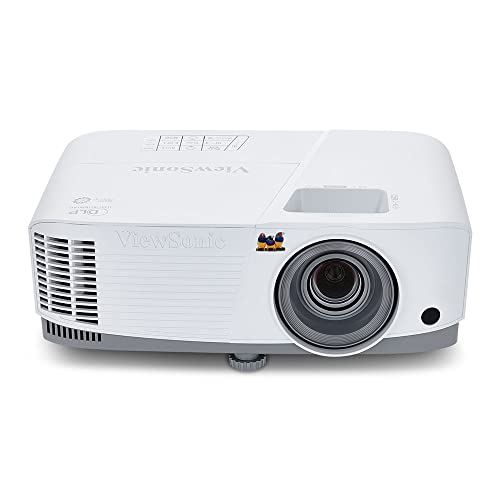
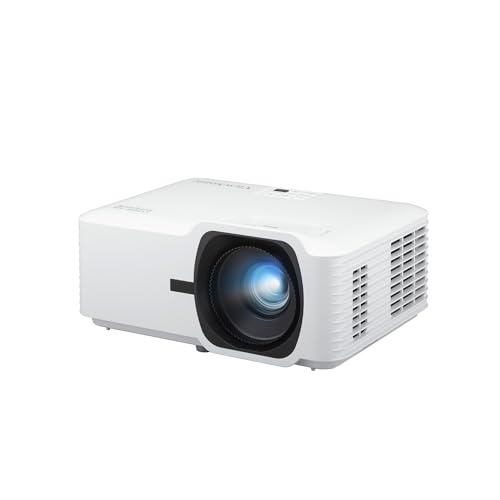
This guide matches brightness and features to real use cases instead of naming a single winner for everyone. Use the product table to see how models differ on output and ports, then read on for the sizing, throw, and setup details that decide whether that output turns into a clear picture at home.



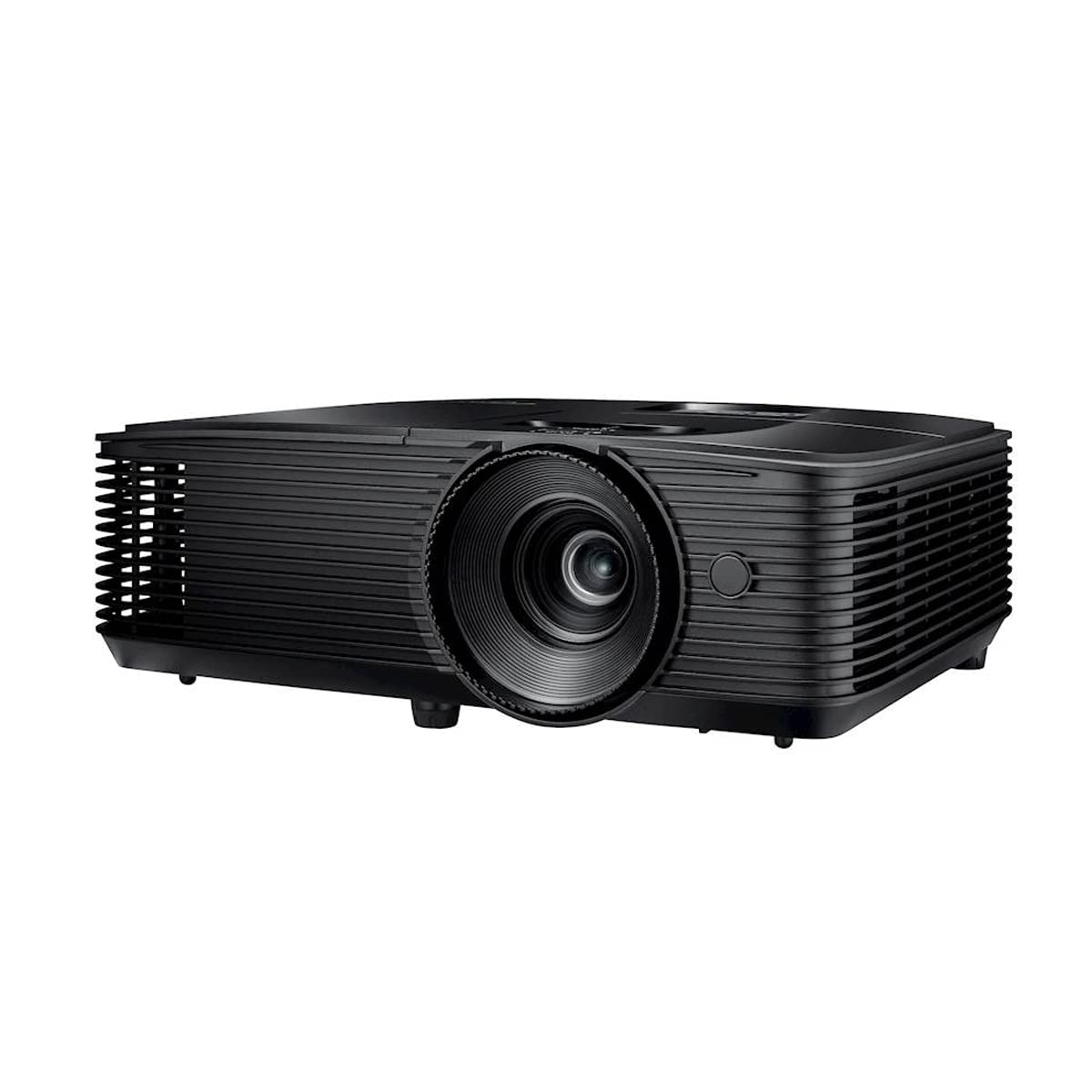
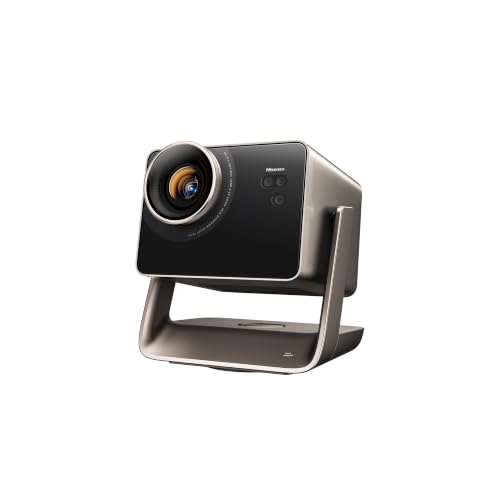
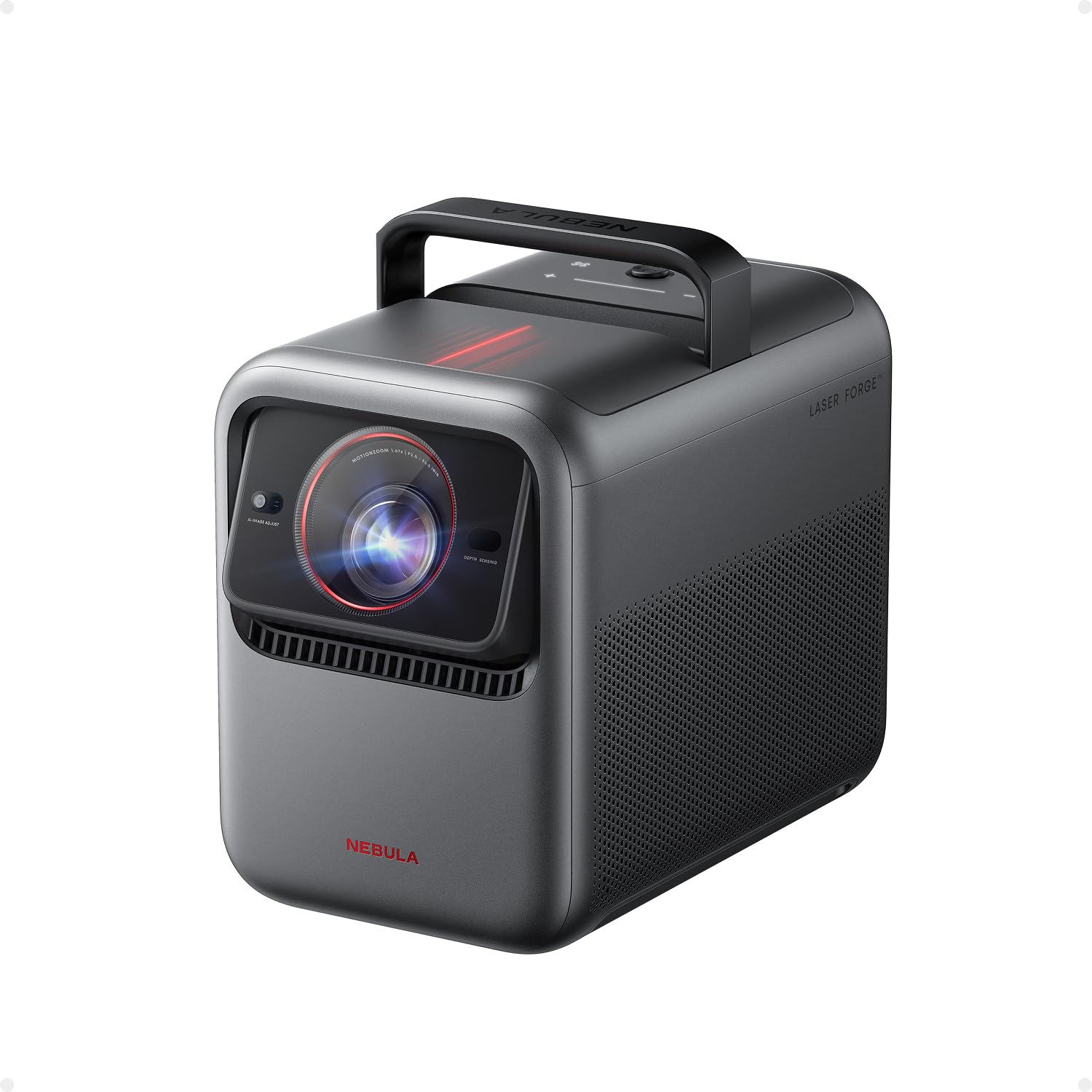

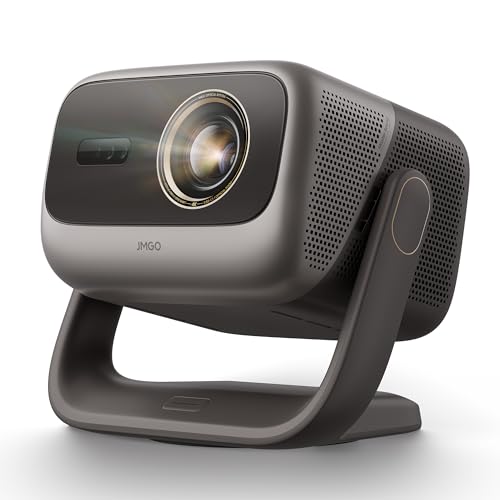
Who Should Buy Which Bright Projectors?
Start with your room and your routine, not the highest number on the box. The four groups below cover the most common reasons people shop for extra brightness, and each one points to a different balance of output, size, and cost.
Presenters, Remote Workers, and Creators
You need text and charts to stay readable with lights on and blinds partly open. Prioritize honest ANSI lumen ratings, sharp focus across the whole image, and a zoom lens that lets you fit the screen without moving furniture. Reliable wired connections matter more than novelty features, so look for at least two HDMI inputs and a USB C port that carries video. If color accuracy drives your work, see our guide to the best quality projectors for how gamut and calibration differ. A quiet fan also helps on long calls.
Students and Everyday Viewers
Your priority is a dependable picture for lectures, streaming, and casual movie nights without spending like a home theater builder. A midrange brightness rating handles a dorm or apartment living room once you close curtains for films, and a built in speaker saves buying extra gear at first. Look for simple auto focus and keystone correction, since your setup may move between a desk, a shelf, and a wall. Among budget displays for small rooms, a slightly smaller image often looks sharper and brighter than pushing the largest possible size.
Gamers and Power Users
You need brightness that holds up during daytime play and speed that keeps controls feeling direct. Look for a low input lag rating at your target resolution, a 120 Hz or higher refresh rate where supported, and HDMI 2.1 for current consoles and PCs. Variable refresh support helps smooth frame pacing, while a game mode that keeps lag low matters more than extra picture processing. Plan for a larger screen only if your seating distance and throw space support it, because an oversized image spreads the same light over more area and looks dimmer.
Travelers and Small Space Users
You need a projector that packs fast, sets up on uneven surfaces, and still shows a watchable image in a hotel room or a small apartment. Compact models trade peak brightness for size, so judge them by whether they work with curtains closed rather than in full daylight. Battery power, a sturdy case, and tripod mounting add real value here. If portability is your top need, compare the best small projectors for shelf and desk setups, the best pocket projectors for bags and travel kits, and the best pico projectors for the smallest carry anywhere option.
Key Features to Compare
Spec sheets mix the numbers that matter with numbers that only look impressive. The features below decide how the best bright projectors perform once one is in your room, on your screen, and connected to your sources.
Brightness Ratings and Ambient Light
Brightness is listed in lumens, but the rating method matters as much as the number. ANSI lumens follow a shared measurement standard, while vague terms like LED lumens or light source lumens can make a modest unit sound far stronger than it is. As a rough guide, a dark room needs far less output than a sunlit living room, and outdoor evening use needs more still. If shade and dusk viewing are your goal, our guide to the best projectors for outside covers outdoor screens and timing in depth. Bigger screens also demand more light, since the same output spreads thinner.
Adaptive Sync and Gaming Features
Adaptive sync, sold as variable refresh rate or by brand names like FreeSync style support, lets the projector match the frame rate coming from your console or PC. That reduces tearing and judder when frame rates rise and fall during play. Response time figures for projectors are less standardized than input lag, so treat lag measured in milliseconds at your resolution as the number to trust. Features such as ALLM, which switches the projector into its low lag mode when a console is detected, save you from digging through menus before every session.
Connectivity and Ports
Count your sources before you buy, then add one spare input for the device you will own next year. Most setups need HDMI for a streamer, console, or laptop, and HDMI 2.1 matters if you want high refresh gaming at 4K. A USB C port with video support makes laptop hookup a single cable job in meeting rooms. Built in WiFi and Bluetooth help with streaming apps and portable speakers, but a wired HDMI link remains the most reliable path for presentations and for gaming where delay hurts. An audio output lets you add a soundbar later.
Resolution and Screen Size
Native resolution tells you the real detail on screen, so check it rather than the maximum input the projector accepts. A native 1080p image suits most rooms and screen sizes up to about 120 inches, while native 4K earns its cost on large screen options viewed from closer seating. Your throw distance decides which sizes are even possible, since each model projects a set image size range from a given distance. Sitting closer makes flaws and pixel structure easier to see, so match resolution to your actual seating rather than to a future room you may never build.
HDR, Contrast, and Display Technology
HDR support such as HDR10 or HLG adds highlight detail, but projectors cannot reach the peak brightness of a good TV, so contrast and tone mapping shape the result more than the HDR label does. DLP models tend to offer sharp images and compact builds, three chip LCD designs avoid the rainbow artifacts some viewers see on single chip DLP, and LCoS leans toward deep blacks at higher prices. Unlike TVs, projectors do not use OLED panels, so judge them on light source instead. Laser and LED sources last longer and hold color better over time than traditional lamps.
How to Size and Set Up a Bright Projector in Your Room
Measure your throw distance first, from the lens position to the screen wall, and check it against the throw ratio in the spec sheet. A standard throw model needs a longer room, a short throw model fills a big screen from a few feet away, and an ultra short throw model sits on furniture just below the screen. Getting this wrong is the most common reason a new projector goes back in the box.
Next, control the light you can control. Curtains or blinds on the windows that face the screen do more for picture quality than a modest step up in lumens, and a matte white or light gray screen reflects light more evenly than a bare painted wall with sheen. Place the projector so its fan exhaust has open air around it, and avoid pointing it where sunlight lands directly on the lens or the screen during your usual viewing hours.
Finally, align the image with lens position and zoom before you reach for digital keystone correction. Keystone fixes a tilted image by discarding pixels, which softens text and can add lag for gamers. A small shelf adjustment or a ceiling mount that centers the lens on the screen keeps the full resolution you paid for, and it keeps focus even from corner to corner.
Common Mistakes to Avoid When Buying Bright Projectors
Most regrets with this purchase come from chasing one headline number and skipping the room checks above. Watch for these errors before you order.
- Buying by the largest lumen claim without checking whether it is an ANSI rating, which leads to a picture that looks dim in your actual light.
- Choosing a screen size your throw distance cannot fill, which leaves you with a small image or a projector placed in the middle of the room.
- Ignoring fan noise ratings for a bedroom or small office, which makes dialogue hard to enjoy at low volume.
- Paying for 4K input support on a projector with a much lower native resolution, which adds cost without adding real detail.
- Skipping warranty length and lamp or light source replacement cost, which turns a bargain into an expensive repair later.
Care and Maintenance Tips for Bright Projectors
Keep the lens clean with a soft microfiber cloth and gentle circular pressure, and never use household glass cleaner or paper towels that can scratch the coating. Dust the vents and check the air filter on a regular schedule if your model has one, since blocked airflow makes the fan louder and can shorten the life of the light source.
Let the projector finish its cool down cycle before you unplug it or pack it into a case, because trapped heat stresses the lamp or laser module. Store a portable unit in its case away from damp rooms, and keep the lens cap on during storage. If brightness drops noticeably or colors shift, check the hours counter in the menu before assuming the unit has failed, since an aging lamp often explains both.
Bright Projectors: Your Questions Answered
What screen size should you choose for a bright projector in your room?
Choose a screen size that your seating distance and throw space support, usually 100 to 120 inches for a typical living room. A smaller image concentrates the same light into less area, so it looks brighter and sharper in rooms with windows. Measure your wall and your lens to screen distance first, then pick the largest size that still fits the throw range without digital zoom.
How long does a bright projector light source last?
A laser or LED light source in a bright projector typically lasts far longer than a traditional lamp, often rated in tens of thousands of hours. Lamp based models need a replacement lamp much sooner, and running in eco mode stretches that interval while slightly lowering output. Check the rated hours and the replacement lamp price before you buy, since that ongoing cost changes the true price of lamp models.
Is 4K resolution worth it on a bright projector?
Yes, 4K resolution is worth it on a bright projector if you sit close to a large screen and watch native 4K films or games. From farther seating or on a screen under about 100 inches, a sharp native 1080p model often looks just as satisfying for less money. One extra factor is streaming quality, since compressed streams show less of the 4K advantage than discs or high quality downloads do.
DLP or LCD: which technology is better for a bright projector?
Neither technology is better for every bright projector buyer, since DLP tends to win on sharpness and compact size while three chip LCD tends to win on color brightness and freedom from rainbow artifacts. If you are sensitive to rainbow flashes during fast scenes, LCD removes that worry entirely. Visit a showroom or order from a seller with a fair return window if you are unsure which camp you fall into.
Does refresh rate matter on a bright projector if you do not game?
Refresh rate matters less on a bright projector for film and TV than it does for gaming, since movies are filmed at low frame rates that any modern projector handles well. Sports viewers may still notice smoother motion on higher refresh models during fast pans across a field. The bigger gain for non gamers is good motion processing that reduces judder without making films look like daytime soap operas.
Final Thoughts
The right choice balances honest brightness for your light, a throw and screen size your room supports, and the ports and speed your sources need. Return to the product table and compare models on ANSI lumens, native resolution, and input lag rather than on headline claims alone. When those three line up with your room, best bright projectors shopping stops being a guessing game and becomes a simple fit check. Prices and availability can change, so check the product page before ordering.