Best Book Reader Tablets in 2026: What to Look For
Disclosure: We may earn a commission when you buy through links on this page, at no extra cost to you. As an Amazon Associate I earn from qualifying purchases. Learn more
Learn how to pick a tablet for reading books: screen type, battery life, storage, eye comfort, and library options explained in plain terms.
The best book reader tablets are chosen mainly for reading, rather than as general devices that happen to open an ebook app. Screen comfort, weight, and battery life matter far more for readers than raw processing power, and the wrong screen can make long chapters tiring.
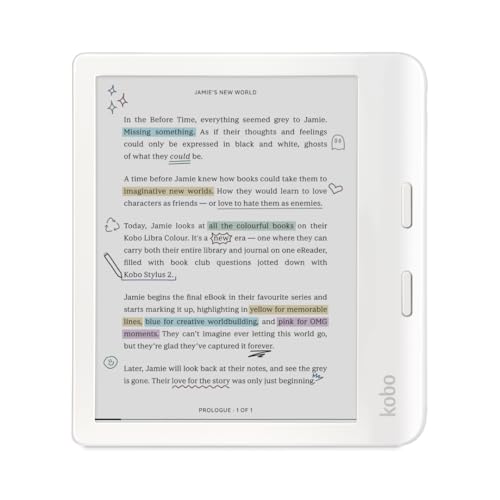
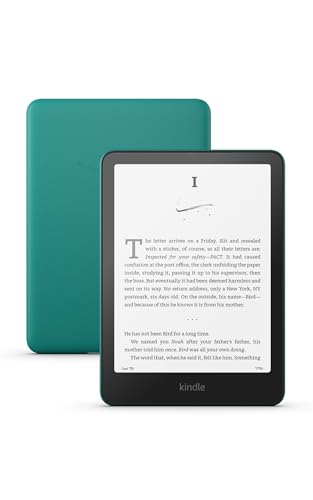
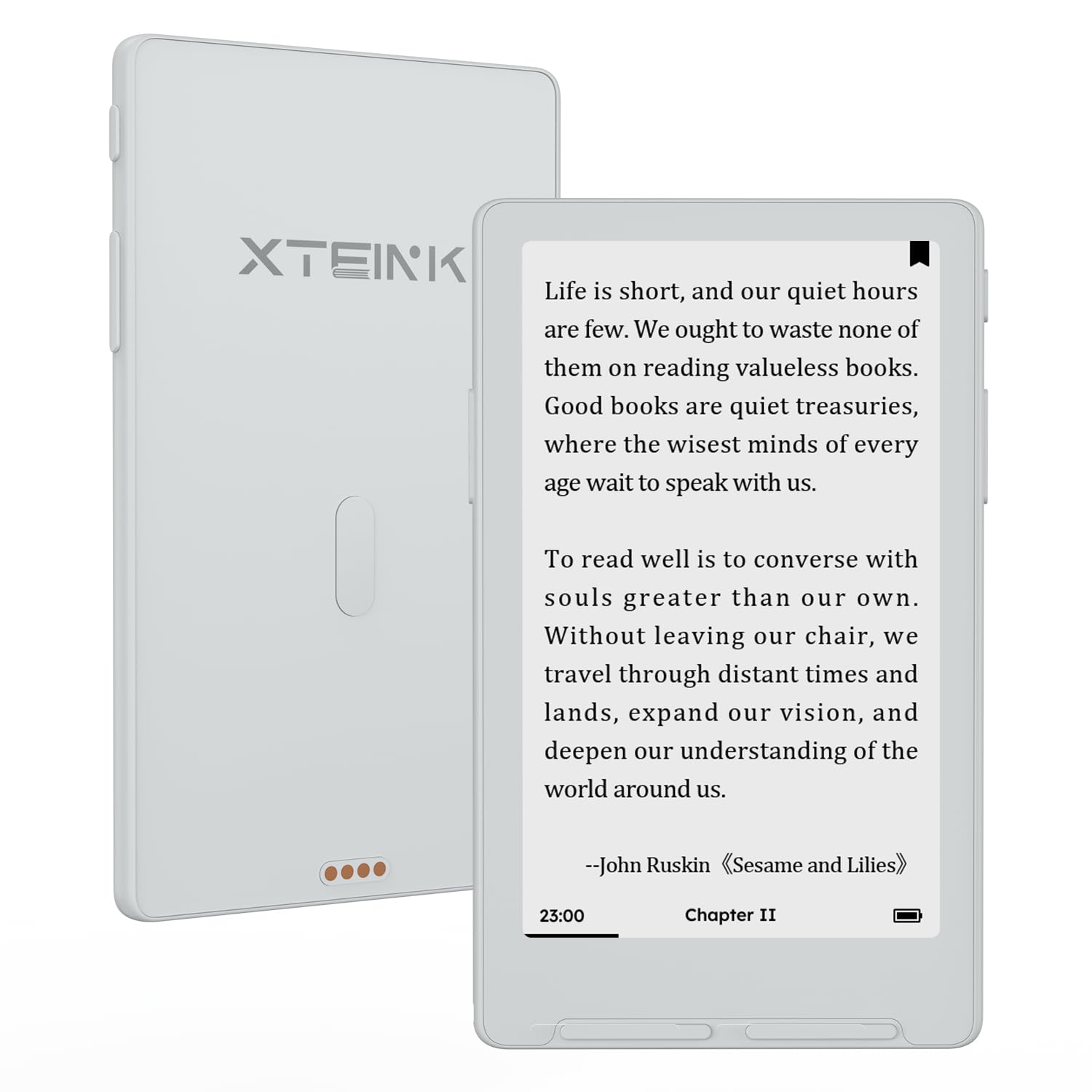
This guide compares dedicated ereaders and general tablets for reading, explains screen types and lighting, and covers storage, library access, and eye comfort. Use it to decide whether a simple ereader or a flexible tablet fits your reading habits better. The product table below summarises the main options so you can see the range at a glance.


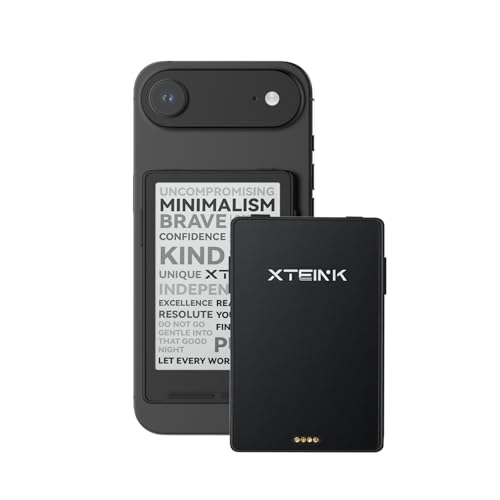

Key Features to Compare
Weigh these features in order of reading comfort, not specification headlines.
- Screen type. E ink screens mimic paper, reduce glare, and use little power, while LCD and OLED screens show colour but can tire eyes sooner.
- Front lighting. Adjustable warm lighting lets you read in bed without disturbing others, and it helps in dim rooms.
- Weight and grip. A light device with a comfortable grip matters on long reads, since even a small weight difference adds up over an hour.
- Battery life. Ereaders often last weeks on a charge, while general tablets may need charging daily, which matters for travel.
- Library and format support. Check that your preferred bookshop, library app, and file formats work on the device before you commit.
Types Compared
Reading devices fall into dedicated ereaders, small general tablets, and larger tablets. Dedicated ereaders are light, long lasting, and focused on text, but they handle colour images poorly. Small tablets add colour, apps, and web browsing, at the cost of weight and battery life. Larger tablets suit illustrated books, comics, and PDFs, but they tire hands sooner and need a case or stand for long sessions.
Setting Up and Everyday Use
Set font size and line spacing to a comfortable level rather than straining to read small text. Use a case that allows a good grip, and keep brightness matched to the room to reduce eye strain. Charge ereaders before trips, and download books in advance where wifi may be weak. Take short breaks during very long sessions, and look away from the screen regularly.
Care and Long Term Value
Protect the screen with a case, since ereader screens can crack if pressed in a bag. Clean with a soft dry cloth, and avoid harsh cleaners. Keep the device away from water unless it carries a water resistance rating, and update software when prompted so library apps keep working. Battery health lasts longer if you avoid leaving the device fully flat for long periods.
Common Mistakes to Avoid
A common mistake is buying the largest screen for novels, which adds weight without improving text reading. Another is ignoring format support, which can lock you out of books you already own. Choosing a glossy colour screen for bright outdoor reading is also costly, since glare makes text hard to see. Finally, do not judge battery life by standby claims alone, since page turns and lighting change real use.
Budget, Midrange and Premium Devices
Budget reading devices often cover the basics well, especially dedicated ereaders with e ink screens and long battery life. When comparing budget options, check screen lighting quality, font controls, and whether your bookshop or library works on the device. A simple ereader that feels light in the hand will encourage more reading than a feature packed tablet that tires your wrist.
Midrange devices add better lighting, sharper screens, waterproofing, or larger storage, which suit frequent readers and travellers. Warm lighting helps bedtime reading, while water resistance suits bath and pool reading. Check page turn speed and holding comfort, since these daily details matter more than processor speed for text.
Premium tablets and ereaders offer larger colour screens, stylus support, or faster performance for illustrated books and PDFs. They suit readers who also annotate, study, or read comics, but they cost more and weigh more. Choose a premium device only if its extra features match your actual reading material, not just its specification list.
Getting the Most From Your Choice
In the first weeks, organise books into collections and set comfortable font, spacing, and lighting defaults, since these settings shape every reading session. Download titles before travel, and try library borrowing early, so problems appear while return options remain open. Charge habits matter too, especially for tablets that need daily power compared with ereaders that last weeks.
Upgrade or replace a reading device when battery life collapses, the screen cracks, or format support blocks books you own. Before replacing, export notes, highlights, and library lists, since annotations are easy to lose in a switch. Choose the next device by screen comfort and library access first, because those factors determine whether you actually read more.
Frequently Asked Questions
Is an ereader better than a tablet for books?
For long novel reading, an ereader usually wins on weight, battery life, and glare. For illustrated books, comics, and library apps, a general tablet is more flexible. Choose by your main reading material rather than by the widest feature list.
Do ereaders hurt eyes less?
Many readers find e ink screens gentler because they reflect light like paper and lack a glowing backlight. Eye comfort also depends on font size, lighting, and breaks. If your eyes tire often, try larger text and regular pauses, and seek eye care advice if strain persists.
How much storage do I need for books?
Text books are small, so even modest storage holds thousands of titles. Audiobooks and illustrated books need more space, so consider larger storage if you listen or read comics. Cloud libraries also reduce the need for local storage.
Can I borrow library books on an ereader?
Many ereaders support library lending through compatible apps or file formats, but support varies by brand and region. Check your local library system before buying, and try the borrowing process during any return window.
Are waterproof ereaders worth it?
Water resistance is useful for bath, pool, and beach reading, where splashes are common. It adds cost, so weigh it against how often you read near water. Even rated devices need rinsing after salt exposure and careful drying.
Final Thoughts
For best book reader tablets, comfort, screen type, and library access matter more than speed or camera quality. Choose the device that lets you read longer with less strain, and your library will feel like a pleasure rather than a chore. Use the product table above to revisit the main options.