
Best Bluetooth Conference Speakers Made Simple: A Clear Buying Guide for 2026
Disclosure: We may earn a commission when you buy through links on this page, at no extra cost to you. As an Amazon Associate I earn from qualifying purchases. Learn more

Shopping for the best bluetooth conference speakers for the first time? Learn the terms, compare options, and avoid rookie mistakes with this easy guide.
Buying your first speakerphone for meetings can feel confusing, because listings mix music speaker terms with meeting terms and make every model sound essential. This guide slows the process down and starts with the basics, so you can judge the best bluetooth conference speakers by how people will actually hear you, not by the longest feature list.
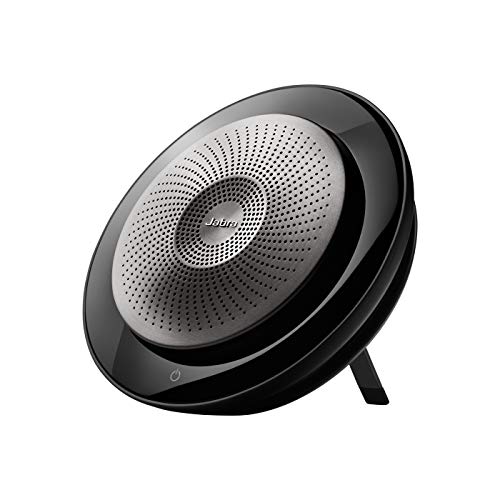
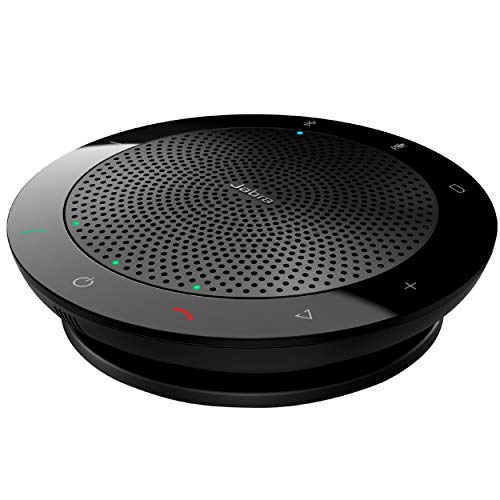
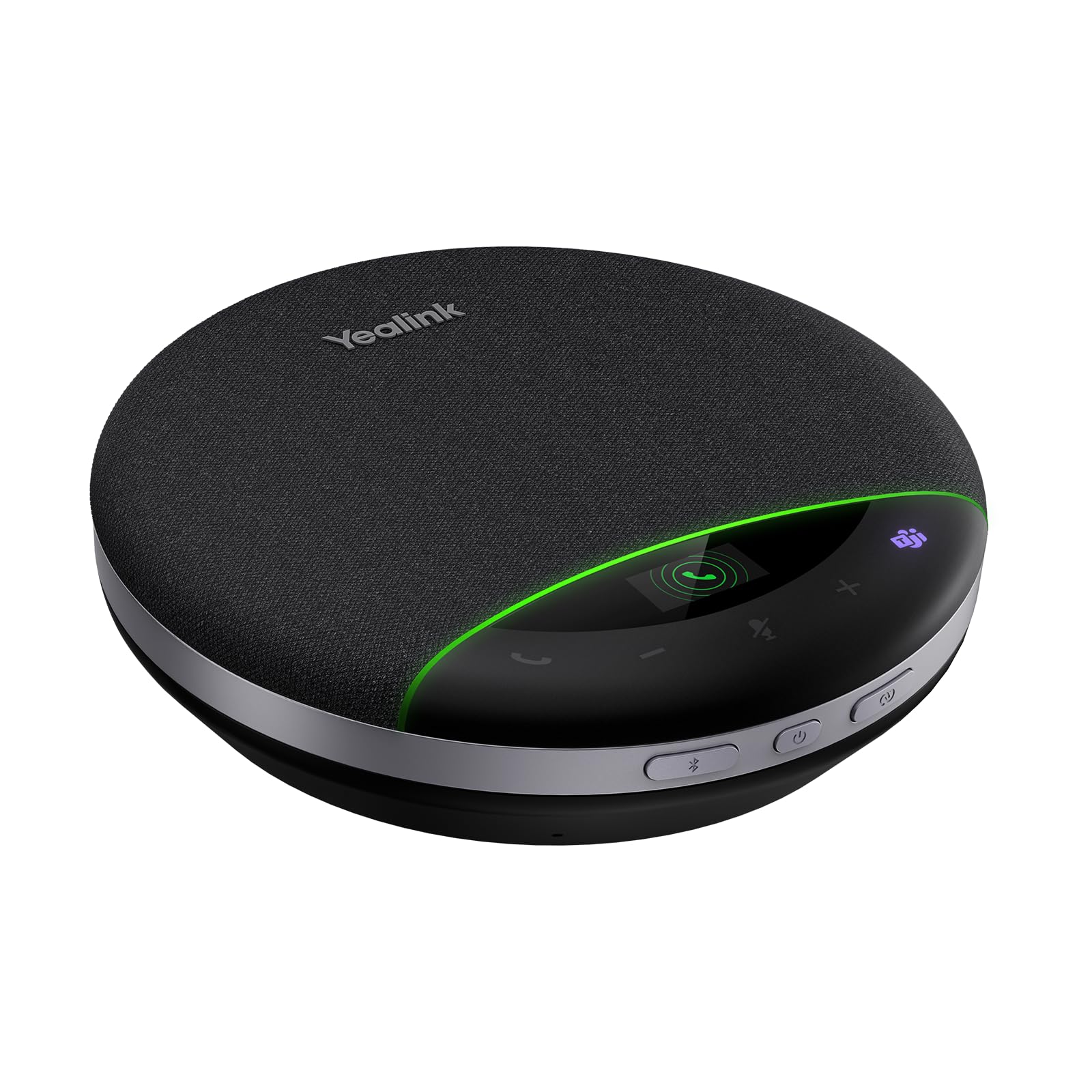
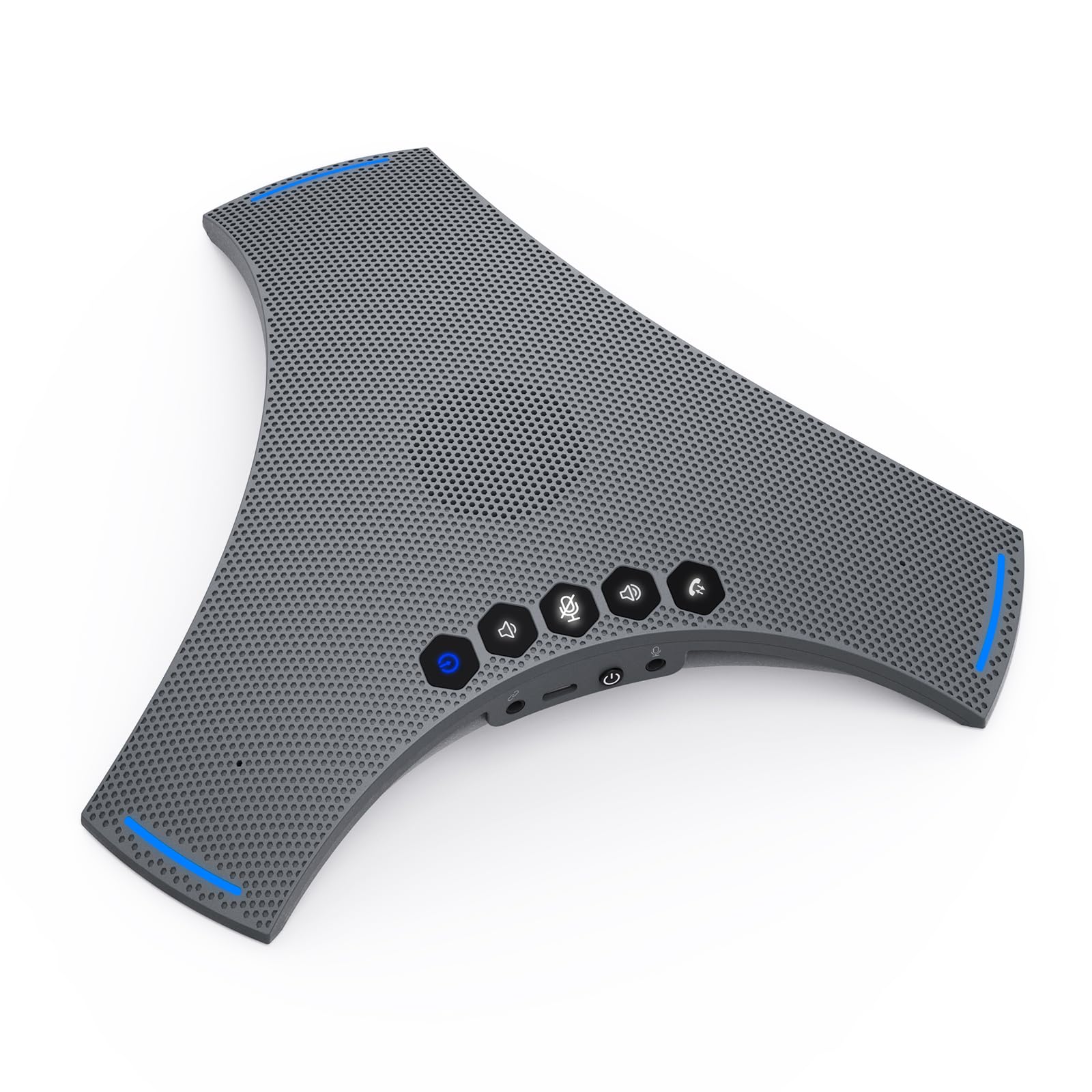
You will learn what each spec means in plain English, which mistakes first time buyers make most often, and how to set up your new speaker for a calm first call. The comparison table below pulls the main options together in one place, so keep it open while you read and use the sections that follow to understand what each row really means for your room.




Bluetooth Conference Speakers 101: The Basics
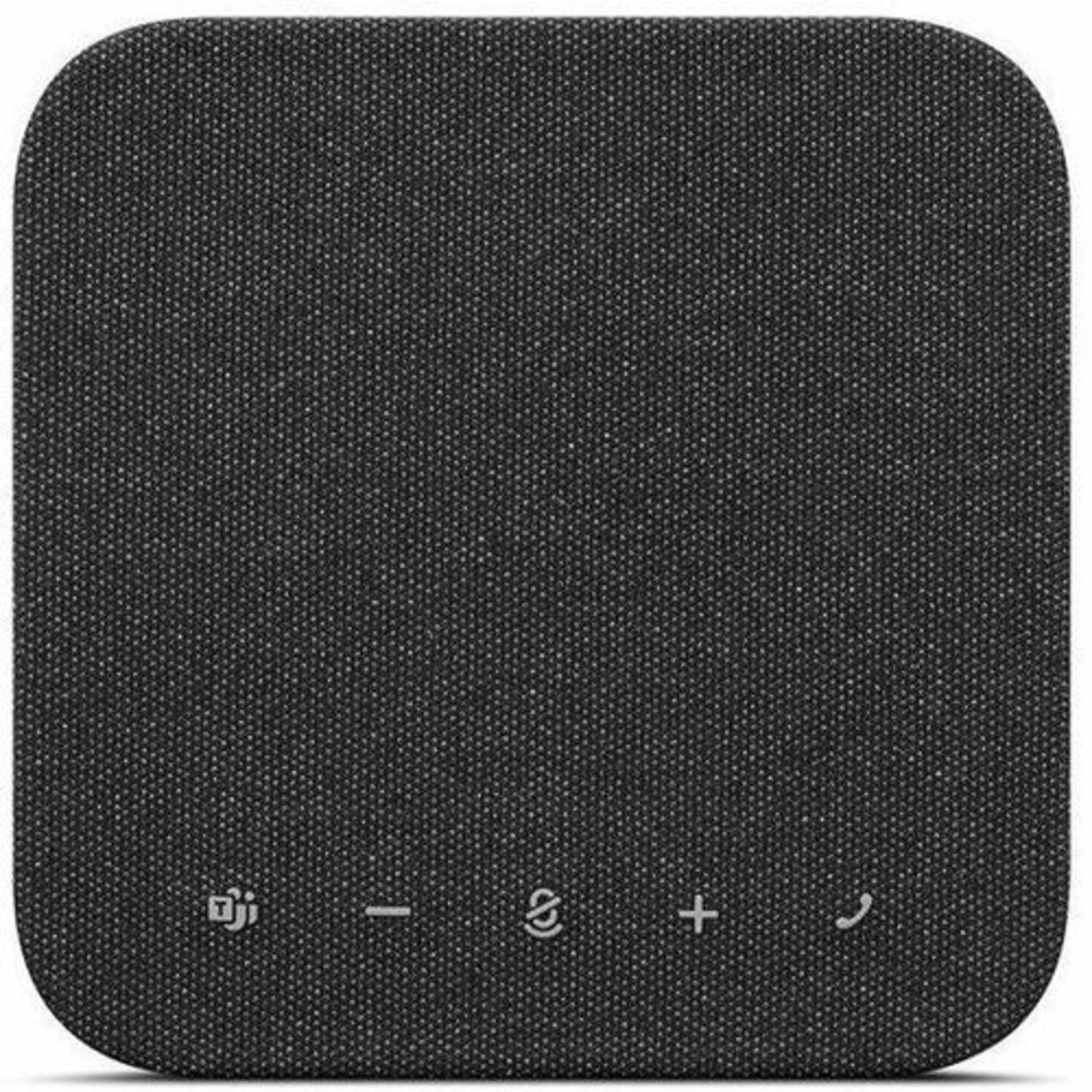
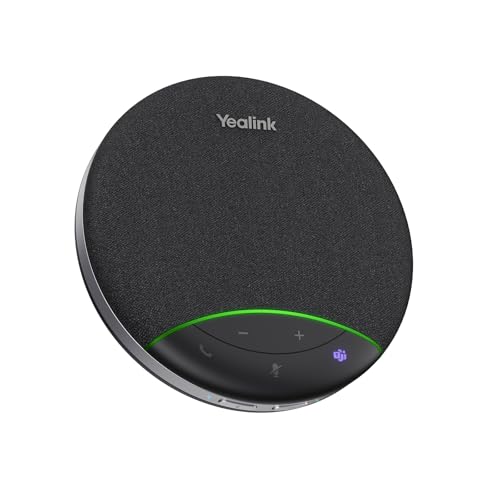
A Bluetooth conference speaker, often called a speakerphone, combines a loudspeaker, one or more microphones, and a wireless connection in a single unit that sits in the middle of a table. Your laptop or phone sends the far end voices to the speaker, and the microphones pick up everyone in the room and send their voices back. Echo control and noise reduction software inside the unit keep that two way conversation from turning into feedback or a hollow echo.
Most models connect in three ways. Bluetooth gives you a cable free link to a phone or laptop, a USB cable gives you a more stable link for a fixed desk, and some units add a USB dongle for computers where Bluetooth is weak or blocked. If your meetings already live in apps such as Teams or Zoom, look for a unit that works smoothly with your main app, because simple mute and volume buttons that sync with the app save a lot of fumbling mid call.
Size follows room size. A compact personal unit is built for one or two people sitting close at a desk or in a home office. A larger unit with more microphones suits a table of six to ten people. Buying far beyond your group size adds cost and bulk without making close voices any clearer.
Key Specs Explained in Plain English
Sound Quality and Tuning
For meetings, clear speech matters far more than deep bass. A speaker tuned for voice puts energy in the midrange, where consonants live, so names and numbers stay easy to follow. Check the frequency response when it is listed, and favor a response that covers the voice range evenly rather than one that boasts about extended bass. A single driver is fine for a desk, while larger rooms benefit from a driver that spreads sound evenly in all directions, so people at the far side of the table hear the far end at a similar level to people sitting close to the unit.
Noise Cancellation and Isolation
On a speakerphone, noise reduction works on the microphones, not on your ears. The unit listens for steady background sounds such as an air conditioner, a fan, or office chatter, and reduces them before sending your voice out. Strong processing helps in a busy office, but very aggressive settings can clip soft voices or make speech sound thin. If you mostly call from a quiet home office, moderate processing is plenty. If you share space with other talkers, this feature moves near the top of your list.
Microphone Quality
Microphone quality is the single biggest reason to buy a dedicated unit instead of relying on your laptop. Look at two things: pickup range and pickup pattern. Pickup range tells you how far from the unit a speaker can sit and still sound clear, often stated in feet or meters. An omnidirectional pattern hears the whole table, which suits group calls. A unit that can focus on the active talker helps when only one or two people speak. More microphone elements usually mean better coverage of a long table and fewer dead spots where a voice drops out.
If your group often joins hybrid calls, you can also read our guide to the best bluetooth speakers for conference calls for a closer look at call focused setups.
Battery Life and Charging
Battery life on speakerphones is usually quoted in talk hours, and most current models offer enough for several full workdays of meetings, often in the range of about 15 to 30 hours. That matters if you move between rooms or travel, because you can leave the cable behind. USB C charging is the most convenient option, since one cable can serve your phone, laptop, and speaker. A quick charge feature that adds several talk hours from a short plug in session is useful before an unexpected long call. If the unit will live on one desk, battery life matters less, and a wired USB mode can be your daily default.
Ecosystem and App Features
Many speakerphones pair with a companion app or desktop software. The useful jobs for that software are simple: update firmware, adjust sidetone or equalizer settings, check battery level, and manage paired devices. Firmware updates matter more than fancy sound modes, because they fix echo problems, improve Bluetooth stability, and add support for new meeting apps. Multipoint connection, where the speaker stays linked to your phone and laptop at once, is handy if calls arrive on both. Keep expectations modest here. A stable connection and clear buttons beat a long list of app extras you will never open.
Sound tuning and build quality vary a lot across brands, so if you care about overall audio polish beyond meetings, our overview of the best quality bluetooth speakers explains how makers balance clarity, loudness, and price.
Comfort, Fit, and Weight
For a conference speaker, fit means how well the unit fits your table and your bag. A personal model should be light enough to carry daily, often well under a pound, with a flat base that sits stable on a desk. Larger table models weigh more but spread microphones wider for group pickup. Think about button placement too. Raised, clearly marked call, mute, and volume controls that you can find by touch prevent awkward pauses on camera. A carry case or a cable that wraps neatly into the base also helps if the speaker travels between home and office.
Rookie Mistakes to Avoid
- Buying for music first. A speaker that sounds rich for songs can still have weak microphones. For meetings, judge the microphone pickup and echo control before bass or loudness.
- Ignoring room size. A personal unit in a ten person room leaves far seats sounding distant. Match the stated pickup range to the farthest chair at your table, with a little margin.
- Forgetting the wired fallback. Bluetooth can drop or pair slowly on some work laptops. A model that also works over USB gives you a calm backup minutes before an important call.
- Skipping the mute check. Some units mute only the speakerphone, while better ones sync the mute state with your meeting app. Test this in your first call so nobody hears a side comment you thought was private.
- Paying for coverage you cannot use. Support for chaining two units together sounds appealing, but a single well placed unit covers most home offices and small rooms at lower cost.
For a broader view of wired and wireless meeting units beyond Bluetooth, see our guide to the best conference speakers before you settle on a connection type.
Getting Started: Setup and First Use
Start by charging the speaker fully, then update its firmware through the maker app or desktop tool before your first real meeting. Pair it with your main laptop first and set it as the default speaker and microphone inside your meeting app, not just in the system sound panel. Place the unit in the center of the table, away from walls and laptop fans, and keep papers and coffee cups from blocking the microphone openings.
Run a short test call with a colleague or record a test meeting in your app. Walk to the farthest seat you expect to use and speak at a normal level, then listen back for echo, dropouts, or a hollow sound. Adjust the position once, in small moves, rather than raising your voice. When the call ends, store the speaker in its case if it travels with you, which protects the grille and keeps dust out of the microphone ports. Note the battery level once a week and top it up before long meeting days.
Frequently Asked Questions
How long does the battery last on a Bluetooth conference speaker?
Most models give you about 15 to 30 hours of talk time on one charge, which covers many days of typical meetings. Standby time is far longer, so a unit left on a desk may need charging only every week or two. Heavy back to back call days drain it faster, and using the speaker at high volume for a large room also shortens the time between charges.
What IP rating do I need for a conference speaker used outdoors?
You only need an IP rating if the speaker will face rain, dust, or poolside splashes, which is rare for meeting use. A rating such as IP67 means the unit resists dust and can survive brief immersion, which is more than enough for a patio call. For a normal office or home desk, a rating adds cost without benefit, so spend that money on better microphones instead.
Is noise cancellation worth the extra cost on a conference speaker?
It is worth it if your calls happen near steady noise such as fans, traffic, or a busy shared office. The processing keeps your voice forward and reduces listener fatigue on the far end. In a quiet closed room, the gain is small, and a basic unit with well placed microphones will sound just as good. Choose based on your noisiest regular call, not your quietest one.
Do I need a special codec for Bluetooth conference calls?
No special codec is required for clear meeting audio. Standard Bluetooth audio handles speech well, and call quality depends far more on the microphones, echo control, and your network than on the codec name in the spec sheet. A stable Bluetooth 5.3 connection and a wired USB option matter more in daily use. Save codec concerns for music listening, where the differences are easier to hear.
Wired or wireless: which sounds better for conference calls?
A wired USB link usually sounds a touch more stable, because it avoids wireless interference and never needs charging. Wireless Bluetooth sounds very close for speech and gives you freedom to place the unit in the center of the table, away from your laptop. Many buyers use both, with USB at a fixed desk and Bluetooth when they move rooms. Reliability, not a small sound gap, should drive your choice.
Wrapping Up
Keep your shortlist simple. Put microphone pickup and echo control first, match the unit size to your room and group, and make sure you have a wired fallback for important calls. Then check battery life and update support so the speaker keeps improving over time. Compare your finalists in the product table above, and you will land on the best bluetooth conference speakers for the way your team actually meets, without paying for features your calls will never use.


