Best Bike GPS for Mountain Biking in 2026: Which Type Is Right for You?
Disclosure: We may earn a commission when you buy through links on this page, at no extra cost to you. As an Amazon Associate I earn from qualifying purchases. Learn more
Trail riders need a GPS that holds signal under trees and lasts all day: compare the best bike gps for mountain biking by type, battery, screen and mount.
A trail GPS has a harder job than a road unit. Tree cover weakens the signal, climbs hide the next junction, and vibration tries to shake the device off your bars. The best bike gps for mountain biking holds its position in the woods, shows the trail ahead clearly, and lasts the whole ride. Use the comparison table below to match each type to the way you ride.
This guide compares GPS types, not bikes. It covers who needs full maps, who can save money with a compact tracker, and which features matter once the trail turns rough and unfamiliar.

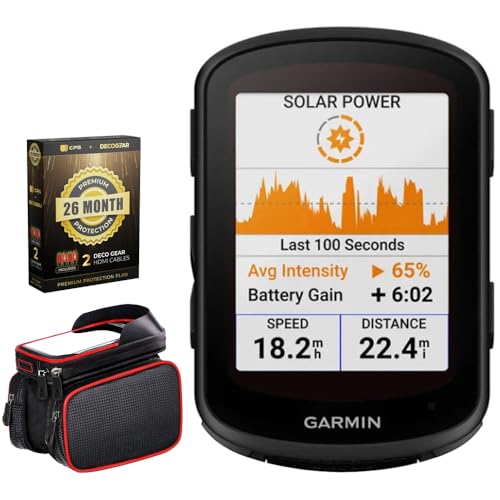

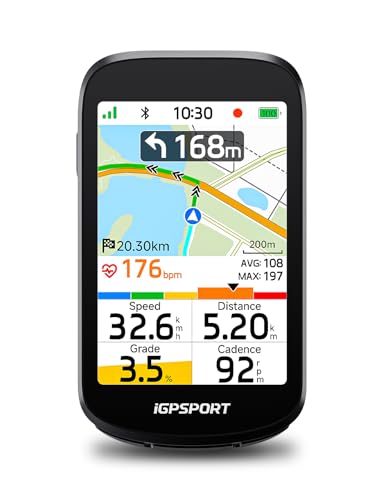
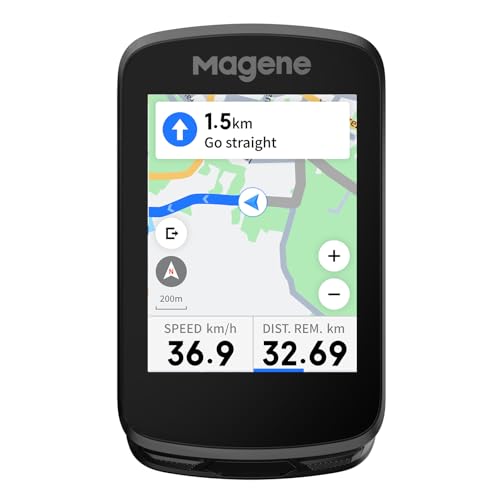

Who Should Buy a Bike GPS for Trail Riding?
Your riding pattern decides how much GPS you need. A racer chasing seconds, an explorer linking new trails, and a rider on long backcountry days ask different things from the same screen.
Cross Country Racers Who Train With Data
You ride known loops hard and judge progress by time, heart rate, and power. Choose a compact unit with fast satellite lock, clear lap and interval screens, and smooth pairing with chest straps and power meters. Full color maps matter less to you than instant numbers, a light mount, and a battery that covers a race plus the ride to the trailhead.
Trail Riders Exploring New Trail Networks
You visit new trail systems and need to know which fork leads back and which one drops into the next valley. Choose a mapping unit with preloaded trail maps, a readable screen at a glance, and simple back to start guidance. Riders comparing navigation first models often also read about the best mountain bike gps options before deciding how much map detail they need.
Enduro and Backcountry Riders Out All Day
You climb for hours, descend far from the car, and may finish after dark. Choose the longest battery life you can afford, a tough case with strong water resistance, and incident detection that can alert a contact after a hard fall. Offline maps matter most for you, because cell service often ends long before the trail does.
Key Features to Compare
Compare these five factors. Together they decide whether a unit stays accurate, readable, and alive from the first climb to the final descent.
Satellite Accuracy Under Tree Cover
A trail unit should listen to more than one satellite system, typically GPS plus GLONASS or Galileo, and better models use two frequency bands at once. Extra signals help the unit hold your line on switchbacks beneath dense trees, where a single system can drift and draw a jagged track. If you ride in deep forest or narrow canyons, put accuracy first, because every other feature depends on knowing where you are.
Maps and Trail Navigation
Look for preloaded maps that show trails, not only roads, and check whether popular trail databases can be loaded or synced. Useful tools include turn prompts at junctions, off course alerts, and a back to start route that follows trails instead of drawing a straight line. Download maps for your region at home, since loading large files over a weak trailhead connection wastes battery and time.
Screen and Controls You Can Use With Gloves
Screens run from about 2.2 to 3.5 inches, and bigger is not always better on narrow bars. A bright screen you can read in full sun matters more than rich color in shade. Buttons work reliably with gloves and in rain, while touch screens feel faster when you pan a map at a stop. Many riders choose buttons for winter and wet riding, and touch for map heavy exploring in dry weather.
Battery Life for Long Trail Days
Expect about 15 to 25 hours from compact units and about 20 to 40 hours from larger mapping models, with cold weather and high screen brightness cutting those numbers. Match the rating to your longest ride, then add a margin for navigation and backlight use. If you ride multi day trips, check whether the unit can charge from a small power bank while it records.
Tough Build and a Secure Mount
Choose a case rated IPX7 or similar so rain and creek splashes stay out, and look for a screen that shrugs off branch strikes and small drops. The mount matters as much as the case. A solid quarter turn mount with a tether keeps the unit on the bike over roots and rock gardens. Riders who want one device for training and exploring often compare notes with our guide to the best gps bike computer for mountain biking before choosing a mount style.
Types of Bike GPS Compared
Most trail GPS units fall into three types. None is best for everyone, and paying more mainly buys maps, screen size, and battery, not speed on the trail.
Compact Data Focused Units
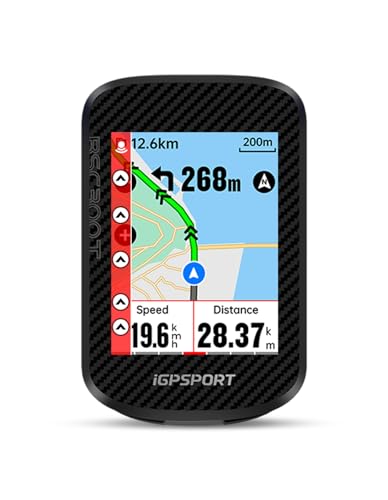
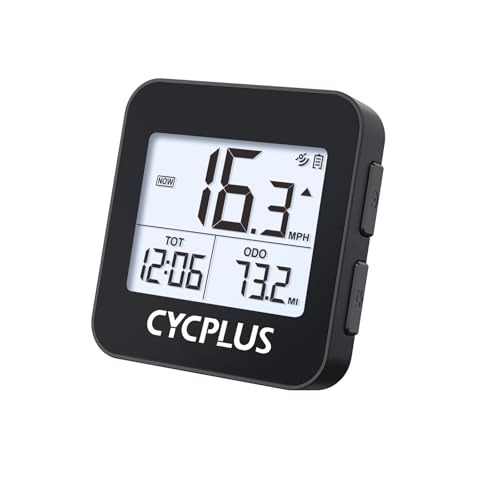
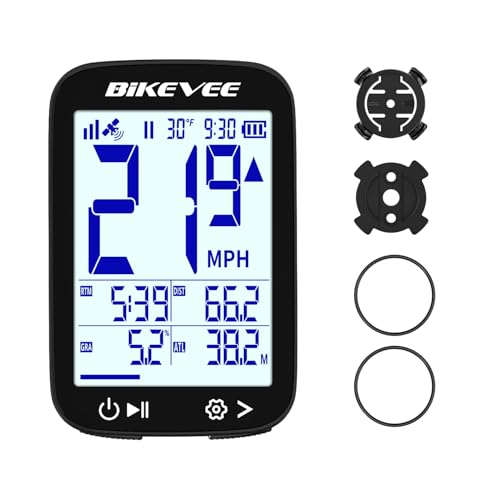
These small units show speed, distance, climb, and sensor data on simple black and white screens, with basic breadcrumb navigation. They cost about $100 to $250, weigh the least, and sip battery. Choose one if you ride trails you mostly know and want clean training data without a large screen crowding your dropper remote and brake levers.
Mapping Units With Full Color Screens
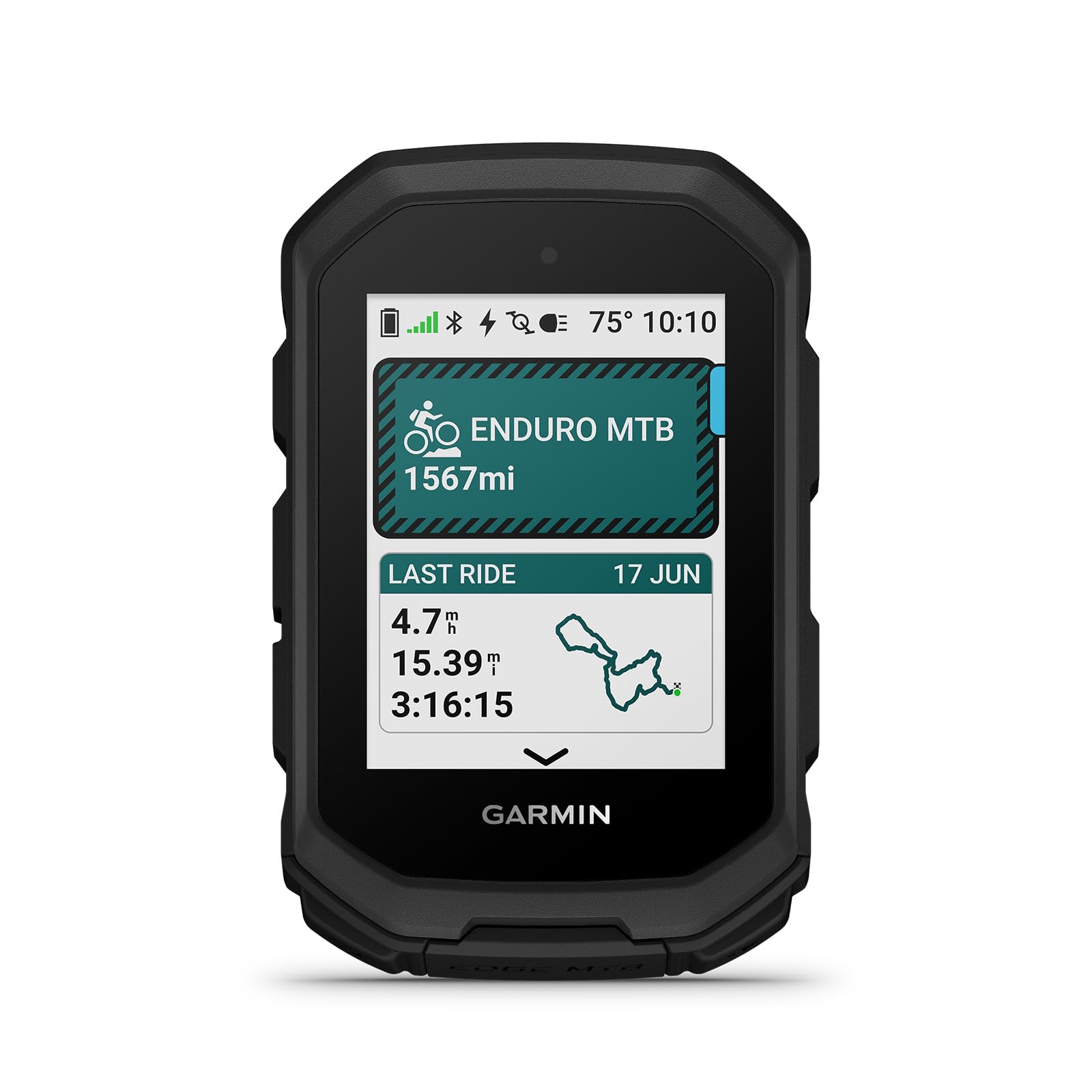
These larger units carry detailed trail maps, color routing, and climb profiles that show the grade ahead. They cost about $250 to $500 and earn their price on unknown trails, where a clear map at a fork saves backtracking. This is the type most people picture when they search for the best bike gps for mountain biking for exploring, and it suits riders who plan routes at home and follow them in new places.
Phone Paired and Watch Based Tracking
A small head unit or a wrist watch can lean on your phone, which keeps cost down to about $80 to $200 for basic models. The tradeoff is dependence on the phone battery and a screen that may be hard to read at speed. If you already train with a watch, start there, then add a bar mounted unit later if glancing at your wrist on descents feels unsafe. Riders weighing display size often also check the best bike computer for mountain biking guide for screen layout ideas.
Common Mistakes to Avoid
- Buying the largest screen for narrow bars leaves no clean space for controls and makes the unit easy to knock in a crash.
- Trusting road maps on singletrack leaves you without trail junctions, so a short ride turns into guesswork at every fork.
- Starting a long ride on a partial charge risks the unit dying before the descent, when you need navigation most.
- Skipping the tether lets one hard landing launch the unit into brush, where it may never be found.
- Ignoring glove use when you choose controls means you must stop and undress your hands for every simple screen change.
Care and Maintenance for Your Trail GPS
Rinse mud off the case with plain water after wet rides and dry the charging contacts before you plug in, because grit and moisture corrode small metal points. Wipe the screen with a soft cloth only, since trail dust can scratch the surface if you rub it dry with a glove.
Check the mount bolts every few rides and replace a cracked mount at once. Update the software at home on a stable connection, charge the battery before storage, and store the unit indoors away from heat. A battery left empty for months or baked in a hot car loses capacity that never returns.
FAQ
Can a bike GPS for mountain biking work without cell service?
Yes, a bike GPS for mountain biking works without cell service because it reads satellite signals directly. Maps stored on the device keep guiding you in remote valleys. Only live features such as weather updates and instant phone uploads wait for a connection. Sync rides at home, and carry a paper map or a downloaded phone map as a backup on very remote routes.
How accurate is a bike GPS for mountain biking on tight switchbacks?
A bike GPS for mountain biking is usually accurate to about 10 to 16 feet in open sky, and a little less under thick trees. Tight switchbacks can still look smoothed on the recorded line, because the unit samples your position at intervals. Set recording to once per second instead of a smart interval if you want the cleanest track for short trail segments.
Do I need a touchscreen on a bike GPS for mountain biking?
No, a bike GPS for mountain biking does not need a touchscreen, and many trail riders prefer buttons. Buttons answer every press through mud and rain, while touch screens can misread wet fingers. Choose touch only if you pan and zoom maps often at stops. A useful middle path is a unit that offers both, so you can tap the map when parked and use buttons while rolling.
Will a bike GPS for mountain biking track heart rate and power?
Yes, most mid range and mapping units pair with heart rate straps, cadence sensors, and power meters over Bluetooth and ANT Plus. Check the sensor list before you buy, because the cheapest trackers may record position only. One practical tip is to pair every sensor at home first, since pairing menus are harder to read in bright sun at the trailhead.
How do I keep a bike GPS for mountain biking from bouncing off on rough trails?
You keep a bike GPS for mountain biking secure by using the mount made for its quarter turn pattern and adding the supplied tether around your bars or stem. Seat the unit until it clicks, then tug it once before you roll. If the mount feels loose after a crash, replace it rather than trusting tape, because a worn mount releases again on the next hard hit.
Wrapping Up
Start with your ride length and your need for maps. Racers can save money and weight with a compact tracker, explorers should pay for real trail maps and battery life, and everyone should demand a mount and case that survive rough ground. Use the product table above to compare screen size, battery, and price across the types.
Chosen well, the best bike gps for mountain biking fades into the ride. It records the climb, points you home at the last fork, and leaves your attention on the trail where it belongs.