
Best Big PC Cases by Budget: How to Choose in 2026
Disclosure: We may earn a commission when you buy through links on this page, at no extra cost to you. As an Amazon Associate I earn from qualifying purchases. Learn more

Best big pc cases for large builds, with guidance on airflow, GPU and radiator clearance, cable routing and price tiers.
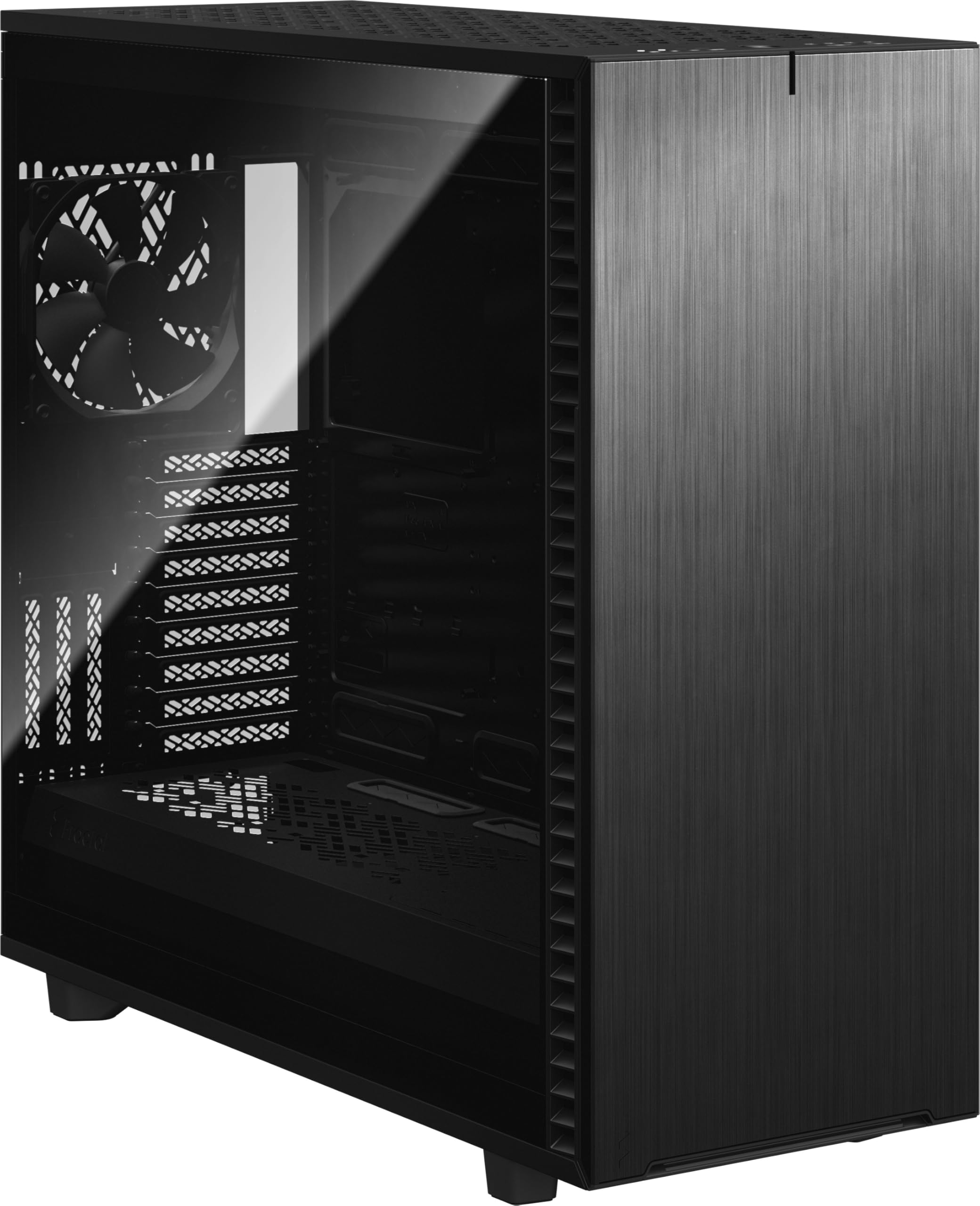
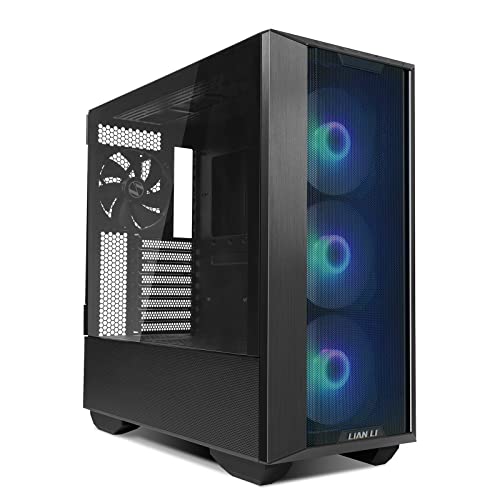
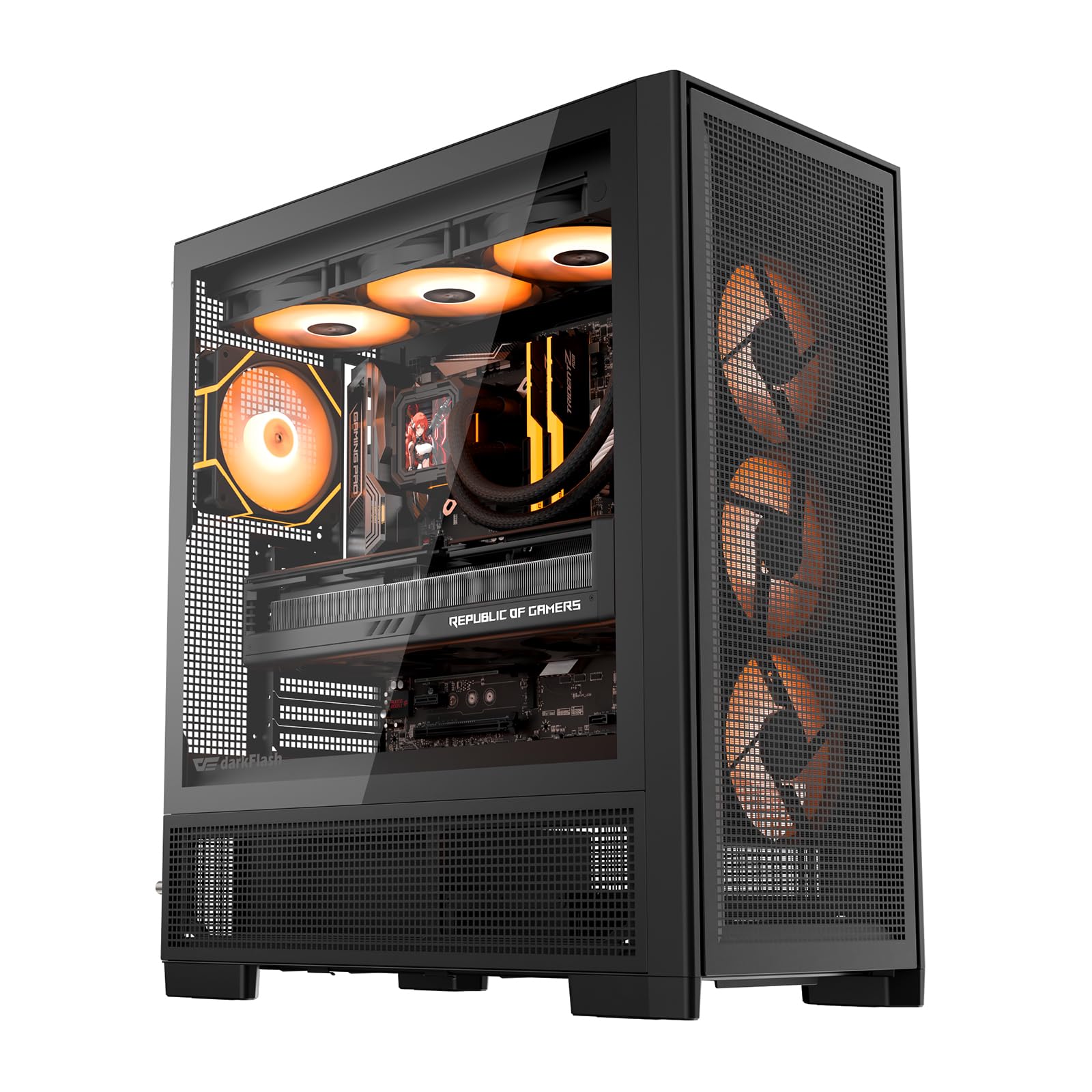
Big cases promise room, yet room alone does not make a build easy or cool. You need space where your parts actually sit, plus air moving through that space. The best big pc cases give long graphics cards, tall coolers and thick radiators clearance without wasted volume, and the product table shows the layouts to weigh first.
Start with the parts you own or plan to buy next, not with the tallest case you can afford. Measure card length, cooler height and radiator plans, then check the space the case will occupy.







Who Should Buy a Big PC Case?
Buy big only when a specific part, cooling plan or storage need asks for the extra volume. If none of the groups below sounds like you, a smaller case will be lighter and easier to place.
Builders With Long and Thick Graphics Cards
You run a long card, or you expect your next card to be longer and thicker than the one you own now. A big case gives the card straight entry during install and room for its power cables to curve gently. If card fit is your main worry, see our guide to the best pc case for big graphics cards for closer clearance checks.
Builders Planning Large Radiators or Many Fans
You want a 360 mm or 420 mm radiator, a second radiator, or a tall air cooler that crowds a compact case. Extra height and length let radiators sit at the top or front without pressing on cables or the motherboard. You also gain fan positions, so more fans can run at lower speed.
Builders With Many Drives and Plans to Expand
You keep several drives, capture cards or extra storage for video work, photos or a home server role. Big cases offer more drive cages and cable pass points, plus room to add parts without removing the graphics card first. Choose this group only if you will use the bays, because empty cages can block front airflow.
Key Features to Compare
Compare internal measurements before external looks. Price alone does not separate the best big pc cases from a case that is merely tall, so work through the clearances below and cross out any model that fails one of your parts.
Motherboard Support and Internal Room in a Big PC Case
Most big cases accept ATX boards, and many also accept extended ATX boards wider than standard ATX. Check board width as well as length, because a wide board can cover the cable pass holes beside the tray and force sharp bends. If space is tight instead, see our guide to the best itx pc cases and our guide to the best matx pc cases first.
Graphics Card Length and Thickness Clearance
Manufacturers list maximum card length, but that figure often assumes front fans or a front radiator are removed. Subtract the depth of what you plan to mount, then leave about 20 to 30 mm spare so the card slides in at an angle. Check thickness too, in expansion slots, so the cooler does not press on cables below it or sit too close to a glass panel.
Radiator Space and CPU Cooler Height
Top radiator space depends on clearance above the motherboard, not only on case height. A thick radiator plus fans needs about 55 to 75 mm, and short board power cables help it fit. For air cooling, compare stated cooler height with your cooler and add a margin for the panel. A case listing a 360 mm top mount may still limit you to a slim radiator.
Airflow, Mesh Panels and Fan Mounts
Air needs a clear path in and out. Mesh front and top panels pass more air than solid panels, which helps when fans run slowly and quietly. Look for mounts that place intake fans ahead of the graphics card and exhaust fans above the CPU area. Extra mounts help only when they point air at hot parts, so six useful positions can beat nine scattered ones.
Cable Routing Space and Power Supply Room
Space behind the motherboard tray decides how easily the side panel closes. About 25 to 35 mm of routing depth gives thick cable bundles room without bulging the panel. Check tie points along your routes, plus a shroud that hides the power supply and spare cables. Long cases need long cables, so confirm reach to the board power connector.
Drive Bays, Dust Filters and Front Panel Ports
Count the drive mounts you need today and leave one spare for later. Removable cages help because you can take out unused cages to open the front air path. Dust filters should slide out without moving the case, and front panel ports should include USB C if your board supports it. A filter you cannot reach is one you will stop cleaning.
What Your Budget Buys in a Large PC Case
Price tiers change panel quality, included fans and routing details more than basic size. Readers who enjoy classic designs can also see our guide to the best pc cases of all time for context. Spend up only when a higher tier solves a problem you have.
Budget Tier: Room for One Large Card and Air Cooling
Cases around $80 to $120 usually give you volume and basic mesh, with fewer included fans and thinner panels. Expect one radiator position with real clearance, simple filters and fewer tie points. This tier suits a single graphics card and a tall air cooler well. Plan to add a fan or two later, and count that cost.
Middle Tier: Better Airflow and Radiator Choice
Cases around $120 to $180 often add three or four included fans, sturdier panels and room for radiators at the top and front. Routing depth grows and filters remove more easily. This tier is where most big builds stop feeling like a compromise. You pay for convenience and quieter stock cooling.
Premium Tier: Dual Radiator Room and Thicker Panels
Cases around $180 to $280 earn their price with space for two large radiators, flexible internal panels and support for very wide boards. Panels feel thicker, doors may hinge open and some parts move so you can trade drive cages for cooling room. Buy at this tier for a dual radiator loop or a workstation with many drives.
Beyond the case price, allow for extra fans, extension cables and replacement filters over years of use. Counting those costs early keeps a budget case from becoming a premium spend in slow steps.
Common Mistakes to Avoid
- Judging fit by external height alone leaves a radiator or long card with too little clearance inside.
- Placing a big case in a closed cabinet traps warm air and raises fan noise.
- Forgetting to measure doorways and desk depth leaves a case you cannot place as planned.
- Filling every fan mount at once raises cost and noise without always lowering temperatures.
- Removing drive cages you still need forces drives onto adapters and makes expansion awkward.
- Buying a huge case for a small board leaves connectors strained and the build hard to service.
Care and Maintenance for a Big PC Case
Clean the dust filters about once a month in a dusty room, and less often in a clean one. Slide each filter out, tap loose dust away outdoors or rinse a washable filter and let it dry fully before refitting it. Wipe mesh panels and fan blades with a soft cloth while the PC is off and unplugged.
Once or twice a year, open the side panels and check that cables have not shifted into fan blades or covered a vent path. Tighten loose panel screws by hand until snug and inspect filter frames for cracks. Store spare cages and screws in one labelled bag.
FAQ
Will a big PC case fit an extended ATX motherboard?
Most big PC cases fit an extended ATX motherboard, but confirm the exact board width the case accepts. Extended ATX boards vary in width, and the widest boards can cover routing holes in some cases. Also check that your power supply cables reach across the larger board, since the power socket may sit farther from the shroud openings.
Does a big PC case cool parts better than a smaller case?
A big PC case does not cool parts better by volume alone. Cooling improves when the larger shell lets you add intake fans in front of the graphics card and exhaust fans near the top, and when panels are mesh rather than solid. A solid front case can run warmer than a compact mesh case.
How much radiator space should a big PC case have for a custom loop?
For a custom loop, a big PC case should ideally hold two radiators of 360 mm or one of 420 mm plus one of 280 mm. That pairing gives surface area to cool a CPU and graphics card at low fan speed. Leave a separate area for the pump and reservoir too, since radiators alone do not guarantee clean tubing runs.
Can a big PC case hold a mini ITX motherboard?
Yes, a big PC case can hold a mini ITX motherboard if the standoff pattern and rear opening line up, which they usually do. The new point to check is cable reach and air direction. Short cables may not reach a distant power supply, and distant fans can move air past empty space.
How do I measure whether a big PC case will fit under a desk?
Measure the desk opening height, width and depth, then compare each figure with the case and add clearance on every side. Leave about 50 to 100 mm above and behind the case for cables and warm exhaust air, and check that chair legs do not block the front intake. Allow room to open the side panel for cleaning too.
The Bottom Line
Choose by clearance first, airflow second and price tier third. Confirm card length, radiator thickness and board width against the internal limits, then pick the smallest big case that passes with room to spare. Use the product table above to compare footprint, mounts and price.
When you shop for best big pc cases with those checks in hand, the right choice fits your parts, your cooling plan and your room at the same time. That fit will matter every time you clean a filter or swap a card.


