Best Big Mouse Pads for Gaming in 2026: Which Type Is Right for You?
Disclosure: We may earn a commission when you buy through links on this page, at no extra cost to you. As an Amazon Associate I earn from qualifying purchases. Learn more

Best big mouse pads for gaming compared by type, size, surface and price range.
Choosing a large pad sounds simple until you face cloth, hard, and hybrid surfaces, several size names that mean different things by brand, and extras such as lighting or charging built into the edge. Each type changes how your mouse glides, how your wrist feels after two hours, and how much desk you give up. This guide to the best big mouse pads for gaming compares those types plainly, so you can match a pad to your games, your sensitivity settings, and your desk.
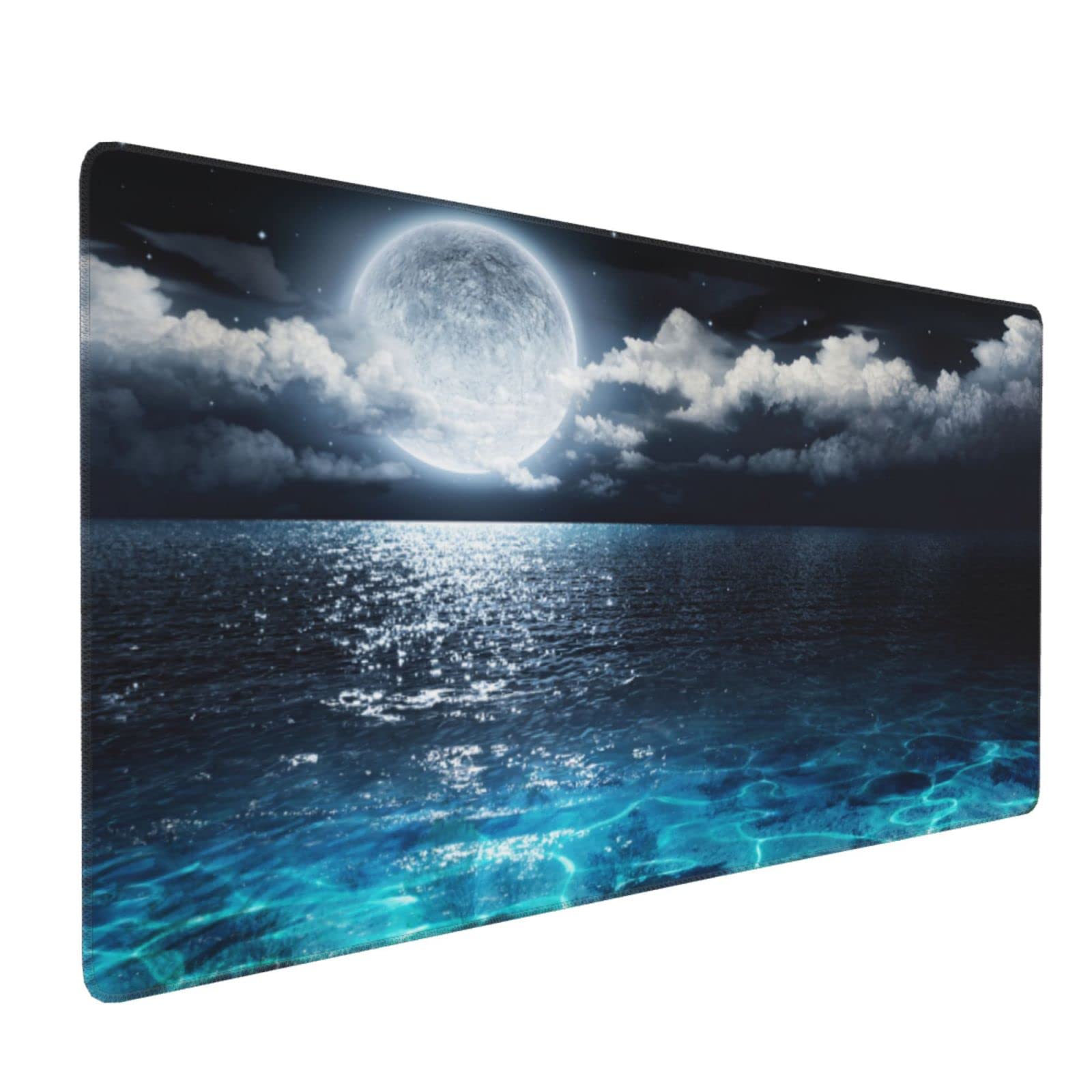
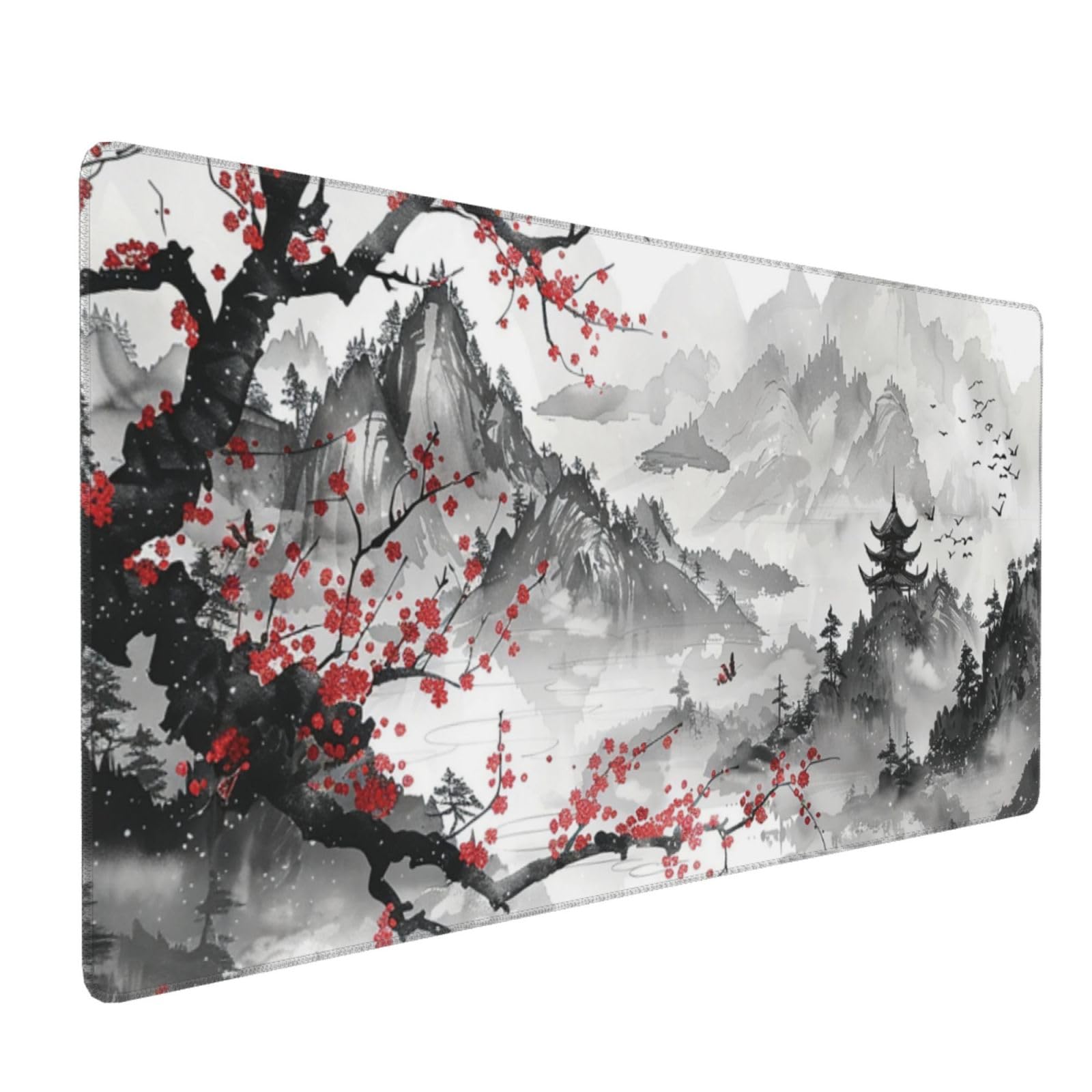
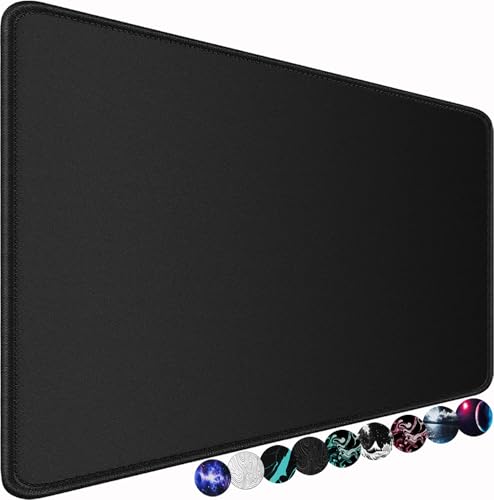
You will learn where big pads beat ergonomic, powered, and compact options, and where they do not. The comparison table below gives you a quick scan of sizes and prices to keep in mind as you read through the types.



How Big Mouse Pads Compare to Other Options
In general, big pads fall into three useful groups. Extended cloth pads cover mouse and keyboard space for around $20 to $40 and favor comfort and control. Hard and hybrid pads cost around $30 to $60 and favor speed and easy cleaning. Powered pads with lighting or charging cost around $50 to $120 and add desk features at the price of a cable and a thicker edge. The sections below compare those choices with the main alternatives.
Big Mouse Pads vs Ergonomic Models
Ergonomic pads are usually small and add a raised wrist rest that supports one fixed hand position. That helps some office users, but it can limit the long mouse sweeps that low sensitivity gaming needs, and the rest can press on the wrist during fast play. A big flat pad supports your whole forearm path and lets your wrist change position freely, which most gamers prefer. If wrist pain is your main concern, a big pad with a thicker cushioned base plus better chair and desk height will usually help more than a small rest, and persistent pain deserves advice from a clinician.
Big Mouse Pads vs Wireless Models
Some pads include a wireless charging area for a mouse or phone, which sounds tidy but adds cost, a power cable, and a firm zone that changes glide near the edge. A plain pad has no electronics, lies fully flat, and gives you one even surface across the whole area. Choose the charging type only if your mouse supports that charging standard and you know you will park it in the same spot daily. Otherwise the plain pad is cheaper, lighter, and easier to replace, and your mouse cable or receiver setup stays exactly as it was.
Big Mouse Pads vs Compact and Travel Models
Compact pads save desk space and pack easily, but they force you to lift and reset the mouse often at low sensitivity, which breaks aim during long turns. A big pad removes that reset almost entirely and also quiets keyboard noise by placing the board on the same soft surface. The trade off is portability and desk room, since an extended pad can cover most of a small desk and leave no space for drinks or notebooks. If you game at several locations, keep a compact pad in your bag and let the big pad live at your main desk.
Who Should Choose Big Mouse Pads?
Big pads suit players who use low or medium sensitivity, play shooters or strategy games that demand long sweeps, or simply want one clean surface under both keyboard and mouse. They also suit people whose current pad edges catch the mouse cable or whose pad slides during play. They are a weaker choice for very small desks, for players who use only high sensitivity with tiny hand movements, and for anyone who often games away from home. Measure first, because a pad that hangs over the desk edge will curl, slide, and annoy you more than a smaller pad ever would. If you are also sizing a mouse for a larger hand, our guide to the best big mouse for gaming covers grip and hand fit.
How to Choose the Right Big Mouse Pad
Measuring for Size and Portability
Measure the clear width and depth of your desk after your monitor stand, keyboard, and speakers are in place, not the full desk size on a product listing. Common extended pads run about 800 to 900 mm wide and 300 to 400 mm deep, which covers a full keyboard with room to spare. Leave a small margin at each edge so the pad lies flat and does not curl over the desk lip. For portability, cloth pads roll up well, while hard pads travel poorly and can warp if packed under weight in a hot car.
Features That Matter for Gaming
Surface texture is the core gaming choice. Control cloth has more friction and helps you stop the mouse precisely, which suits tactical shooters. Speed surfaces glide faster and suit tracking heavy games, but they can feel slippery until you adapt. Stitched edges resist fraying and feel softer on your forearm than cut edges. A rubber base that grips the desk matters more than most buyers expect, because a pad that creeps forward during play ruins consistency. Thickness around 3 to 4 mm balances cushion and stability for most players.
Wired vs Wireless (2.4GHz, Bluetooth)
For a pad itself, wired means a powered model with lighting or charging that plugs in by USB C, while a plain pad needs no connection at all and has zero effect on latency. Your mouse connection is a separate choice, since a pad does not change how a 2.4GHz receiver or Bluetooth link performs, though a tidy big pad does give cables and receivers a cleaner layout. Do not pay for pad lighting if your desk already has plenty, and check that a powered pad still lies flat near its control box, because a raised corner can catch your mouse during wide sweeps.
Compatibility (PC, Mac, Console)
A plain pad works with every mouse and every system, including PC, Mac, and console setups, because it is only a surface. Optical and laser sensors track well on most cloth and hard pads, though very glossy or clear glass surfaces can trouble some sensors, so try a new material with your own mouse if you can. Powered pads need a free USB port and may need companion software that is not always offered for Mac, which is worth checking before you buy. Readers comparing a pad together with a mouse can see our guide to the best gaming mouse and pad for pairing advice.
Durability and Warranty
Cloth pads wear by fraying at the edges and by developing a slow spot in the center where your mouse travels most, often after a year or two of heavy use. Hard pads resist spills and wipe clean, but their feet and surface coating can wear and change glide over time. Look for stitched edges, a base that does not crack when rolled, and a warranty of at least a year on powered models where the electronics can fail. Keeping a spare low cost cloth pad is a practical habit, since it lets you keep playing while your main pad dries after a wash.
Tips to Get the Most From Your Big Mouse Pad
- Wash a cloth pad gently with mild soap and lukewarm water, then air dry it flat, since heat from a dryer can damage the rubber base.
- Clean your mouse sensor and feet regularly, because dust and worn feet change glide more than most players realize.
- Update mouse firmware through the maker app when offered, and recheck your sensitivity after changing pad surfaces.
- Rotate the pad every few months if your desk allows it, so wear spreads beyond the center patch.
- Keep drinks off the pad, since one spill can leave a sticky zone that ruins tracking until the pad is washed and fully dry.
Big Mouse Pads: Your Questions Answered
What features matter most in big mouse pads for gaming?
Size that fits your desk, surface friction matched to your games, stitched edges, and a gripping rubber base matter most. Those four decide aim consistency and comfort in every session. A point many buyers miss is humidity, since cloth glide changes slightly on damp days and in warm rooms. If your room varies a lot, a hybrid surface keeps a steadier feel across seasons than basic cloth does.
What DPI do I need?
Most players settle between 400 and 1600 DPI and then set sensitivity inside each game, so sensor maximum numbers rarely decide real performance. Lower settings demand longer mouse sweeps, which is exactly where a big pad earns its cost. A useful check is a full 360 degree turn in your main game, since your pad should fit that motion without a lift. If you must lift and reset mid turn, either raise sensitivity a little or choose a wider pad.
Wired or wireless: which is better for gaming?
For mice, modern wireless links perform so closely to wired that comfort and weight usually matter more than the connection type. For pads, the question only applies to powered models, and a plain pad avoids the issue entirely. One practical detail is charging discipline, because a wireless mouse that dies mid match is worse than any tiny latency gain. Keep the receiver close to the pad with a clear path, since distance and metal desk parts can weaken the signal.
Does it work with Mac and console?
Yes, a plain big pad works with Mac and console setups because it needs no drivers or power. Powered pads also work as surfaces on any system, but their lighting controls and charging extras may need software that is built for Windows only. Console players should check desk depth, since many console setups use a television stand with far less flat space than a desk. Our guide to the best mouse for gaming explains sensor and connection fit across systems in more depth.
Are mechanical keyboards worth it?
They can be, but the question matters here mainly because a big pad sits under your keyboard too. A pad under the board softens typing sound, stops the board sliding, and makes the whole desk feel calmer during play. Judge a keyboard on switch feel, size, and whether its width still leaves you enough mouse room on the pad. A wide board plus a big mouse can crowd even an extended pad, so many players choose a compact board layout to protect mouse space.
Our Verdict
Measure your desk, pick your surface for control or speed, and insist on stitched edges and a base that stays put. Those choices matter more than lighting or branding, and the product table above will help you compare sizes and prices on your shortlist. Shooter focused players can go deeper with our guide to the best gaming mouse pad for fps, and anyone who wants maximum space should see our guide to the best large gaming mouse pad. Matched to your desk and sensitivity, the best big mouse pads for gaming give your aim room to breathe and your whole setup a calmer, tidier feel.