
Best Batteries for Xbox Controller: A Complete Guide
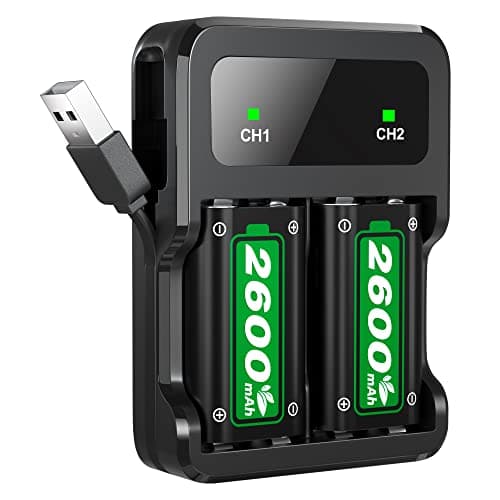
Your Xbox controller dies mid match, and you are stuck deciding between grabbing a fresh set of AA batteries or hunting down a charging cable. That is usually the moment gamers start researching the best batteries for xbox controller setups, because battery choice affects more than just how long you can play. Voltage, chemistry, and charging habits all change how the controller responds, how accurate the low battery warning is, and even how the controller feels in your hands during a long session. Some batteries fade fast under heavy vibration and wireless use, while others hold a steady charge for weeks of casual play. In this guide, you will learn how different battery types affect real playtime, whether a rechargeable pack beats loose AAs for your setup, how battery choice changes the controller's weight and balance, and what each option actually costs once you factor in long term use.



Why Battery Type Changes How Your Xbox Controller Performs
Not all batteries send the same amount of power to your controller, and that difference shows up the moment you start playing. A fresh alkaline or lithium AA delivers roughly 1.5 volts per cell, which is the voltage your controller was designed around. Standard NiMH rechargeable AAs only deliver about 1.2 volts per cell, so your controller receives roughly 20 percent less voltage even when the battery is fully charged. That gap explains why some rechargeable batteries seem to die early or trigger a low battery warning long before they are actually empty.
Alkaline AA: The Familiar Default
Alkaline AAs are what most controllers ship with, and they are the easiest option if you do not want to think about charging schedules. Expect somewhere in the range of 25 to 30 hours of typical play before you need a swap. They are widely available and inexpensive per pair, but every dead set ends up in the trash, which adds up if you play daily.
Lithium AA: Built for Longer Sessions
Lithium AA batteries hold the same 1.5 volt output as alkaline but push it out more consistently as the charge drops. That steadier voltage curve is why lithium cells typically outlast alkaline batteries in wireless controllers, often reaching 35 to 40 hours of play per set. They also handle cold storage and heavy drain from rumble features better than alkaline.
NiMH Rechargeable AA: Why Capacity and Voltage Both Matter
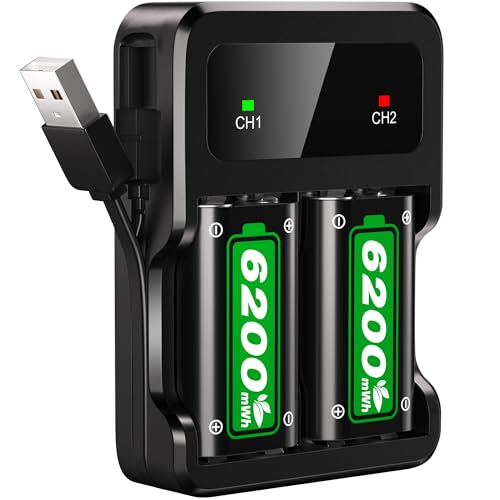
Rechargeable NiMH AAs are appealing because you can reuse them hundreds of times, but the lower 1.2 volt output means your controller is always working with less headroom than it was designed for. Higher capacity cells, generally rated 2,000 mAh or above, help offset that gap and get you closer to alkaline level runtime. Lower capacity or older NiMH cells tend to disappoint, especially after dozens of charge cycles reduce their peak capacity.
AA Batteries or a Rechargeable Battery Pack: Which Fits Your Setup
This is one of the most debated questions among Xbox players, and there is not a single right answer. Choosing between loose AAs and a dedicated rechargeable pack really depends on how you play and how much you want to manage. Both approaches can deliver a good experience once you understand the trade-offs of the best batteries for xbox controller options available.
When a Dedicated Battery Pack Makes Sense
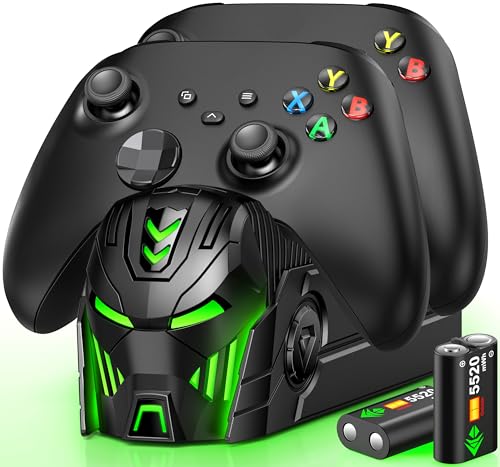
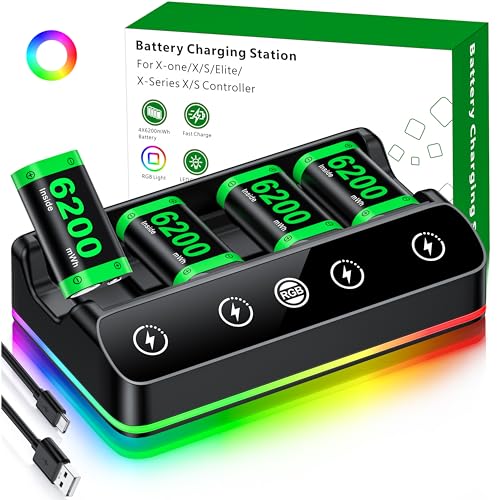
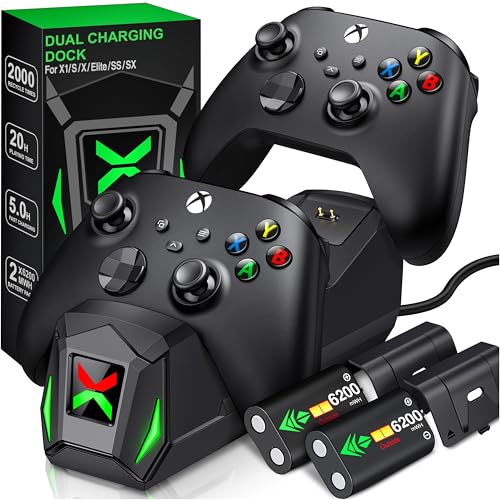
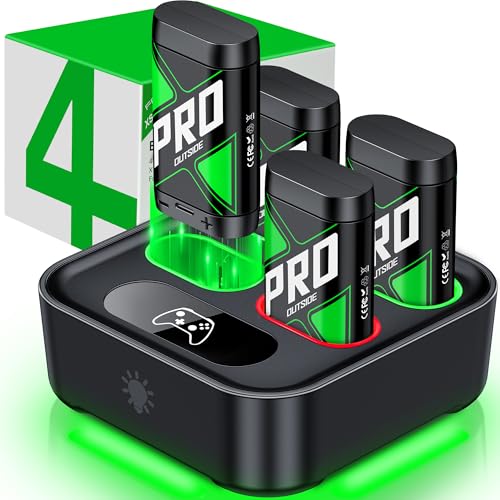
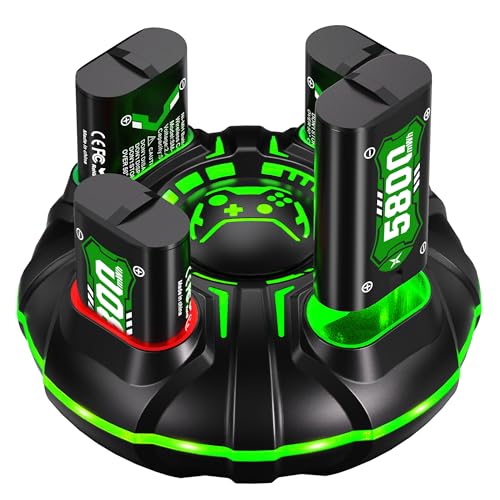
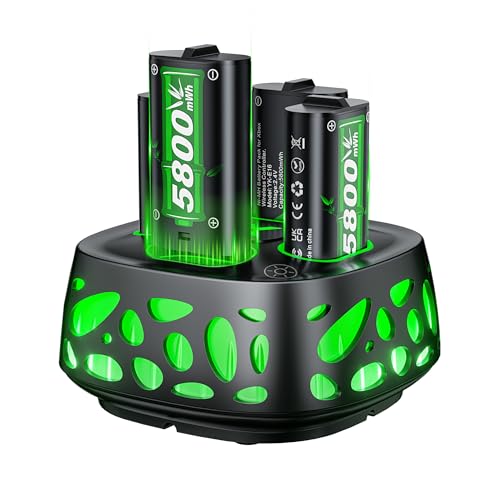
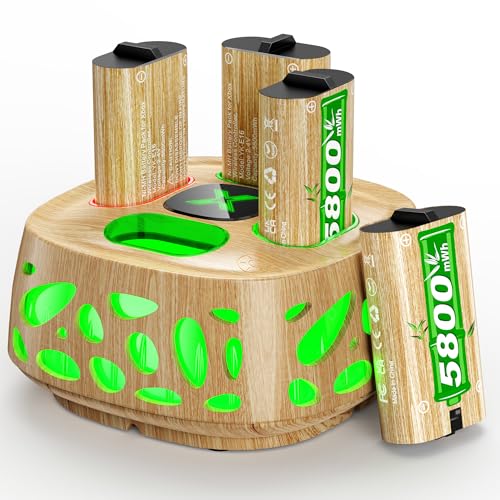
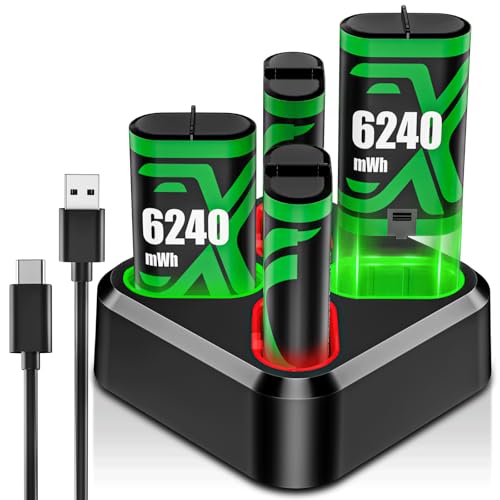
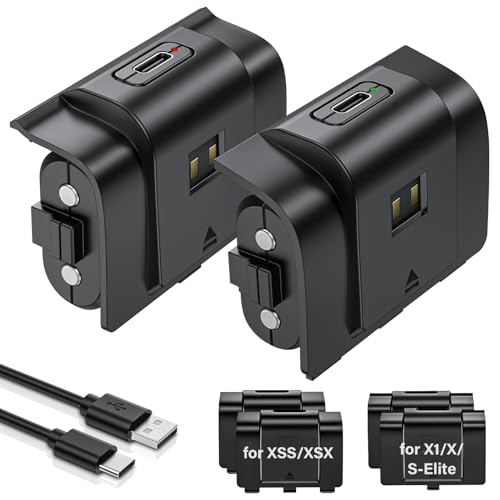
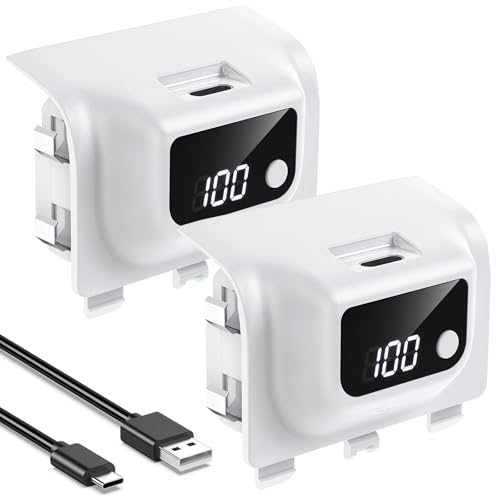
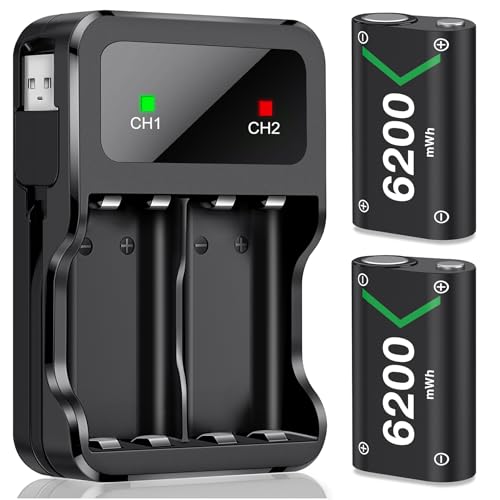
A rechargeable battery pack replaces the AA compartment with a sealed, higher capacity cell you charge through a USB-C cable, often while you keep playing. It is the simplest option if you hate buying batteries and already have a charging hub or dock set up near your console. The trade-off is that once the pack degrades after a couple of years of daily charging, you are replacing the whole unit rather than a cheap set of AAs. If you are already investing in a proper charging setup for your other devices, pairing it with a solid multi-device charging station makes topping off a controller pack far less of a hassle.
When Sticking with AA Batteries Makes More Sense
If you game in short bursts, travel with your controller, or simply do not want to plan around a charging cable, AA batteries win on flexibility. Keep a second set charged and ready, and you never have to pause a session to plug in. This rotation approach is also the more budget-friendly path if you already own a basic AA charger from another device.
Getting the Most Runtime Out of Any Battery Choice
Battery type is only part of the equation. How you use the controller changes runtime just as much as which cells you choose.
- Lower the controller's vibration intensity in the Xbox accessories app, since rumble motors are one of the biggest power draws.
- Turn the controller off instead of leaving it idle and connected, because standby mode still sips power.
- Store spare batteries at room temperature, since heat and cold both shorten shelf life and reduce capacity.
- Rotate two sets of rechargeables so one is always charged and ready, which matters most during long weekend sessions where you would rather settle into a comfortable gaming chair than pause to swap batteries.
Does Battery Choice Affect How the Controller Feels in Your Hands
Battery choice does not just affect runtime, it changes the controller's weight and balance too. Two AA batteries add a noticeable amount of heft to the back of the controller, which some players like because it feels more substantial and stable during fast inputs. A rechargeable pack is usually lighter than two AAs, which shifts the controller's balance slightly forward and can reduce strain during marathon sessions.
If you already deal with hand or wrist fatigue during long play sessions, battery weight is worth testing before you commit to one option long term. The same logic applies to other gear that sits in your hands for hours, which is why players who care about ergonomics often pay just as much attention to picking a well balanced gaming mouse as they do to their controller's battery setup.
Long-Term Cost and Waste: What Each Option Really Costs You
Sticker price is not the full story here. Disposable batteries look cheap per pack, but the cost compounds if you play daily, since a heavy user can burn through dozens of AAs a year. Rechargeable AAs or a dedicated pack cost more upfront, but that cost gets spread across hundreds of charge cycles, which usually makes them cheaper over a year or two of regular use.
There is also the waste factor. Alkaline batteries are not rechargeable, so frequent players generate a steady stream of dead cells that need proper disposal or recycling. If you are already trying to cut down on single use batteries across your setup, the same thinking applies to other always-on gaming accessories, like choosing rechargeable gaming headphones instead of battery powered ones. Weighing all of this together is really what finding the best batteries for xbox controller setup comes down to for most players.
Frequently Asked Questions
What batteries does an Xbox controller use?
Xbox wireless controllers use two standard AA batteries by default, though you can swap in a rechargeable battery pack instead. Both options fit the same compartment, so switching between them is simple. Many players consider AA lithium or NiMH cells among the best batteries for xbox controller use because they balance runtime and reusability.
How long do Xbox controller batteries last?
Runtime depends on the battery type and how you play. Alkaline AAs typically last 25 to 30 hours, lithium AAs often reach 35 to 40 hours, and NiMH rechargeables land somewhere in between depending on their capacity rating.
Can you use rechargeable batteries in an Xbox controller?
Yes. Rechargeable NiMH or lithium AA batteries both work in the standard AA compartment, and a dedicated rechargeable battery pack is also compatible. Just keep in mind that lower voltage NiMH cells may trigger the low battery warning earlier than alkaline or lithium.
Why do rechargeable batteries drain faster in an Xbox controller?
Standard NiMH rechargeables output about 1.2 volts per cell instead of the 1.5 volts your controller expects from alkaline or lithium. That lower voltage means less usable capacity before the controller reads the battery as low, even if the cell technically still has charge left.
Is a rechargeable battery pack worth it for an Xbox controller?
It depends on your habits. If you already keep a charging cable nearby and dislike buying batteries, a pack pays for itself over time. If you travel often or prefer not to plan around charging, AA batteries are usually more convenient.
How many AA batteries does an Xbox controller need?
Xbox wireless controllers use two AA batteries at a time. Keeping a spare set of two charged and ready lets you swap instantly instead of waiting for a battery pack to recharge.
Do batteries affect how heavy an Xbox controller feels?
Yes. Two AA batteries add noticeable weight to the back of the controller compared to a lighter rechargeable pack. Some players prefer the added heft for stability, while others find a lighter setup more comfortable during long sessions.
Making the Right Call for Your Gaming Setup
There is no universal winner between AA batteries and a rechargeable pack, only what fits how often you play and how much upkeep you want to deal with. Casual players who game in short bursts usually do fine with a rotating set of lithium or NiMH AAs, while daily players often find a rechargeable pack saves money and hassle over the long run. Test a couple of options if you can, since comfort and runtime both come down to personal preference as much as specs.