
Best Asus Gaming Mouse: ROG and TUF Compared for 2026
Disclosure: We may earn a commission when you buy through links on this page, at no extra cost to you. As an Amazon Associate I earn from qualifying purchases. Learn more

Pick the best Asus gaming mouse by grip, weight, wireless and budget, with a clear look at ROG and TUF Gaming models and what each price tier delivers.
Choosing the best Asus gaming mouse comes down to grip, weight, connection and budget. Asus sells two main lines, the premium ROG range for competitive players and the more affordable TUF Gaming range for everyday gaming, so the right pick depends on how you play and how much you want to spend. This guide explains what each price level delivers, which specs matter, and how to match a mouse to your hand. Compare current models in the product table as you read.
A mouse is the part of a setup you touch every second, so comfort and weight often matter more than a high headline sensor number.

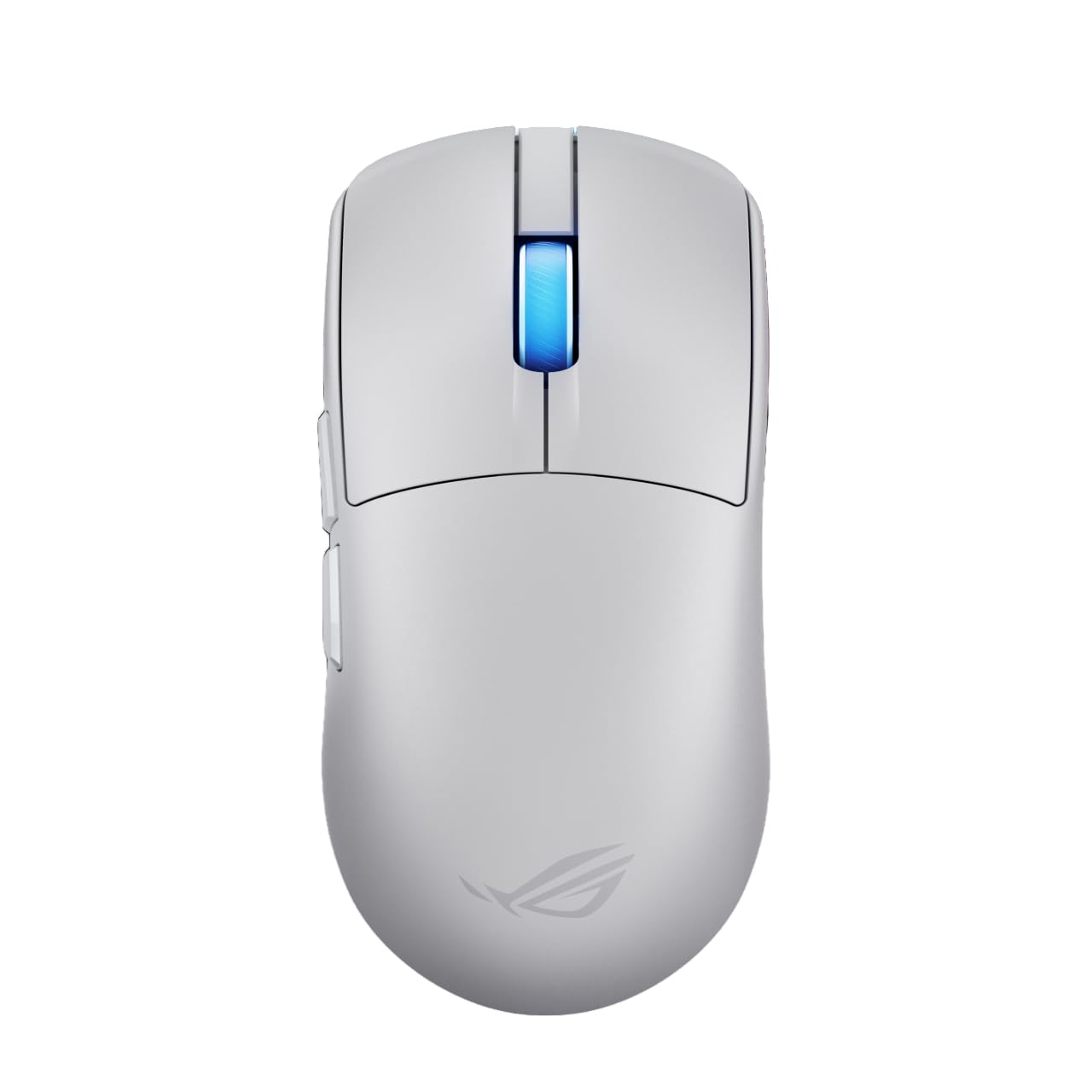


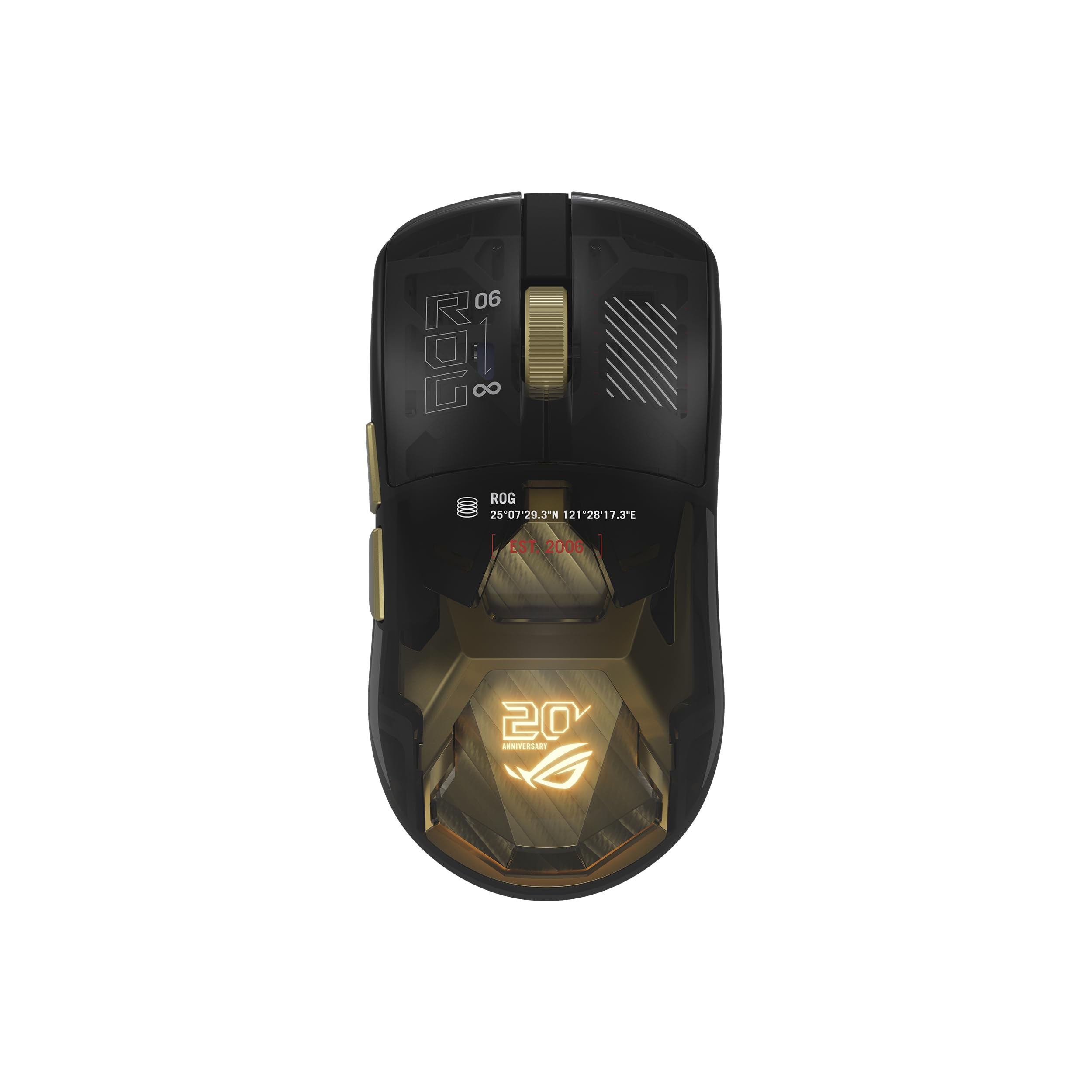

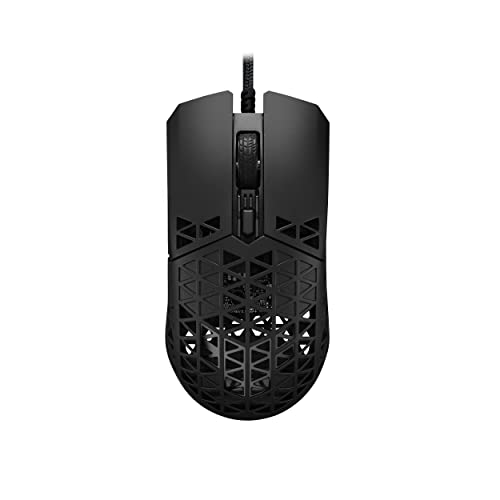

Asus Gaming Mouse Lines Compared
ROG Mice for Competitive Play
Republic of Gamers mice use lightweight shells, fast wireless connections and swappable switches on many models. They are tuned for shooters and esports, with sensors that track precisely at very high speeds and low click latency. They cost more, but the build and customization show.
TUF Gaming Mice for Value
TUF Gaming mice focus on durability and fair prices. You get reliable sensors, solid buttons and dependable battery life, with fewer premium extras. They suit casual and mid level players and anyone who wants a dependable mouse without a high price.
MMO and Multi Button Designs
If you play MMO or MOBA games, look for a model with a thumb button grid or extra programmable buttons. These let you bind spells and macros to your thumb, which is hard to match on a standard mouse.
What Your Money Gets You
Budget Tier: Under $60
Budget Asus mice use dependable sensors, simple shells and basic software. They are a good step up from office mice, and many offer wireless connections. Expect fewer buttons and a heavier shell than premium models.
Midrange Tier: About $60 to $130
Midrange models add lighter weight, tri mode wireless (wired, 2.4 GHz and Bluetooth), better switches and customizable lighting. For most players this tier delivers the best mix of performance and price.
Premium Tier: $130 and Up
Premium models offer ultralight builds, advanced sensors, quick charging and replaceable switches. If you play competitively for many hours a week, the lighter weight and improved response can be worth the cost.
Key Features to Compare
Weight and Shape
Lightweight mice, around 55 to 65 grams, reduce fatigue and make quick flicks easier. Heavier mice feel stable for slower, precise aim. Choose a shape that fits your grip: palm, claw or fingertip. Ambidextrous shapes suit left handed players, while right handed ergonomic shapes support the hand more.
Sensor and DPI
Modern sensors track accurately at thousands of DPI, and most players use 800 to 1600 DPI in game. A higher maximum DPI is not a reason to buy, so look for a sensor with consistent tracking and no smoothing.
Wireless or Wired
Modern wireless mice match wired models for latency, and add freedom from cable drag. Tri mode connections let you switch between a desktop, a laptop and a tablet. Check battery life, since a mouse that lasts weeks between charges is easier to live with.
Switches and Buttons
Mechanical switches give a crisp click, and optical switches resist double clicking over time. Some Asus mice let you swap switches without soldering. Side buttons should be easy to reach without accidental presses.
Software and Lighting
Asus software lets you remap buttons, set DPI steps and save profiles on the mouse. Lighting is optional, and turning it down can extend battery life. For a bigger comparison, see our guide to the best Asus ROG gaming mouse.
Pairing Your Mouse
A mouse performs best on a smooth, consistent surface. A large cloth pad gives control, and a glass or hard pad suits low friction play. See our guides to the best gaming mouse mat and the best gaming mouse and pad combinations. If you are building a full setup, our guide to the best gaming monitors completes the picture.
Common Mistakes to Avoid
- Choosing the lightest mouse without checking whether the shape fits your hand.
- Paying for a very high DPI figure that you will never use.
- Ignoring battery life, which matters for wireless mice.
- Using a worn or dirty mouse pad that spoils tracking.
- Skipping the return policy, since grip comfort is personal.
Care and Setup
Update the firmware and software, then set a DPI you can control. Wipe the mouse with a soft cloth and clean the sensor lens gently with a dry swab. Replace the feet when they wear, because worn feet make the mouse scratchy and change how it glides.
Choosing the Best Asus Gaming Mouse for Your Games
Different games reward different mice. Fast shooters reward lightweight shells, quick flicks and reliable wireless, so an ultralight ROG model suits them well. Strategy and MMO players value extra buttons and comfort for long sessions, so a thumb grid or a heavier ergonomic shape may help more than raw speed.
Think about your desk too. If you move between a desktop and a laptop, a tri mode mouse that pairs with several devices removes the need for a second one. If you play with a very low sensitivity and wide arm swipes, a larger mouse pad and smooth feet matter as much as the sensor.
Set a realistic budget. A midrange TUF Gaming mouse is more than enough for most players, and spending on a premium model only makes sense when you play often and feel the difference in weight or latency. Read the product table with your game, grip and budget in mind, and pick the best Asus gaming mouse that feels natural in your hand during a quick test swipe at home.
Finally, keep the return window in mind. Grip comfort is personal, and a mouse that looks perfect online can feel small or large once you hold it.
Quick Buyer Checklist
Run through this list before you order.
- Does the shape and weight suit your grip style?
- Is the connection wired, 2.4 GHz or Bluetooth, and does battery life last weeks?
- Are the side buttons easy to reach without accidental presses?
- Is the mouse pad smooth and large enough for your sensitivity?
Frequently Asked Questions
Is ROG better than TUF?
ROG offers lighter builds, faster wireless and more customization. TUF gives solid performance at lower prices, and many players are happy with it.
What DPI should I use for gaming?
Most players settle between 800 and 1600 DPI. Pick what lets you aim comfortably with your normal arm movement.
Is wireless good enough for competitive play?
Yes. Current 2.4 GHz connections match wired response for nearly everyone. Keep the receiver close to the mouse for best results.
How long does a gaming mouse last?
Four to six years is common. Switches and feet wear first, and some models let you replace them.
What grip style should I choose?
Palm grip suits larger, higher shaped mice, claw grip suits medium shapes, and fingertip grip suits small lightweight mice.
Final Thoughts
Match weight and shape to your grip first, decide between wired and wireless, then choose a tier that fits your budget. Use the product table to compare current models on those points. With that approach, the best Asus gaming mouse for you will feel natural within minutes.


