
Best Apple Mac Laptops 2026: A Smart Buying Guide
Disclosure: We may earn a commission when you buy through links on this page, at no extra cost to you. As an Amazon Associate I earn from qualifying purchases. Learn more

Choose the best apple mac laptops by comparing MacBook Air and Pro sizes, chips, memory, storage and battery for your routine.
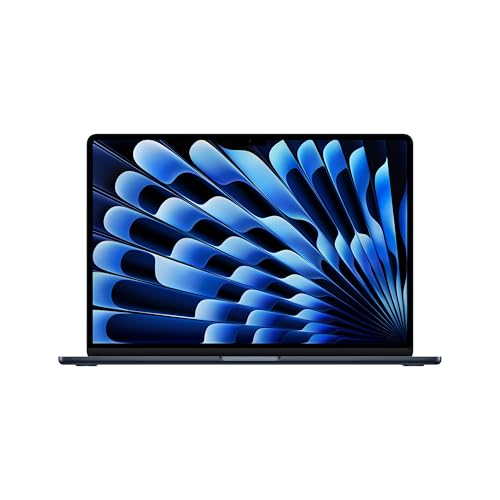
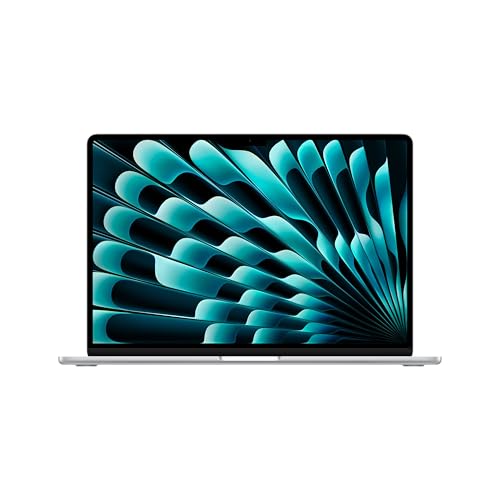
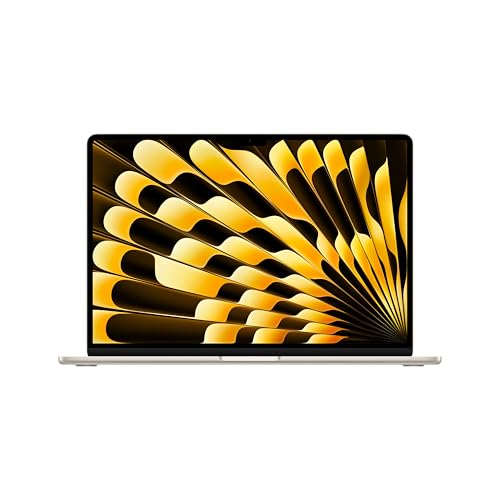
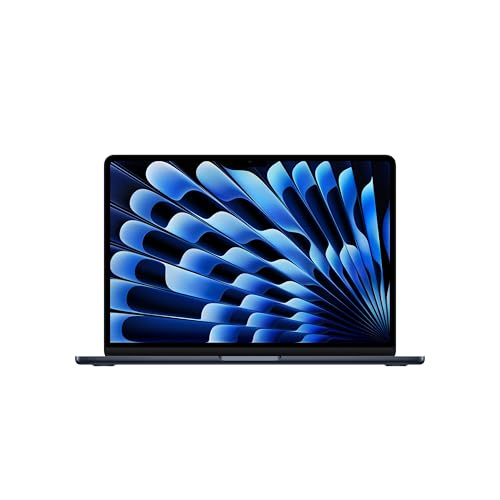
Choosing among the best apple mac laptops is mostly a question of size, chip tier and how much memory and storage you need, because the models look alike but behave differently under load. The range runs from thin, fanless MacBook Air models to MacBook Pro laptops with fans, brighter screens and more ports. This guide explains the differences, and the product table lists current options side by side.
Start with your own use. Writing, browsing and video calls ask little of a laptop, while photo editing, coding with containers and video work ask a great deal.
Who Should Buy a Mac Laptop
Mac laptops suit people who want long battery life, a quiet machine and software that stays supported for many years. They also suit anyone who uses an iPhone or iPad and wants messages, photos and files to move smoothly between devices. They are a weaker choice for people who depend on Windows only software, or who want to upgrade memory or storage later, since neither can be changed after purchase.
For a wider look at the range, see best apple laptops, and for other portable computers see best notebook laptops.
Types of Mac Laptops Compared
MacBook Air
The MacBook Air is the light choice. It uses a base or mid tier chip, runs silent without a fan and lasts a full day of normal work. It suits students, office workers and travelers, and it handles light photo and video editing. Sustained heavy loads, such as long video exports, can slow it down because it has no fan.
MacBook Pro 14 inch
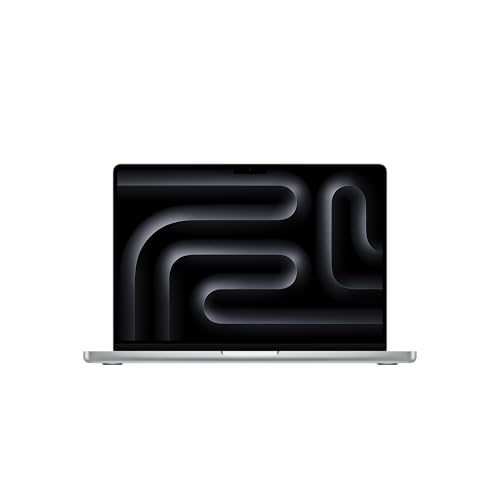
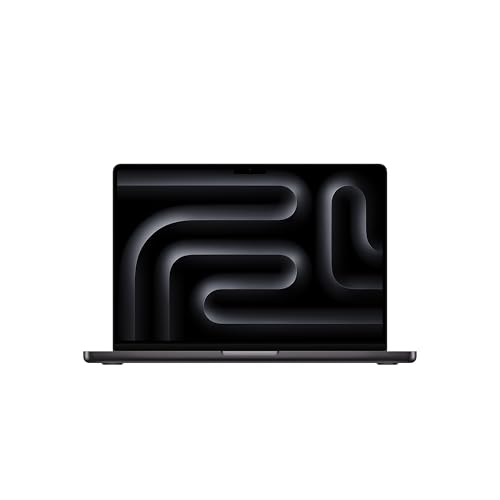
The 14 inch MacBook Pro adds a fan, a brighter screen, more ports and access to higher tier chips and more memory. It suits developers, photographers and video editors who need sustained speed in a portable size. It costs more and weighs more than an Air.
MacBook Pro 16 inch
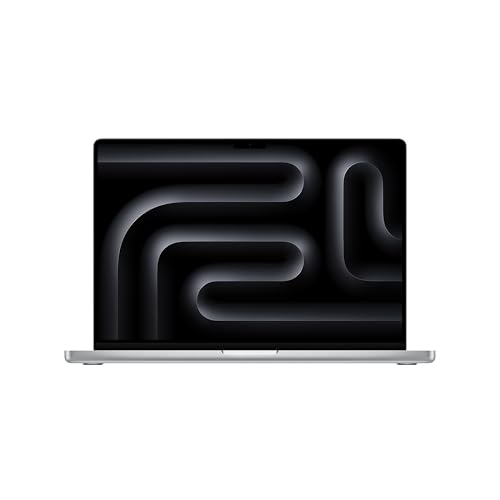
The 16 inch MacBook Pro offers the largest screen, the strongest cooling and the longest battery in the range. It suits editors, designers and engineers who work at a desk for long sessions. It is the heaviest model, so it is less comfortable to carry every day.
Key Features to Compare
Chip and performance tier
Apple sells its chips in tiers, and each step adds cores and memory bandwidth. A base chip is plenty for everyday work. Higher tiers matter when you compile large projects, export long videos or run heavy creative apps for hours.
Memory and storage
Memory is shared by the whole system and cannot be upgraded later. Eight gigabytes is the bare minimum, 16 GB is the comfortable choice for most people, and 24 GB or more suits demanding work. For storage, 256 GB suits light use with cloud storage, while 512 GB or 1 TB is safer for photos, video and development tools.
Screen and size
Screen size sets portability. A 13 or 15 inch Air screen is easy to carry, and 14 and 16 inch Pro screens give more room for editing. Pro screens are brighter and support higher brightness for HDR, which helps creative work near windows.
Ports and battery
Air models have fewer ports, so you may need a hub for a card reader or external display. Pro models add HDMI and a card slot. Battery life is long across the range, often a full workday or more, but it falls under heavy editing or constant video calls.
Budget and Value
Expect to spend about $900 to $2,500 for a solid model, with simpler configurations near the bottom and premium Pro configurations above. Extra memory and storage raise the price quickly, so compare final configured totals, not starting prices. A previous generation model bought new often costs less and still handles study and office work well.
Count the extras as well. A hub, a case, a backup drive and a protection plan can add a few hundred dollars over the life of the laptop.
Setup and Care
Update macOS on the first day, then turn on Time Machine or another backup, and enable FileVault to encrypt your drive. If the laptop lives on a desk, use the charge limit setting where available to protect the battery over the years. Keep vents clear on Pro models and clean the keyboard and screen with a soft cloth.
Carry the laptop in a padded sleeve, keep drinks away from the keyboard, and keep a spare USB C cable in your bag. Back up before every major macOS update.
Which Size to Choose
Screen size changes how a laptop fits your life. A 13 or 15 inch Air is easy to carry to class or a cafe and suits writing and browsing. A 14 inch Pro keeps the weight reasonable while adding a brighter screen and more ports. A 16 inch Pro is better as a desk machine, giving more room for timelines, spreadsheets and code, but it is heavier and costs more.
If you often plug into an external display, the screen size matters less and ports matter more. If you work mostly on the laptop screen, choose the largest size you are willing to carry every day.
Common Mistakes to Avoid
A common mistake is choosing the lowest memory configuration to save money, then running into slowdowns a year later. Another is paying for a high tier chip while keeping small storage, which fills up fast. A third is buying a Pro when a lighter Air would do everything you need.
Buyers also forget ports and adapters, especially with a second monitor or camera cards. Check what you plug in each week before you order.
A Final Check Before You Order
List the apps you use every day, confirm they run on macOS, and count the ports you need. Pick memory and storage with the next three years in mind, check the configured price, and review the return window and warranty. For more models, see best mac laptops.
Frequently Asked Questions
Which Mac laptop is best for most people?
A MacBook Air with 16 GB of memory and at least 256 GB of storage suits most people, covering study, office work, browsing and light creative tasks. Move up to a MacBook Pro only if you edit video, compile large projects or need more ports and a brighter screen.
How much memory do I need in a Mac laptop?
Sixteen gigabytes is the sensible starting point for most buyers. Choose 24 GB or more for video editing, large photo catalogs, virtual machines or big codebases. Memory cannot be added later, so choose with the next few years in mind.
How long does a Mac laptop last?
A Mac laptop commonly lasts five to seven years. The battery usually fades first and can be serviced. Buying enough memory and storage at the start has the biggest effect on how long the laptop stays useful.
Can a Mac laptop run Windows software?
Some Windows apps run through virtualization or compatibility tools, but results vary and some software does not work at all. Check the exact programs you need, or consider a Windows laptop if your work depends on them.
Is a MacBook Air or MacBook Pro better?
Neither is better for everyone. The Air is lighter, quieter and cheaper, while the Pro sustains heavy work longer, has a brighter screen and offers more ports. Choose the Air for portability and everyday work, and the Pro for demanding creative or technical tasks.
Final Thoughts
The best apple mac laptops are the ones that fit your daily work, with enough memory and storage for the next several years. Pick the type first, then the chip tier, then check ports and price. Use the product table above to compare your shortlist before you order.


