
Best Apple Laptops for Programming: A First Time Buyer's Guide for 2026
Disclosure: We may earn a commission when you buy through links on this page, at no extra cost to you. As an Amazon Associate I earn from qualifying purchases. Learn more

Shopping for the best apple laptops for programming for the first time? Learn the terms, compare options, and avoid rookie mistakes with this easy guide.
Buying your first laptop for coding can feel like reading a menu in a language you have not learned yet. Chips, memory, and storage numbers all sound important, and it is hard to tell which ones change your daily work. This guide walks you from the basics to a confident shortlist of the best apple laptops for programming, in plain English and in the order a first time buyer actually needs.
You do not need the most powerful machine to learn or even to work as a developer. You need the right balance of speed, memory, screen comfort, and battery life for the kind of code you write. Keep those four ideas in mind, then use the comparison table below to see how current models divide up.
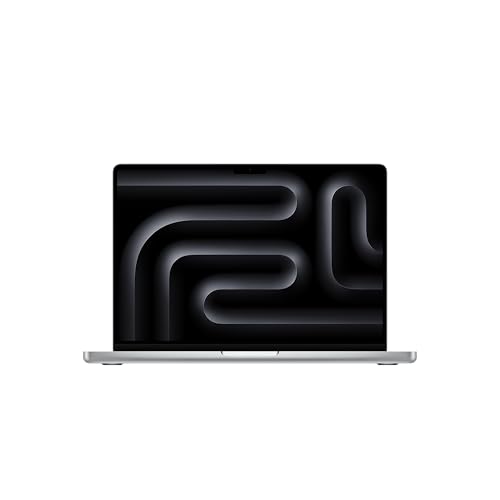
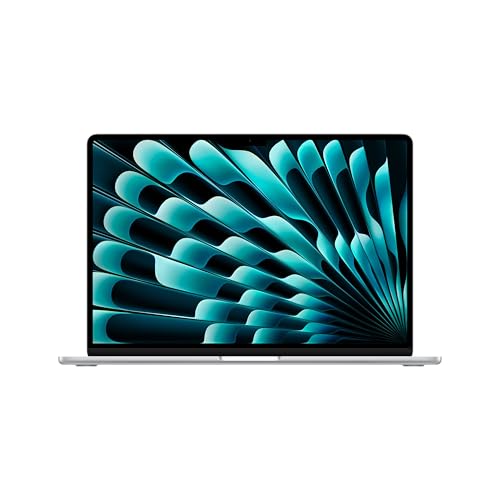
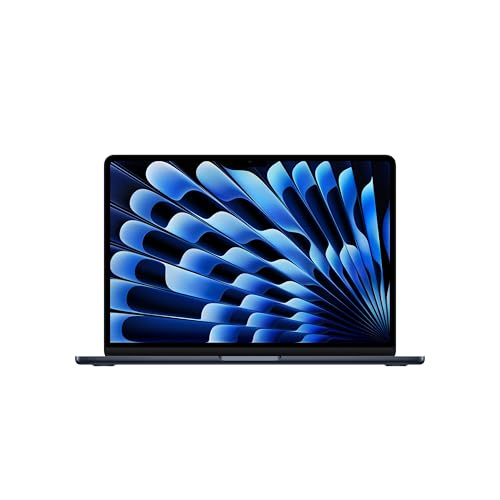
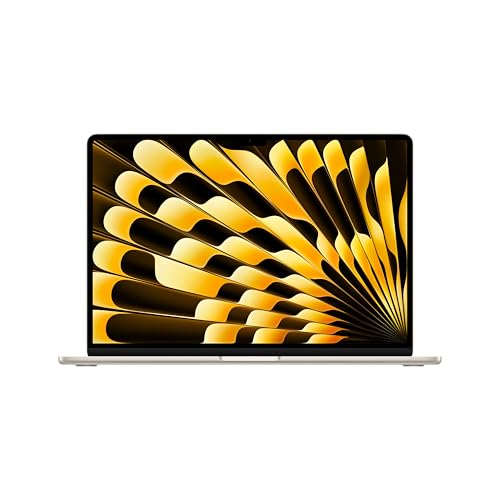
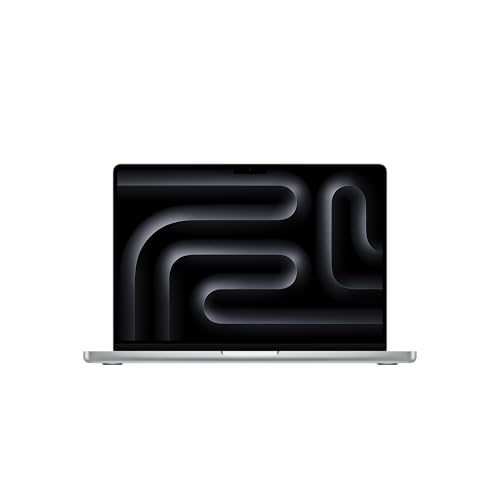
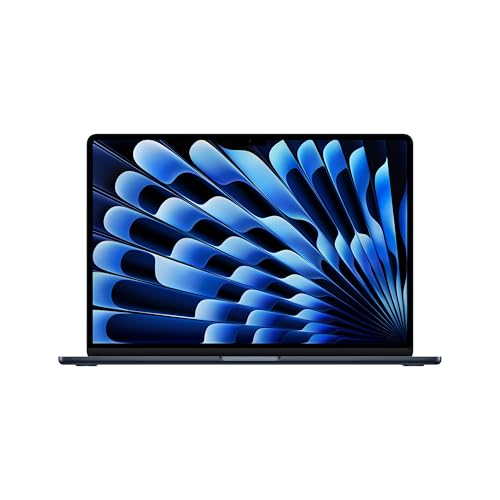
Apple Laptops 101: The Basics
An Apple laptop is a portable computer that runs macOS, the operating system that ships on every Mac. Current models use Apple designed chips that combine the processor, graphics, and memory on one piece of silicon, which is why they feel fast and run cool and quiet. For programming, that matters because your code editor, a local server, a browser, and chat tools all run at the same time, and the chip has to share work among them smoothly.
Two product families cover almost every buyer. The lighter family favors thin design, silent fanless cooling, and long battery life, which suits students and web developers who move around. The pro family adds fans for sustained speed, brighter screens, more ports, and higher memory options, which suits heavier workloads. If you want a wider view of the range before narrowing down, start with our overview of the best apple laptops and then come back to the programming specifics below.
Key Specs Explained in Plain English
Specs look complicated, but each one answers a simple question about how the laptop will feel. The sections below translate the jargon, give you a sensible target for each spec, and explain where paying more stops helping. Read them in order and you will know more than most sales pages assume.
Features That Matter for Programming
Programming rewards a comfortable keyboard, a sharp screen that shows lots of code without eyestrain, and a fast drive that opens projects and dependencies quickly. You also want reliable WiFi, a good webcam for standup calls, and a trackpad that makes long sessions easy. Raw speed matters less than many beginners fear, because most coding tasks wait on you, not the machine. Readers comparing wider categories can also browse our guide to the best laptops for coding and programming to see how Apple options sit beside other platforms.
Processor and Performance Tier
The processor, often called the chip or CPU, does the general computing work: compiling code, running tests, and driving your tools. Apple sells its chips in tiers, and each higher tier adds cores and speed for parallel jobs. The base tier is genuinely enough for web development, scripting, and most app work. Higher tiers pay off when you compile large projects often, run many containers at once, or build native apps where build times add up across a whole day of work.
Graphics (Integrated vs Dedicated GPU)
Graphics hardware draws the screen and accelerates visual tasks. Apple laptops use integrated graphics built into the chip rather than a separate dedicated card, and for programming that is completely fine. Your editor, terminal, and browser do not need gaming class graphics. The exceptions are developers who also do machine learning experiments, game development, or heavy video work. Everyone else can safely spend the graphics budget on memory instead, which helps coding far more.
Ports and Connectivity
Ports decide how easily the laptop fits your desk and your bag. Look for at least two USB C ports so you can charge and connect a drive at the same time, and note whether the model supports an external display at the size you plan to use. Pro models add HDMI and a card slot, which helps if you present often or use a monitor without adapters. WiFi 6E or newer keeps large downloads and video calls stable on modern networks.
RAM and Storage
RAM is short term working memory, and programming eats more of it than most tasks. Browsers, editors, containers, and simulators can push past 8 GB quickly, so treat 16 GB as the sensible minimum and 24 GB or 32 GB as the comfort zone for virtual machines and large projects. Storage holds your system, tools, and code libraries. Choose 512 GB if you can, because development tools and package caches grow fast, and neither RAM nor storage can be upgraded later on these machines.
Battery Life in Real World Use
Advertised battery figures assume light tasks, but coding with a bright screen and several apps open still lasts a full workday on most current models. Expect roughly 10 to 15 hours of mixed use, less during constant compiling or video calls. Fast charging over USB C is a practical bonus: a short break can restore hours of work. If you code in cafes, libraries, or coworking spaces, battery life is worth as much as a small speed upgrade, and slim models here overlap with the best notebook laptops for portability.
Rookie Mistakes to Avoid
Most first time regrets come from a short list of avoidable errors. Check your shortlist against these before you buy.
- Buying 8 GB of memory to save money, then hitting slowdowns within a year as tools grow heavier.
- Paying for the top processor tier while keeping base storage, which fills up with tools and libraries fast.
- Ignoring screen size: a small display is fine for travel but tiring for split screen coding all day.
- Forgetting the cost of a hub, a backup drive, and any paid software your course or job requires.
- Assuming a Windows only course tool runs on macOS without checking first, especially for engineering software.
One more mistake deserves a sentence of its own: skipping comparisons with other platforms entirely. If your budget is tight, glancing at the best non apple laptops helps you confirm that the Apple premium is buying you things you actually value, like battery life and build quality.
Getting Started: Setup and First Use
Your first hour with the new laptop sets up months of smooth work. Update macOS and the built in apps right away, since fresh machines often ship with older software. Install your code editor, a modern browser, and a package manager, then pull down one real project and run it end to end as a smoke test. Turn on FileVault encryption and set up Time Machine backups to an external drive before you write anything you would hate to lose.
A few habits protect the machine itself. Avoid running the battery at full charge around the clock if the laptop lives on a desk; use the charge limit setting where available. Learn the basic keyboard shortcuts for your editor early, because they repay the effort every day. Finally, organize your projects into one folder structure from day one, which makes backups, migrations, and finding old code far easier later.
Frequently Asked Questions
What features matter most in apple laptops for programming?
Memory, screen quality, and keyboard comfort matter most. Sixteen gigabytes of RAM keeps your editor, browser, and local servers running together without slowdowns, and a bright, sharp screen makes long reading sessions easier on your eyes. A useful extra many beginners overlook is fan noise: fanless models stay silent in libraries and meetings, while pro models trade a little noise under load for sustained speed.
Should I buy a laptop or a tablet?
Buy a laptop for programming. Tablets cannot run full development tools comfortably, local servers and containers are limited or missing, and file management for real projects is awkward. A tablet makes a fine second device for reading documentation or watching lectures, but your main coding machine needs a full operating system, a real keyboard, and unrestricted access to terminals and development software.
How much RAM do I need?
Sixteen gigabytes is the right starting point for most programrs. It covers web development, mobile app work with one simulator, and typical data scripts. Step up to 24 GB or 32 GB if you run Docker containers all day, use virtual machines, or work on large codebases with heavy build tools. Because memory cannot be added later, buying one step above your current need is usually money well spent.
How long should an apple laptop last?
Expect five to seven years of useful service. macOS updates arrive for many years, and the hardware generally outlasts the battery, which can be serviced when its capacity fades. Longevity depends heavily on buying enough memory and storage at the start, since those parts are fixed. Developers who choose mid tier configurations with headroom typically replace their machines out of preference, not necessity.
Is a dedicated GPU worth it?
For most programming, no separate graphics hardware is needed, and Apple laptops use integrated graphics anyway. The built in GPU handles multiple displays, interface rendering, and light machine learning tasks well. It becomes a real consideration only for game development, serious GPU computing, or professional video work. If none of those describe you, put the money toward memory, storage, or a good external monitor instead.
Is a Chromebook enough for school programming?
A Chromebook can handle introductory classes that teach in a browser, and it is cheap and simple. It falls short once courses require local development tools, specific desktop software, or offline work, because the environment is restricted and performance is modest. Students in multi year computer science programs are usually better served by a proper laptop. Our broader look at the best computer programming laptops explains where each platform fits by budget.
Final Thoughts
For most readers, the winning formula is simple: a mid tier chip, 16 GB or more of memory, and at least 512 GB of storage, in the screen size that matches how you work. Choose the best apple laptops for programming by that formula rather than by headline speed, and your first machine will still feel right years from now. Compare your finalists in the product table above, check the configured price carefully, and buy with confidence.


