
Best Apple Laptops for Music Production: 2026 Buying Guide
Disclosure: We may earn a commission when you buy through links on this page, at no extra cost to you. As an Amazon Associate I earn from qualifying purchases. Learn more

Choose the best apple laptops for music production by chip tier, memory, storage, ports and quiet cooling for your DAW and plugins.
The best apple laptops for music production run your DAW, plugins and sample libraries without dropouts, stay quiet next to a microphone and have enough ports for your audio gear. Mac laptops are popular with producers because they are stable, widely supported by audio software and efficient on battery. This guide explains what to compare, and the product table lists current options side by side.
Your workload decides how much laptop you need. Sketching beats with a few tracks is easy for any modern chip, while large orchestral sessions or dozens of plugins need more memory and a stronger processor.
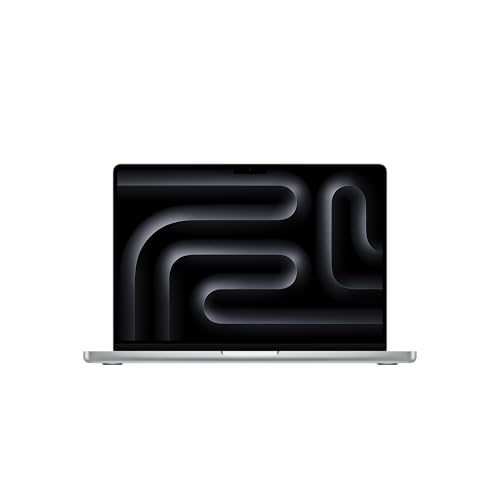
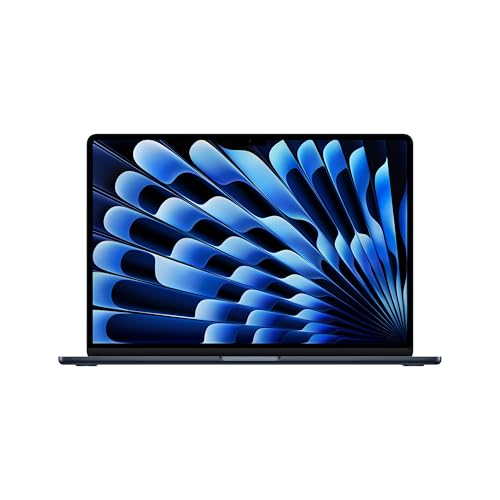
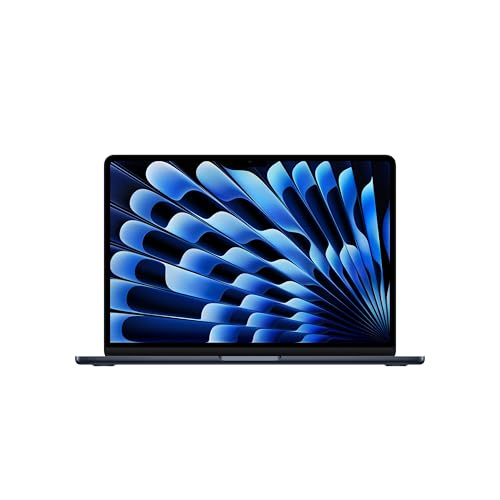
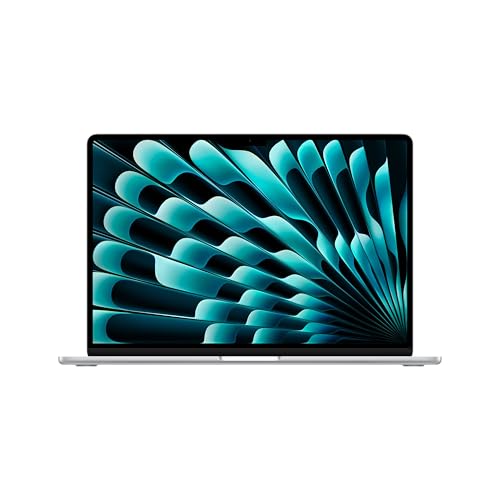
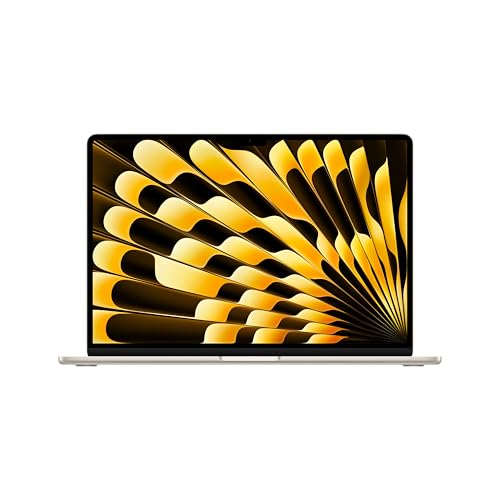
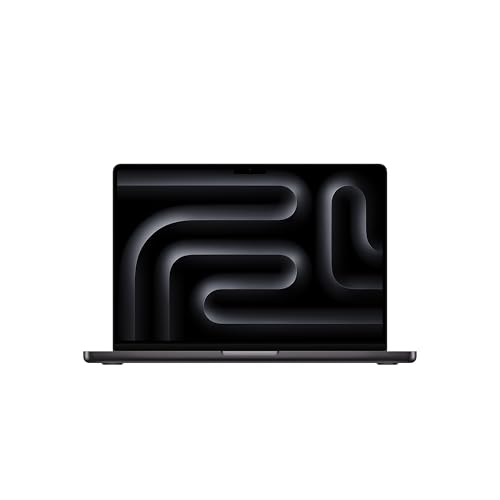
Who Should Buy an Apple Laptop for Music Production
These laptops suit musicians and producers who value reliable audio handling, a quiet machine and a portable studio. They also suit people who already use Logic Pro, Ableton Live or other DAWs that run natively on Apple silicon. If your key software only runs on Windows, check compatibility before you switch.
Producers on a tighter budget can also look at best affordable laptops for music production, and those open to other platforms can compare best windows laptops for music production.
Key Features to Compare
Processor tier and memory
Apple groups its chips into tiers, and each step up adds cores and memory bandwidth. A base chip handles recording and mixing a moderate number of tracks, while higher tiers help with heavy virtual instruments and big sessions. Memory is shared between the system and your instruments, so 16 GB is a sensible floor and 32 GB or more suits large sample libraries. Memory cannot be upgraded later, so buy for the next few years.
Storage size and speed
Sample libraries and session files fill drives fast. A 512 GB drive is workable if you keep libraries on an external drive, but 1 TB or more is easier. Internal SSD speed is strong across the range, so capacity matters more than raw speed.
Quiet cooling
Fan noise ends up on recordings when a microphone sits near the laptop. Models with larger cooling systems stay quiet under load, while the thinnest designs can ramp up fans in long sessions. If you record at your desk, plan to place the laptop away from the microphone.
Ports and audio interfaces
Most audio interfaces connect over USB C or USB A. Count the ports you need for an interface, a MIDI keyboard, a drive and a charger, and budget for a hub or adapters if the laptop has few ports. A laptop that needs many dongles adds friction to every session.
Display and screen size
A larger screen makes arranging and mixing easier because you see more tracks at once. A 14 inch screen balances portability and working space, while a 16 inch screen suits a desk based studio. Check that the display is bright enough for dim studio rooms and readable in daylight.
Matching the Laptop to Your Music
Singer songwriters and podcasters who record a few tracks do well with a base chip, 16 GB of memory and a quiet fanless or lightly cooled design. Beatmakers using many plugins and virtual instruments should look at a mid tier chip with 24 GB or more.
Film composers and producers using large orchestral libraries benefit from the top tiers, 32 GB or more of memory and fast external storage. DJs and live performers should think about battery life, weight and ports, and may prefer a smaller screen. If you also game, see best laptops for gaming and music production.
Setting Up Your Studio
Install your DAW, plugins and audio interface drivers before a deadline, and record a full session with your usual track count to see how the laptop copes. Set the audio buffer size low for recording and higher for mixing, which trades latency against stability. Keep libraries on a fast external drive and back up sessions regularly.
Update audio software in a planned way, not in the middle of a project, because an update can break plugin compatibility. When a setup works well, keep a system backup so you can recover quickly.
Plugins, Latency and Audio Settings
Plugins drive most of the load in a music project. Virtual instruments and amp simulators use a lot of processor power, and each extra effect adds up. A stronger chip lets you run more plugins at a lower buffer size, which means lower latency when you record.
If a session starts to crackle, raise the buffer size, freeze heavy tracks or bounce them to audio. Keep your samples on a fast drive and close other apps while you record. These habits reduce dropouts on any laptop, and a machine with enough memory makes them easier to follow.
Mistakes to Avoid
The most common mistake is buying too little memory or storage for growing sample libraries. Another is buying the cheapest configuration and discovering later that plugins and instruments need more headroom. A third is ignoring ports, then paying for several adapters.
Buyers also update the operating system or plugins during a project and break their setup. Freeze updates while a project is active, and check plugin support before upgrading macOS.
Care and Longevity
Keep vents clear and avoid using the laptop on soft surfaces that block airflow. Use the charge limit options where available if the laptop lives at a desk, and clean the keyboard and screen gently with a soft cloth. A padded sleeve protects the laptop in a bag.
A well chosen laptop should serve music production for five to seven years. Battery health usually fades first, and a battery service can extend useful life.
A Final Check Before You Order
Confirm that your DAW and key plugins support macOS and Apple silicon, then choose memory and storage you will not outgrow. Count the ports your interface and controllers need, and check the return terms so you can record a real session in the first weeks. For more options, see best pc laptops for music production and best mac laptops for music production.
Frequently Asked Questions
How much memory do music producers need?
Memory needs grow with track count, virtual instruments and sample libraries. 16 GB suits many producers, and 32 GB or more suits large orchestral libraries or many plugins. Memory cannot be upgraded later on these laptops, so choose with headroom.
Is an apple laptop good for music production?
Yes, for many producers, thanks to stable audio handling and wide DAW support. The right choice still depends on your software, plugins and interface. Check that every tool you rely on runs well on the model you choose.
Do I need an external audio interface?
For serious recording, yes. An interface improves sound quality, lowers latency and adds proper inputs for microphones and instruments. Built in audio suits sketching ideas, but not final recording quality.
How much storage should I plan for?
Plan for your DAW, sample libraries and session files, plus room to grow. Fast external storage can hold libraries, but internal storage should cover active projects comfortably.
Can I produce music on a laptop alone?
Yes, for writing and arranging, especially with headphones and virtual instruments. For recording vocals or instruments well, add an interface, a microphone and a quiet room. A laptop is the hub, not the whole studio.
Final Thoughts
Choosing the best apple laptops for music production comes down to memory, storage, quiet cooling and the ports your gear needs. Match the chip tier to your session size and buy headroom for libraries. Use the product table above to compare your shortlist, and pick the laptop that keeps your sessions smooth.


