
Best Apple Laptops for Gaming of 2026: Complete Buying Guide
Disclosure: We may earn a commission when you buy through links on this page, at no extra cost to you. As an Amazon Associate I earn from qualifying purchases. Learn more

Choose the best apple laptops for gaming by game support, Apple silicon tier, cooling, memory and storage.
If you are shopping for best apple laptops for gaming, this guide will help you compare options clearly and choose with confidence. It explains the features that matter, the types available, and the mistakes to avoid, in plain terms without jargon.
The comparison table below gives a quick overview of the main types. The sections that follow explain fit, features, and care in detail, so you can narrow your shortlist and judge the final choice by how it performs in real use.
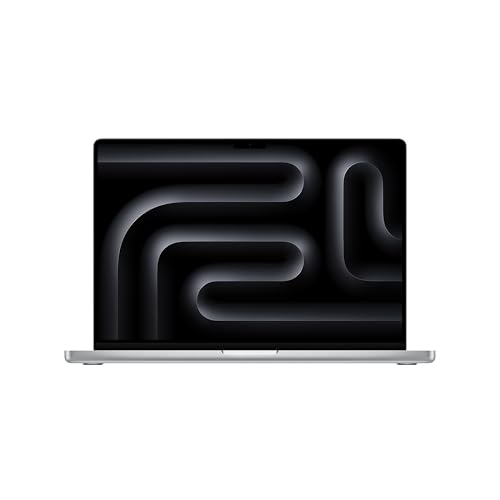


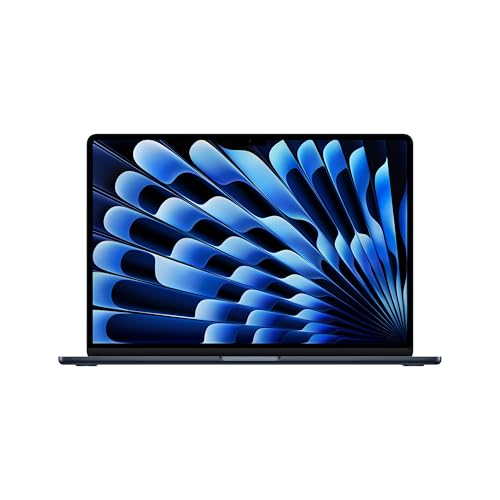
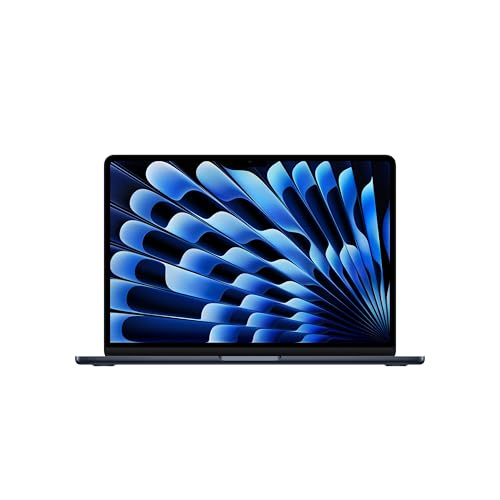
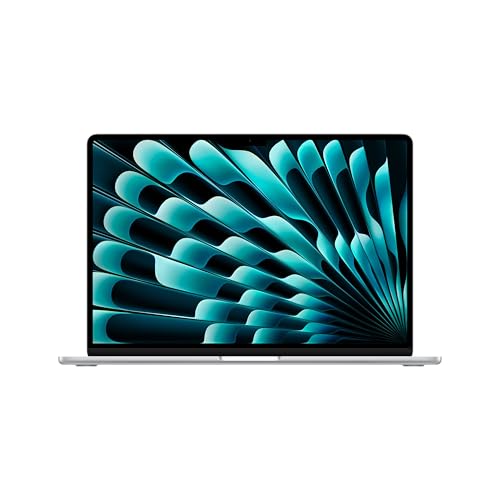
Who Should Buy This
Apple laptops for gaming suit players who already use Apple devices and want one laptop for work, study, and games that run well on Apple silicon. They work for Apple Arcade titles, many indie games, and a growing number of major releases built for Mac. They suit casual and mid level gamers, and creators who also game. They are a weaker fit for competitive players who need the widest game library and the highest frame rates, where a Windows gaming laptop still leads.
Key Features to Compare
When comparing best apple laptops for gaming, focus on the features below before looking at price. Each feature affects daily comfort, performance, or running costs, and the right balance depends on how you will use the product most.
Apple silicon and game performance
Apple silicon combines processor and graphics in one chip, giving strong efficiency and good performance in supported games. Performance depends heavily on whether a game is optimized for Apple silicon or runs through translation. Check benchmarks for the specific games you play, not just general chip comparisons. A higher tier chip with more graphics cores and memory helps larger games, but it cannot fix a poorly optimized port.
Game library and compatibility
Game library is the biggest limitation for Apple gaming. Many major titles launch on Windows first, and some never reach Mac. Check each game you want on the Mac store or the developer site before buying a laptop for it. Cloud gaming services can fill gaps, but they need a fast stable connection.
If your favorite games are Windows only, a Windows laptop or a console may serve you better.
Thermals and sustained play
Thin Apple laptops stay quiet, but sustained gaming generates heat that can reduce performance over long sessions. Larger models with better cooling sustain higher performance longer. Use the laptop on a hard surface, keep vents clear, and expect fans to spin up during demanding games. If you play for hours, a laptop stand that improves airflow helps comfort and consistency.
Display, memory, and storage
A bright, color accurate display makes games look better and also helps creative work. Memory matters for larger games and multitasking: choose more memory if you keep many apps open while gaming. Storage fills fast with modern games, so choose a larger drive or plan for external storage. Check port options for external displays and controllers, since a second screen and a controller improve many games.
Types Compared
The main types of best apple laptops for gaming suit different routines and budgets. Understanding the differences helps you avoid paying for features you will not use, or missing a feature you need every day.
Apple laptops for casual gaming
Casual gaming laptops suit Apple Arcade, indie titles, and older games at comfortable settings. They usually use a base Apple silicon chip with modest memory. They are quiet, portable, and excellent for work and study. Choose this level when gaming is a secondary use and your favorite titles are light.
Apple laptops for mid level gaming
Mid level gaming laptops use a higher tier Apple silicon chip with more memory and graphics cores. They handle larger supported titles at higher settings and sustain performance longer. They cost more and weigh slightly more, but they cover a wider game range. Choose this level when gaming is a regular hobby alongside work.
Apple laptops for demanding games and creation
Demanding gaming and creation laptops use the strongest Apple silicon, with maximum memory and storage. They suit large supported titles, video editing, and 3D work in one machine. They are the most expensive Apple laptops, and still cannot run Windows only games natively. Choose this level when one machine must do everything well, except Windows only gaming.
What Your Money Gets You
Apple laptops for gaming usually cost about $1,000 to $2,500, with base models near the lower end and higher tier chips, memory, and storage pushing prices up. Budget for a controller, and possibly an external display or storage, since internal upgrades after purchase are limited or impossible. A pricier model mainly buys graphics performance, memory, and storage, which help larger games and creative work. Check game compatibility before spending more, since a faster chip cannot add missing games to the library.
If Windows games dominate your list, a Windows gaming laptop offers better value.
Care and Warning Signs
Care keeps an Apple laptop performing well. Keep software updated, since updates improve game compatibility and performance. Keep vents clear and avoid gaming on soft bedding that blocks airflow. Back up saves and important files, and leave storage free, since a full drive slows performance.
Clean the screen and keyboard gently, and use a sleeve for travel. If a game runs poorly after an update, check the developer notes before changing settings, since patches often fix performance issues.
Common Buying Mistakes
The most common mistake is buying a Mac for games that never ran on macOS. Check every game you care about before you order, because a faster chip cannot add missing titles. Another mistake is buying the lowest memory configuration, which cannot be upgraded later and limits larger games.
Buyers also forget storage, since modern games take tens of gigabytes each, and they overlook the cost of a controller or external display. Finally, remember that thin models throttle under long sessions, so a larger model suits players who game for hours.
Before You Order
Confirm that your main games support macOS, choose memory and storage you will not outgrow, and check ports for a second display and a controller. Compare total cost including accessories, and check the return terms so you can try your games in the first weeks.
Related Guides to Compare
If Windows games are your priority, see best quality gaming laptops and best inexpensive gaming laptops. For a wider view of Apple models, see best apple laptops, and for general computers see best gaming computers laptops and best notebook laptops.
Frequently Asked Questions
Can you game seriously on an Apple laptop?
Yes, for supported games. Apple silicon delivers strong performance and efficiency in optimized titles, and many indie and major games now run well on Mac. The library is smaller than Windows, and competitive titles are less well served. Serious gaming on Mac works best when your favorite games are available and optimized for Apple silicon.
Do all Windows games run on Mac?
No. Many Windows games never release a Mac version, and translation layers do not support every title. Check each game individually before buying a Mac for gaming. Cloud gaming can help for some titles, but it needs a fast stable connection and a subscription.
If your library is mostly Windows only, a Windows laptop is the safer choice.
How much memory do I need for gaming on a Mac?
More memory helps larger games and multitasking. A base configuration suits casual games, while mid and large games benefit from more memory. Since memory cannot be upgraded later on most Apple laptops, choose more than you need today if you plan to keep the laptop for years. Storage matters too, since modern games are large.
Do Apple laptops overheat during gaming?
They can grow warm during demanding games, especially thin models, but they are designed to manage heat by reducing performance if needed. Larger models sustain performance better. Use a hard surface, keep vents clear, and use a stand for long sessions. Persistent overheating or shutdowns suggest a fault worth checking.
Is cloud gaming a good option on a Mac?
Yes, when your internet connection is fast and stable. Cloud gaming lets you play Windows titles without a native Mac version, using a browser or app. Latency and video quality depend on connection quality, so competitive fast paced games suffer most. Test a free trial on your connection before committing to a subscription.
Final Thoughts
Choosing best apple laptops for gaming well comes down to fit, features, and total cost, not to the most expensive model or the longest feature list. Use the product table above to compare types, then judge your shortlist by how it feels and performs in your normal routine. Take your time, check the details that matter for your use, and choose the option you will be happy to use every day.


