
Best Android Tablets under 400: A Buyer Checklist for 2026
Disclosure: We may earn a commission when you buy through links on this page, at no extra cost to you. As an Amazon Associate I earn from qualifying purchases. Learn more

A checklist for the best android tablets under 400: displays, chips, RAM, battery life, and updates for school, work, and play.
A long spec list tells you very little about how a tablet will feel after a month of classes, shifts, or family use. This guide gives you a clear checklist for judging the best android tablets under 400 on the things that shape daily use, from screen comfort to update support. Read the criteria first, then use the comparison table below to see which models match the profile you need.
Set your main job before you shop. A tablet for reading and video needs a different screen and battery balance than one for note taking, light office work, or games, and that choice drives every later decision.

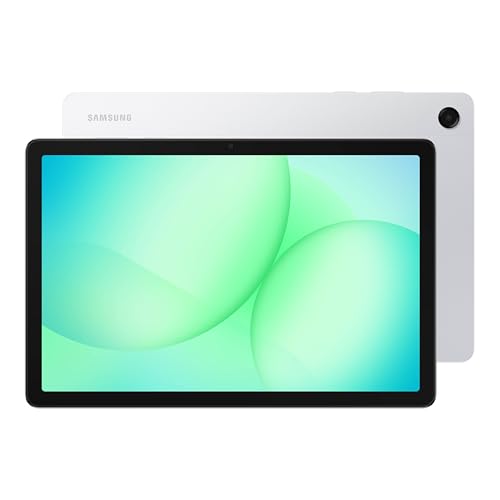
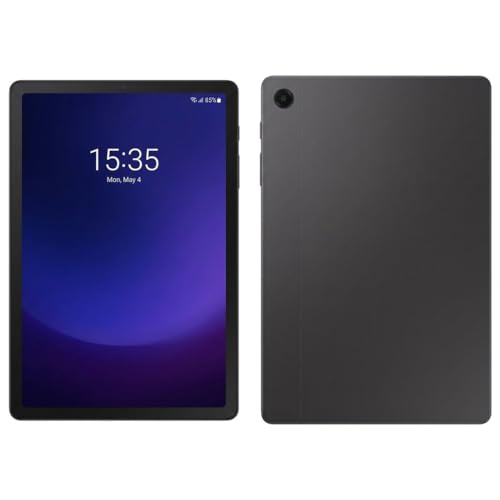
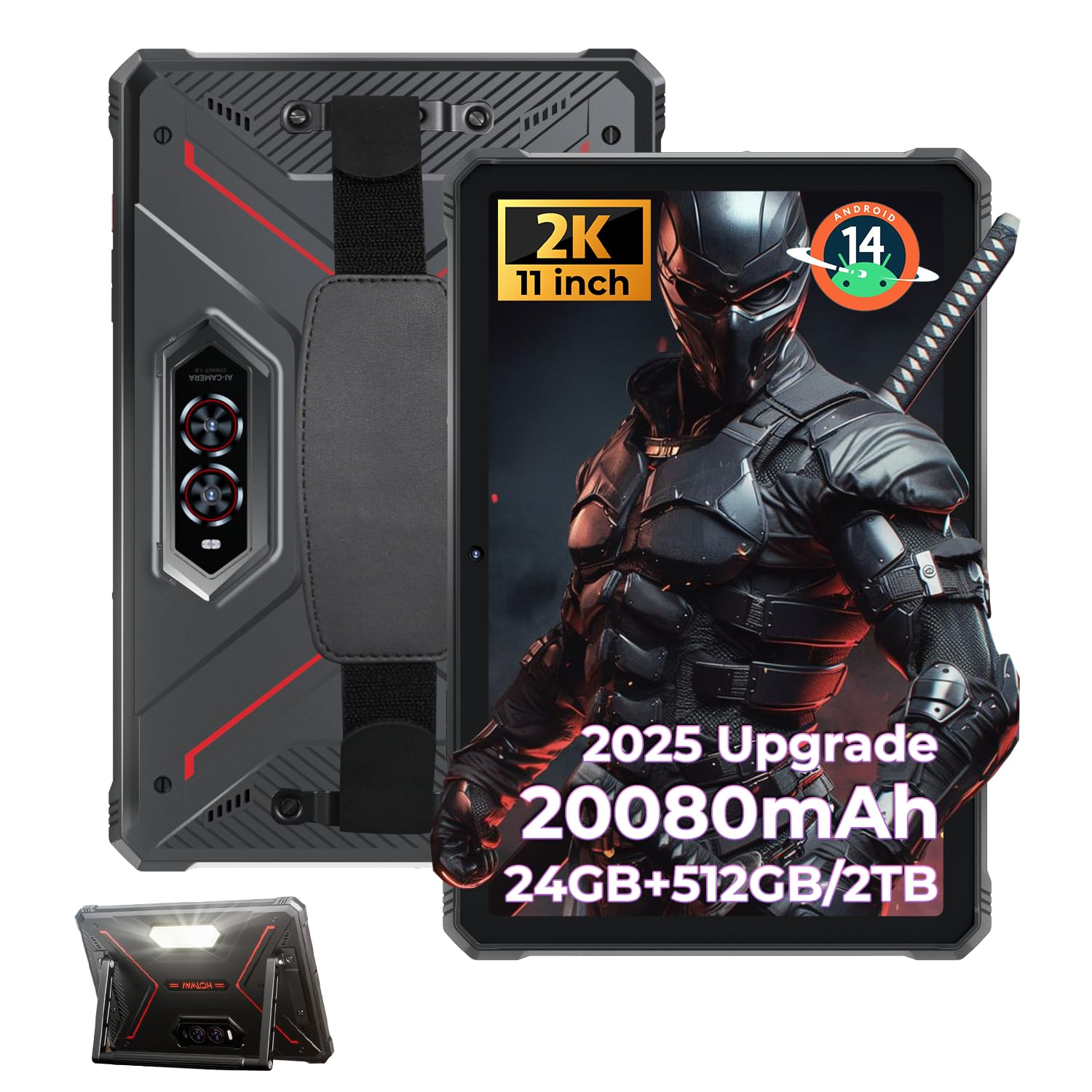
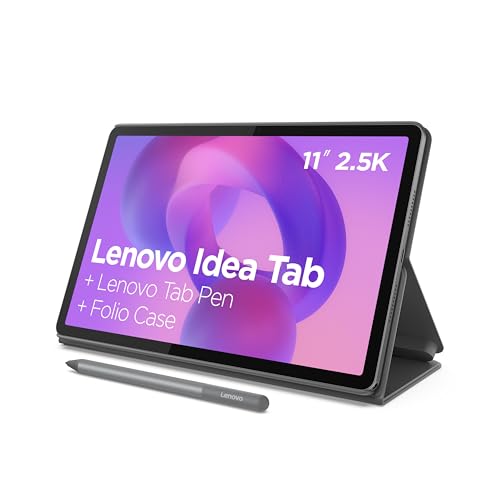
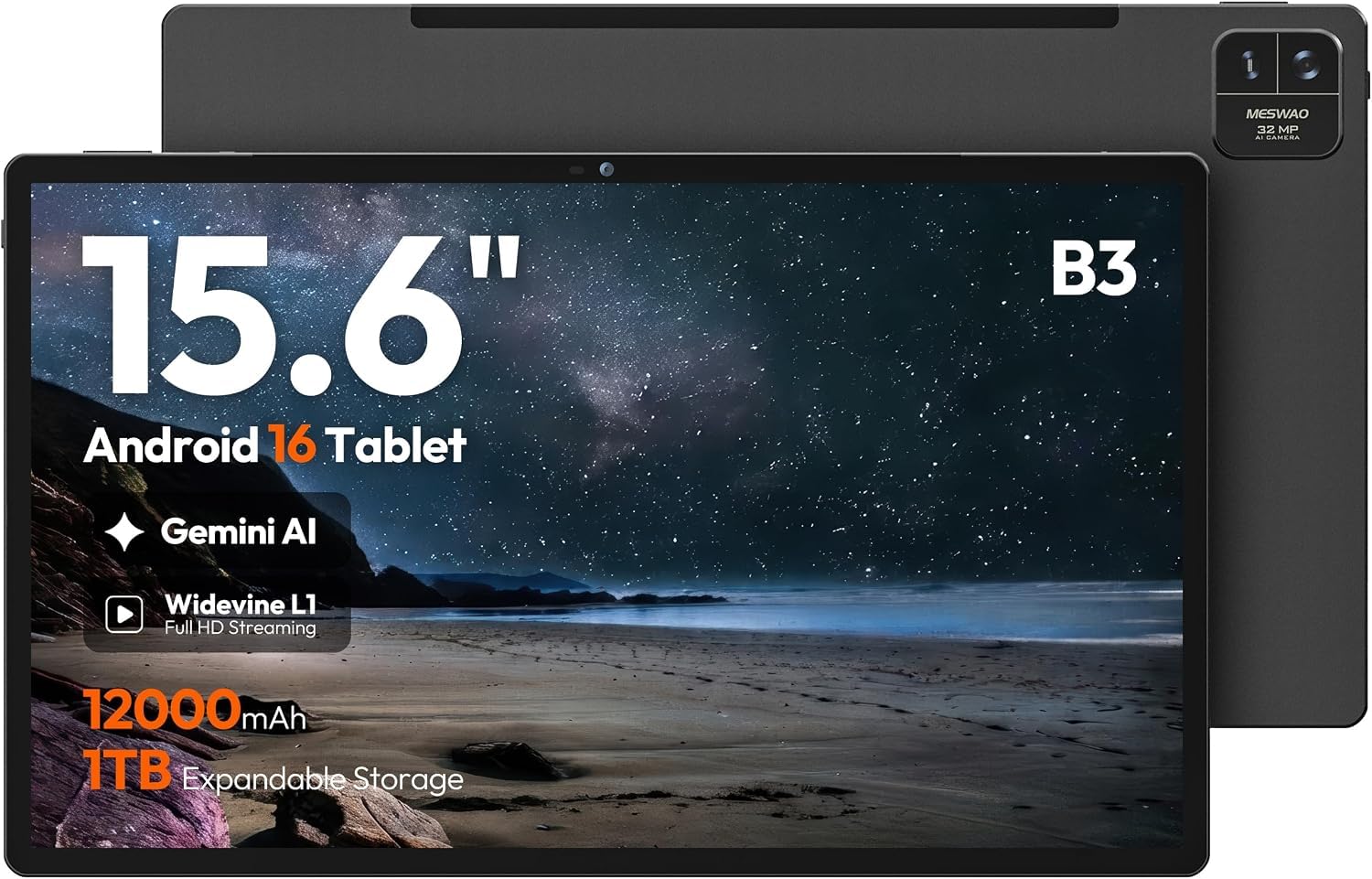
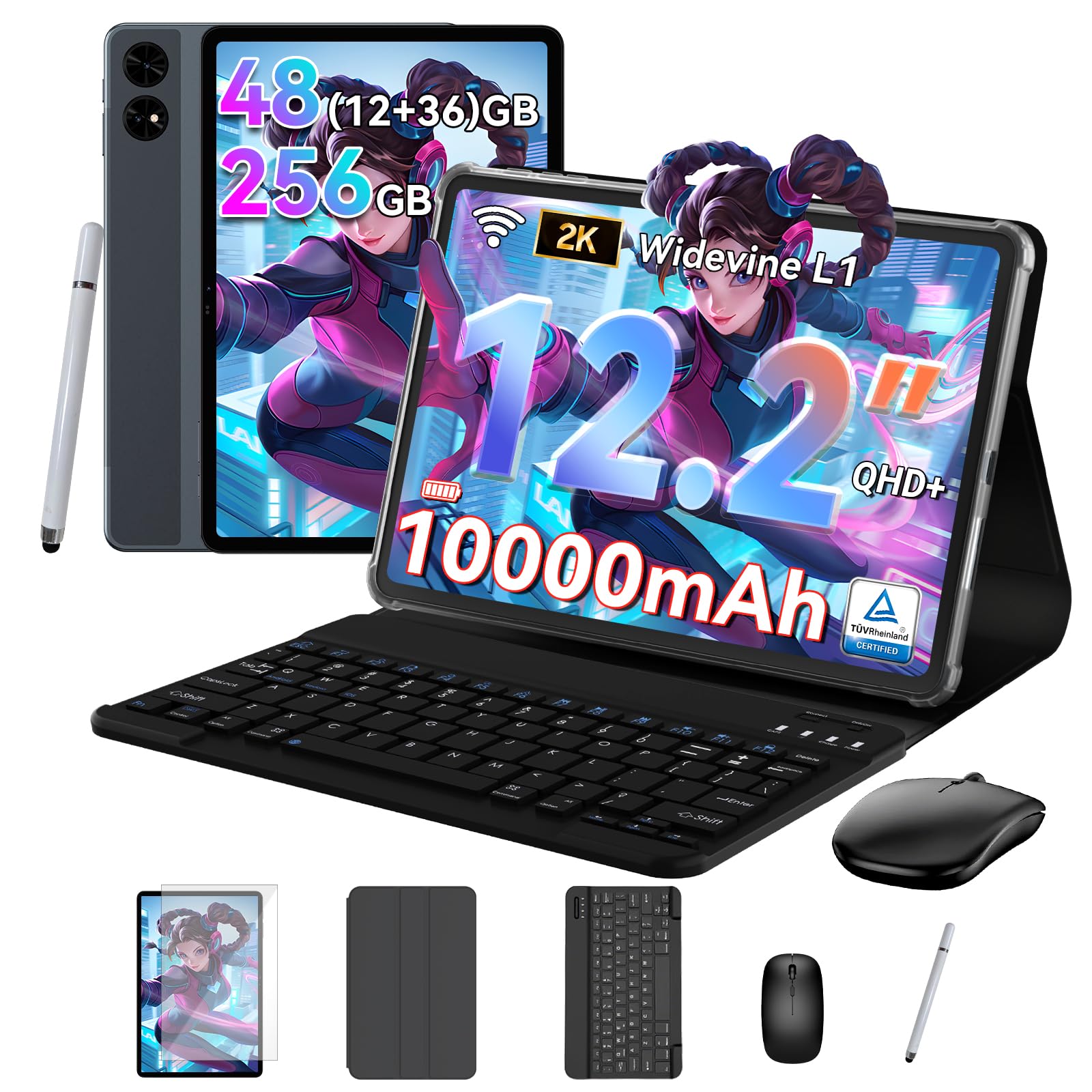

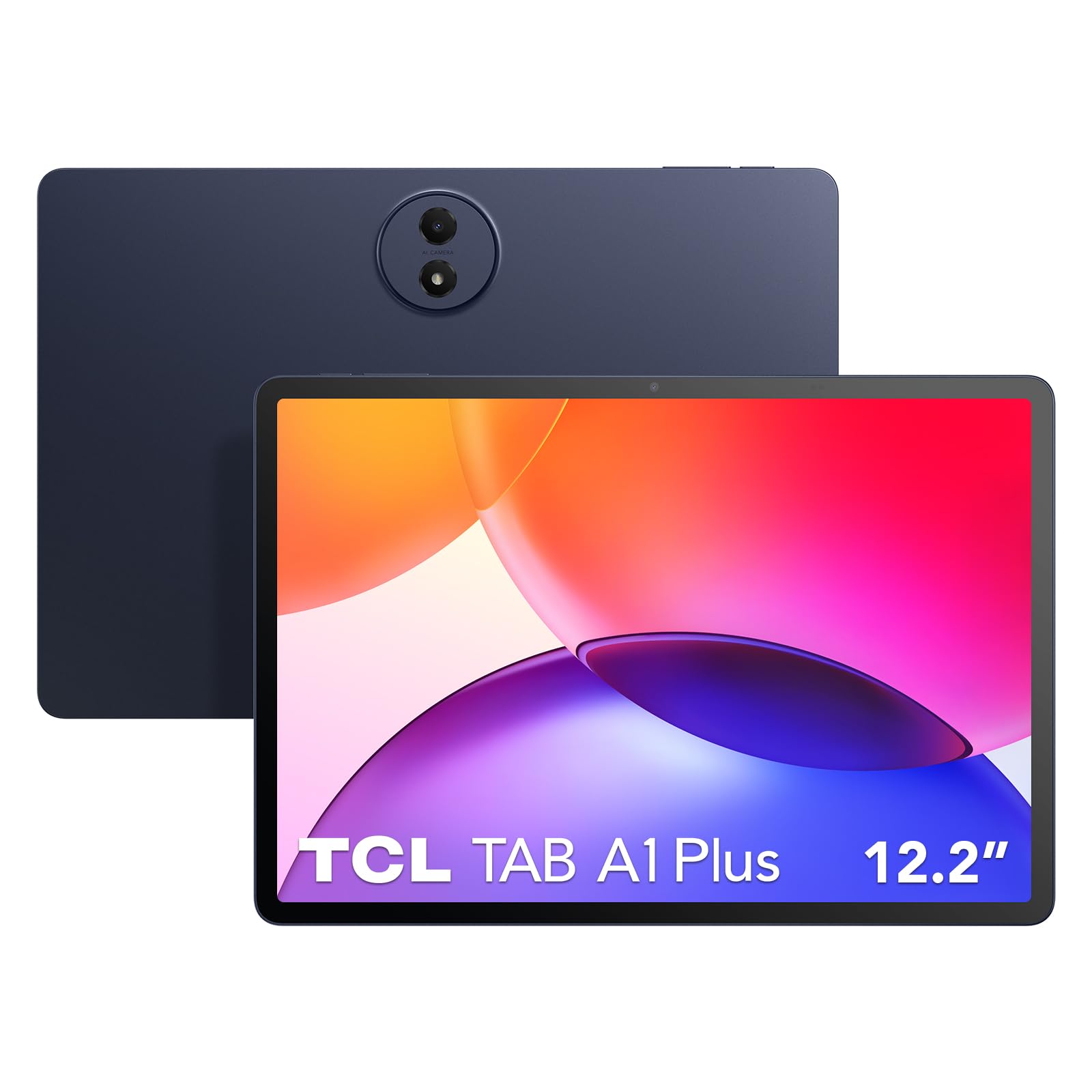

How to Evaluate Android Tablets
What You Can Realistically Get Under $400
At this budget you can expect a sharp display, smooth everyday performance, and a metal or partly metal body on many models. What usually gets trimmed is peak brightness outdoors, speaker power, and the longest update promises. Do not save money by accepting dim screens, very small storage, or slow charging, because those limits show up daily. Spend first on the display, the chip, and storage, then treat a stylus or keyboard as a bonus.
Processor and Performance Tier
Android tablets use mobile chips rather than laptop processors, so judge them by tier and by recent generation instead of by clock speed alone. A current mid tier chip handles browsing, document work, video calls, and most games smoothly, while entry chips can pause when you split the screen or edit photos. Look for steady performance in reviews of sustained use, not just peak scores. If a listing hides the exact chip name, treat that as a warning sign.
Operating System
The version of Android and the update promise matter as much as the hardware. More years of system and security updates mean banking apps, school platforms, and work tools stay supported for longer. Check how the maker handles split screen, floating windows, and stylus tools if you plan to multitask. If your phone and laptop already live in the Google ecosystem, staying with Android keeps files and accounts simple. Shoppers who also want a new handset can compare the best android phones under 400 to keep both devices in one ecosystem.
Graphics (Integrated vs Dedicated GPU)
Tablets do not carry a separate graphics card the way gaming laptops do. Graphics power sits inside the main chip, so a stronger chip tier also means smoother games, faster photo filters, and better external display support. Match the chip to your real load. Casual puzzle games and streaming need very little, while 3D games and video editing reward the strongest graphics you can fit in the budget. A high refresh rate screen only helps if the chip can feed it.
Keyboard, Trackpad, and Build
Most Android tablets add typing through a detachable keyboard case, so check key feel, trackpad size, and how the case holds the screen at your desk angle. A wobbly stand gets tiring during long writing sessions. For the tablet itself, look for even seams, buttons with a firm click, and a frame that does not flex when you hold one corner. A matte or low reflection screen finish helps in bright rooms. Factor the cost of the keyboard and stylus into your total before you compare prices.
Ports and Connectivity
One USB C port is standard at this price, and it should handle charging, data, and ideally video output to a monitor. Confirm video output if you hope to present or use a larger screen, because many budget models omit it. WiFi 6 support gives faster and more stable connections on busy home and campus networks. Bluetooth matters for mice, earbuds, and game controllers. A microSD slot is a cheap way to add room for downloads and photos, though apps often still need internal storage.
Battery Life in Real World Use
Battery claims depend heavily on screen brightness and workload, so think in patterns rather than headline hours. Video playback at moderate brightness is the easy case, while video calls, games, and 5G or hotspot use drain a tablet far faster. A larger battery helps, but an efficient chip and a screen that stays readable at lower brightness help just as much. Fast charging through USB C is worth real money if you top up between classes or flights. Carry the charger the maker rates for full speed.
Three Buying Profiles That Pass This Checklist
Balanced Profile
The balanced profile pairs a current mid tier or better chip with at least 8 GB of RAM, 128 GB of storage, and a bright screen of about 11 inches. It suits students and remote workers who split time between documents, calls, and media. Expect to pay around $300 to $400 for this tier, with the extra money going to the display, speakers, and update length. Skip this tier if you only read and stream, because a simpler model will feel much the same.
Value Profile
The value profile keeps the essentials and trims the extras. You still want a recent chip, a sharp screen, and 128 GB of storage if you can find it, but you can accept two speakers instead of four and a shorter accessory list. Models in this band often land around $200 to $300. If your budget sits lower, our guide to the best android tablets under 300 shows what changes at that ceiling. Check storage twice here, because 64 GB fills quickly with offline video and games.
Compact Profile
The compact profile favors a smaller screen, around 8 to 9 inches, and a lighter body you can hold in one hand for reading or travel. Performance needs are modest, so a modest chip is fine, but screen sharpness and battery efficiency still matter. Expect prices around $150 to $300 depending on storage and build. For the smallest budgets, the best android tablets under 200 guide explains the trade offs at that level. Always check weight with a case on, not just the bare tablet weight.
Quick Buyer Checklist
Run through these questions before you buy, and answer honestly about your own routine.
- Is the exact chip named, recent, and strong enough for your heaviest app?
- Does it have at least 8 GB of RAM and 128 GB of storage, or a clear reason to accept less?
- Is the screen bright and sharp enough for your usual rooms and lighting?
- Does the maker promise several years of system and security updates?
- Does the USB C port support the video output or accessories you plan to use?
- Have you added the cost of a case, stylus, or keyboard to the tablet price?
- Does the return window let you test WiFi, speakers, and battery at home?
Red Flags to Watch For
Vague listings are the biggest warning at this price. Walk away from tablets that hide the chip model, quote only a core count, or promise huge storage that turns out to be mostly a bundled memory card. Short update promises are another concern, because a cheap tablet that stops getting security patches becomes a poor value fast. Be cautious with listings full of glowing but generic praise and few detailed owner reports. Finally, check the warranty and return terms before you order, and be wary of brands with no clear support channel in the United States.
How to Make Your Android Tablet Last Longer
Keep the system and your apps updated, since updates carry security fixes and often better battery behavior. Avoid leaving the tablet at a full charge in a hot car or in direct sun, because heat ages batteries faster than normal use does. Use a padded sleeve when you commute and a case with raised edges at home if kids share the device. Clear out large downloads a few times a year so storage pressure does not slow the system. Restart it every week or two to clear stuck processes.
Android Tablets: Your Questions Answered
Can you get a good android tablet under $400?
Yes, this budget covers tablets that feel fast and polished for study, work, and play. The key is picking the right balance rather than chasing one headline spec. You may give up the brightest screens and the longest update runs found on flagship models. One point buyers miss is accessory cost, so price the full setup you will actually use, not the bare tablet alone.
Is a Chromebook enough for school?
A Chromebook can be enough for school when classes run in the browser and the school uses Google tools. A tablet wins when you read a lot, take handwritten notes, or want a lighter bag. Check the school app list first, because a few testing or science apps favor one system. If you compare across both types, our guide to the best tablets under 400 gives the wider view at the same budget.
Is a dedicated GPU worth it?
On an Android tablet there is no separate graphics card to upgrade, so the question becomes whether a stronger chip tier is worth it. It is, if you play demanding 3D games, edit video, or draw with large files. For reading, streaming, and documents, graphics power is rarely the limit. Spend the difference on storage or a better screen instead, which you will notice in every session.
How long should an android tablet last?
Plan on about three to five years of smooth use from a well chosen model at this price. The update promise is the best clue, because software support often ends before the hardware wears out. Battery capacity fades gradually, so a model that starts with strong battery life ages more gracefully. Protect the screen and port, since one repair can cost a large share of the original price.
How much RAM do I need?
Choose 8 GB if you multitask, keep many browser tabs open, or plan to keep the tablet for several years. 6 GB can still feel fine for streaming, reading, and light games. RAM and storage are different things, and adding a memory card does not make a low RAM tablet faster. If two models cost about the same, the one with more RAM usually stays smooth longer.
Should I buy a laptop or a tablet?
Buy a laptop if your day centers on long documents, complex spreadsheets, or software that only runs on a desktop system. Buy a tablet if you read, annotate, watch, and travel more than you type. Many students do best with a tablet plus a basic keyboard case. Think about the desk and bag you actually have, because the device you enjoy carrying is the one you will use.
The Bottom Line
Start with the chip, the screen, and the update promise, and let those three checks do most of the work. Match the profile to your routine, add accessory costs early, and use the product table above to confirm storage and prices before you order. Chosen that way, the best android tablets under 400 can cover school, work, and downtime without stretching your budget.


