Best Android Tablets for Business Buying Guide for 2026
Disclosure: We may earn a commission when you buy through links on this page, at no extra cost to you. As an Amazon Associate I earn from qualifying purchases. Learn more

How to choose best android tablets for business, with checks on apps, security, accessories, battery, and device management. Learn what to check first.
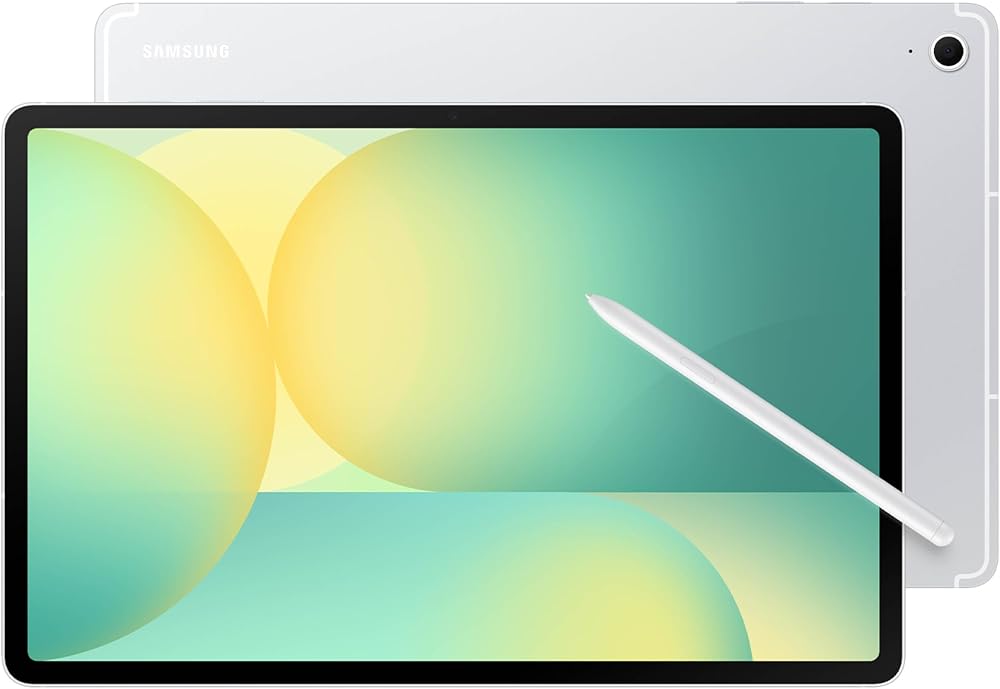
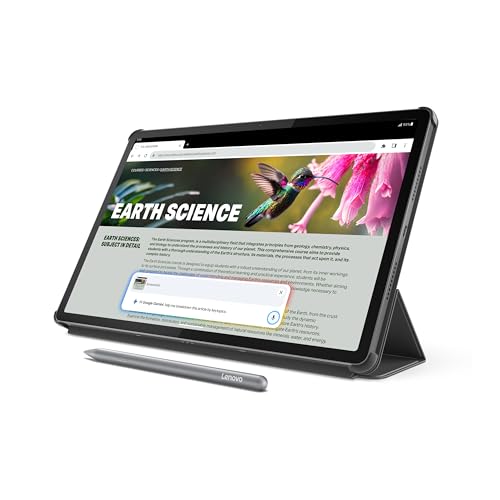
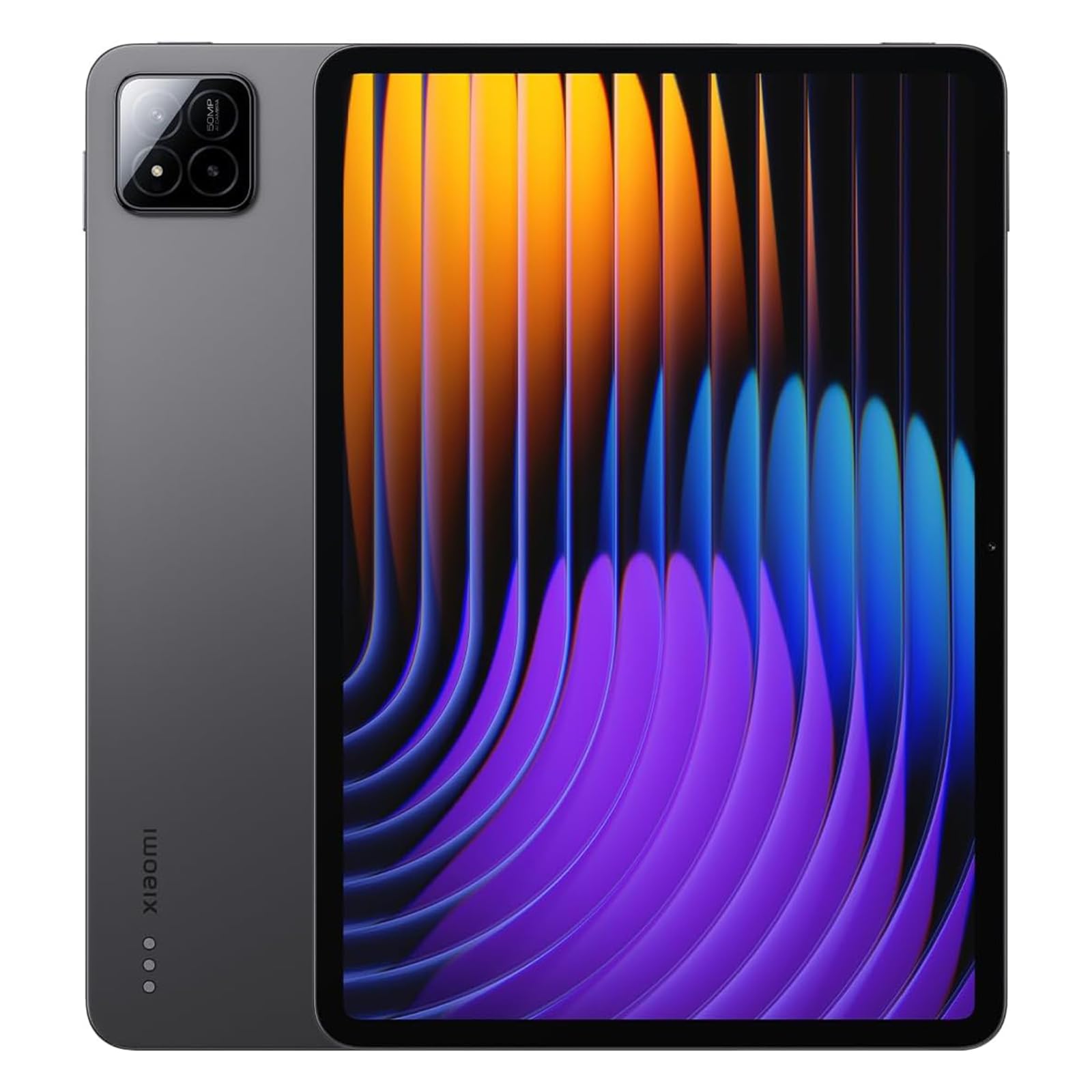
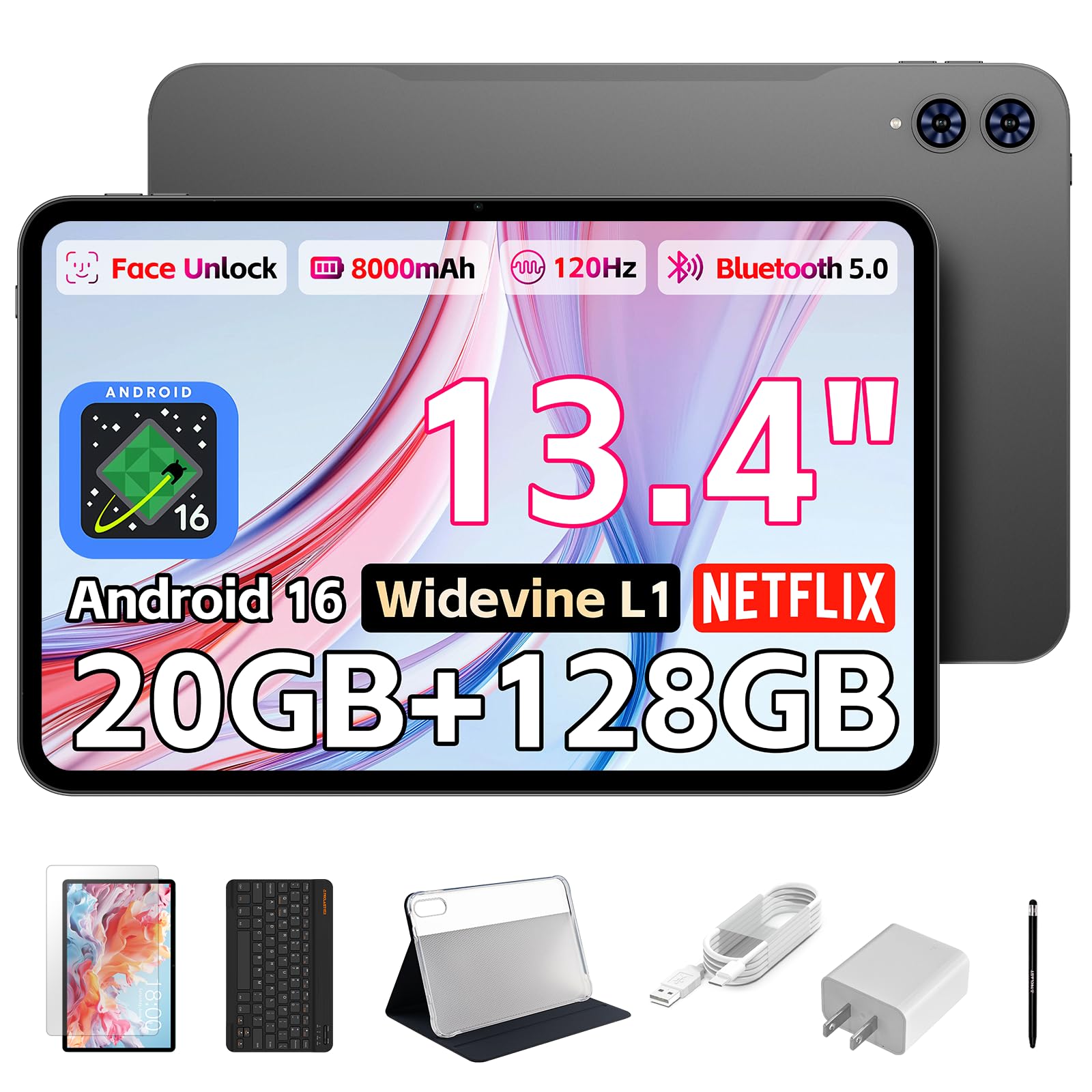
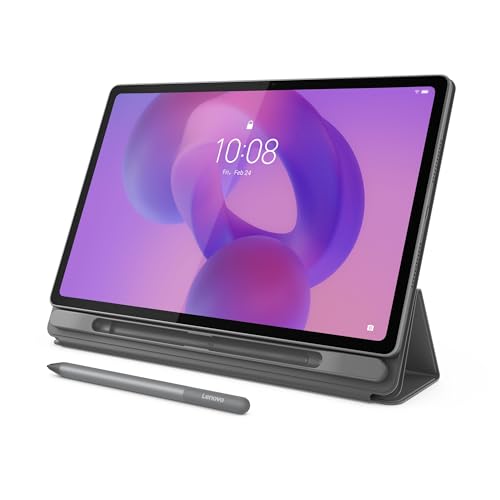
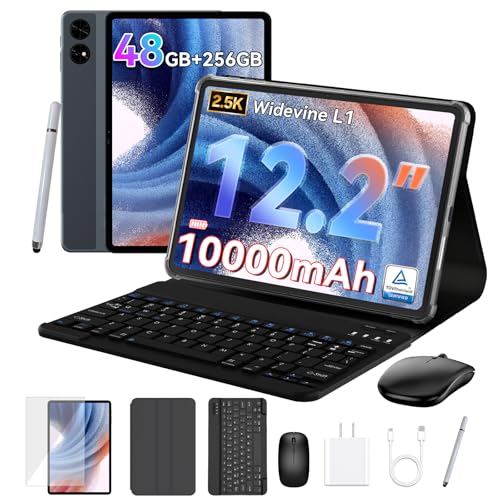
A business tablet earns its keep when it handles email, documents, video meetings and field apps without fuss, and when it stays secure if it goes missing. The best android tablets for business combine a bright screen, enough memory for several apps at once, strong battery life and security features that satisfy an IT policy. The product table lines up current options, and this guide explains what to check for each job.
Start with where the tablet will be used: in meetings, on client sites, in a vehicle or at a desk. That decides screen size, ruggedness and whether you need mobile data.


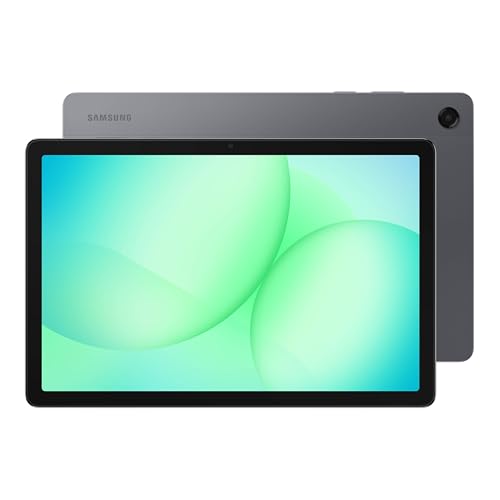
Who Should Buy a Business Android Tablet
A tablet suits workers who need portable documents, meeting notes and field apps without carrying a laptop. Sales teams, consultants, managers, tradespeople and healthcare staff on non clinical tasks often get more from a light tablet than from a bag with a laptop.
It is a weaker choice for heavy spreadsheets, specialist desktop software or long typing sessions, where a laptop is faster and more comfortable. Many professionals carry a tablet for the road and keep a laptop at the desk.
Types of Business Tablets Compared
Premium productivity tablets
Models with 11 to 13 inch AMOLED screens, desktop style modes and a keyboard cover come closest to a laptop replacement. They suit professionals who write and present daily and want a pen for notes and signatures.
Mid range work tablets
Tablets in the $250 to $450 range offer good screens, solid battery life and optional keyboards. They suit teams that need reliable email, video calls and document markup at a sensible cost.
Rugged field tablets
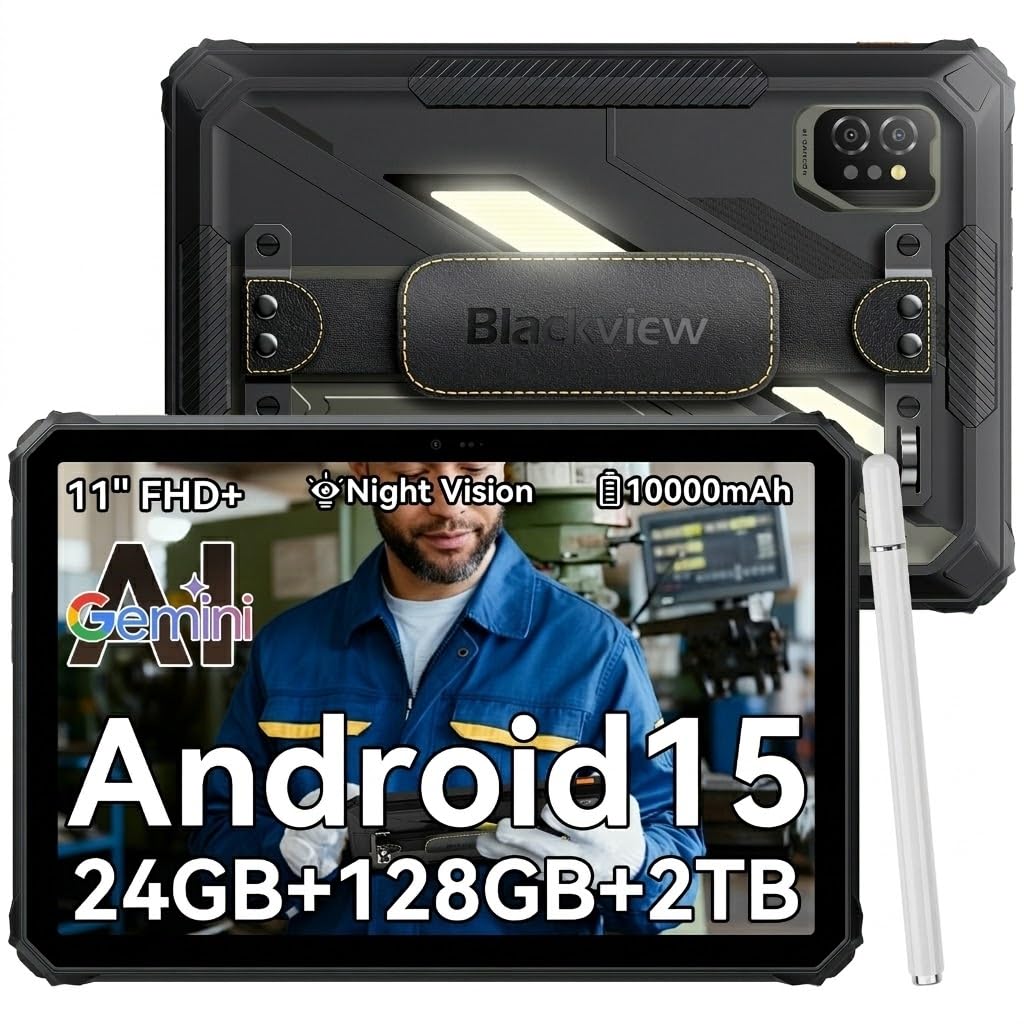
Rugged tablets handle dust, water and drops, and often add large batteries and scanner or glove friendly modes. They are heavier and thicker but can save money for site, warehouse and outdoor use.
Key Features of the Best Android Tablets for Business
Business app support and multitasking
Check that your email, document, video meeting and field apps run well on the tablet and screen size. At least 6 GB of RAM helps split screen work, and 8 GB or more suits heavier multitasking with a browser and a video call open together.
Security and management
Look for encryption, fingerprint or face unlock, regular security patches and support for work profiles. If your company manages devices, confirm that the tablet works with its management tools before you buy.
Keyboard and pen options
A keyboard cover turns a tablet into a light laptop for email and documents, and a pen is handy for notes, markup and signatures. Check which accessories fit the exact model and what they cost.
Battery and charging
All day battery matters for meetings and travel. Fast charging over USB C helps when you only have a short break, and a tablet that charges from a laptop style charger is easy to share.
Connectivity
Strong Wi-Fi 6 helps in busy offices, and optional 5G or LTE suits field work and vehicles. Weigh the monthly plan cost against the time you lose when Wi-Fi fails.
For related reading, see our guides to the best android tablets, the best pc tablets, the best tablets for business owners and the best business apps for android tablets.
Fit, Size and Compatibility
Try your actual work apps, files and accessories before rolling a tablet out to a team. Check that printers, displays and VPN tools connect reliably, and that the screen size suits your documents. A tablet that works in the office but fails on client Wi-Fi is not ready for business use.
Everyday Use and Care
Set up work profiles, secure sign in and automatic backup so business data stays protected if the tablet is lost. Use a protective case, keep software updated and back up work data on a regular schedule. Report damage early, since a cracked screen can worsen and let in dust and moisture.
Mistakes to Avoid
- Buying a consumer tablet without checking app, security and management needs.
- Skipping a keyboard trial and then finding long documents painful to write.
- Choosing a screen too small for split screen work you do every day.
- Forgetting to budget for a keyboard, pen, case and extended warranty.
- Ignoring update length when buying in bulk, which can leave a fleet unpatched.
Rolling Out Tablets to a Team
If you are buying for several people, standardize on one or two models so accessories, chargers and cases are interchangeable. Pilot the tablet with a small group for a couple of weeks, collect their notes on battery, keyboard comfort and app problems, and only then order the rest.
Plan the support side too: who enrolls devices, how lost tablets are locked, how updates are approved and how long each model will receive security patches. A short written checklist for setup, covering work profile, backup and screen lock, saves a lot of help desk time and keeps every tablet configured the same way.
Frequently Asked Questions
Can an Android tablet replace a laptop for work?
It can for document review, meetings, email and field apps, especially with a keyboard. Heavy spreadsheets, complex design or specialist desktop software may still need a laptop, so try your heaviest task on the tablet before deciding.
How do I keep business data safe on a tablet?
Use a strong sign in, encryption, automatic lock and managed updates. Separate work and personal data where possible, and set up remote wipe through your management tools in case the tablet is lost.
What screen size suits business use?
A medium to large screen helps documents and split screen work, while a smaller tablet travels lighter. Reading and meetings suit 10 to 11 inches, while document editing benefits from 12 inches or more.
Should a business tablet have mobile data?
Mobile data helps field workers and travelers who lack reliable Wi-Fi. Office based workers may not need it. Compare the monthly cost with the work you lose when Wi-Fi fails.
How long should a business tablet last?
Plan for three to five years with regular software support and battery care. Check update length and repair options before buying in bulk, because a tablet with long support costs less over time than a cheap one replaced early.
Final Thoughts
Choosing among the best android tablets for business comes down to security, battery, screen size and the accessories your work needs. Compare your shortlist in the product table, confirm management and app support, and pick the tablet that fits how your team actually works.