Best Android Tablets for Artists: Budget, Midrange, and Premium Guide for 2026
Disclosure: We may earn a commission when you buy through links on this page, at no extra cost to you. As an Amazon Associate I earn from qualifying purchases. Learn more

Compare the best android tablets for artists at every price level. Learn what budget, midrange, and premium tiers give you for pen feel, color, and speed.
Tablet prices for drawing range from under $200 to well past $800, and the specification sheets do not tell you which gaps matter for art. This guide to the best android tablets for artists sorts the market by price tier, then shows which features change your drawing experience and which ones you can safely skip. Use the comparison table below to see how the tiers line up, then match your budget to the way you actually draw.
Your art style should set the budget, not the other way around. A sketchbook habit, school illustration work, and paid client pieces place very different demands on pen lag, screen color, and layer counts. The tier guide below makes those demands concrete.




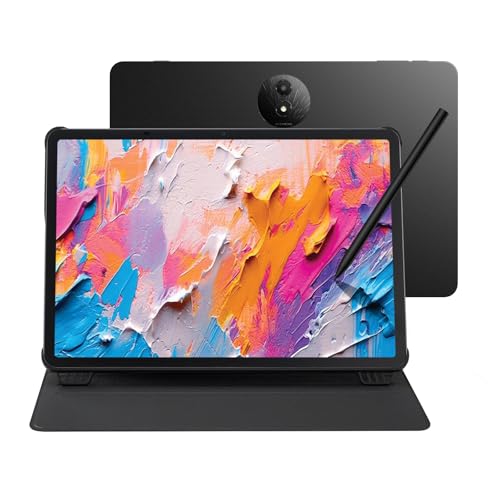
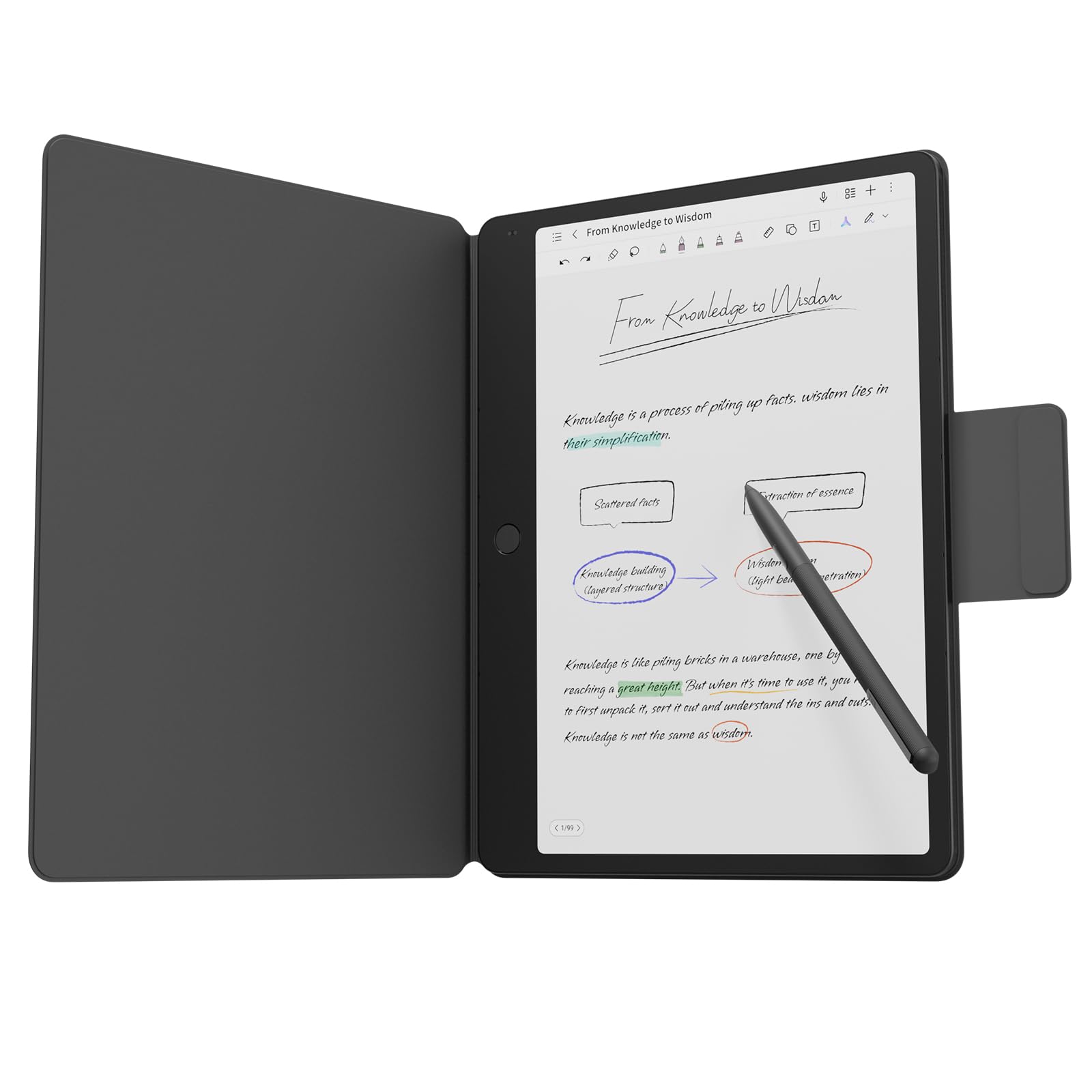
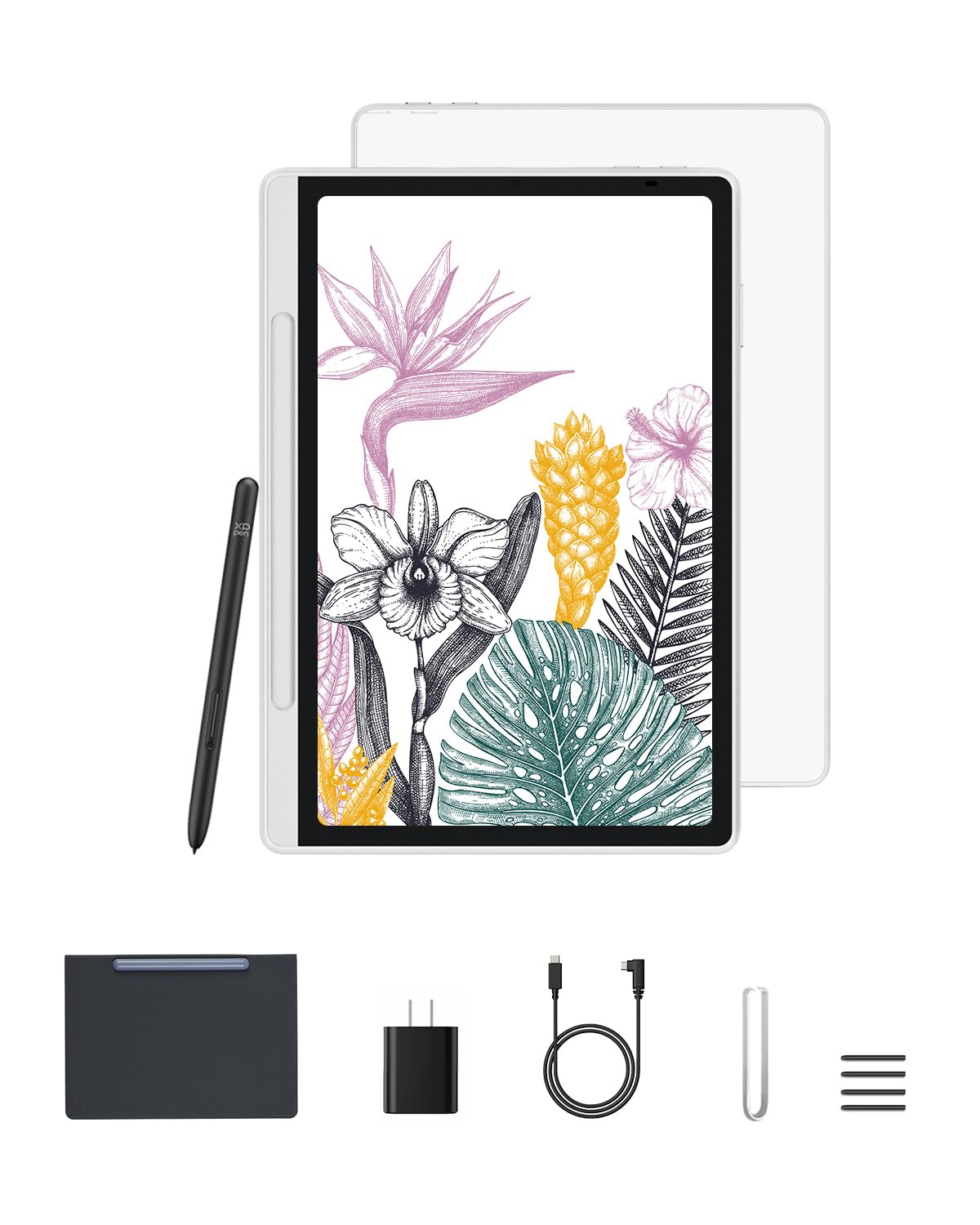
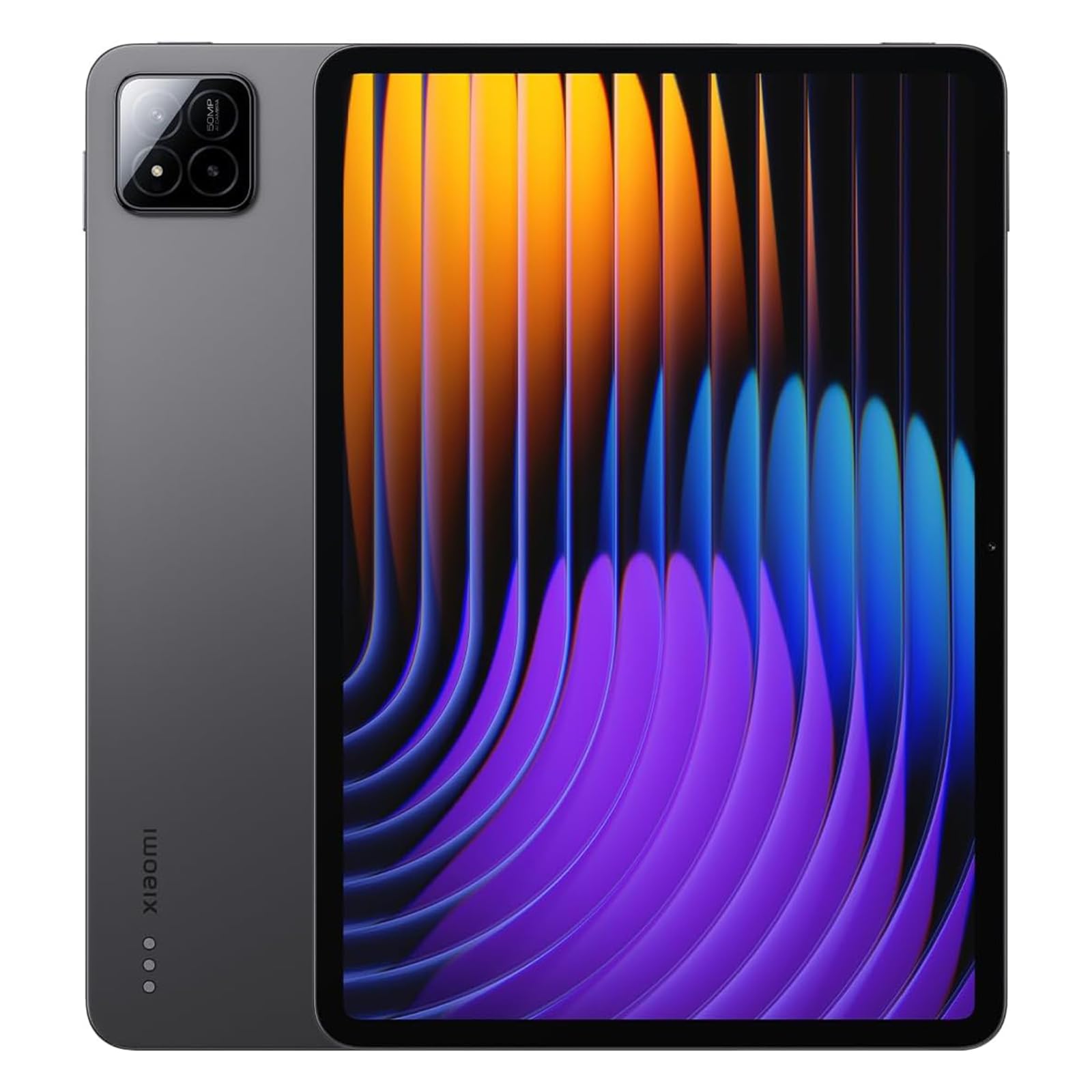
Choosing by Budget: Three Buyer Profiles
Budget Profile
The budget profile fits sketching, coloring, and learning a first drawing app without a large commitment. Expect a decent 10 inch screen, pen support on some models, and enough speed for modest canvas sizes and a limited number of layers. The main limits are color accuracy, pen pressure consistency, and storage, so check whether a pen is included before you compare prices. For casual art and notes, this tier delivers real value and leaves money for apps and a good case.
Midrange Profile
The midrange profile is where drawing starts to feel professional for most artists. You typically gain a laminated display with less gap between pen tip and line, better color coverage, more RAM for larger canvases, and a pen included in the box. Brush strokes track more closely, and exporting finished work is faster. If you post work online, take commissions, or draw daily for school, this tier is usually the smartest spend because it removes the frustrations that make people stop drawing on a tablet.
Premium Profile
The premium profile serves artists who sell work, print pieces, or draw for hours each day. You pay for a large, bright, color accurate screen, the lowest pen lag, fast storage, and strong processors that handle huge files and many layers. Build quality and speaker quality also rise, which matters during long sessions. The gain over midrange is real but narrower, so buy this tier when your income or your study program depends on the output, not for occasional sketching.
What Your Money Gets You at Each Price Tier
Budget Tier: What to Expect
At around $150 to $300, expect solid basic drawing with clear trade offs. Screens are usually accurate enough for web work but not for careful print color, and pens may be sold separately or lack tilt support. Storage often starts at 64 GB, so a memory card slot helps for reference photos and exports. This tier suits beginners trying out whether tablet drawing fits their habits, students on a limit, and artists who mainly sketch ideas to finish on a computer later.
Midrange Tier: The Sweet Spot for Most Buyers
At around $300 to $600, the drawing experience changes in ways you feel immediately. Laminated screens, wider color coverage, 8 GB to 12 GB of RAM, and included pens become common, and larger 11 to 12 inch sizes give your hand room to move. Palm rejection is more reliable, which reduces stray marks during long sessions. Most working illustrators who publish online will not outgrow this tier quickly, especially when the tablet receives several years of updates.
Premium Tier: When Spending More Pays Off
Above around $600, you pay for accuracy and endurance rather than basic ability. Color coverage suited to print work, very low pen latency, 120 Hz refresh rates, and large high resolution panels make detailed work easier on your eyes and your wrist. Storage of 256 GB or more keeps big project files local. This tier pays off for professionals, art students in demanding programs, and anyone who draws on the tablet as their primary studio tool rather than a travel extra.
Features Worth Paying For in the Best Android Tablets for Artists
Keyboard, Trackpad, and Build
Most artists can skip expensive keyboard covers, because drawing time far outweighs typing time on this device. A simple stand case that holds two or three viewing angles serves drawing better and costs far less. Build still matters, since a rigid body flexes less under your hand and protects the screen in a bag. Spend on a sturdy case and a spare pen nib set before you spend on a keyboard you will rarely attach.
Features That Matter for Artists
Pen quality is the feature that defines this purchase. Look for at least 4,096 levels of pressure sensitivity, tilt support if you shade with the side of the tip, and palm rejection that works inside your main drawing apps. A laminated display reduces the visible gap between tip and stroke, which improves control on fine lines. Check app support as well, because your preferred drawing program, its brush engine, and its cloud sync matter as much as hardware for daily art.
Battery Life in Real World Use
Drawing drains a battery faster than reading because the screen stays bright and the processor works on every stroke. Plan on about six to nine hours of active drawing from a full charge on most models, less at maximum brightness. Fast charging over USB C helps during studio days, since a short break can restore a useful amount of power. If you draw at a desk, a long cable and a stand turn battery limits into a minor issue.
Display Size, Resolution, and Brightness
Size and color matter more for art than for almost any other tablet use. An 11 to 12 inch screen gives room for tool panels plus a comfortable canvas, while smaller screens force constant zooming. Look for wide color coverage, often listed as full sRGB or a high share of DCI P3, and brightness around 400 to 600 nits for work near windows. Our broader guide to the best android tablets explains general display terms if you want background before you choose.
Processor and Performance Tier
The processor and RAM decide how large your canvas can grow before brushes start to lag. For sketching and coloring at web sizes, a midrange chip with 8 GB of RAM is comfortable. For canvases sized for print, dozens of layers, or texture heavy brushes, step up to 12 GB of RAM and a stronger chip. Check your habits honestly. If you merge layers often and keep files modest, you can save money here and put it toward screen quality instead.
Choosing a Tablet for Your Situation
Best Tablets for an Artist: Where Your Money Goes
When people search for best tablets for an artist as their only art tool, two criteria dominate. First, pen accuracy must hold up at slow speeds, because inking clean lines is harder than fast sketching. Second, color you can trust matters if the finished file goes straight to clients or print. A single artist also needs simple backup, so cloud sync or easy file transfer to a computer should be part of the plan. Models gathered under the best artists tablets label show how drawing focused designs differ from general tablets.
Artists who split work between a tablet and a desktop drawing setup can spend less. In that case the tablet acts as a sketch and travel tool, so pen feel still matters, but color accuracy and storage matter less because final work happens elsewhere. A midrange Android model paired with a computer often beats a premium tablet used alone. If you mainly need a portable second screen for reference and rough work, even the budget tier can serve well with the right drawing app.
Long Term Costs to Factor In
The tablet price is only part of what you will spend. Budget for a pen if one is not included, replacement nibs, a stand case, and a drawing glove if your palm sticks to the glass. Some drawing apps use subscriptions, so add a year of app cost to your comparison. A screen protector with a slight texture can improve pen control, but it wears nibs faster, which is a small ongoing cost. Finally, consider storage upgrades you cannot add later on models without a card slot, and a warranty if the tablet travels daily.
There is also a resale and hand me down angle. Midrange and premium tablets with long update support keep their usefulness for family members or students after you upgrade. Budget models with short support often become spare screens rather than drawing tools. If you plan to pass the tablet on, spending a little more now can serve two owners, which changes the true cost per year in your favor. Readers comparing pen focused options across brands may also find our guide to the best pc tablets useful for desktop class drawing programs.
FAQs
What features matter most in android tablets for artists?
Pen pressure, palm rejection, and a laminated, color accurate display matter most, because they shape every stroke you make. After those, RAM decides how large your files can grow before brushes lag. A practical minimum for serious hobby work is 4,096 pressure levels, 8 GB of RAM, and full sRGB coverage. Also confirm that your drawing app of choice runs well on Android, since brush feel and file handling vary by app as much as by hardware.
Should I buy a laptop or a tablet?
Buy a tablet if drawing by hand is the core of your work, because a pen on glass is far more natural than a mouse or trackpad. Buy a laptop if your work centers on layout, long writing, or desktop only software, and add a simple drawing accessory later if needed. Many artists use both over time, starting with the device that matches their main task today rather than a setup they hope to grow into someday.
How much RAM do I need?
Choose 8 GB for everyday illustration at web and social sizes, and 12 GB or more if you work at print sizes with many layers. RAM holds your canvas, layers, and reference images at once, so running short shows up as brush lag and slow exports rather than a clear warning. If your budget forces a choice, take more RAM over a larger storage size when a memory card slot can hold your finished files and photos.
Is a dedicated GPU worth it?
There is no separate graphics card to add to an Android tablet, so the question becomes whether a premium processor tier is worth it for you. Its stronger graphics help with large canvases, 3D sculpting apps, and fast exports. For sketching, coloring pages, and web illustration, a midrange tier already feels smooth, and the savings are better spent on screen color or a pen that is included in the box.
How long should an android tablet last?
A drawing tablet should last about three to five years, with update support and battery wear setting the limit more than drawing power. Pens and nibs wear sooner, so treat them as supplies rather than permanent parts. You can extend useful life by keeping storage below full, updating your apps, and using a case during travel. When security updates end, the tablet can still serve for offline sketching even if you move sensitive accounts elsewhere.
The Bottom Line
Put your money into pen quality, screen color, and enough RAM for your canvas size, in that order, and let the tier follow your budget rather than the reverse. The product table above shows how current options divide across those tiers. For most readers, the midrange tier delivers the best android tablets for artists value, with a drawing experience close to premium at a far lower total cost.