Best Android Phones to Root by Budget for 2026
Disclosure: We may earn a commission when you buy through links on this page, at no extra cost to you. As an Amazon Associate I earn from qualifying purchases. Learn more

Compare the best android phones to root by budget tier, bootloader unlock support, updates, and storage, plus the warranty and security risks to weigh first.
Phone prices run from under $200 to well past $1,000, yet the price tag says little about how a device treats owners who want deeper control. The best android phones to root share practical traits instead: an officially unlockable bootloader, factory software images you can restore, and a maker that publishes clear policies.
This guide sorts those traits by spending level, so you can see where extra money genuinely helps and where it only buys camera hardware you may not need. The product table gives a quick overview, and the sections after it cover features, long term costs, and the risks to weigh before you unlock anything.

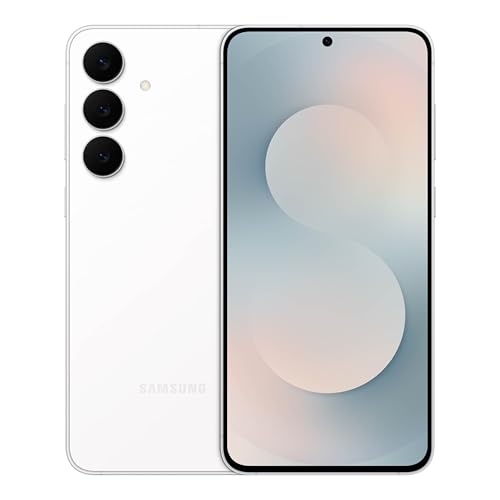
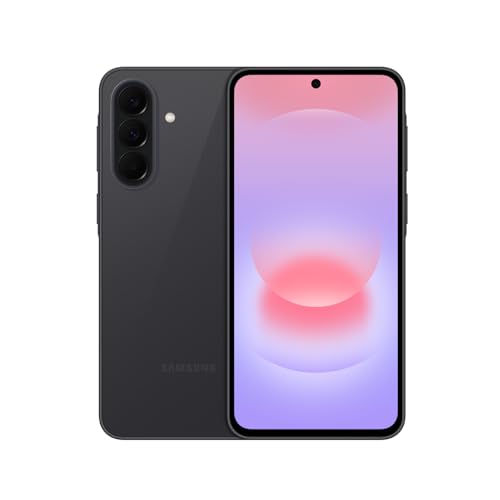
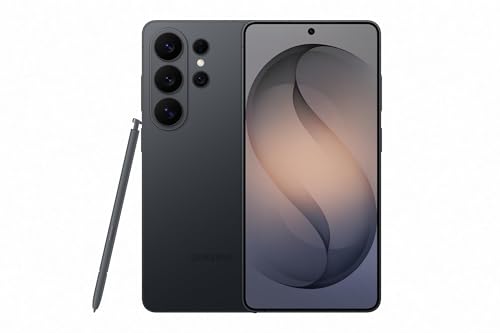
What Your Money Gets You at Each Price Tier
Budget Tier: About $150 to $300
At this level you get a capable processor for everyday apps, a 90 Hz or 120 Hz display on many models, and storage starting at 128 GB. Unlock policies vary the most here: some makers allow official bootloader unlocking, while carrier sold variants often block it completely. Update promises are shorter, commonly two to three years. For a first device you plan to modify, this tier limits your financial risk, and our guide to best inexpensive android phones covers the wider budget field.
Midrange Tier: About $300 to $600
Midrange phones add faster processors, brighter OLED screens, better cameras, and quicker charging. This is also where unlock friendly models with strong community support cluster, because popular devices attract more developers and better documentation. Update commitments typically stretch to four or five years. For most buyers who want to root and still rely on the phone daily, this tier balances capability, support, and price better than the extremes.
Premium Tier: About $600 and Up
Premium money buys flagship processors, the best displays, IP68 water resistance, wireless charging, and the longest update policies. Rooting one is a bigger financial gamble, since a mistake or a denied warranty claim costs far more. Some premium brands also restrict unlocking more tightly than midrange makers do. Spend at this level when you want top hardware for years, and accept that modification support may be thinner than the price suggests.
Features Worth Paying For (and Ones to Skip)
Bootloader Unlock and Recovery Options
This is the deciding factor, so check it before anything else. Look for a maker that offers an official unlock method, publishes factory images for restoring stock software, and does not tie unlocking to a waiting period of weeks. A phone that cannot be unlocked, or that loses basic functions after unlocking, fails the whole purpose. Carrier branded versions frequently differ from factory unlocked versions here, so verify the exact variant you are buying.
Software Updates and Community Support
Long official update support matters even for modified phones, because vendor security patches and firmware updates still come from the maker. A large owner community is the other half of the picture: popular models get clearer guides, faster troubleshooting help, and longer unofficial support after official updates end. Niche devices can be excellent hardware yet poor choices for rooting simply because few people document them. Check forum activity for the exact model before you buy.
Processor, RAM, and Storage
A modern midrange processor with 8 GB of RAM handles heavy customization, multitasking, and gaming without strain. Storage deserves special attention, because system backups and multiple saved configurations eat space quickly; 256 GB is comfortable, and a microSD slot adds cheap room for media and backups. Models with 128 GB and no expansion fill up fast once you start keeping full device backups. Our guide to best performing android phones explains raw speed differences in more depth.
Battery Life and Charging Speed
Expect about 4,500 to 5,500 mAh in most current phones, which covers a full day for typical use. Fast charging around 25 to 65 watts refills a battery quickly during setup sessions and long afternoons of adjusting settings. Wireless charging is convenient but not essential for a phone you plan to modify. Battery health also matters more on a device you keep for years, so check whether the maker sells replacement batteries or offers a battery service.
Carrier Compatibility and 5G
Buy the factory unlocked version whenever possible, since it supports the widest range of US carrier bands and avoids carrier control over unlocking. Confirm the phone covers your carrier 5G bands and supports features such as WiFi calling on your network. Some carriers restrict advanced features on devices they did not sell. A phone that roots easily but struggles for signal is a poor trade, so verify band support on the maker site before ordering.
Features you can safely skip include ultrawide and telephoto camera extras if photography is secondary, very high refresh rates above 120 Hz that few apps use, and proprietary charging speeds that need one specific charger brick. Skipping them often moves a phone down a full price tier without hurting the rooting experience at all.
The Real Costs and Risks of Rooting
Rooting changes your relationship with the maker and your carrier, so weigh the downsides before the benefits. Unlocking the bootloader voids the warranty with many brands, and service centers can refuse repairs on modified devices. Security also shifts: some banking and payment apps refuse to run on rooted phones, safety checks can fail, and a rooted device gives malicious apps a deeper path into the system if you grant access carelessly.
Practical costs add up too. Official over the air updates usually stop working or must be applied manually, which takes time after every release. A failed modification can leave the phone unusable until you restore stock software, so a backup device or at least a full backup is a real ownership cost. Factor in a case, a spare cable, and possibly a second inexpensive phone for banking if your main device stays rooted.
Frequently Asked Questions
How much storage does a phone for rooting need?
Plan on 256 GB if you can, because full system backups, saved configurations, and large apps consume space much faster than normal use does. A single complete backup can take 10 to 30 GB depending on what you store. With 128 GB you will delete backups more often, which weakens your safety net. A microSD slot eases the pressure by holding media and older backups outside the internal storage.
Do I need 5G on a phone I plan to root?
You do not need it for rooting itself, but you probably want it for everyday use, since US carriers continue shifting capacity toward 5G networks. A 4G only phone still works fine for calls, messaging, and moderate data use, and it costs less. The bigger issue is band support: an imported or carrier mismatched model may root easily yet deliver weak coverage. Match the phone to your carrier first, then compare unlock policies.
How many years of updates should a rooting friendly phone get?
Look for at least four years of security updates, with five to seven years offered on many recent flagships and some midrange models. Updates matter because the maker supplies the underlying firmware and security patches even when you handle the system software yourself. After official support ends, an active community may extend the phone further, but that is a bonus, not a plan. Buying a model near the end of its support window shortens its useful life.
Should I buy an unlocked phone for rooting?
Yes, the factory unlocked version is almost always the right choice. Carrier sold phones often have permanently locked bootloaders, carrier added software, and update schedules controlled by the carrier. Factory unlocked models follow the maker unlock policy directly and work across carriers if you switch. Unlocked here means both SIM unlocked and eligible for bootloader unlocking, which are separate things, so confirm the second point with the maker before you pay.
Can rooting a phone void its warranty?
With many brands, yes: unlocking the bootloader is logged, and makers may deny warranty service for problems they link to modification. Policies differ, and a few brands tolerate unlocking while still covering hardware defects. Read the exact policy for your region before unlocking, and restore stock software before any service visit where that is possible. If the warranty matters more than customization, keep the phone stock or experiment on a cheaper second device instead.
Final Thoughts
Start with the unlock policy, then weigh update support and storage against your budget tier. The best android phones to root are the ones whose maker supports unlocking openly, whose community stays active, and whose price would not sting if a warranty claim were denied. Use the picks in the product table to compare your shortlist tier by tier before you order.