Best Android Phones for Photos: A First Time Buyer Guide for 2026
Disclosure: We may earn a commission when you buy through links on this page, at no extra cost to you. As an Amazon Associate I earn from qualifying purchases. Learn more

First time buyer guide to the best android phones for photos: camera, display, storage and battery terms explained, plus mistakes to avoid.
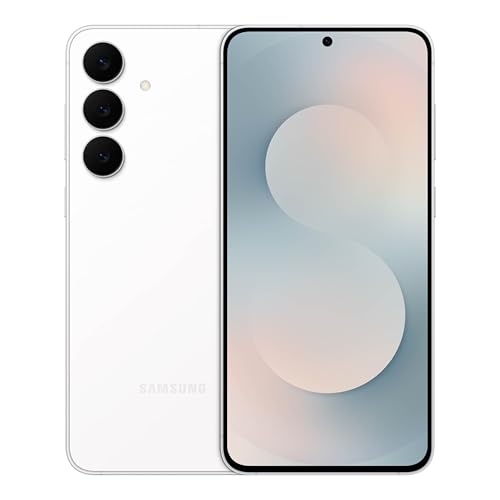
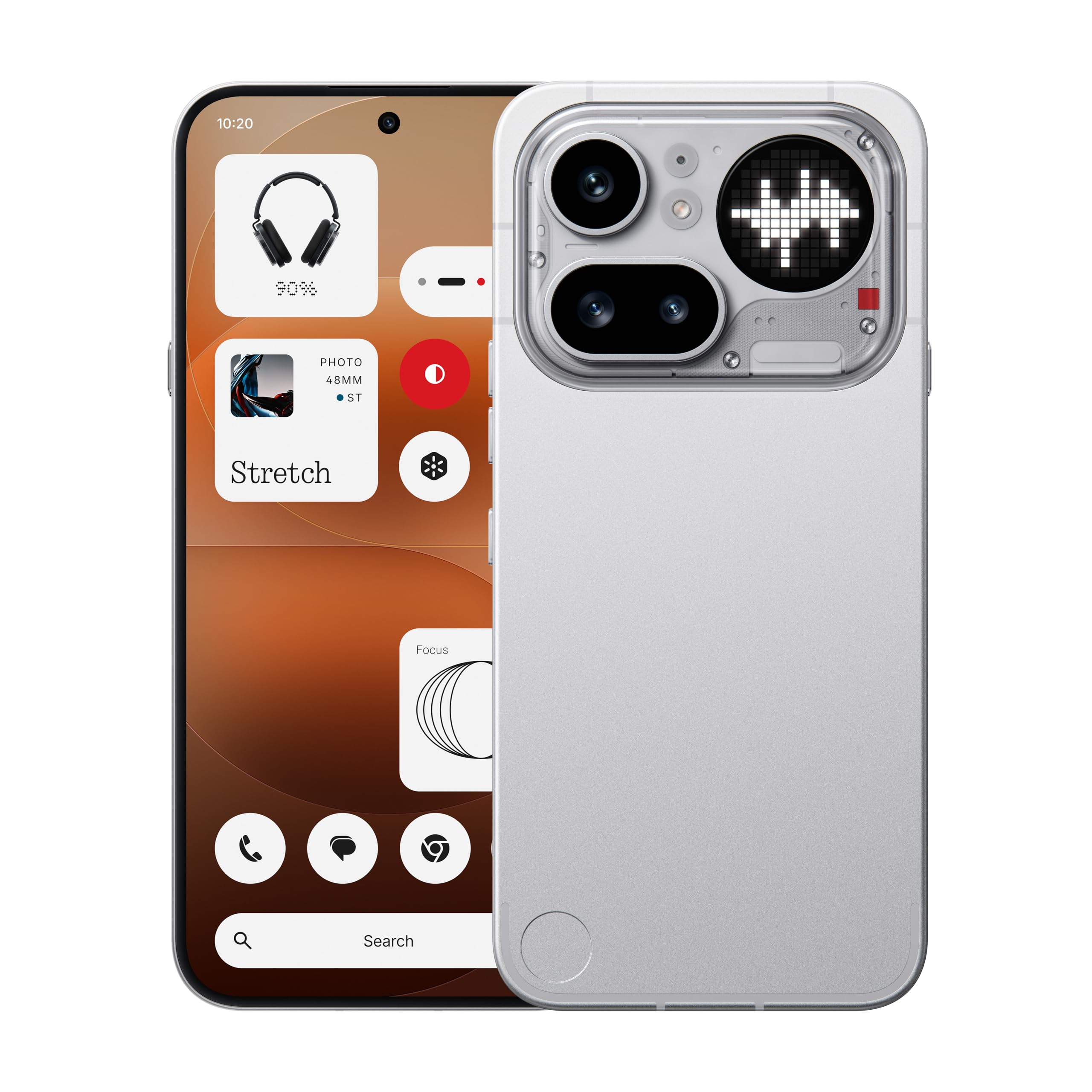
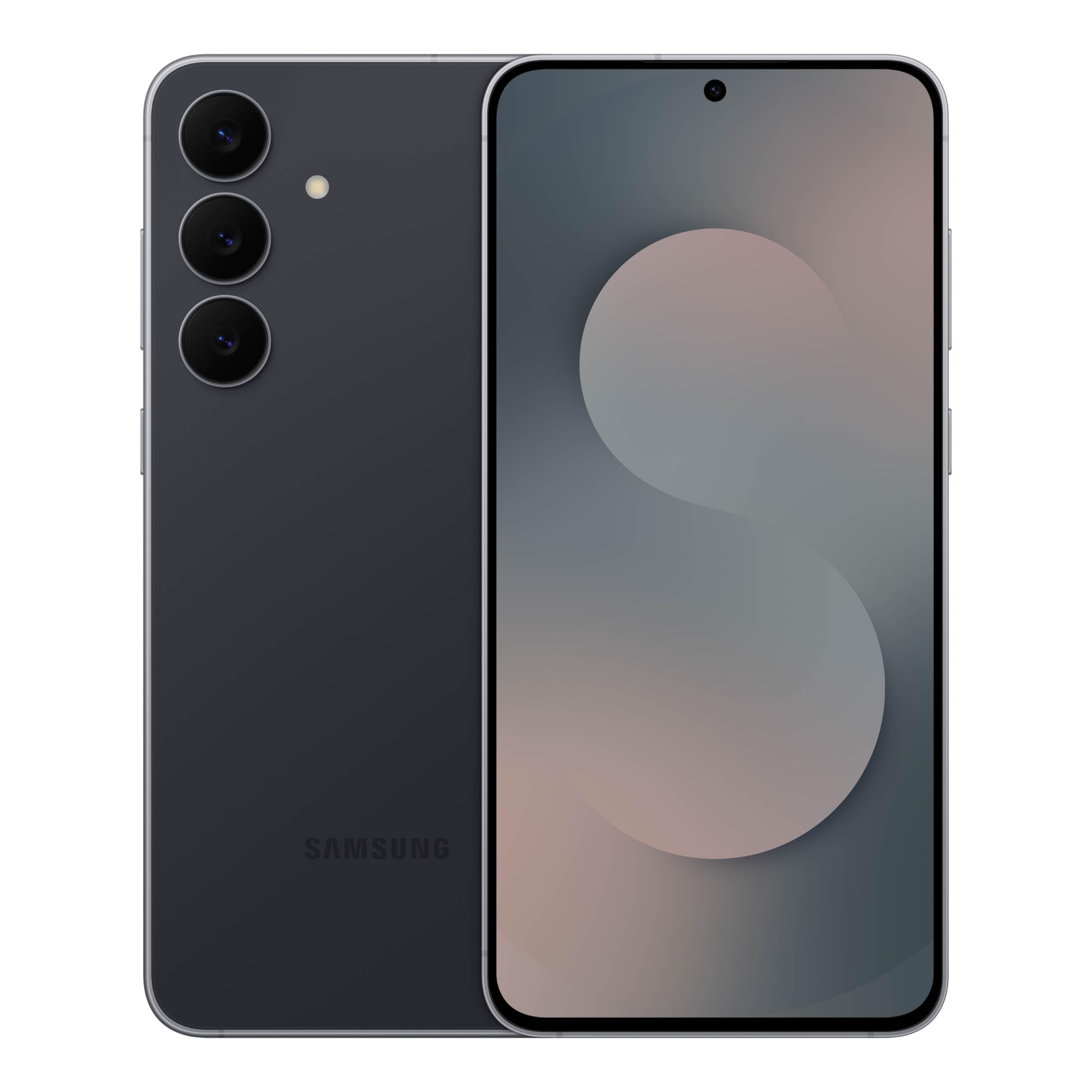
If you are buying your first photo focused phone, the spec sheet can feel overwhelming, with terms like aperture, sensor size and night mode competing for attention. The best android phones for photos are not simply the phones with the most cameras or the highest megapixel count, and the right choice depends on how you shoot, how you store photos and how long you plan to keep the phone. This guide explains the basics in plain English, and the product table gives you a quick side by side view of the main choices.
You do not need to understand every technical term to buy well. You need to know which features change your everyday photos, which specs are marketing noise, and which mistakes first time buyers make most often. By the end of this guide, you should be able to compare phones with confidence and pick one that fits your shooting style and budget.

Android Phones for Photos 101: The Basics
An Android phone is a smartphone that runs the Android operating system, and its camera system usually includes a main camera plus extra lenses for wide views, zoom or close ups. Software plays a large role, because it processes each photo, adjusts color and brightness, and powers features like portrait mode and night mode. That means two phones with similar hardware can produce different looking photos. For a first time buyer, the combination of hardware and software matters more than any single number on the spec sheet.
Think about how you will use the phone before you compare models. Do you shoot mostly in daylight, indoors, at night or on trips? Do you print photos, share them online or keep them for memories?
Your answers shape which features deserve your money. A phone that excels at daylight landscapes may not be the best choice for dim restaurants, and a phone built for zoom may matter little if you mostly photograph family at close range.
Software also differs between phones, even when the hardware looks similar. Camera app layout, portrait mode quality and update policy all affect daily use, so check how the camera app feels and how long the maker promises updates before you decide.
Key Specs Explained in Plain English
Features That Matter for Photos
For photos, the main camera, lens aperture, sensor size and image processing matter most. A larger sensor usually captures more light and detail, while a wider aperture lets in more light in dim settings. Optical stabilization helps reduce blur from hand movement, especially in low light and when zooming. Look for a camera system that handles your typical scenes well, rather than one with the longest feature list, and check sample photos in lighting similar to your own.
Display Size and Quality
The display is how you frame, review and edit photos, so size and quality matter. An OLED display usually shows deeper blacks and richer colors than a basic LCD display, which helps when judging exposure and color. A higher refresh rate makes scrolling smoother, but it matters less for still photos than brightness does. If you shoot outdoors often, choose a display that stays readable in sunlight, and pick a size that feels comfortable in your hand for long shooting sessions.
Storage Options
Photos and videos fill storage quickly, especially at high resolution, so plan for more space than you think you need. A phone with 128GB suits light shooters who back up regularly, while 256GB gives more room for trips, videos and large photo libraries. Some phones accept a microSD card for extra storage, while others do not, so check this before you buy if you plan to keep years of photos on the phone. Cloud backup helps, but it needs a reliable connection and sometimes a paid plan.
For moving photos off the phone, see our guide to best photo stick for android phones.
Processor and Everyday Performance
The processor affects how quickly the camera opens, focuses and processes photos, and how smoothly the phone handles editing apps. A faster processor also helps with night mode, which combines several frames into one image. You do not need the fastest chip for casual photos, but a very slow phone can feel frustrating when you miss a moment while the camera loads. For most first time buyers, a solid mid range processor with enough memory for multitasking is a good balance.
For a wider performance comparison, see our guide to best performing android phones.
Carrier Compatibility and 5G
Carrier compatibility decides whether a phone works on your network and supports the bands used in your area. An unlocked phone works with many carriers, which gives you flexibility to switch plans, while a carrier locked phone may be cheaper upfront but harder to move. 5G helps with uploading large photos and videos, but it does not improve photo quality itself. If you mostly share over WiFi at home, 5G speed matters less than camera quality, battery life and storage.
Rookie Mistakes to Avoid
- Choosing by megapixel count alone, when sensor size, lens quality and processing matter more for real photos.
- Buying the smallest storage option to save money, then running out of space during a trip or event.
- Ignoring battery life, which matters when a full day of shooting, navigation and sharing drains the phone.
- Skipping a check of carrier bands, which can leave a new phone with weak service in your area.
- Forgetting a case and screen protector, which protect a phone that will spend a lot of time in your hand outdoors.
Getting Started: Setup and First Use
When you first set up the phone, update its software, sign in to your backup service and check camera settings before an important event. Turn on automatic backup if you want copies of your photos saved off the phone, and set photo quality to match your storage plan.
Use a case and screen protector from the start, because a phone used for photos spends more time out of a pocket than most phones. Keep software updated, since updates often improve camera performance and security, and try night mode and portrait mode in calm conditions before relying on them. For help after shooting, see our guide to best photo editor for android phones.
Frequently Asked Questions
What Features Matter Most in Android Phones for Photos?
Main camera quality, sensor size, lens aperture and image processing matter most, because they decide how much light and detail each photo captures. Optical stabilization helps in low light and when zooming, while a good portrait mode depends on software as much as hardware. Extra lenses help for wide scenes and distant subjects, but they matter less than a strong main camera. Judge a phone by sample photos in your typical lighting, not by the number of cameras on the back.
How Many Years of Updates Should a Phone Get?
Look for at least three to four years of software and security updates, because updates keep the camera app improving and the phone secure over time. Longer support also helps resale value if you upgrade later. A phone with short support may still take good photos, but it can fall behind on new camera features and security fixes. Check the maker's stated update policy before you buy, and treat a vague promise as a warning sign rather than a guarantee.
Do I Need 5G for a Photo Phone?
No, 5G is not required for good photos, because photo quality depends on the camera system, not on network speed. 5G helps when you upload large videos, back up many photos on the go or share files away from WiFi. If you mostly share at home over WiFi, a 4G phone can still serve you well for photography. Choose 5G if you travel often or back up constantly, but do not pay a large premium for it at the expense of camera quality or storage.
How Much Storage Do I Need for Photos?
Most casual shooters do well with 256GB, because high resolution photos and videos accumulate faster than expected. A 128GB phone can work if you back up regularly and delete duplicates, but it needs more management. If you shoot video often, keep years of photos on the phone or travel without reliable backup, choose more storage or a phone with a microSD slot. The product table can help you compare storage options, but your shooting habits should drive the final choice.
Should I Buy an Unlocked Android Phone?
An unlocked phone is usually the better choice for flexibility, because it works with many carriers and makes switching plans easier. It can cost more upfront than a carrier locked phone, but it avoids restrictions if you travel or change networks. A carrier phone may suit you if you plan to stay with one carrier and value a lower upfront price or a trade in deal. Check that any phone you consider supports your carrier's bands before you commit.
Is a Mid Range Phone Good Enough for Photos?
Yes, a mid range phone is good enough for most everyday photos, especially in daylight and well lit indoor settings. Mid range phones often share camera features with higher priced models, though they may lag in low light, zoom range and processing speed. If you shoot mostly family moments, travel scenes and social sharing, a mid range phone offers strong value. Spend more only if you regularly shoot in dim light, need long zoom or want the longest software support.
Wrapping Up
Focus first on the main camera, sensor size and processing, then check display brightness, storage and battery life against the way you actually shoot. A mid range phone with enough storage and a clear update policy often beats a higher priced phone bought for a single spec.
If budget is tight, see our guide to best inexpensive android phones. Check the product table once more, and follow local rules about photography in restricted places and about photographing people without consent. The best android phones for photos are the ones that fit your scenes, your storage habits and your budget, and that you will enjoy carrying every day.