Best Android Mods for Non Rooted Phones in 2026: Everything to Know Before Your First Purchase
Disclosure: We may earn a commission when you buy through links on this page, at no extra cost to you. As an Amazon Associate I earn from qualifying purchases. Learn more
Shopping for the best android mods for non rooted phones for the first time? Learn the terms, compare mod types, and avoid common mistakes in this guide.
Rooting used to be the only way to change how an Android phone behaves, but that is no longer true. The best android mods for non rooted phones now cover launchers, icon packs, automation tools and deeper tweaks that work through normal permissions, so your warranty, banking apps and system updates stay intact. This guide starts with the basic terms, then shows you how to compare the options.
You do not need to change everything at once. Most people start with one visual change and add more only when a real annoyance remains.
Android Mods 101: The Basics for Non Rooted Phones
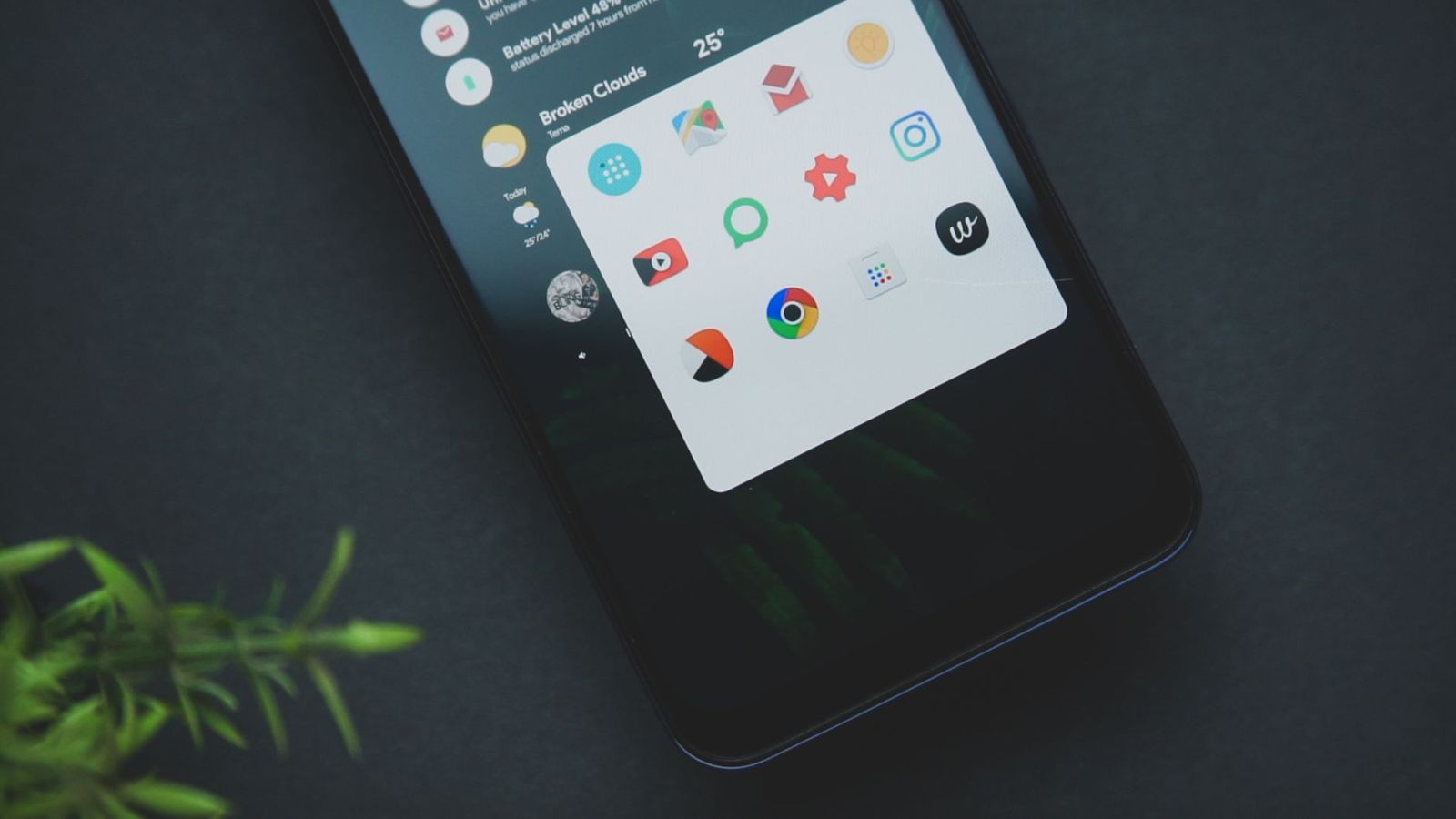
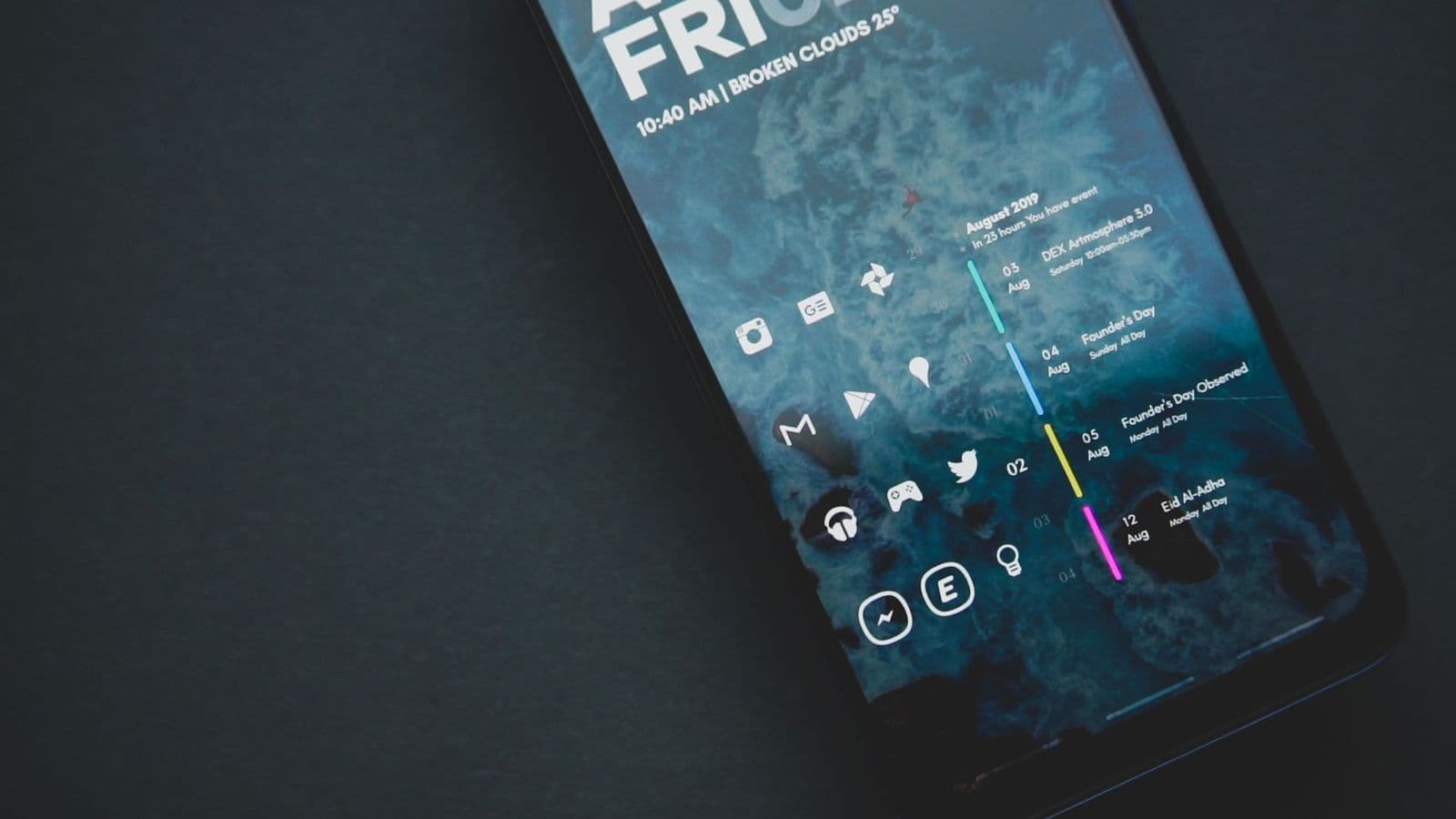
A mod is any change beyond the settings your phone maker put in the menus. On a non rooted phone, mods work inside the limits Android sets for normal apps. A launcher can replace your home screen and app drawer, an icon pack can restyle app symbols, and a widget app can add clocks and shortcuts. Removing the app usually removes the change.
Deeper mods use two helper routes. ADB is a tool you run from a computer that can grant an app extra permissions or remove bundled apps for your user profile. Shizuku passes some of that same power to other apps on the phone itself, after you start it through wireless debugging or a computer. Neither route can rewrite core system files. To see what changes once a phone is rooted, see our guide to the best apps for rooted android phones.
Who Should Buy Which Android Mods for Non Rooted Phones?
Match your group below first, because a mod that solves a look problem will not fix a workflow problem.
Owners Who Want a Fresh Look Without Risk
You like your phone but you are bored with its home screen and icons. Start with a launcher, an icon pack and a widget set, since all three install like normal apps and uninstall in seconds. This group needs no computer and no debugging settings.
Owners Who Want to Remove Clutter and Automate Chores
Your complaint is bundled apps you never open, or settings you change daily by hand. Look at ADB based removal tools and an automation app for routines such as silencing the phone at work. These mods save time daily, but each one needs a quick test after every system update.
Careful Tinkerers Who Must Keep Banking Apps Working
You enjoy adjusting how your phone behaves, yet you rely on banking or payment apps that often refuse to run on rooted phones. Shizuku powered mods fit you well, since they can adjust animation speeds and manage permissions in more detail while the phone stays unrooted. Accept the trade off first: Shizuku stops after each restart, so you must start it again before its dependent apps work.
Key Features to Compare
When you compare the best android mods for non rooted phones, judge each option by what it can change, what it asks from you, and how easily you can undo it.
Permission Level and What Each Method Can Change
Every mod falls into one of three levels. A normal app level mod, such as a launcher, can only change its own screens and needs no special access. An ADB or Shizuku level mod can change some system settings, freeze bundled apps and revoke certain permissions, because you have handed it a stronger key. No non rooted method can replace the system itself or remove a lock set by your carrier or employer. Choose the lowest level that does your job, since each step up adds setup work.
Source Trust and Privacy
A mod often sees more of your phone than a normal app does, so where it comes from matters as much as what it does. Prefer apps from the Play Store or a developer page you can verify, and read the permission list before you install. A wallpaper app has no reason to read your contacts. Be careful with random APK files shared in forums, because a file passed from hand to hand can be altered with no sign on the screen.
Compatibility With Your Android Version and Brand Skin
Android changes its permission rules often, so a mod built for an older version may lose features after you update. Check the version range the developer lists, and read recent reviews from owners on the same version as yours. Brand skins matter too, because each maker renames menus, and a tool tuned for one skin may miss options on another. Owners comparing phones across brands can see our guide to the best non samsung android phones for how much the software experience differs between makers.
Battery and Performance Impact
Most visual mods cost almost nothing in speed, but mods that stay awake do. A live wallpaper, a widget that refreshes every few minutes and an automation app that watches your location all draw power through the day. A day after you install a mod, check the battery page in Settings. A well made mod should sit low on that page during normal use. Owners who care most about raw speed can also read our guide to the best performing android phones, since no mod can make slow hardware feel fast.
Reversibility and Staying Safe Through Software Updates
A good mod is easy to undo, and you should test that exit early. For app level mods, uninstalling normally restores the stock look, though you may need to pick your old launcher again in Settings. For ADB changes, keep the tool you used, because reversing a removal means restoring that app. System updates can reset permissions, so expect to redo small steps after a major update. This is the core strength of staying unrooted: an update rarely fails because of a mod.
Getting Started: Setup and First Use for Android Mods
Begin with a backup. Save your photos and files, note your current home screen layout, and make sure you remember your Google account password, because a launcher change can leave you signing in to apps again.
Install one mod at a time and use the phone normally for a day before you add the next. Start with the launcher if you plan to use one, since icon packs and widgets sit inside it. For ADB work, turn on Developer options and USB debugging, connect to a computer you trust, and check each result on the phone before the next command.
Common Mistakes to Avoid
- Installing five mods in one evening leaves you unable to tell which one caused a problem.
- Granting every permission a mod requests gives a visual tool access to data it never needed.
- Skipping the battery check lets a busy widget drain your phone for weeks before you notice.
- Downloading mod files from random forum links exposes you to altered copies the developer never released.
- Forgetting that Shizuku stops after a restart makes its dependent apps look broken when they only need the service started again.
- Removing a bundled app before checking what depends on it can break sharing or sync features you use daily.
How to Keep Your Android Mods Safe and Working
Update mod apps when developers release fixes, because Android updates often change the rules they work under. After each system update, open your main mods once, confirm their permissions are still granted, and restart Shizuku if you use it.
Once a month, check which apps hold special access, such as accessibility access, and take it back from anything you no longer use. Keep a short note of the ADB tools you have used, so a future change does not start from guesswork.
FAQ
Are android mods for non rooted phones safe to use?
Android mods for non rooted phones are generally safe when they come from a trusted source and ask only for permissions their job needs. The system itself stays untouched, so a bad mod can be removed like any other app. The real risk is a dishonest app abusing broad access, which is why the permission review in this guide matters more than the mod category itself.
What can android mods for non rooted phones not do?
These mods cannot replace the operating system, change the boot process, or remove locks set by a carrier or employer. A tool that promises total control without root is promising something Android does not allow. If a change you want sits on that list, your honest options are a stock setting, a different app, or accepting the current behavior.
Do android mods for non rooted phones stop working after a phone restart?
Most of these mods keep working after a restart, and launchers, icon packs and widgets return on their own. The exception is Shizuku, which stops when the phone powers down and must be started again. Apps that depend on Shizuku may open with reduced features until you do that step, so weigh that chore if you restart your phone often.
Will android mods for non rooted phones break banking or payment apps?
These mods normally leave banking and payment apps working, because the phone still passes the standard integrity checks those apps rely on. Problems are rare and usually come from a mod that overlays other screens or holds accessibility access, which some banks flag as a risk. If a bank app complains, turn off overlay style mods first and test again.
Can you undo android mods for non rooted phones completely?
Yes, you can undo these mods almost completely, and most reversals take only a few minutes. Uninstall the app for visual mods, restore any bundled app you removed with the same ADB tool, and revoke special permissions. One detail people miss is the default launcher choice, which stays set until you pick the stock launcher again.
Wrapping Up
Start with the change that fixes your biggest daily annoyance, keep the permission level low, and pick tools you can remove in minutes. Source trust, compatibility, and a light battery footprint are the three checks that protect you most.
Chosen with those checks in mind, the best android mods for non rooted phones give you a phone that feels personal while updates, warranty and banking apps carry on as normal. Add changes slowly, and your setup will stay useful long after the novelty fades.