
Best Ad Blocker For Android Phones 2026: Privacy Guide
Disclosure: We may earn a commission when you buy through links on this page, at no extra cost to you. As an Amazon Associate I earn from qualifying purchases. Learn more
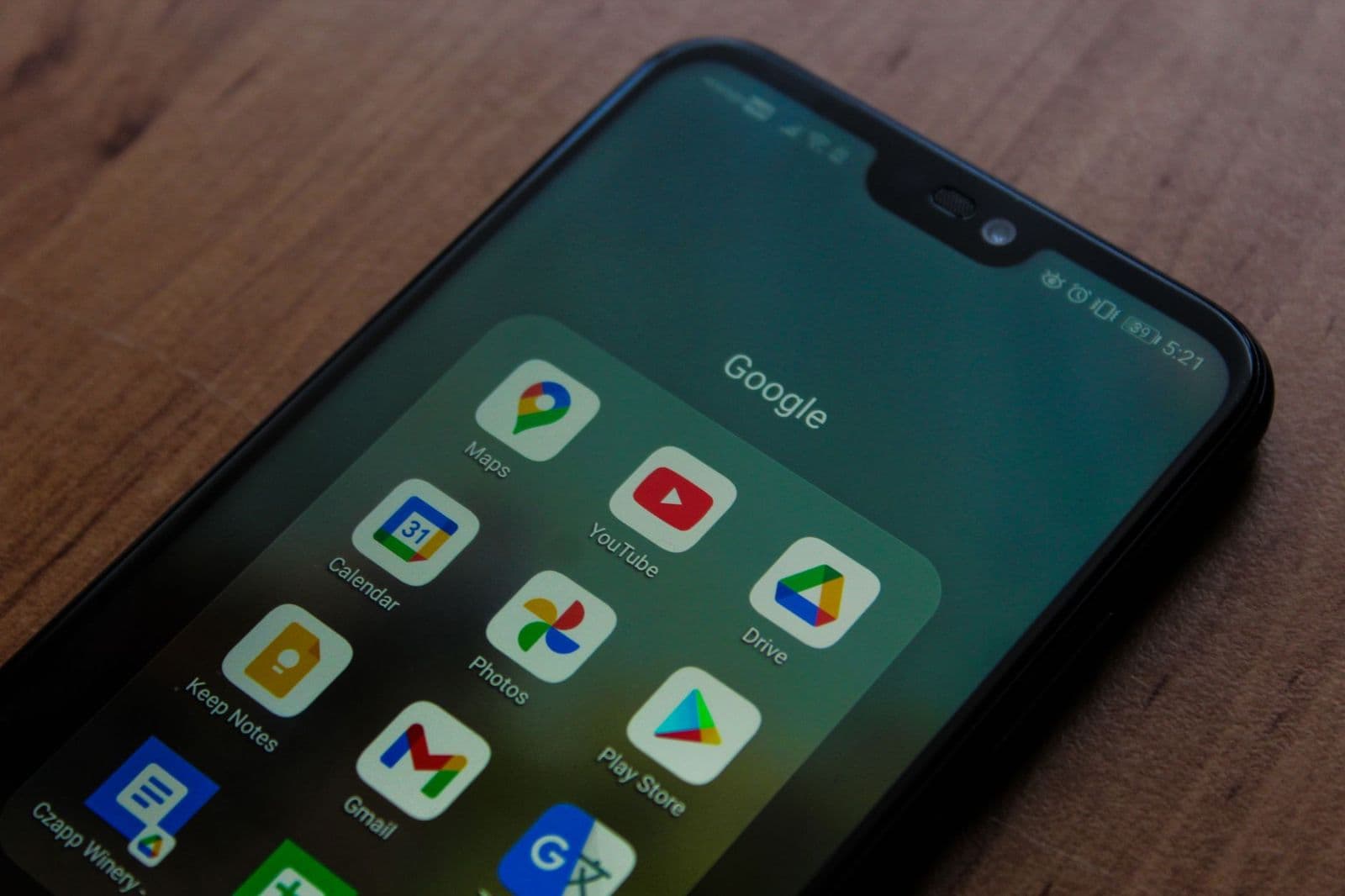
Ads slow pages and drain battery on Android phones. Learn how blockers work, what they can and cannot block, and how to stay safe online. Read before you buy.
Ads on a phone do more than interrupt reading: they slow pages, use mobile data, drain battery, and sometimes carry trackers or malicious links. The best ad blocker for android phones depends on where ads appear, because a browser blocker, a system wide blocker, and a private DNS service each cover different ground. No single tool blocks everything, and understanding the limits prevents disappointment.
This guide explains how each blocking method works, what it can and cannot do, and how to choose safely without handing personal data to an untrusted app.
Where Ads Appear and Why It Matters
Ads appear in browsers, in free apps, in videos, and sometimes as pop ups over other content. A browser extension or a browser with built in blocking handles web ads well, but it does nothing for ads inside other apps. System wide blocking, usually through a local VPN or private DNS, can cover more apps, but it needs more setup and trust.
Start by listing where ads actually annoy the user most. A reader who mainly browses the web needs a different tool from a gamer annoyed by in app ads. Matching the tool to the real annoyance saves time and avoids installing a powerful tool for a narrow problem.
For unwanted calls rather than web ads, best call blocker for android phones covers call filtering and spam controls.
Readers annoyed by pop ups specifically should see best pop up blocker for android phones, which focuses on overlay and pop up behaviour.
Browser Blockers: Simple and Effective
Browser based blockers are the easiest starting point. A browser with built in blocking, or a reputable blocker extension where the browser supports it, removes most web ads and trackers with little setup. They also speed up pages and reduce data use, which helps on slow connections and limited plans.
The limit is scope: browser blockers do not touch ads in other apps, and some sites detect blocking and restrict content. A backup plan, such as a reader mode or an alternative source, helps when a site refuses to load with blocking enabled. Keep the blocker updated so its filter lists stay current.
System Wide Blocking: VPN and Private DNS
System wide blocking routes traffic through a local filter or a private DNS service that blocks known ad and tracker domains. This can reduce ads across browsers and many apps without rooting the phone. Setup usually involves installing an app or changing one DNS setting, both reversible if problems appear.
Trust matters here, since the tool sees domain requests. Choose a well known open source or reputable tool, read its privacy policy, and avoid free tools with vague ownership or aggressive permissions. A tool that blocks ads but collects browsing data trades one privacy problem for another.
Safety, Breakage and Allow Lists
Blocking can break some sites and apps: videos may not play, logins may fail, or pages may load incompletely. An allow list for trusted sites, such as a bank or a favourite news source, fixes most breakage quickly. Supporting sites that are valued, by allowing their ads or subscribing, is also a fair habit when their content is used daily.
Be wary of blockers that promise to remove all ads everywhere, including video platform ads that are served from the same domains as content. Such claims often hide poor filtering or data collection. A realistic blocker reduces most ads and trackers while keeping the phone usable, which is the right goal.
Battery, Data and Performance Gains
Blocking ads often improves battery life and reduces data use, since fewer scripts, images, and videos load. The gain is largest on ad heavy news and content sites, and smaller on clean, fast sites. Measure the difference over a week rather than judging by one page, since site variation is large.
Keep the phone system and browser updated, since updates patch security issues that ads can exploit. A blocker is one layer of protection, not a replacement for updates, a screen lock, and careful app permissions. Together, these habits make a phone faster, safer, and less annoying.
Related Guides Worth Reading
Readers comparing options may also find best ad block for android phones useful, since it covers a closely related choice in the same category.
A Closer Look Before You Order
Before installing, decide what success looks like: fewer web ads, fewer in app ads, or less tracking. Each goal points to a different tool, and a tool chosen for the wrong goal will disappoint even if it works well. A week of noting where ads actually appear gives a clear target.
Also check the maker and permissions carefully before granting any tool broad access. A reputable tool explains what it does, asks only for needed permissions, and offers an easy way to disable it. Vague ownership, aggressive permissions, or promises of total ad removal are warning signs worth heeding.
Finally, keep an allow list habit: trusted sites that provide daily value can be allowed or supported by subscription. Blocking everything everywhere is tempting, but supporting valued creators keeps good content available. A balanced approach protects privacy without breaking the web.
Mistakes That Weaken Phone Protection
One common mistake is installing the first free blocker without checking its maker, permissions, or privacy policy. Some free tools collect browsing data or show their own ads, trading one privacy problem for another. Reputation and minimal permissions matter more than a bold promise.
Another mistake is expecting one tool to block everything, including video ads served from the same domains as content. Such ads are hard to block without breaking the app, and chasing total blocking leads to frustration and risky tools. A realistic goal is fewer ads and trackers with a usable phone.
A third mistake is never using an allow list. Blocking can break banking, video, and login pages, and users then disable blocking entirely in frustration. Allowing trusted sites fixes most breakage quickly and keeps protection working elsewhere.
Finally, many users treat a blocker as a replacement for updates and careful permissions. System updates patch security issues that ads can exploit, and a screen lock plus sensible app permissions complete the protection a blocker starts.
Choosing With Confidence
A final practical test is to run the blocker for a full week on the real phone, noting which sites break, how much data and battery change, and whether daily apps still work smoothly. A week of normal use reveals breakage and benefit far better than a single afternoon of testing, and it shows whether the allow list habit is easy to keep.
Also confirm how to disable or remove the tool quickly if a banking app or a work app refuses to run with it. A blocker with a simple pause switch and a clean uninstall is far safer to try than one that buries its off switch or resists removal. Easy reversibility is a genuine safety feature.
Frequently Asked Questions
Can an ad blocker remove ads from all apps?
No single blocker removes ads from every app. Browser blockers handle web ads, while system wide tools using private DNS or a local VPN can reduce ads in many apps. Some ads, especially video ads served from content domains, are hard to block without breaking the app itself.
Is a free ad blocker safe to use?
Some free blockers are safe and open source, while others collect browsing data or show their own ads. Check the maker reputation, privacy policy, permissions, and independent reviews before installing. Avoid tools that ask for broad permissions unrelated to blocking, or that hide their ownership.
Why do some sites break with a blocker on?
Blocking can stop scripts that a site needs for video, login, or layout, so pages may load incompletely. Adding the site to an allow list usually fixes it. For sites used daily and trusted, allowing ads or subscribing supports their work while keeping blocking elsewhere.
Does ad blocking save battery and data?
Yes, often noticeably on ad heavy sites, since fewer scripts, images, and trackers load. Savings vary by site and usage, and are largest for heavy news and content browsing. System updates and good app habits matter too, since blocking alone does not fix an old or overloaded phone.
What is private DNS blocking?
Private DNS blocking uses a DNS service that refuses to resolve known ad and tracker domains, so those requests never load. It needs only a settings change, works across many apps, and is easy to reverse. It cannot block ads served from the same domain as content, which is its main limit.
Final Thoughts
The right blocker matches where ads actually appear, comes from a trustworthy maker, and keeps the phone usable with a simple allow list for trusted sites. Browser blocking suits web readers, while private DNS or a local VPN suits broader app annoyance.
For most Android users, the best ad blocker for android phones is the one that is easy to keep updated, honest about its limits, and respectful of privacy. Start simple, test for a week, and adjust rather than chasing a promise of zero ads everywhere.


