Best 3D Scanners for 3D Printers: A Buying Guide for 2026
Disclosure: We may earn a commission when you buy through links on this page, at no extra cost to you. As an Amazon Associate I earn from qualifying purchases. Learn more
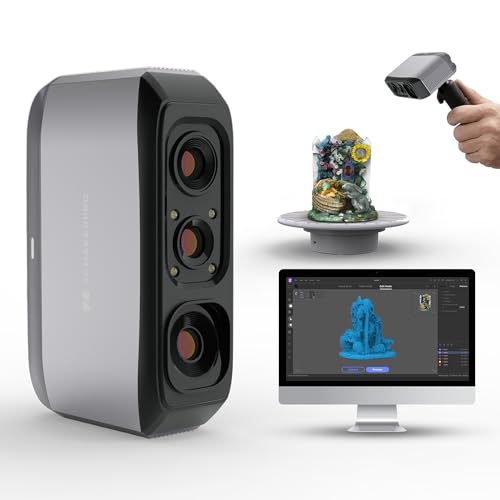
Makers who reprint real parts can choose the best 3d scanners for 3d printers by weighing accuracy, scan size, software, and file output.
If you already print objects at home or in a small workshop, a scanner can close the loop between a physical part and a fresh print. The best 3d scanners for 3d printers capture the shape of a real object and turn it into a digital model you can repair, resize, or reprint. The product table gives a quick overview, and this guide explains what actually matters before you spend money.
A scanner is not a printer, and it should not be judged like one. Print speed, layer height, and filament type belong to the printer side of the workflow. What matters here is how faithfully the scanner records shape, how large an object it can handle, and how clean the resulting mesh file is when it reaches your slicing software.

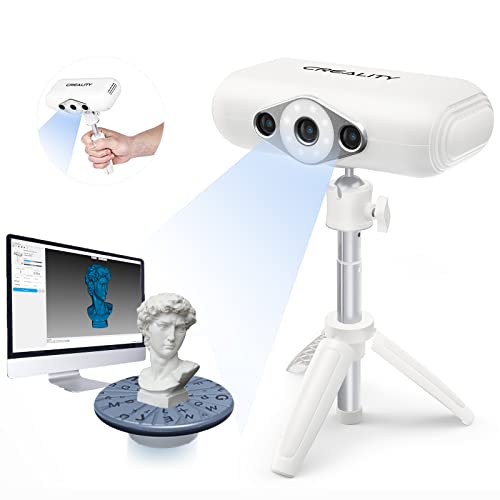
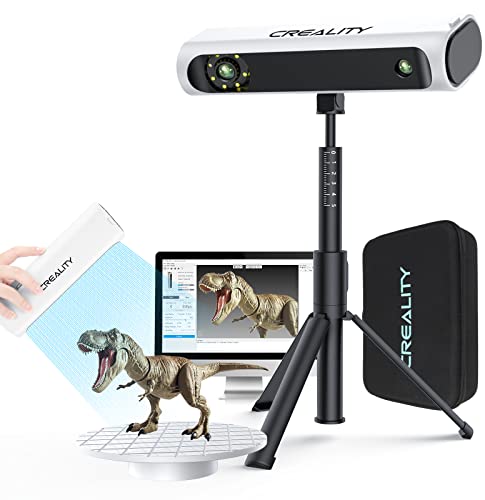

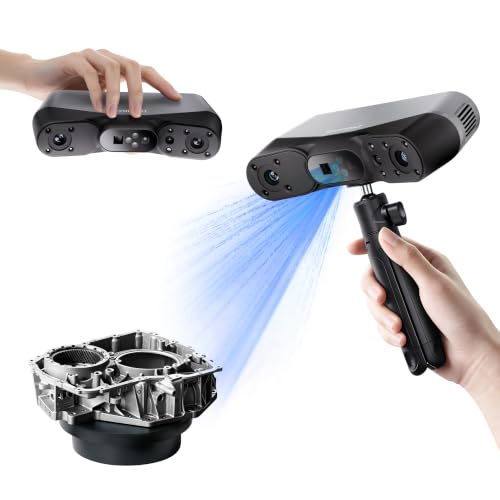
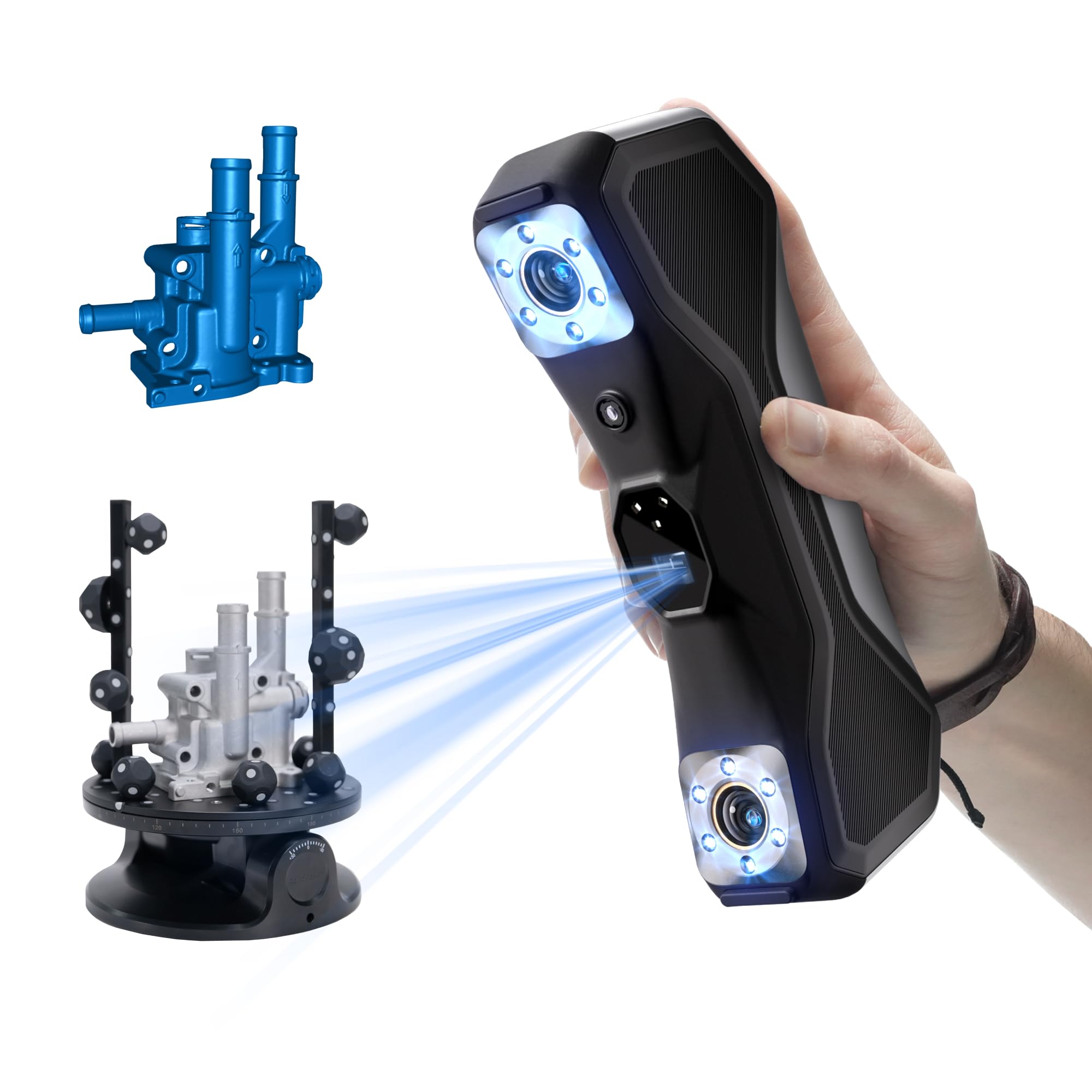
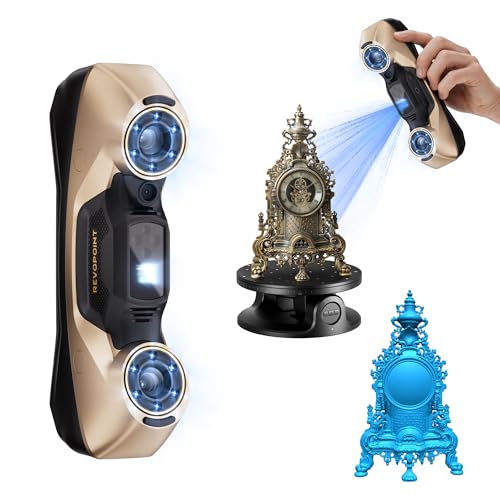

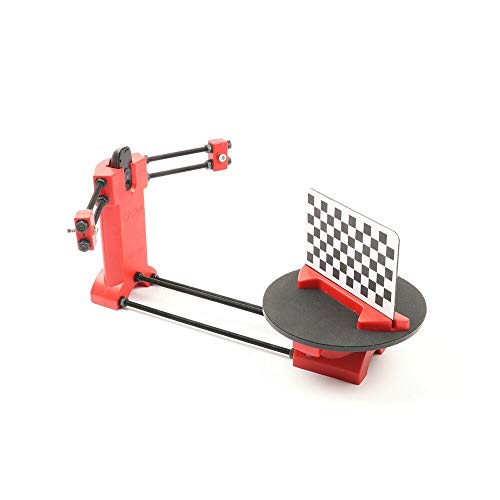
Who Should Buy Which Scanner for Printing?
Hobby Makers Replacing Broken Parts
If your main job is replacing a cracked knob, a clip, or a small bracket, you need a scanner that handles small objects well and produces a watertight mesh. If you still need a printer for the job, see our guide to best hobby 3d printers. Fine detail matters more than a huge scan volume, because a small error on a tiny part can stop it fitting. Look for good close range accuracy, simple calibration, and software that lets you clean up stray points before export.
Designers Building Prototypes
Designers often scan a clay model, a carved form, or an early prototype, then refine it in CAD software. For this use, flexible export options matter as much as raw accuracy. You want mesh files your design tools can open, plus the option to export a point cloud for reference. A scanner that locks you into one closed file type will slow this workflow down.
Small Shops Digitizing Objects for Clients
A small shop may scan figurines, product samples, or parts for repeat orders. Speed and repeatability matter here, because scanning time is paid time. A turntable setup, a repeatable calibration routine, and a workflow that produces consistent results from one session to the next will matter more than a long list of extra features you rarely use.
Key Features to Compare
Accuracy and Resolution
Accuracy describes how close the scan sits to the true shape, while resolution describes how fine the recorded detail is. Both are usually given in millimeters, and smaller numbers mean finer capture. For small replacement parts, accuracy in the range of about 0.05 to 0.1 mm is a sensible target. For larger decorative objects, looser accuracy is often acceptable, because small surface variation will not affect the print.
Scan Volume and Object Size
Scan volume is the largest object the scanner can capture in one pass, and it is easy to overlook until a part will not fit. A scanner built for small objects may need several passes and careful alignment to capture a larger piece, and each join adds a chance of error. Match the volume to the largest object you realistically plan to scan, not to the largest object you can imagine.
Scan Speed and Ease of Capture
Some scanners capture an object in a single sweep, while others need many passes from different angles. Faster capture helps with objects that are hard to hold still, and it shortens long sessions. However, speed alone is not a quality measure. A slower scan with steady tracking often produces a cleaner mesh than a fast scan that loses tracking halfway through.
Software and File Output
The software matters as much as the hardware. It should let you align scans, remove stray points, fill small holes, and export common mesh formats such as STL or OBJ for your slicer. Check whether the software runs on your operating system and whether updates are included, and confirm your printer workflow with our guide to best 3d printers. If you are unsure about setup or compatibility, ask the maker support team before buying.
Lighting and Surface Handling
Shiny, dark, or transparent surfaces are hard for most scanners to read, because light bounces or passes through instead of returning a clean signal. Some scanners cope better with these surfaces than others, and scanning spray can help on tricky materials. If you plan to scan metal parts or glossy plastics, treat surface handling as a core feature rather than a minor detail.
Portability and Setup
A handheld scanner suits objects you cannot move, such as a fixed part on a machine. A desktop or turntable scanner suits small objects you can bring to a desk. Consider weight, cable length, and how much desk or floor space the setup needs. A scanner that is awkward to set up will sit unused, however good its specifications look on paper.
Types of 3D Scanners
Structured Light Scanners
Structured light scanners project a pattern of light onto the object and read how the pattern bends across its surface. They are common for small to medium objects and usually offer good detail at a reasonable price. They work best indoors with controlled lighting, because strong sunlight can wash out the projected pattern, and our guide to best 3d scanner explains the general purpose options.
Laser Scanners
Laser scanners sweep a laser line across the object and measure the reflected signal. They often handle larger objects and longer working distances well. They can be a good choice for workshop use, but they still struggle with very shiny or transparent surfaces, and they need steady movement to avoid gaps in the scan.
Photogrammetry Based Scanning
Photogrammetry builds a model from many photographs taken around an object. It can be a low cost way to start, especially for larger objects such as statues or furniture. The trade off is accuracy, because results depend heavily on lighting, camera settings, and how carefully the photos overlap.
Spending Levels Explained
At a lower price, expect a basic handheld or desktop scanner with modest accuracy and a smaller scan volume. If you are also shopping for a printer on a budget, see our guide to best inexpensive 3d printers. These scanners suit hobby makers scanning small parts and learning the workflow. The software may be simpler, and you may need to do more cleanup by hand before printing.
In the middle price band, accuracy improves, scan volumes grow, and software usually offers better alignment and mesh repair tools. This is the sensible band for regular use, including designers who scan prototypes weekly. You also tend to get better support and more frequent software updates.
At a higher price, you pay for finer accuracy, larger scan volumes, faster capture, and software built for repeatable professional work. This band suits small shops scanning for clients. Before spending at this level, confirm that your printer and your design software can actually use the extra detail, or the finer scan may add file size without improving the print.
Common Mistakes to Avoid
- Buying for the largest object you might scan one day, instead of the size you scan most weeks, which leaves you with a bulky setup for small jobs.
- Judging a scanner by printer specs such as print speed or layer height, which say nothing about scan quality.
- Ignoring the software, then finding that export formats or operating system support block your printing workflow.
- Scanning shiny or transparent objects without a plan for surface treatment, which produces noisy meshes full of holes.
- Skipping calibration, which lets small errors creep into every scan until parts stop fitting.
- Expecting a scan to print perfectly with no cleanup, when most scans need at least light mesh repair first.
How to Make Your 3D Scanner Last Longer
- Calibrate on the schedule the maker recommends, and recalibrate after the scanner is moved or bumped.
- Keep lenses and light windows clean with a soft dry cloth, and never use abrasive cleaners on optical parts.
- Store cables loosely coiled rather than sharply bent, since damaged cables cause tracking dropouts.
- Keep the scanner in a dry, dust free place, and cover it when it is not in use.
- Install software updates only from the maker, and back up your scan projects before updating.
- If a fault appears that you cannot trace, contact maker support instead of opening the unit yourself.
3D Scanners: Your Questions Answered
What features matter most in 3d scanners for 3d printers?
Accuracy, scan volume, and clean file export matter most, because they decide whether the printed part fits and whether your slicer can use the model at all. A scanner with fine accuracy but a tiny scan volume will frustrate you on larger parts, while a large volume scanner with poor accuracy will produce parts that need heavy repair. Software sits close behind these three, since alignment, hole filling, and mesh repair tools decide how much handwork each scan needs. Spend your attention on those factors first, and treat extra features as a bonus rather than a deciding point.
Can a 3D scanner copy any object for printing?
No, and the limits are worth knowing before you buy. Very shiny, very dark, and transparent surfaces often scan poorly, and fine internal detail that the scanner cannot see will not appear in the model. Moving parts, soft materials that change shape, and objects with deep hidden cavities also cause trouble, since a scanner records visible outer shape only and cannot reveal how a part works inside. For many repair jobs this is enough, but you may still need to remodel hidden features in CAD software after scanning.
Do I need a turntable for 3D scanning?
A turntable is not required, but it helps a great deal with small objects. It rotates the object at a steady pace while the scanner stays still, which keeps tracking stable and reduces gaps between passes. Without one, you must move the scanner around the object by hand, and that takes practice to do smoothly. Some desktop scanners include a turntable, while handheld models may offer one as an accessory, and if you scan small parts often it is one of the most useful additions you can buy.
How much cleanup does a scan need before printing?
Most scans need at least light cleanup, even from a good scanner. Expect to remove stray points, fill small holes, and check that the mesh is watertight before slicing. Heavier cleanup is needed when the scan lost tracking, when the surface was tricky, or when several passes had to be joined. The amount of cleanup also depends on your tolerance for flaws: a decorative object may print acceptably from a rough mesh, while a functional part that must fit precisely needs a cleaner model and a trial print.
Can I scan an object and print it at a different size?
Yes, scaling a mesh in your slicer or design software is straightforward, and it is one of the most useful things a scanner enables. Keep in mind that scaling changes wall thickness and fine detail along with overall size. A small part scaled up may print well, but a large object scaled down can lose thin features that fall below your printer nozzle width. Check thin walls and small holes after scaling, and run a small trial print before committing to a long print job.
Final Thoughts
The right scanner is the one that matches the objects you actually scan, the software you already use, and the amount of cleanup you are willing to do. Accuracy and scan volume deserve the most weight, with software and surface handling close behind. Price tiers mainly buy finer detail, larger volumes, and smoother workflows, so spend more only when your current work regularly hits the limits of a simpler model.
Start with a clear picture of your most common job, compare a few models on the factors in this guide, and check the product table before ordering. The best 3d scanners for 3d printers are the ones that turn a real object into a printable model with the least friction, session after session.