Best 37 Inch Lcd TVs: Our 2026 Checklist and Buying Guide
Disclosure: We may earn a commission when you buy through links on this page, at no extra cost to you. As an Amazon Associate I earn from qualifying purchases. Learn more
A 37 inch LCD TV suits a bedroom, dorm or desk. Use this checklist for panel, refresh rate, gaming and fit.
A 37 inch screen sits in a tricky middle ground: big enough for a bedroom or small living room, small enough to double as a desk display. This checklist scores the best 37 inch lcd tvs on panel quality, motion handling, gaming features, and fit, so you can judge any model in minutes instead of decoding spec sheets for hours.
Note your room size, viewing distance, and main use first. Then work through the criteria below and compare any model you find against your notes.
How to Evaluate 37 Inch Lcd TVs
Each criterion below includes a practical pass mark. A TV that clears the marks for your main use, whether that is film, sport, or gaming, will satisfy you far longer than one bought on headline specs alone.
Panel Technology (IPS, VA, OLED, Mini LED)
Panel type sets contrast and viewing angle before any setting can help. VA panels give deep blacks and strong contrast for movie nights in dim rooms, but their picture washes out at wide angles. IPS panels hold color when you sit off to the side, which suits family seating, at the cost of weaker blacks. True OLED and Mini LED models are rare at this exact size, so treat any listing that claims them with care and verify the panel spec with the maker. For a wider view of the category, see our guide to the best lcd tvs and how panel choices scale up.
Stand, Mounting, and Ergonomics
Check the stand footprint before anything else, because wide feet on a 37 inch set can overhang a narrow dresser or desk. VESA mount spacing, commonly 200 by 200 at this size, decides which wall brackets and monitor arms fit. A stand that swivels helps on a desk, while height adjustment is rare on TVs, so plan a riser if you want the screen center at eye level. Cable routing through the stand or rear panel keeps a small room setup tidy and reduces strain on the ports.
Refresh Rate and Response Time
Native refresh rate is the number that matters: 60Hz is standard at this size and fine for film and broadcast sport. Claims of much higher effective rates are usually motion processing, not a faster panel. For console gaming, a panel that accepts a 120Hz signal is a genuine step up, though rare in this class. Response time affects blur in fast scenes; lower is better, but makers measure it in different ways, so treat single digit claims as marketing unless an independent spec confirms them.
Adaptive Sync and Gaming Features
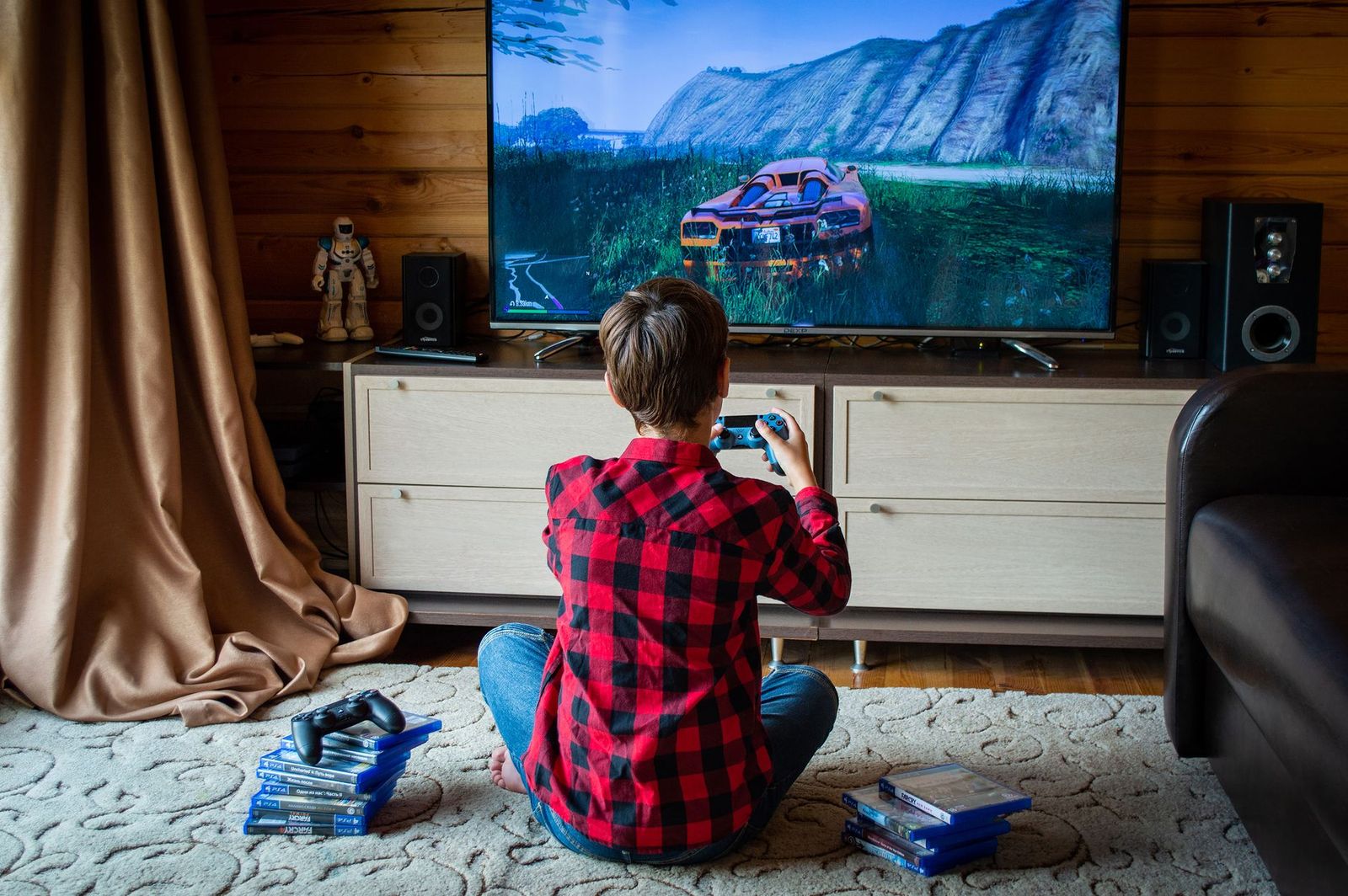
Gamers should look for HDMI 2.1 features scaled to this size: variable refresh rate (VRR) smooths frame drops, auto low latency mode (ALLM) switches the TV into game mode on its own, and adaptive sync support such as FreeSync reduces tearing with PCs. At 37 inches, many sets are used as large monitors, so chroma 4:4:4 support at your target resolution matters for crisp text. If gaming is only occasional, these features are nice extras rather than reasons to overspend.
Resolution and Screen Size
At 37 inches, 1080p still looks sharp from about five feet away, while 4K earns its keep when you sit closer, use the screen as a monitor, or stream a lot of 4K content. Sitting distance guides the choice: roughly four to six feet suits this size for mixed viewing. Upscaling quality matters as much as native resolution, because most broadcast and older content is not 4K. A set with clean upscaling will look better day to day than a sharper panel with noisy processing.
Smart Platform and Sound
The smart platform decides how pleasant daily use feels. Google TV, Roku, and similar systems differ in app coverage, search quality, and how much advertising fills the home screen. Check that your main streaming apps are supported natively. Built in sound on slim sets is modest, with small speakers that struggle with dialogue at low volume, so budget for a compact soundbar if the TV anchors a living room. Buyers weighing a step up in size can compare our guide to the best 55 inch lcd tvs for how platforms and sound change with scale.
Three Profiles That Pass the Checklist
Sort any model you find into these three profiles. Each describes a type of 37 inch set that clears the checklist for a different room and budget, without naming specific models.
Best Overall Profile
The strongest all around profile is a 4K VA panel set with clean upscaling, a wide color picture mode for film, and a stable smart platform, usually around $250 to $450. It suits a bedroom or small living room where one person or a couple watches fairly straight on, so VA contrast shines. The trade off is viewing angle, so wide sofas will see some washout at the ends. Add a small soundbar later and this profile covers film, sport, and casual gaming well.
Best Value Profile
The value profile is a 1080p or entry 4K set with a simple, fast interface and honest 60Hz panel, usually around $150 to $250. It fits kitchens, spare rooms, dorms, and first apartments where the screen is a second TV rather than the main event. You give up deep contrast, gaming extras, and speaker quality. What you keep is a light, easy set that streams everything most households watch. For shoppers still deciding on size, our guide to the best 37 inch tvs compares this screen class across panel types.
Best Premium Profile
The premium profile at this size usually means a high brightness panel with local dimming, 120Hz input support, and VRR for gaming, often around $450 to $700. It suits desk setups that mix work, streaming, and console play on one screen. The honest limit is value: larger premium sets often cost the same, so this profile only makes sense when 37 inches is a firm space limit. If your room can grow, comparing the best 65 inch tvs shows how far the same budget stretches at family room scale.
Quick Buyer Checklist
Answer each question before you order. Every no points to a measurement or spec worth confirming first.
- Does the stand footprint fit your furniture with room to spare?
- Is your viewing distance roughly four to six feet from the screen?
- Does the set have at least three HDMI ports for your devices?
- Are your main streaming apps supported on its smart platform?
- Does the VESA pattern match the wall mount or arm you own?
- Is the native refresh rate stated, not just an effective rate?
- Have you planned a soundbar or speakers if dialogue clarity matters?
Red Flags to Watch For
Pause when a listing leans on vague motion rates with no native refresh figure, since that wording hides an ordinary 60Hz panel. Missing VESA spacing or stand dimensions suggests sloppy documentation that often extends to support. A warranty of only 90 days on a new set is a serious warning at any price. Watch for brightness claims with no unit stated, and for reviews that praise a larger size of the same model, since panel quality can differ by size. Finally, a remote with no voice search and a platform with few apps will annoy you daily.
How to Make Your 37 Inch Lcd TV Last Longer
A few habits extend panel life. Turn off the vivid picture mode and set brightness to suit your room, since running any LCD at maximum backlight for years speeds wear and wastes power. Clean the screen with a dry or barely damp microfiber cloth only, and never spray cleaner directly on the panel. Keep vents clear of dust, avoid pausing static images for hours, and use a surge protector, because a single power spike can end a healthy set without warning.
Frequently Asked Questions
How long do 37 inch LCD TVs last?
Most 37 inch LCD TVs last seven to ten years of typical daily use before brightness or electronics begin to fade. Backlight wear is gradual, so the picture dims slowly rather than failing at once. One factor owners overlook is heat: a set enclosed in a tight cabinet with poor airflow ages faster, so leave breathing room around the vents to reach the long end of that range.
Does refresh rate matter for non gamers?
Refresh rate matters less for non gamers than panel quality and processing. Films are shot at 24 frames per second and broadcast sport at 50 or 60, so a good 60Hz panel shows both cleanly. Motion smoothing settings can add a soap opera look that many viewers dislike, and you can turn them off. Spend on contrast and upscaling first if gaming is not part of your routine.
Is 4K worth it on a 37 inch TV?
Yes, 4K is worth it if you sit within about four feet, use the TV as a monitor, or stream mostly 4K sources. At longer distances the difference from 1080p fades, and good upscaling matters more. A practical point: 4K sets at this size usually come with newer smart platforms and better processing, so the upgrade often improves everyday picture quality beyond raw pixel count alone.
IPS vs OLED: which is better?
Neither is better for every room. IPS holds color at wide seating angles and resists image retention entirely, which suits bright family rooms and desk use. OLED gives perfect blacks and faster response, but true OLED models at exactly 37 inches are scarce, and static desk content raises retention risk over years. For this size class, a good VA or IPS LCD is the realistic and safe choice for most buyers.
What size should I get for my room or desk?
Choose 37 inches when your viewing distance is about four to six feet or your desk depth is under about 30 inches. Smaller rooms and desks feel crowded by 43 inch sets, while a main living room with seating eight feet away deserves 55 inches or more. Measure the furniture width too, since a 37 inch screen is roughly 33 inches wide in real terms and needs stand room beyond that.
Final Thoughts
Judge this size on panel type, honest refresh rate, and whether the stand and mount fit your space, and ignore inflated motion numbers. A set that clears those three checks will serve a bedroom, dorm, or desk for years. With that filter set, the best 37 inch lcd tvs narrow quickly to the one that fits your room and the way you actually watch.