Best 12 Inch Tablets for 2026: Everything to Know Before Your First Purchase
Disclosure: We may earn a commission when you buy through links on this page, at no extra cost to you. As an Amazon Associate I earn from qualifying purchases. Learn more

First time buying the best 12 inch tablets? Learn the key terms, compare display, battery, and storage options, and avoid common mistakes.
Buying your first large tablet is exciting and a little confusing, because the listings throw around terms like refresh rate, nits, and stylus latency with no explanation. This guide slows everything down. We will explain what a 12 inch tablet is, translate the key specs into plain English, and show you how to match the best 12 inch tablets to the way you will actually use one, whether that is notes in class, drawing on the couch, or movies on a flight.
Work through the basics first, then the specs, then the needs based sections. Keep the product table open as you read, and by the end the spec sheets will read like a simple menu instead of a foreign language.
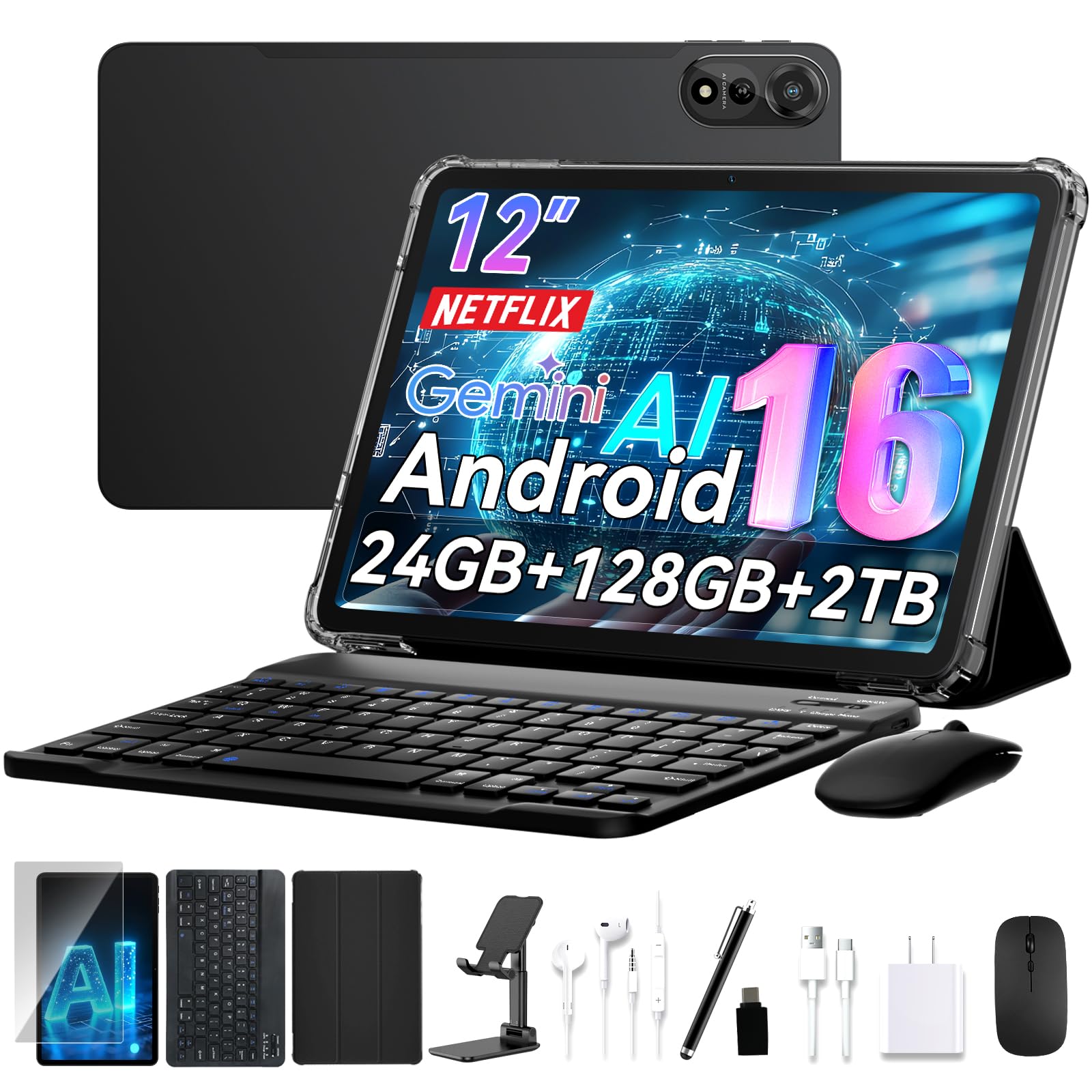
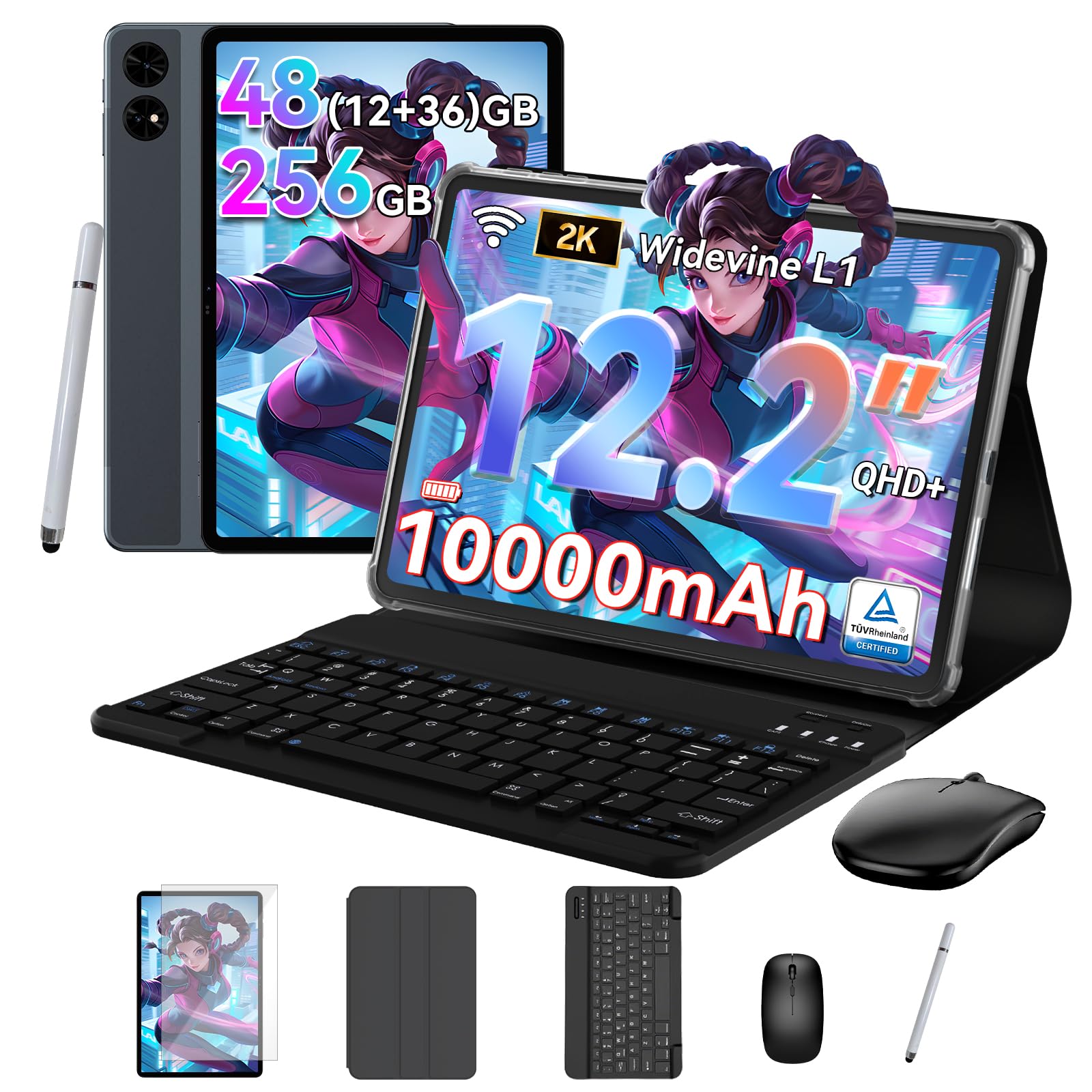
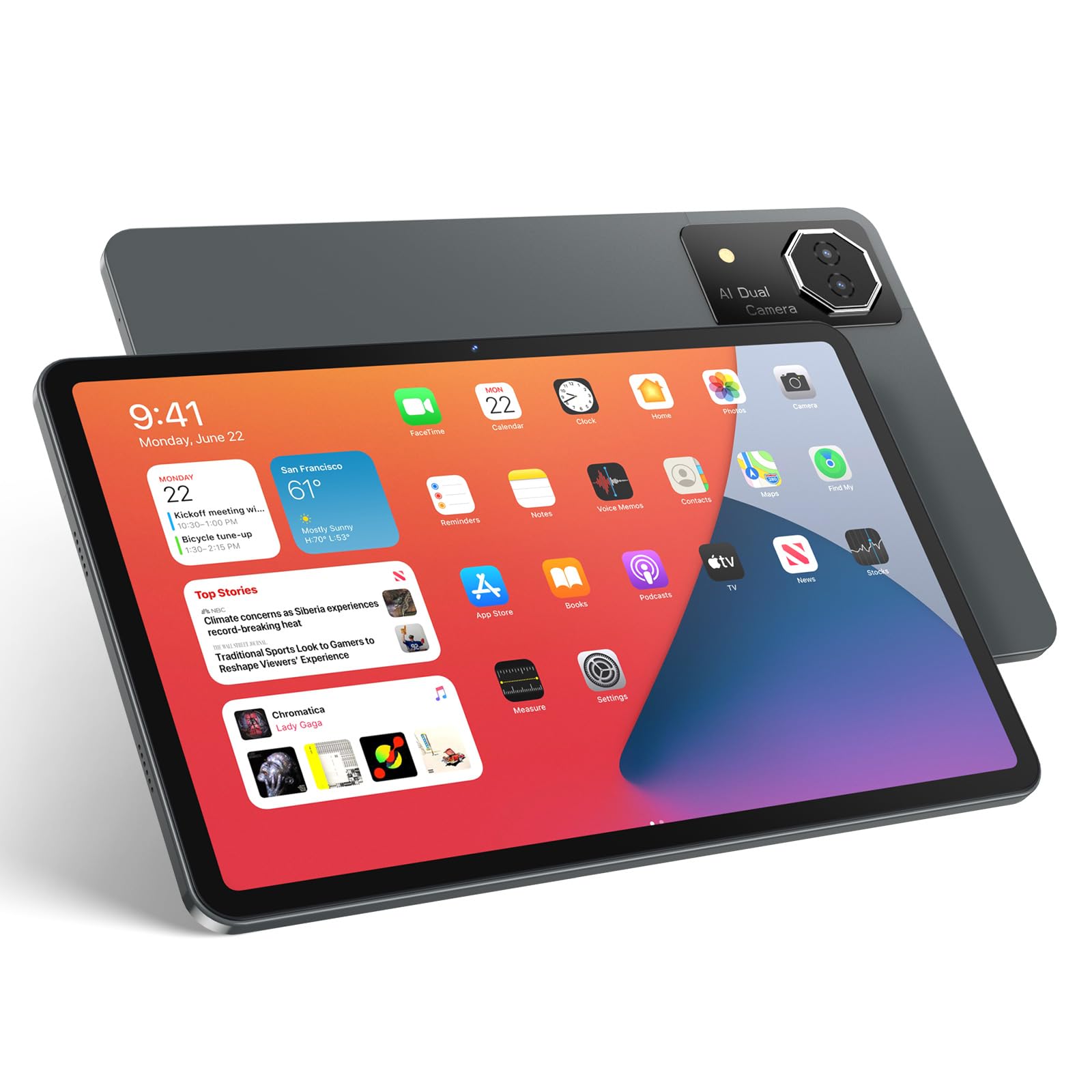

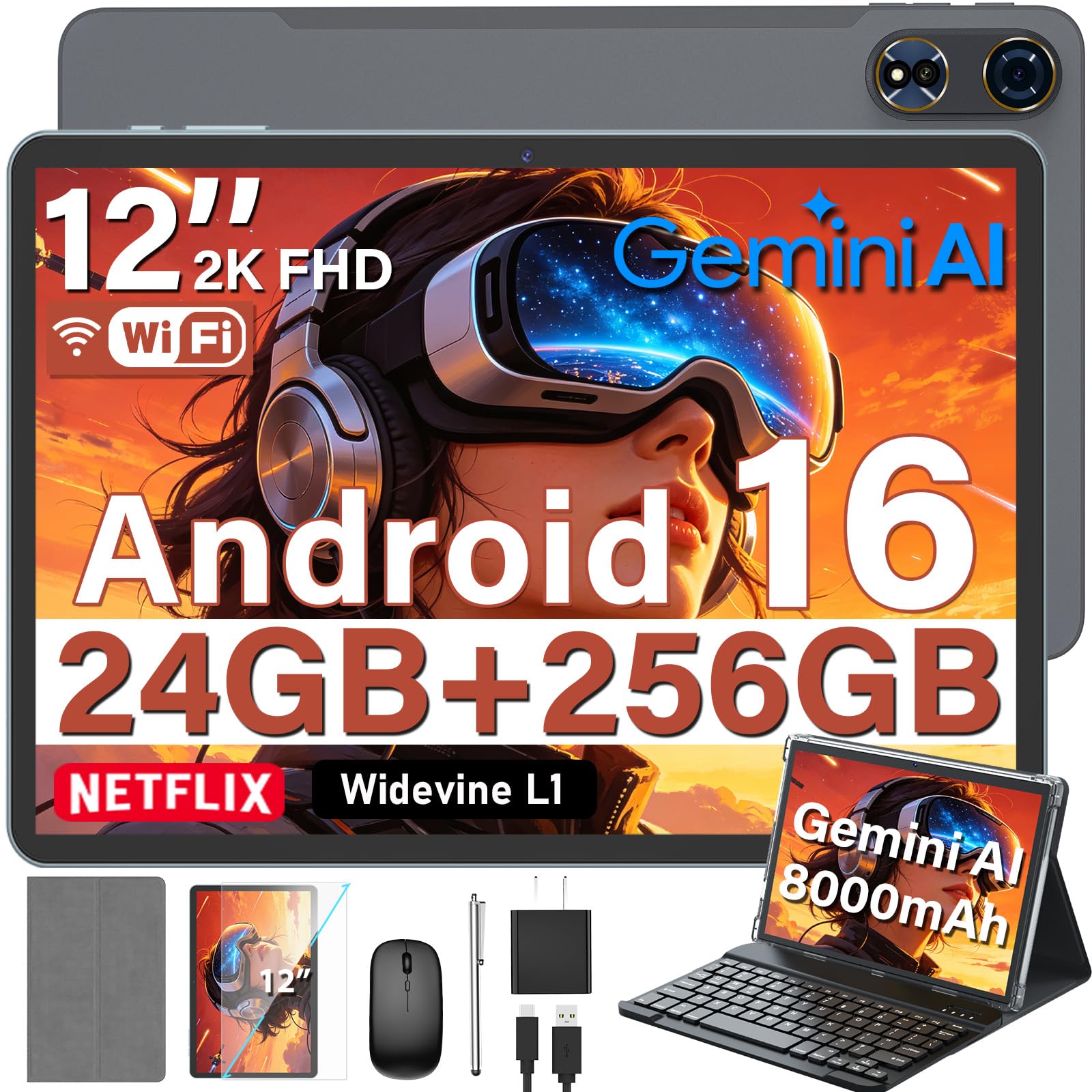


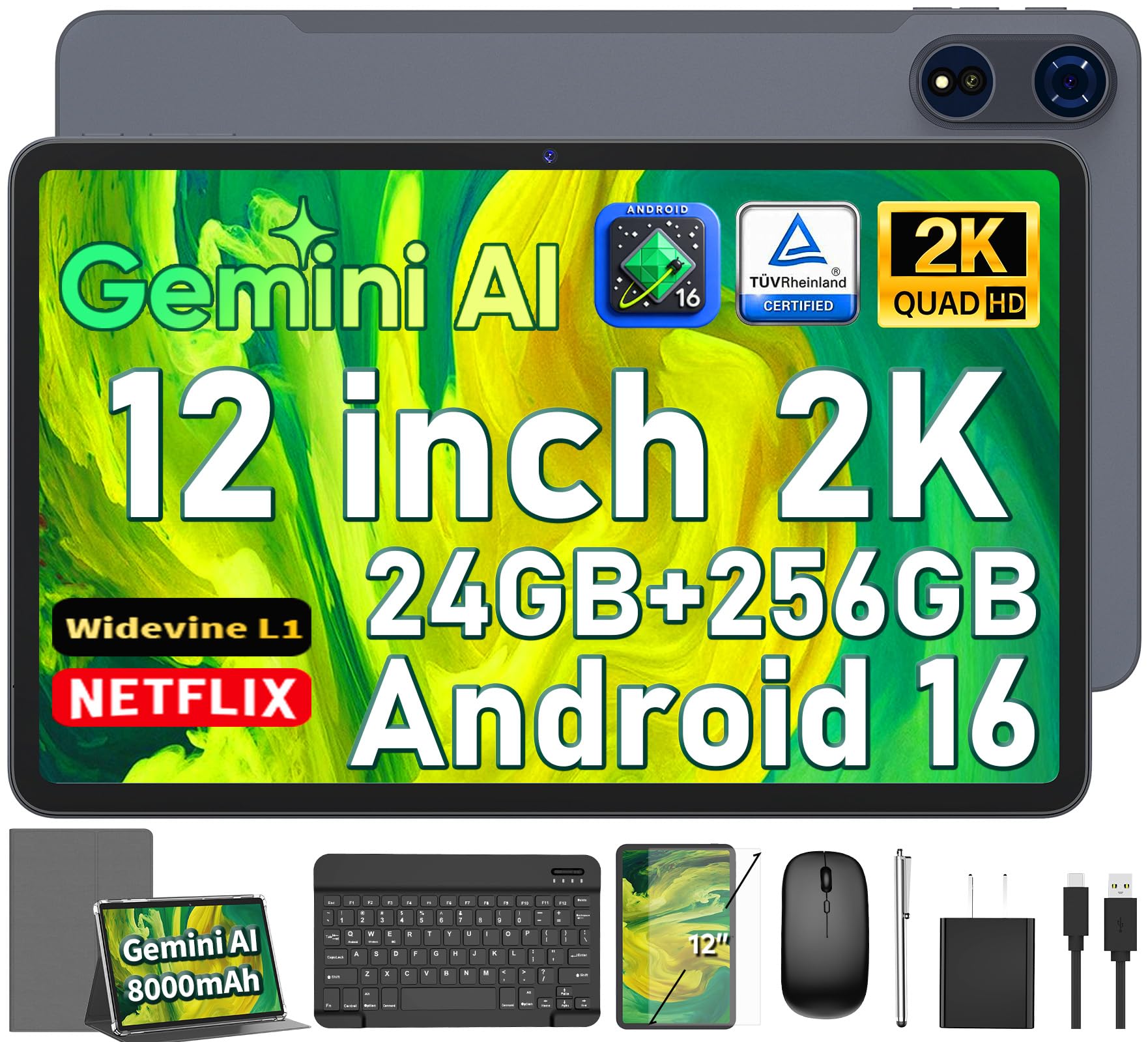
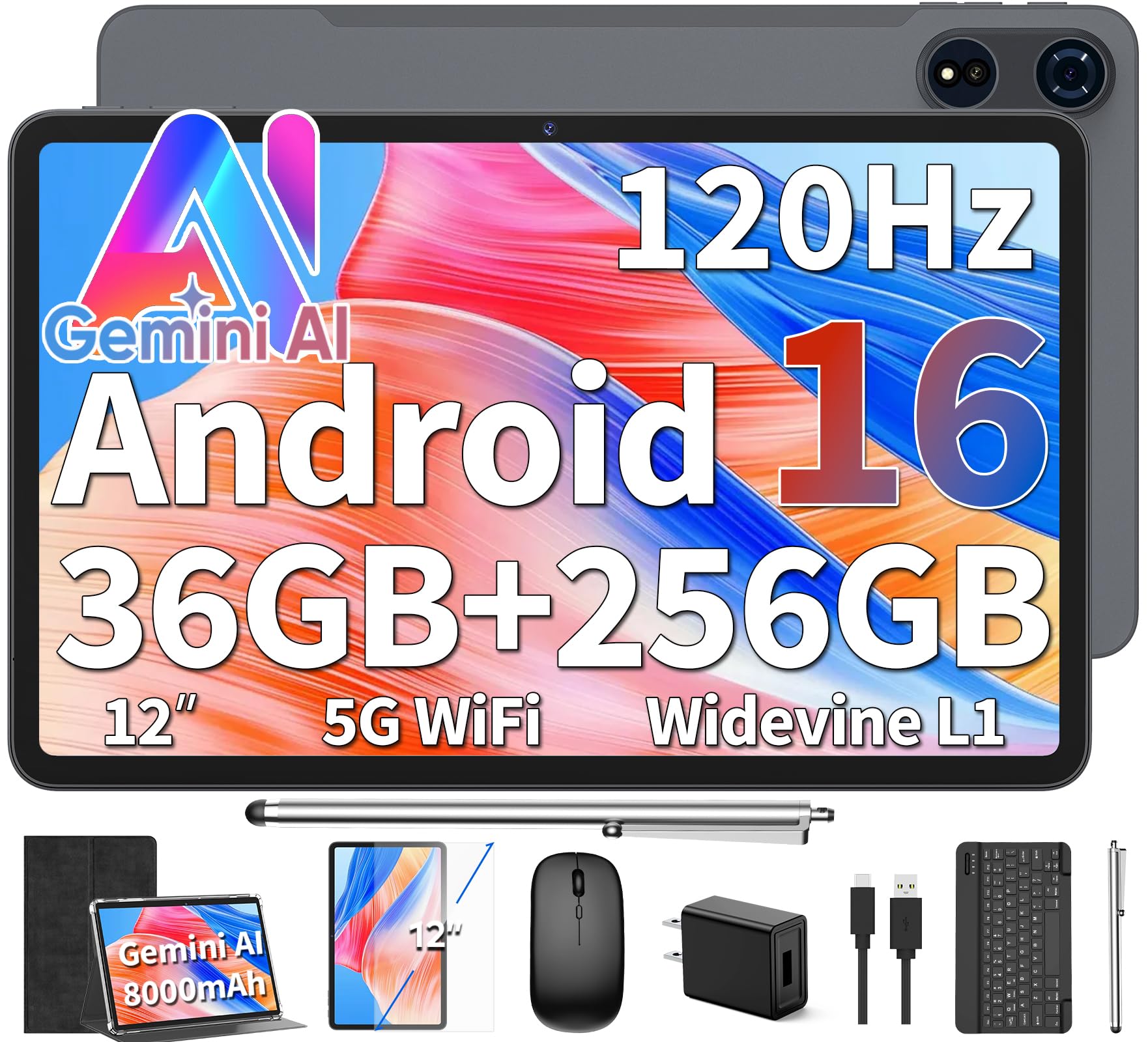
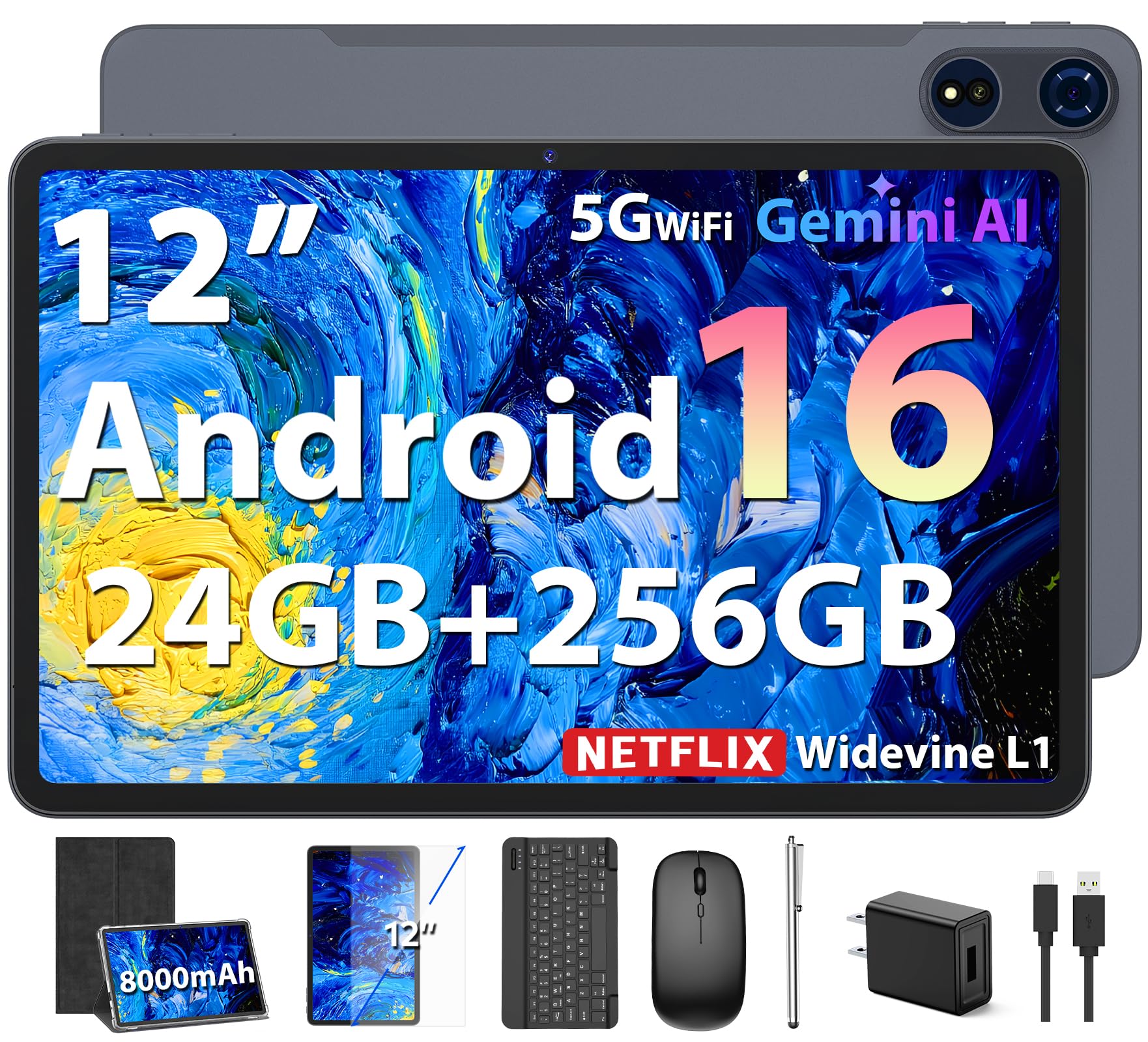

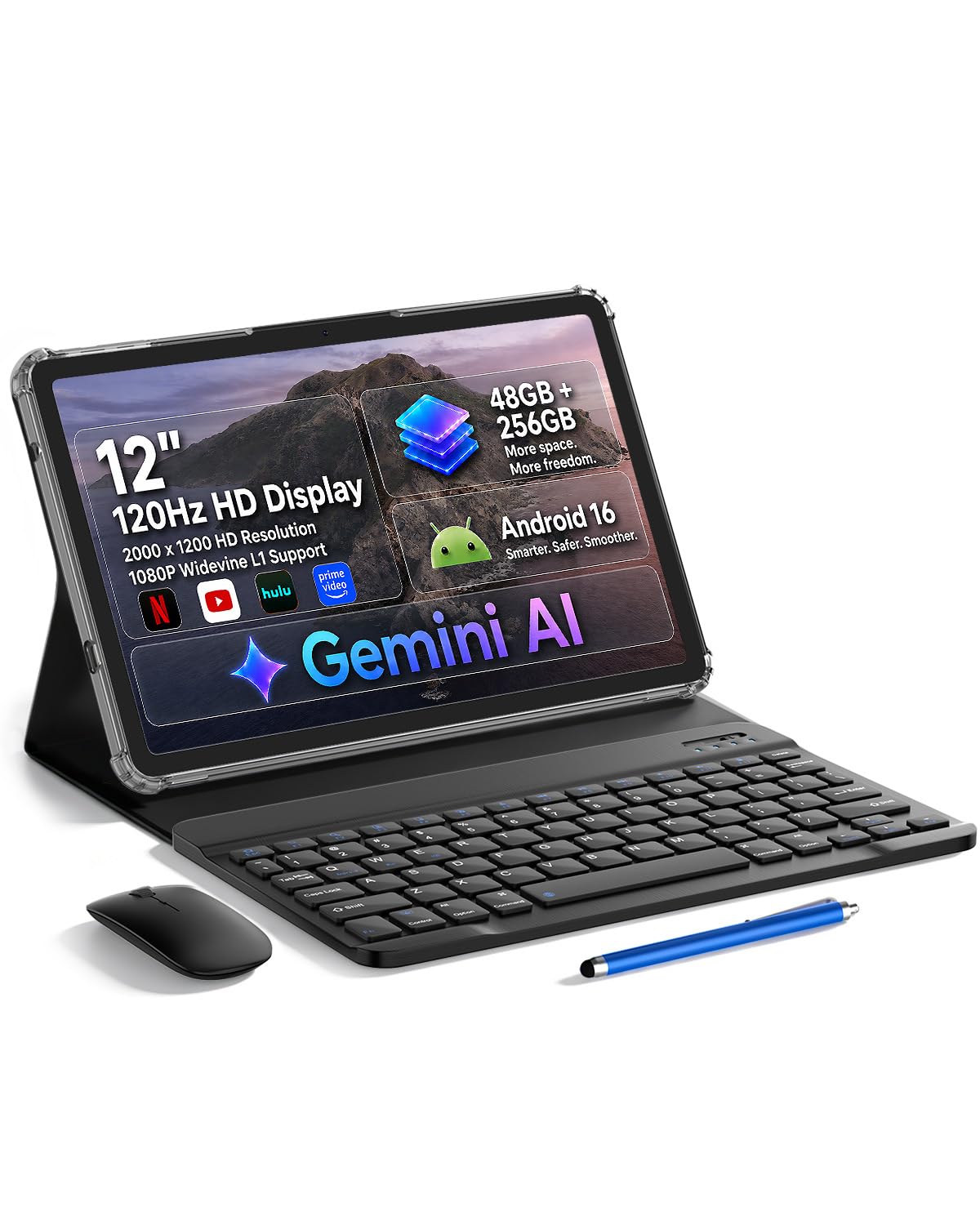
12 Inch Tablets 101: The Basics
A 12 inch tablet measures its screen diagonally, corner to corner, and that size lands in a sweet spot. It is big enough to show two apps side by side, a full page of sheet music, or a textbook page at a readable size, yet still light enough to hold in one hand for a while. Most weigh around 1 to 1.5 lb before a case, which is far less than any laptop.
Tablets run touch first operating systems and wake instantly, which makes them feel more like a notebook than a computer. You interact with your fingers or a stylus pen, install apps from a store, and charge over USB C. Add a keyboard case and the same device becomes a light writing machine for email and essays. That flexibility is the whole appeal, and it is also why choosing well matters, since the accessories and app store you pick will shape your daily experience for years.
Key Specs Explained in Plain English
Processor and Performance Tier
The processor is the engine, and it decides how smoothly apps open and how many you can run at once. Entry chips handle reading, video, note taking, and light games without complaint. Mid range chips add faster app switching and smoother stylus response. Top tier chips, the kind also found in laptops, handle video editing, large art files, and demanding games. For a first tablet, the middle tier is the honest sweet spot, because you feel the speed daily while the top tier mostly shows itself in heavy creative work.
Battery Life in Real World Use
Makers quote battery life under gentle conditions, so expect a little less in real life. A good 12 inch tablet lasts about 9 to 12 hours of mixed use, meaning browsing, video, and notes with the screen at moderate brightness. Video calls, gaming, and full brightness drain it faster. Fast charging over USB C matters more than most people expect, since a half hour plugged in can return several hours of use. If you travel often, battery and charging speed deserve as much attention as the screen.
RAM and Storage
RAM is short term memory, and it decides how many apps stay alive in the background. Treat 8 GB as a comfortable minimum for this screen size, and choose more if you draw in layers or edit video. Storage is your closet for apps, photos, and downloads, and 128 GB is a sensible starting point, with 256 GB wiser if you store movies or large files. Some tablets accept a memory card for cheap extra space, a feature worth having if you download lots of shows.
Operating System
The operating system decides which apps you can run and which other devices your tablet befriends. iPadOS suits people with an iPhone or a Mac and offers the deepest library of polished tablet apps. Android offers more hardware choice and easier file handling, and it pairs naturally with Google services. Windows tablets run full desktop programs, which helps with special school or work software, though touch apps feel less refined. ChromeOS tablets are simple and update quietly, a good fit for web based schoolwork. Choose the system your phone and school or job already use, and everything syncs with less friction.
Display Size, Resolution, and Brightness
Resolution describes sharpness, and at 12 inches you want at least about 2000 pixels on the long edge so text looks crisp. Brightness, measured in nits, decides whether the screen stays readable near a window, and about 400 to 600 nits is a comfortable range indoors. Refresh rate, measured in hertz, describes how often the picture updates, and 90 or 120 Hz makes scrolling and stylus strokes feel smoother. OLED panels give deeper blacks for movies, while good LCD panels cost less and still look great for reading and notes.
Best 12 Inch Tablets for Specific Needs
Best 12 Inch Tablets under 500
Shoppers on a budget under $500 should focus on the display, the stylus in the box, and update support rather than raw speed. At this price you can find sharp screens and pens included, which matters because a pen bought later can cost a lot. Expect plastic or simple metal bodies and mid range chips, both fine for notes, reading, and streaming. Check how many years of software updates the maker promises, since a cheap tablet abandoned early is no bargain.
Best 12 Inch Tablets for Art
Artists should judge the pen before everything else. Look for pressure sensitivity with thousands of levels, tilt support for shading, and low latency so the line stays under the pen tip. A matte or finely textured screen option adds a paper like feel that many illustrators love. Color accuracy matters too, so favor panels that cover a wide color range. Finally, try your favorite drawing app on that system before you commit, because app quality varies by platform.
Rookie Mistakes to Avoid
- Buying storage too small to save a little money, then fighting full storage warnings within a year.
- Ignoring the accessory bill, since a pen and keyboard case can add a large share to the true price.
- Chasing the fastest chip while accepting a dim screen you will stare at every day.
- Skipping the update policy, which decides how long the tablet stays secure and compatible with new apps.
- Choosing a system that clashes with your phone, making photo and file sharing a daily chore.
Each of these mistakes is easy to dodge once you know it exists. Readers comparing sizes can also browse our guide to the best tablets over 12 inches to confirm that 12 inches is truly the right step.
Getting Started: Setup and First Use
Your first hour sets up years of smooth use. Charge the tablet fully, connect to WiFi, and let it install every pending system update before you add accounts, since updates sometimes change setup screens. Sign in with the same account as your phone so photos, passwords, and notes sync on their own. Install only the apps you know you need at first, and turn on automatic backups so a lost tablet never means lost notes.
Fit a case and a screen protector before the first commute, because most tablet damage happens in the first month. Finally, learn the split screen gesture early, since two apps side by side is where this screen size really earns its price.
12 Inch Tablets: Your Questions Answered
Is a Chromebook enough for school?
A Chromebook is enough for school when the work lives in a browser, such as documents, email, research, and classroom platforms. It struggles only when a course demands specific desktop software or offline apps. Many students prefer a tablet for reading and handwritten notes, then borrow a library computer for rare heavy tasks. Ask the school for its platform requirements before you decide, because that one email can settle the question.
Is a dedicated GPU worth it?
A dedicated GPU is worth it for serious 3D work, heavy video editing, and high end gaming, and it is overkill for notes, reading, and streaming. Most tablets rely on graphics built into the main chip, which have become strong enough for drawing apps and casual editing. If your main creative tool is a drawing or photo app, spend the money on the better screen and pen instead.
Should I buy a laptop or a tablet?
Buy a tablet if your days center on reading, notes, drawing, and media, and you love the instant on, pen in hand feel. Buy a laptop if you type for hours, wrangle large spreadsheets, or need specific desktop programs daily. Many people end up happiest with a tablet plus a keyboard case, which covers light typing while keeping the weight low. Be honest about your busiest day, not your average one.
How much RAM do I need?
Most buyers need 8 GB of RAM, which keeps notes, browser tabs, and a video app alive together without reloading. Choose 12 to 16 GB if you draw in many layers, edit video, or keep dozens of tabs open for research. RAM cannot be upgraded later, so when two models differ mainly in memory, the higher figure is usually the smarter long term buy. Storage can grow with cloud plans, memory cannot.
How long should a 12 inch tablet last?
A 12 inch tablet should last four to six years with normal care. The battery will slowly hold less charge, but performance for reading, notes, and video stays pleasant for a long time. Software support is the real limit, so favor makers that promise at least four to five years of updates. A replaceable battery is rare, so gentle charging habits, like unplugging near full, help the battery age gracefully.
Our Verdict
For a first purchase, rank the screen first, the operating system second, and storage third, and let the chip fall where the budget lands. Follow that order and the best 12 inch tablets become easy to spot in the product table above. If you lean toward desktop software, our guide to the best pc tablets is the natural next read, and if portability wins, the best 7 inch tablets show the smaller end of the range.