Best 11 Inch Tablets: Our 2026 Checklist and Buying Guide
Disclosure: We may earn a commission when you buy through links on this page, at no extra cost to you. As an Amazon Associate I earn from qualifying purchases. Learn more

Use this buying guide to compare the best 11 inch tablets by screen, speed, battery, storage, stylus support, and value for work, study, and travel.
Eleven inches is the sweet spot for many buyers, large enough for split screen work and relaxed reading, yet light enough to carry all day. The hard part is that spec sheets mix the details that matter with numbers that do not. This checklist helps you judge the best 11 inch tablets on performance, screen quality, battery life, and long term support, so you can buy once and buy well. Work through each section with the product table beside you, and weak models will stand out quickly.

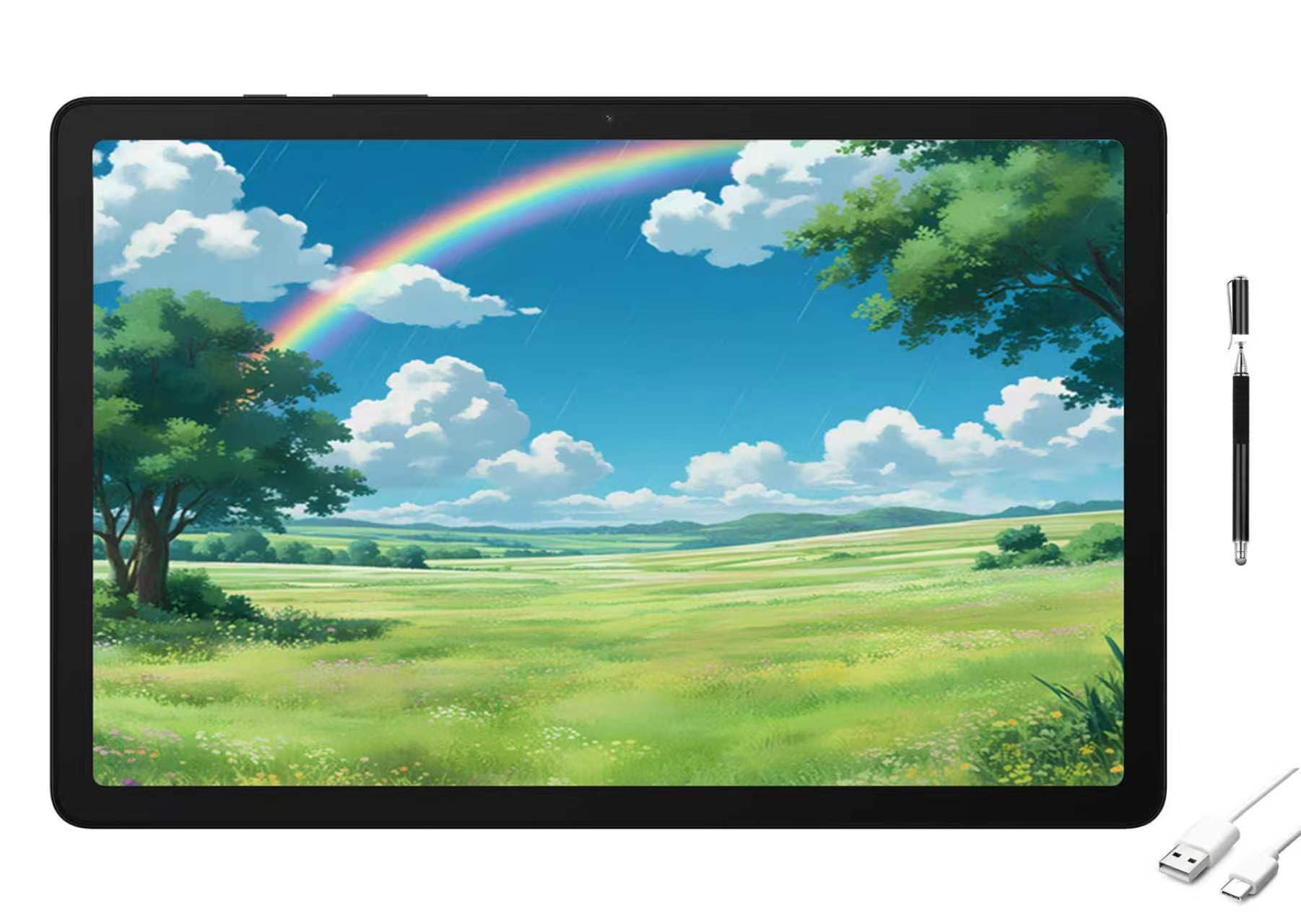
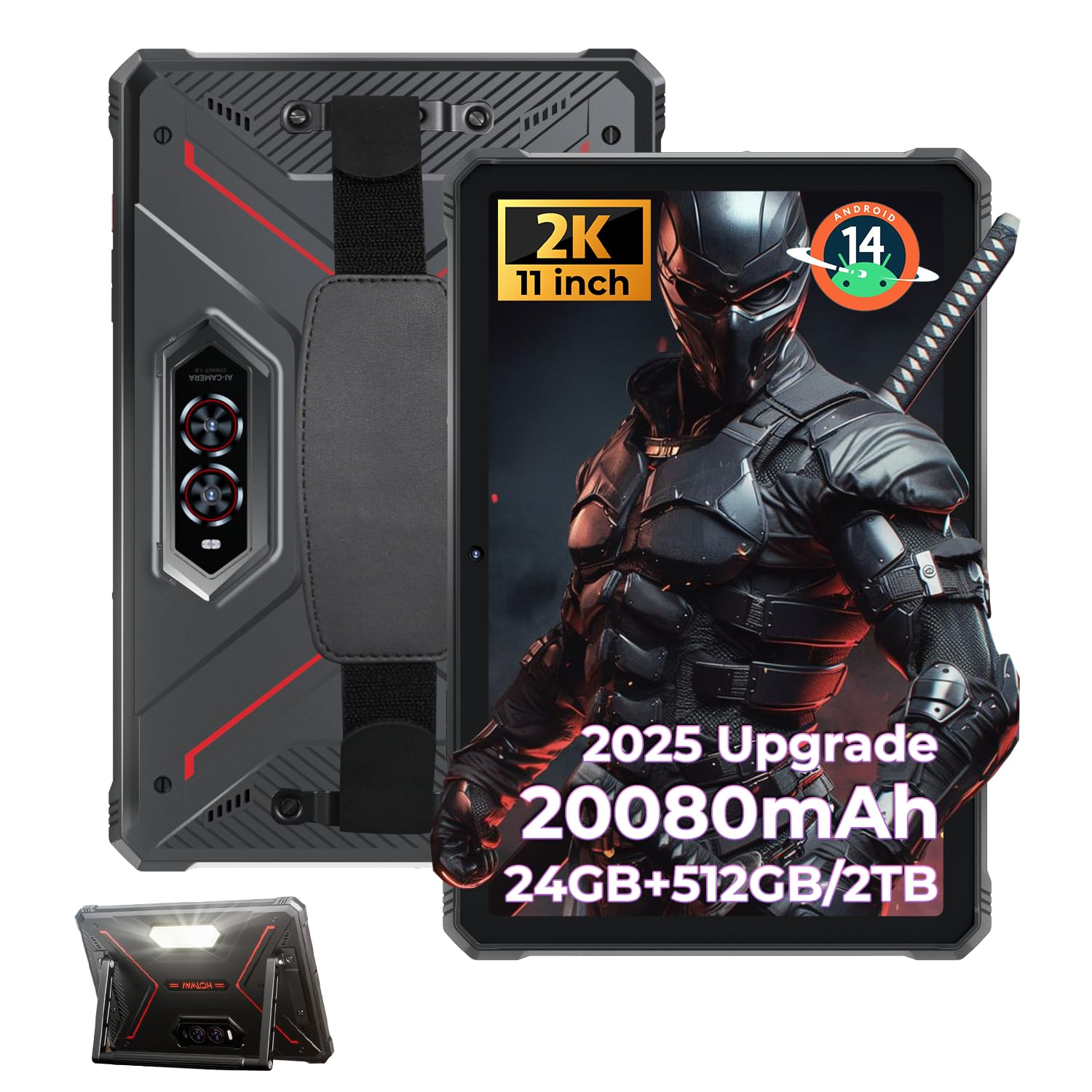

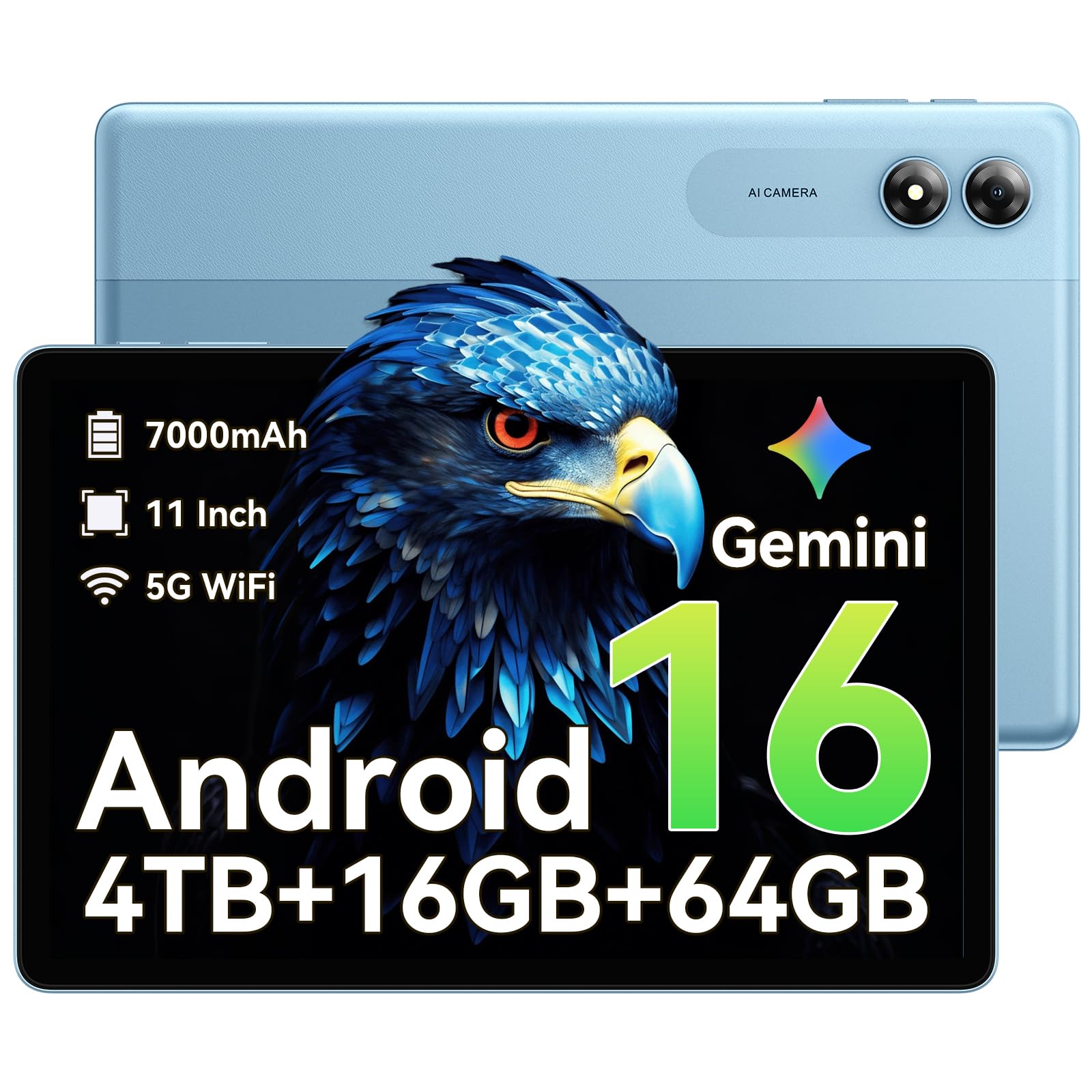


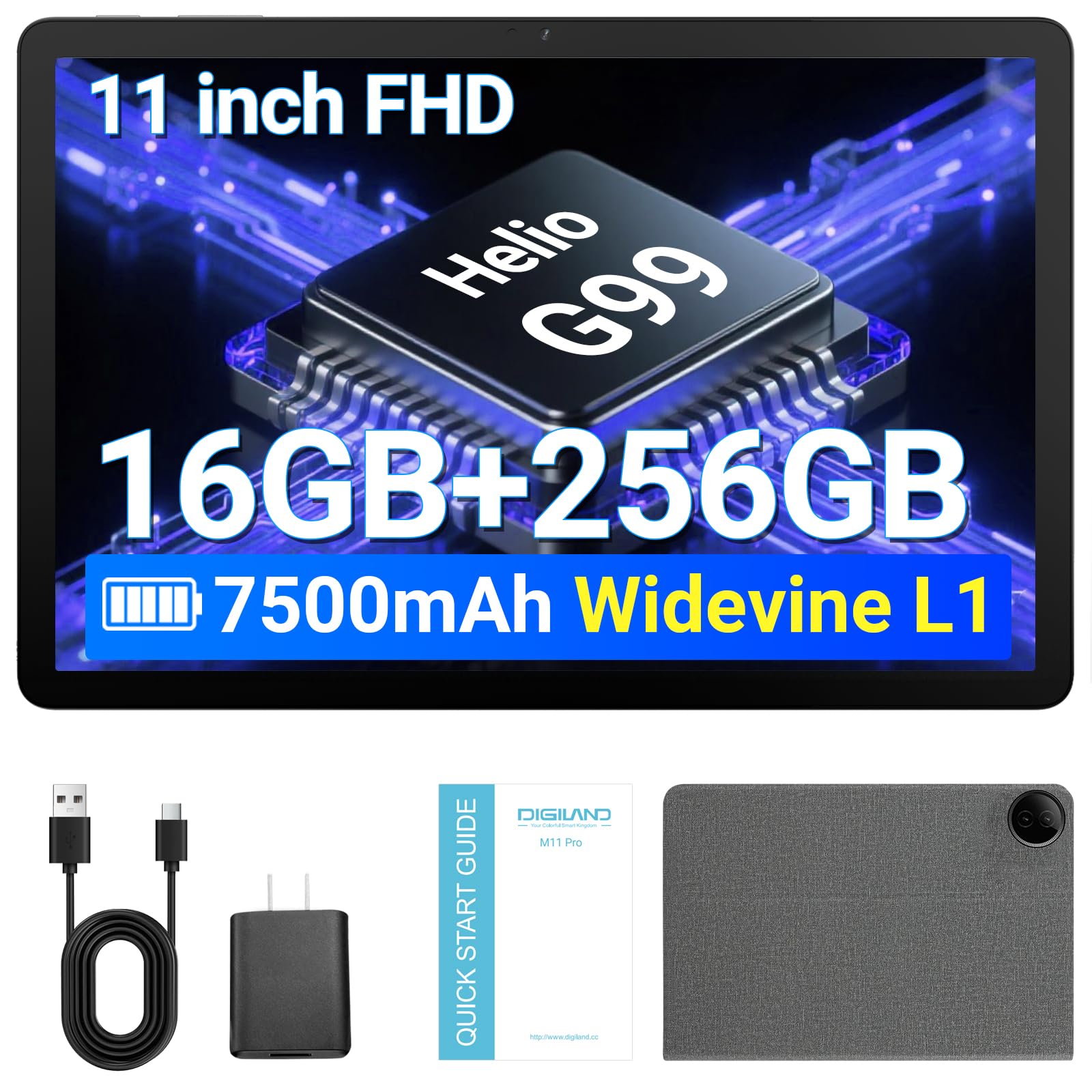
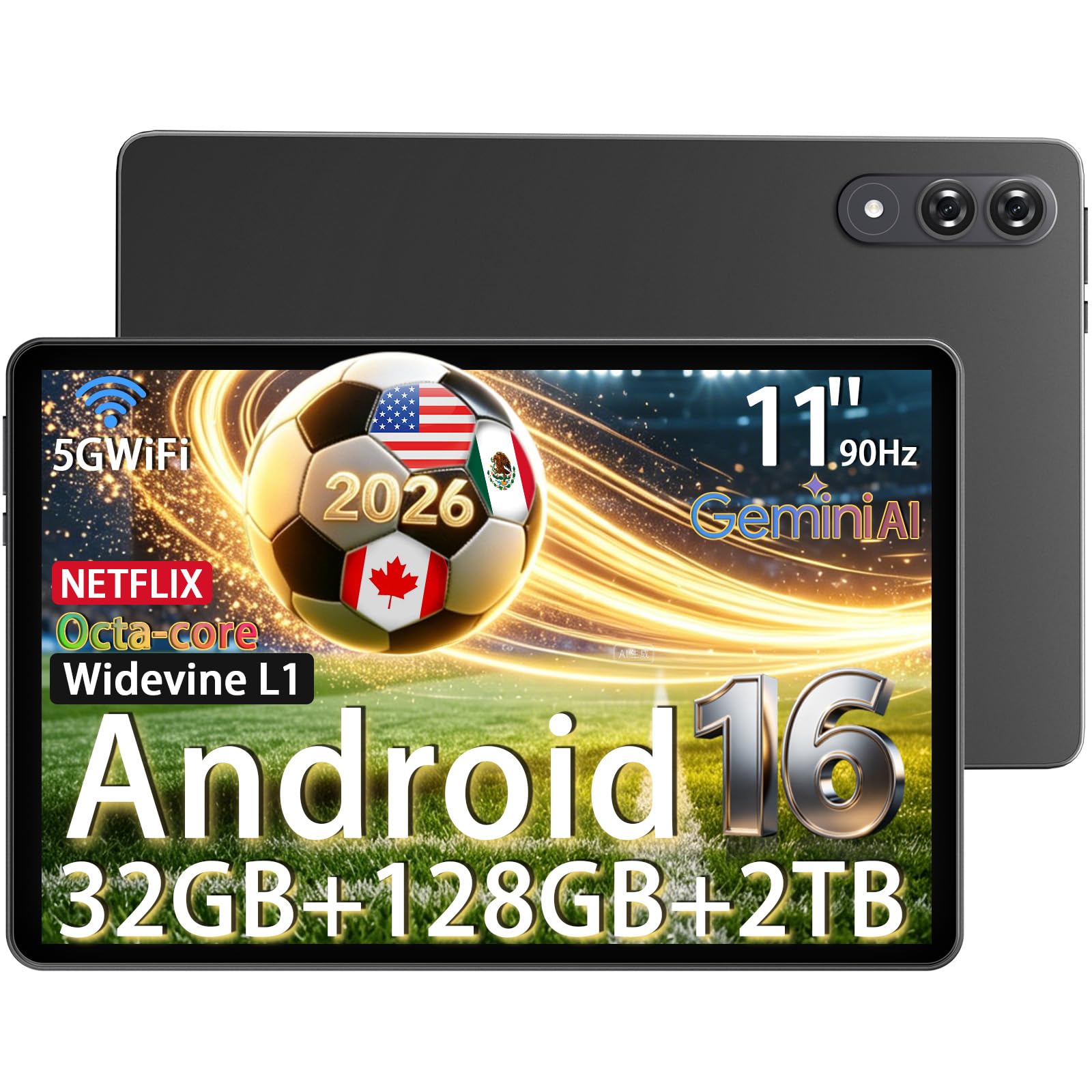
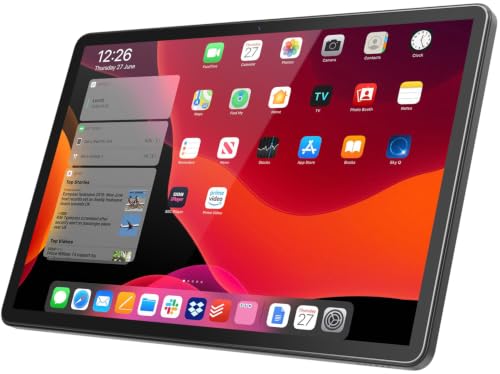
How to Judge the Best 11 Inch Tablets
Look at how a tablet handles real tasks, such as classes, meetings, streaming, light photo editing, and travel days away from a charger. The six areas below decide most of your daily experience. A model that is merely adequate in one area can still be a good buy, but a model that fails on screen quality or battery life will frustrate you every single day.
Processor and Performance Tier
The processor decides how smoothly apps open, how well games run, and how long the tablet stays responsive as software grows heavier. Current flagship and upper mid range chips handle multitasking, split screen apps, and light creative work with ease. Entry level chips are fine for reading, video, and note taking, but they can stutter with large documents or demanding games. If you plan to keep the tablet for four years or more, step up one performance tier now, because you cannot upgrade the chip later.
RAM and Storage
Treat 8 GB of RAM as the sensible minimum for smooth multitasking, and choose more if you edit photos, run many browser tabs, or switch between work apps all day. For storage, 128 GB suits streamers and cloud users, while 256 GB is safer for offline media, games, and school or work files. Some tablets accept a memory card for media storage, which helps with films and photos, though apps usually live on internal storage. Fast storage also matters, because it shortens app loading and file copying times.
Display Size, Resolution, and Brightness
At 11 inches, sharpness depends on resolution, and a crisp panel makes text, maps, and artwork look clean at normal reading distance. Brightness decides whether the screen stays readable near windows or outdoors, so look for a rating that handles daylight comfortably. A refresh rate of 90 Hz or 120 Hz makes scrolling and stylus writing feel smoother, a real plus for note takers. OLED panels deliver richer contrast for films, while good LCD panels often cost less and still look excellent for study and office work.
Graphics for Games and Creative Apps
Tablets rely on integrated graphics built into the main chip, so the processor tier you choose also sets your gaming ceiling. Casual games and most drawing apps run well on almost any current model, while demanding 3D games and video editing reward a stronger chip with smoother frame rates and faster exports. If gaming is a priority, check that the tablet has good cooling, because sustained play can slow a thin device that overheats. Chip strength matters more here than screen size.
Ports and Connectivity
A USB C port is standard now, and the best implementations also send video out to a monitor, which turns a tablet into a simple desk setup. Fast WiFi keeps downloads and cloud work smooth, and Bluetooth support matters for keyboards, mice, and earbuds. Cellular models add freedom for commuters and field work, at a higher price plus a data plan. If you expect to connect drives or card readers, confirm accessory support before buying, since not every port behaves the same way.
Keyboard, Stylus, and Build
Accessories decide whether a tablet can stand in for a laptop. A good keyboard case with a responsive trackpad makes long writing sessions comfortable, and a pressure sensitive stylus opens up notes, sketching, and document markup. Ask whether these accessories are included or sold separately, because the add on cost can change which model is truly cheaper. Build quality matters too, an aluminum body resists flex, and total weight with the case attached is the number your shoulder will actually feel each day.
Three Profiles to Match Against Your Checklist
Models come and go each season, so match your needs to one of these profiles and compare it against the product table.
Overall Profile
The overall profile pairs a strong processor with a bright, fast screen, at least 8 GB of RAM, and battery life that covers a full work or study day. It supports a quality stylus and keyboard, charges quickly over USB C, and comes from a maker with a clear record of software updates. Expect to pay around the middle to upper part of the price range for this class. It suits buyers who want one device for work, entertainment, and travel without juggling compromises in any single area.
Value Profile
The value profile keeps the screen and battery strong while trimming premium extras such as the fastest chip or the thinnest body. It still handles streaming, reading, classes, and everyday apps with ease, and it often costs around a third less than premium models. The main trade offs are slower gaming performance and accessories that may cost extra. For families buying a shared tablet or students watching a budget, this profile usually delivers the most satisfaction per dollar spent.
Premium Profile
The premium profile adds the best display technology, the fastest chip, and the most polished accessories, often including an excellent stylus experience for artists. Storage options climb higher, speakers sound fuller, and build quality feels a step above. Prices can reach well above the value tier, sometimes around double. Choose this profile if you draw or edit seriously, keep devices for many years, or simply watch a lot of films and want the finest screen your budget allows.
Quick Buyer Checklist
Answer these questions for any model on your shortlist. Mostly yes answers mean you are looking at a sound purchase.
- Is the screen bright and sharp enough for reading near a window?
- Does it have at least 8 GB of RAM and 128 GB of storage?
- Will the battery cover your longest day away from a charger?
- Are the stylus and keyboard you want available, and priced into your budget?
- Does the maker promise several years of software and security updates?
- Is the total weight with its case comfortable for your bag?
- Can the USB C port connect the accessories you already own?
Red Flags to Watch For
Be cautious with tablets that advertise a large screen but hide a low resolution, because text will look soft every time you read. Very low RAM, unclear update policies, and storage that cannot grow are common traps in the cheapest models. Watch for accessory prices that quietly erase an apparent bargain, and for brands with no clear warranty or support channel in your country. A sudden wave of similar glowing reviews for an unknown brand is another reason to pause and compare established alternatives first.
How to Make Your 11 Inch Tablet Last Longer
Keep the operating system and apps updated, since updates fix security issues and often improve battery behavior. Avoid leaving the tablet at a full charge in a hot car or in direct sun, because heat shortens battery life over time. Use a padded sleeve or a sturdy case when commuting, and clean the screen with a soft cloth rather than household sprays. Every few months, remove apps you no longer use and archive old downloads, which keeps storage fast and backups simple.
FAQs
Is a dedicated GPU worth it in a tablet?
No, because tablets use integrated graphics built into the main processor rather than a separate GPU. What matters is choosing a strong enough chip for your games and creative apps. A higher tier processor gives you smoother frame rates and faster video exports, so spend your extra money there instead of hunting for a graphics feature that tablets do not offer.
How much RAM do I need in an 11 inch tablet?
Most buyers need 8 GB for comfortable multitasking, split screen work, and many browser tabs. Choose more if you edit large photos, work with big documents, or plan to keep the tablet for many years. Less than 8 GB can still serve a simple reading and streaming tablet, but it will feel limiting sooner, especially as apps grow heavier with each update cycle.
How long should an 11 inch tablet last?
A well chosen tablet should last four to six years of daily use. Battery wear and the end of software updates usually set the limit, not raw speed. You can stretch that life with a case, sensible charging habits, and a factory reset when performance feels cluttered. Buying a model with a longer update promise is the simplest way to protect that lifespan.
Should I buy a laptop or a tablet?
Choose a tablet if your work centers on reading, notes, media, and light documents, and you value light weight and long battery life. Choose a laptop if you type for hours, run specialist desktop software, or manage many files. Some households do both jobs with a tablet plus a keyboard case, so read our guide to the best pc tablets if a Windows style tablet is on your list.
Is a Chromebook enough for school?
A Chromebook can be enough for school when classes rely on web apps, documents, and video calls, and many students thrive with one. A tablet earns its place when handwriting, drawing, or reading on the sofa matters more. Before deciding, check your school platform requirements, and if smaller sizes tempt you, compare our guides to the best 7 inch tablets and the best 8 inch tablets to see how portability trades against screen space.
Final Thoughts
Start with the screen and battery, because you will notice them every day, then confirm the processor and update support will carry the tablet for years. Match your budget to one of the three profiles, run the quick checklist, and compare your finalists in the product table. Done well, choosing among the best 11 inch tablets becomes a calm decision, and you end up with a device that fits your bag, your work, and your evenings equally well.