Best 11x17 Inkjet Printers: A First Time Buyer Guide for 2026
Disclosure: We may earn a commission when you buy through links on this page, at no extra cost to you. As an Amazon Associate I earn from qualifying purchases. Learn more
Shopping for the best 11x17 inkjet printers for the first time? Learn the terms, compare options, and avoid rookie mistakes with this easy guide.
Buying your first large format printer feels daunting, because the listings mix paper sizes, ink systems, and resolution numbers with very little explanation. This guide slows everything down. We start with what an 11x17 inkjet printer actually does, explain each key spec in plain English, and flag the mistakes that cost new buyers money. By the end, you will be able to judge the best 11x17 inkjet printers calmly, match one to your projects, and set it up with confidence on your first weekend.
Keep the product table nearby as you read. Each section gives you a simple rule of thumb, so you can score a model as you go instead of starting over for every listing.
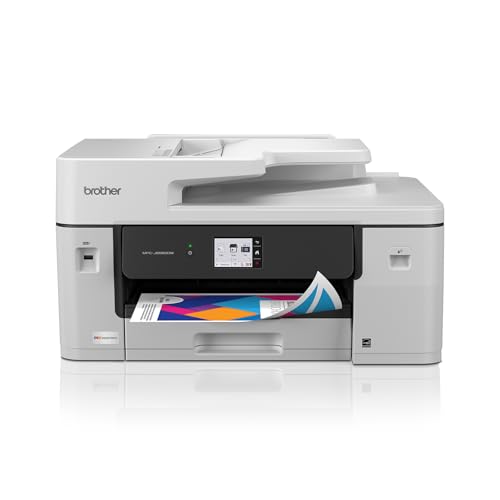
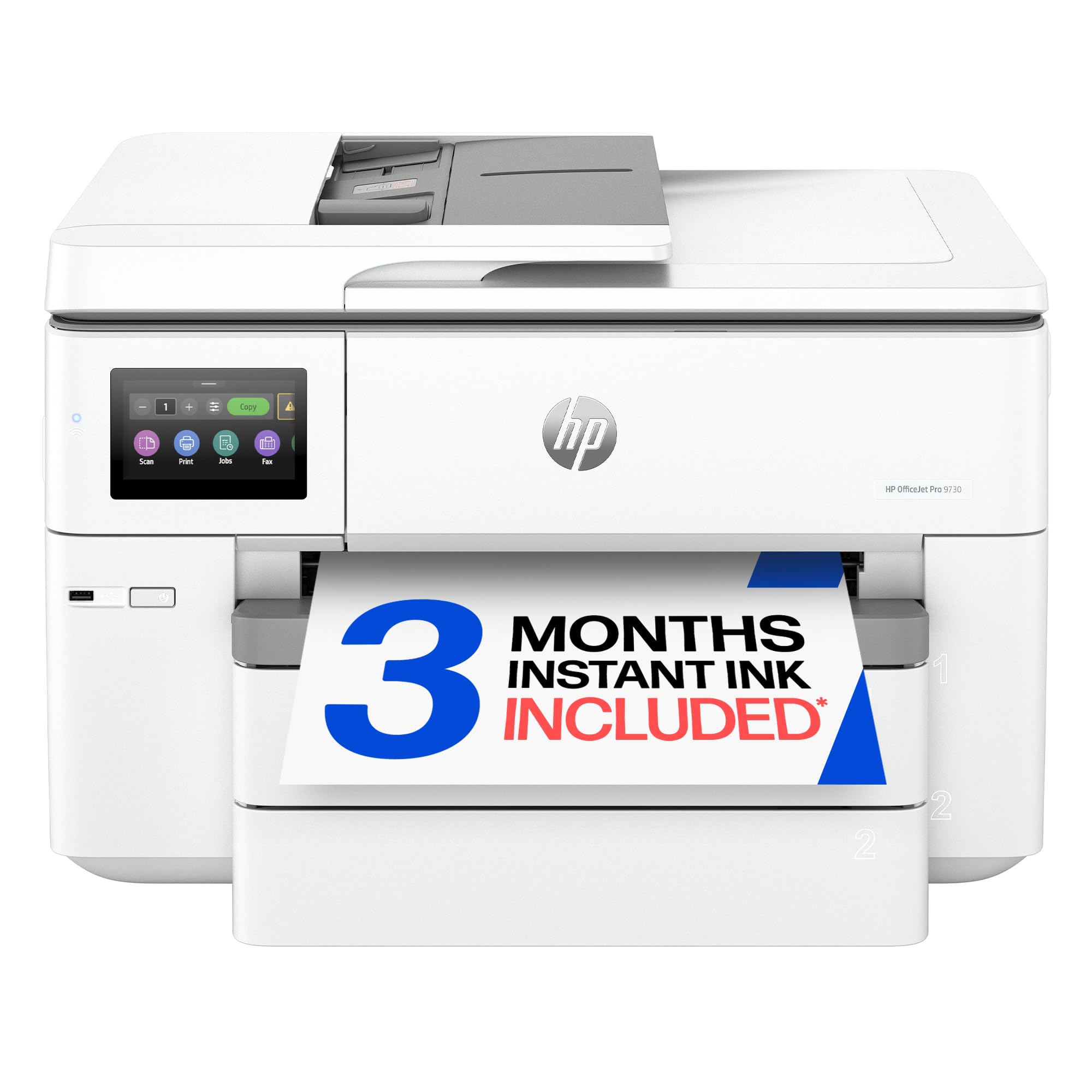

11x17 Inkjet Printers 101: The Basics
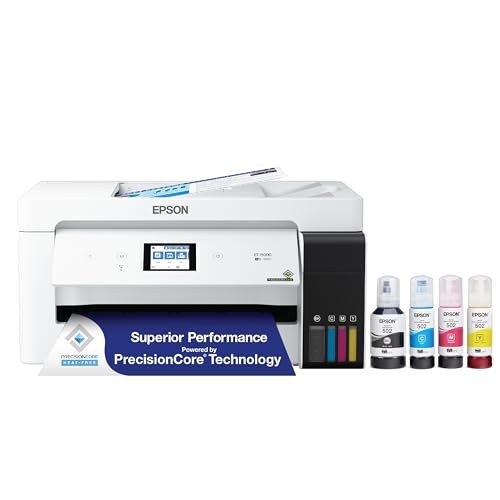
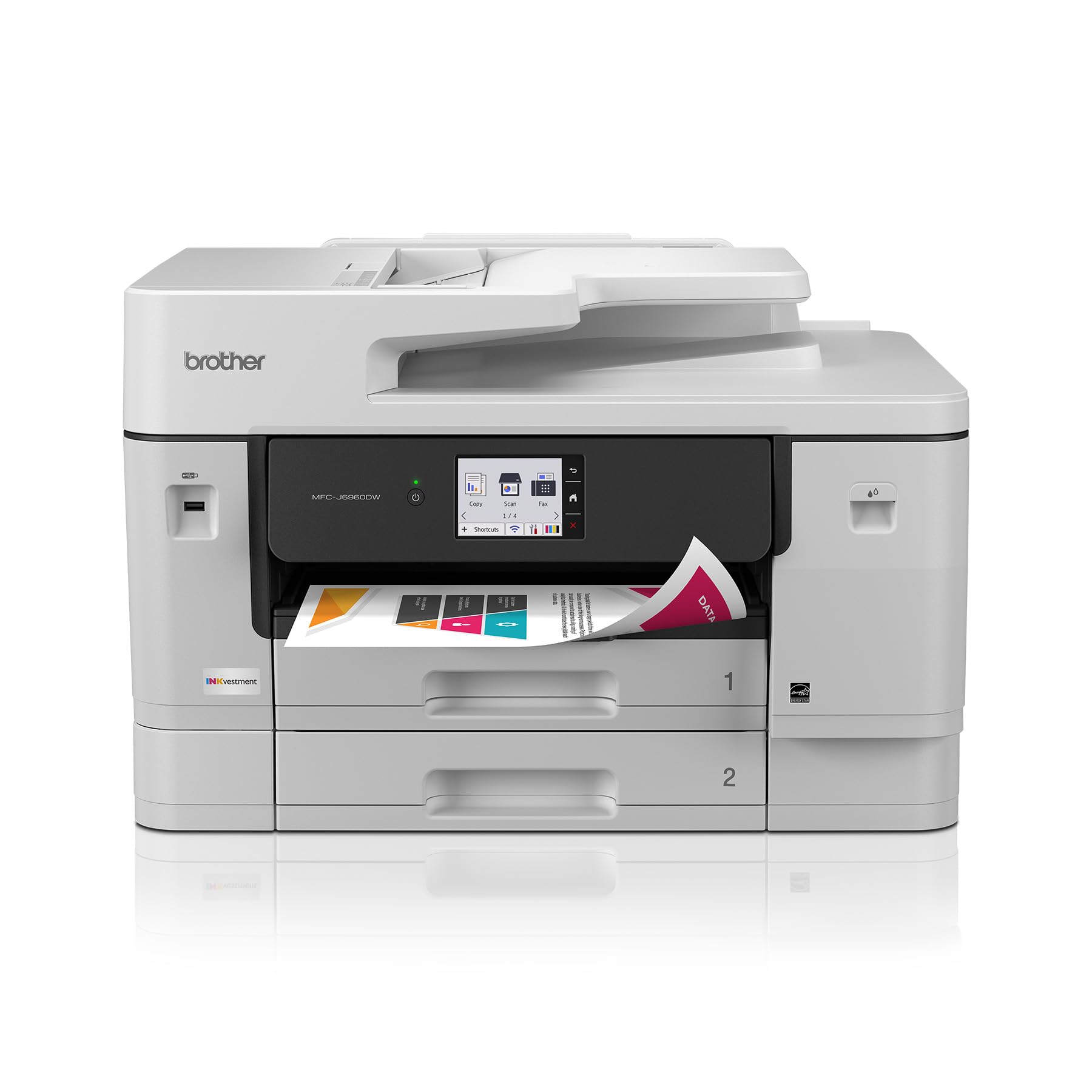
An 11x17 inkjet printer prints on tabloid size paper, which is twice the area of a standard letter sheet. That extra space suits posters, calendars, photo enlargements, design proofs, and classroom displays that look cramped at smaller sizes. Inside, the printer sprays tiny droplets of ink through a moving print head, building the image line by line. Ink comes either from cartridges you replace or from refillable tanks you top up with bottles. Most models also scan and copy, connect over WiFi, and print from phones, which makes them flexible centerpieces for a home office or studio desk.
One more basic worth knowing is the difference between borderless and bordered printing. Borderless mode lets an image run to the very edge of the sheet, which looks polished for posters and photos, while bordered mode leaves a white margin that suits documents and proofs. Many models offer borderless output only at certain sizes, so confirm it works at full 11x17 if edge to edge artwork matters to you. Also note that tabloid paper is sold under names such as ledger and B size in some stores, and all three labels describe the same 11 by 17 inch sheet.
Key Specs Explained in Plain English
Printer Type: Inkjet, Laser, and Tank Designs
Inkjet printers excel at color images, smooth gradients, and photo paper, which is why they dominate this size for creative work. Laser printers use toner and favor fast, sharp text, but large format color laser models cost more and handle photo paper poorly. Tank inkjet models work like standard inkjet machines, except you refill built in tanks with bottled ink, which lowers running costs for frequent printing. Three dimensional printers are a separate category that builds objects, not pages, so set them aside unless your project is a physical item.
Ease of Setup and Calibration
Good first printers guide you step by step, with a clear screen, labeled ink slots, and automatic print head alignment during setup. Expect to spend about half an hour unboxing, filling or loading ink, connecting WiFi, and printing a test page. Automatic alignment and cleaning cycles matter because they keep quality high without manual skill. If a model requires tools or complex calibration before its first decent print, it is aimed at experienced users, and a first time buyer should choose a friendlier design.
Paper Handling and Duplex Printing
Paper handling decides what you can actually make. Check that 11x17 sheets load in a proper tray or a rear feed that keeps them flat, and note the thickest paper the printer accepts for card stock and photo media. A scanner lid that lifts for thick originals helps with books and artwork. Automatic duplex printing turns pages over for you, which is handy for booklets, though many large format models duplex only at smaller sizes, so read that line of the spec sheet carefully.
Connectivity and Mobile Printing
WiFi is the connection most households rely on, and support for AirPrint and common printing apps means phones and tablets can print without extra software. A USB port still helps as a backup for a single computer desk setup, and Ethernet suits a fixed office corner. Setup quality varies, so favor models whose apps walk you through connecting and show ink levels clearly. If several people will share the printer, confirm it handles multiple users and guest printing without constant reconnecting.
Footprint and Noise
Tabloid printers are wide, and they need extra room behind and above for paper paths and the scanner lid. Measure your shelf or desk, then add clearance on every side before you order, because a printer that only just fits will annoy you at every paper change. Noise is modest on most inkjet models, a soft mechanical sound during printing and near silence at rest. If the printer will share a bedroom or a quiet study, look for a quiet mode, which slows printing slightly in exchange for calmer operation.
Print Quality and Resolution
Resolution is measured in DPI, meaning dots per inch, and higher numbers can render finer detail. In practice, ink quality, paper choice, and the number of ink colors shape your results more than the headline DPI figure. For photographs, models with extra ink colors produce smoother skin tones and richer shadows. For documents and posters, even a standard four color system looks sharp at normal viewing distance. Always match the paper setting to the paper you loaded, because the wrong setting is the most common cause of dull first prints.
Rookie Mistakes When Choosing the Best 11x17 Inkjet Printers
- Buying for price alone. Cheap cartridges can make a bargain printer the most expensive one you own within a year, so estimate ink costs before you order.
- Ignoring paper size details. Some models print 11x17 only from a single sheet rear feed, which is slow for multi page jobs.
- Skipping the space check. Measure your desk and doorways first, because these machines are wider and heavier than they look in photos.
- Using the wrong paper setting. Glossy paper printed as plain paper looks washed out, and the fix is a settings change, not new ink.
- Letting the printer sit idle for months. Inkjet heads can clog when unused, so print a color page every week or two.
Our guide to the best quality inkjet printers is a useful next read if print quality is your top priority after avoiding these early traps.
Getting Started: Setup and First Use
Unbox the printer on a sturdy surface, remove every piece of packing tape and protective film, and keep the manual nearby for the first hour. Load or fill the ink exactly as the guide directs, load plain paper, and run the automatic alignment when prompted. Connect the printer to your WiFi, install the maker app or driver on your computer and phone, and print one color test page. Save a first project for day two, once you have seen a clean test print and know where the paper settings live. For size context across the category, our guide to the best 11x17 printers compares inkjet and laser models side by side.
Frequently Asked Questions
Inkjet or laser: which is cheaper long term?
For creative color work and photos, an inkjet model, especially a tank design, usually costs less over time because refill ink is inexpensive per page. Laser wins for heavy plain text volume, where toner cost per page and speed dominate. Add the purchase price to two years of ink or toner at your expected monthly volume. That simple total answers the question for your household better than any general rule.
Are ink tank printers worth it?
Yes, if you print every week, because bottled ink brings the cost per page down dramatically and a full tank lasts through many projects. They are less compelling if you print rarely, since the higher purchase price takes longer to earn back and any inkjet still needs occasional use to stay healthy. Students, teachers, and home offices that produce regular handouts and posters tend to see the savings fastest.
What does cost per page mean?
Cost per page is what the ink for one printed page costs you, worked out by dividing the price of a cartridge or bottle by the number of pages it is rated to yield. Color pages cost more than black only pages. Manufacturers rate yields on standard test pages, so dense photos will use more ink than the rating suggests. Still, the figure is the fairest way to compare running costs between two models.
Which printer type is easiest for a complete beginner?
A mainstream tabloid inkjet model with a guided setup screen, automatic alignment, and a good phone app is the easiest starting point. Tank models add one simple filling step and then save you cartridge swaps for a long stretch. Avoid specialist photo machines with manual color controls as a first purchase. Readers focused on photography can graduate later using our guide to the best photo quality inkjet printers when they are ready for that step up.
Our Verdict
Choose paper handling first, because a printer that truly feeds 11x17 stock the way you work will satisfy you daily, then weigh ink costs and setup friendliness. Photographers should favor richer ink sets, while busy home offices should favor tank designs and sturdy trays. Compare your shortlist in the product table above, and remember that the best 11x17 inkjet printers for a first purchase are rarely the flashiest. They are the ones that set up easily, print beautifully on the papers you own, and stay affordable long after the box is recycled. Teams that also need scanning at this size can review our guide to the best multifunction inkjet printers before they finalize a choice.