Best 1080p TVs 2026: A Practical Buying Guide for Homes
Disclosure: We may earn a commission when you buy through links on this page, at no extra cost to you. As an Amazon Associate I earn from qualifying purchases. Learn more
The best 1080p TVs suit bedrooms and small living rooms. Panel types, smart features, sound, and what to check before buying.
best 1080p tvs still make sense for bedrooms, kitchens, and smaller living rooms, where viewing distance hides the difference from higher resolutions. A 1080p screen, also called Full HD, shows 1920 by 1080 pixels, which looks sharp on screens up to medium sizes at normal sofa distances. This guide explains when 1080p suits you, which panel types matter, and what smart features to check.
The sections that follow cover room size, panel technology, sound, connectivity, and value. Buying 1080p is not settling for less when the room and budget fit, since a good 1080p picture beats a poor higher resolution picture every time.
When the Best 1080p TVs Make Sense
A 1080p TV suits viewing distances where your eyes cannot resolve extra pixels, which covers most bedrooms and smaller living rooms. At a sofa distance of six to eight feet, a 40 to 43 inch 1080p screen looks crisp for broadcasts, streaming, and casual gaming. Larger screens or closer seating reveal more benefit from higher resolution, so measure your room before deciding.
Content matters too, since much broadcast TV, older streaming, and casual viewing still arrives in 1080p or lower. A 1080p TV displays that content natively without upscaling artifacts, which can look cleaner than a budget higher resolution screen stretching the same signal. If your main sources are 1080p broadcasts and streaming, native resolution is a real advantage.
Panel Types and Picture Quality
LCD panels with LED backlighting dominate the 1080p market, offering bright pictures and low prices. IPS panels give wider viewing angles, which helps rooms where viewers sit to the side, while VA panels give deeper blacks and better contrast in darker rooms. Check contrast and viewing angle for your room layout, since a panel that suits a dark den may disappoint in a bright open plan space.
Refresh rate, color accuracy, and motion handling matter more than resolution alone for sports and gaming. A native 60 Hz panel suits most viewing, while higher refresh rates help fast motion if your content and devices support them. Look at the picture in person when possible, with varied content, because showroom settings often exaggerate brightness and color.
Smart Features and Apps
Most 1080p TVs include smart platforms with streaming apps, though app range and update support vary by maker. Check that your must have streaming services are present and that the interface feels responsive, since a slow smart system frustrates daily use. A streaming stick can rescue a TV with a weak smart platform, so do not reject an otherwise good screen for app reasons alone.
Voice control, screen mirroring, and phone apps add convenience for some households and clutter for others. Decide which features you will actually use, and favor a simple, fast interface over a long feature list. Software update support matters for security and app compatibility, so check the maker track record before buying.
Sound, Connectivity, and Placement
Built in TV speakers often sound thin, especially on slim models, so budget for a soundbar if dialogue clarity matters to you. Check HDMI port count for your devices, including consoles, streaming boxes, and soundbars, and note whether ports support ARC for simpler audio routing. USB ports help for media playback and for powering streaming sticks without extra adapters.
Placement affects picture more than specs alone, so avoid direct sunlight on the screen and position the TV at eye level from your main seat. Wall mounting saves space but needs a suitable bracket and wall strength, while a stand needs a stable surface wider than the TV feet. Measure doorways and stands before delivery, since returns for size surprises waste time.
Gaming and Sports on 1080p
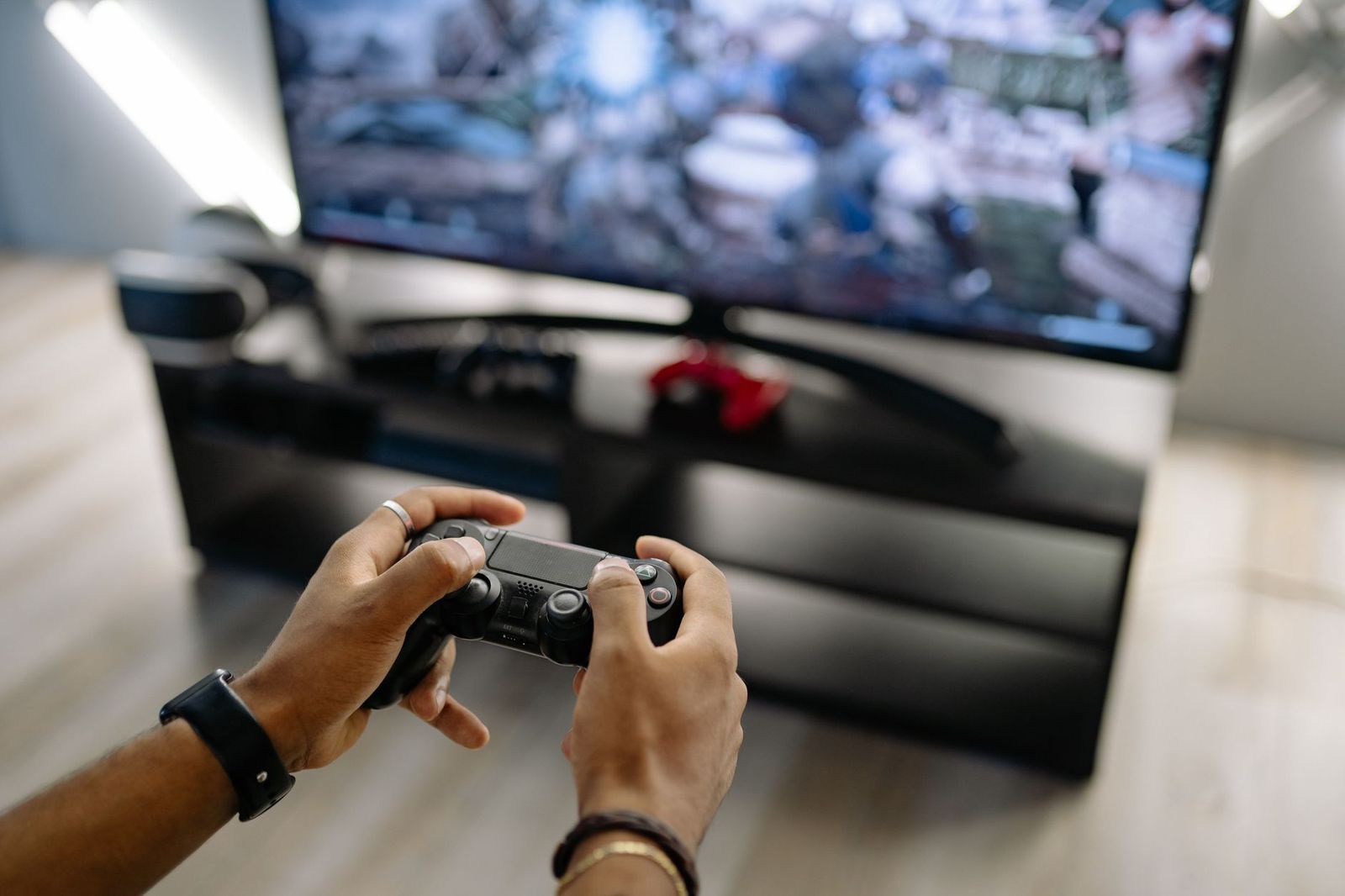
Casual gaming looks great on 1080p TVs, and many consoles and PCs run smoothly at this resolution with high frame rates. Input lag matters for responsive play, so look for a game mode that reduces processing delay. Competitive gamers may prefer higher refresh rates, while casual players benefit more from good contrast and low lag than from extra pixels.
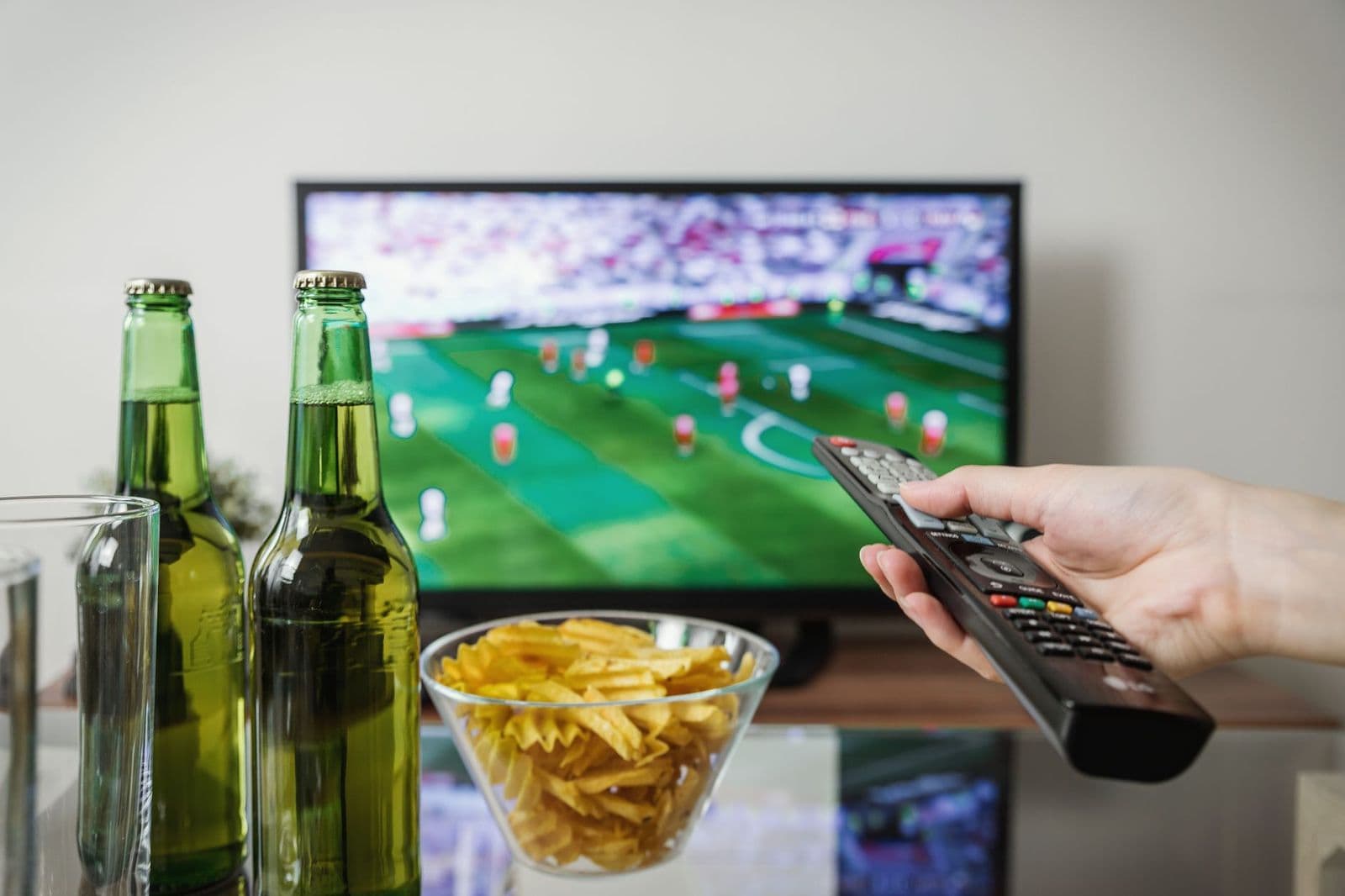
Sports viewing benefits from good motion handling and wide viewing angles, since groups often watch from different seats. A 1080p TV with clean motion and even brightness suits match days well, especially in smaller rooms. Try fast panning shots in person if you can, since motion blur varies greatly between budget panels.
Value and Longevity
A 1080p TV costs less than a comparable higher resolution model, leaving budget for a soundbar, mount, or better panel quality. For second rooms, rentals, and kids rooms, that value equation is strong, since the TV faces less demanding use. Longevity depends on panel quality and software support, so favor makers with solid update records over unknown brands with tempting prices.
Consider total cost including a soundbar and any streaming device, and compare that total against a higher resolution TV with better built in sound. Adding up those totals is easier once you know your room size and must have features.
A Final Check Before You Order
Before ordering, measure your viewing distance and stand width, and check that the TV feet fit your furniture. Wide feet overhang narrow stands dangerously, while wall mounts need suitable walls and fixings. A tape measure prevents the most common size regret in TV buying.
Check your streaming subscriptions and device connections, counting HDMI ports for consoles, sticks, and soundbars. A TV with too few ports forces constant cable swapping, which frustrates daily use. Note ARC support for soundbar audio, since it simplifies cabling considerably.
Plan sound from the start, since slim TV speakers rarely satisfy dialogue heavy viewing. A basic soundbar transforms clarity for modest cost, and it pairs easily with most 1080p TVs. Budget for sound alongside the screen, rather than treating it as an afterthought.
Finally, review return policies and delivery options, including room of choice delivery for larger screens. Setting the TV up promptly lets you spot faults within return windows. Keep packaging until you are satisfied, since returns need original boxes in many cases.
One More Practical Note
Consider your room lighting across the day, since bright windows and lamps affect perceived contrast more than small spec differences. Curtains, lamp placement, and screen angle all shape viewing comfort, and a modest adjustment often beats a pricier panel. Check the picture at your usual viewing time when possible, not only under shop lights.
Think about future devices you may connect, such as a new console or streaming box, and leave a spare HDMI port free. Households add devices gradually, and a spare port prevents cable swapping later. A small investment in a quality HDMI cable also avoids handshake issues that frustrate setup.
Related Guides to Compare
Outdoor viewing needs brightness and weather protection, so see best tvs for outside for screens built for patios.
Samsung offers a wide TV range, and best samsung tvs helps you compare its models by size and features.
Budget buyers should compare best inexpensive tvs for low cost TVs across resolutions and sizes.
Frequently Asked Questions
Is 1080p still good enough for a TV?
Yes, 1080p remains good enough for smaller rooms and normal sofa distances, where eyes cannot resolve extra pixels on medium screens. Broadcasts and much streaming still arrive in 1080p, so native display looks clean. Larger screens or very close seating benefit more from higher resolution, so measure your room first.
What size 1080p TV should I buy?
Choose size by viewing distance, with 32 to 43 inch screens suiting bedrooms and smaller living rooms at six to eight feet. Larger rooms or closer seating may suit bigger screens, though higher resolution then gains value. Measure your wall or stand, check viewing angles for side seats, and sit at your real distance when comparing if possible.
Do 1080p TVs support streaming apps?
Most modern 1080p TVs include smart platforms with major streaming apps, though app range and update support vary by maker. Check your must have services before buying, and remember a streaming stick can add apps to any TV with an HDMI port. A fast, simple interface matters more daily than a long list of rarely used apps.
Can I game on a 1080p TV?
Yes, casual gaming works well on 1080p TVs, and many consoles run smoothly at this resolution with high frame rates. Look for a game mode with low input lag for responsive play, and check HDMI support for your console. Competitive players may want higher refresh rates, while casual players gain more from contrast and low lag.
Should I buy 1080p or 4K?
Buy 1080p for smaller rooms, tighter budgets, and mainly 1080p content, where it looks sharp and costs less. Buy higher resolution for large screens, close seating, and growing 4K content libraries. Compare total cost including sound, since a good 1080p TV plus a soundbar often beats a basic higher resolution TV alone.
Final Thoughts
1080p remains a smart choice for smaller rooms, second TVs, and budgets that favor panel quality and sound over pixel counts. Room size plus viewing distance should drive your decision more than resolution marketing. A good picture at the right size beats a stretched budget every time.
With best 1080p tvs chosen for your room and content, you can enjoy sharp, comfortable viewing without overspending. Measure first, check apps and ports, and add sound if dialogue clarity matters to your household.