The Best Gaming Room Decor: Buying Guide & Top Picks
Our picks for the best gaming room decor, from light bars and LED strips to hexagon wall panels, plus tips on setup and budget.
A gaming setup often starts as a desk shoved into a spare bedroom or a corner of the living room, and the holidays are a natural time to turn it into a space that actually feels finished. The best gaming room decor adds atmosphere without crowding the room, works with the gear you already own, and is easy enough that the whole family can use the lights for movie nights too.
Below you will find a product table with our shortlist, three standout picks explained in more detail, and a practical buying guide covering compatibility, power, setup, durability, and how to match features to your budget.



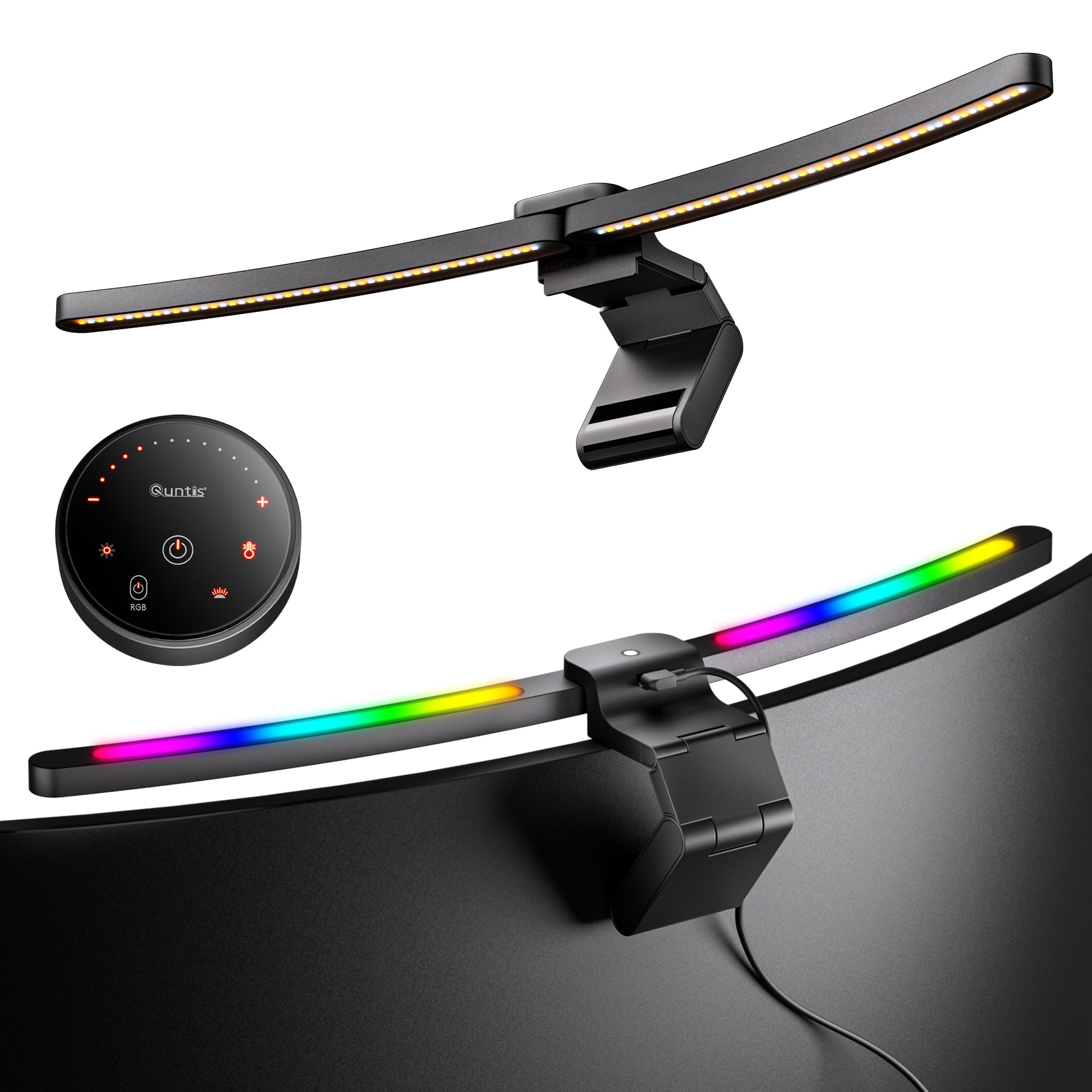


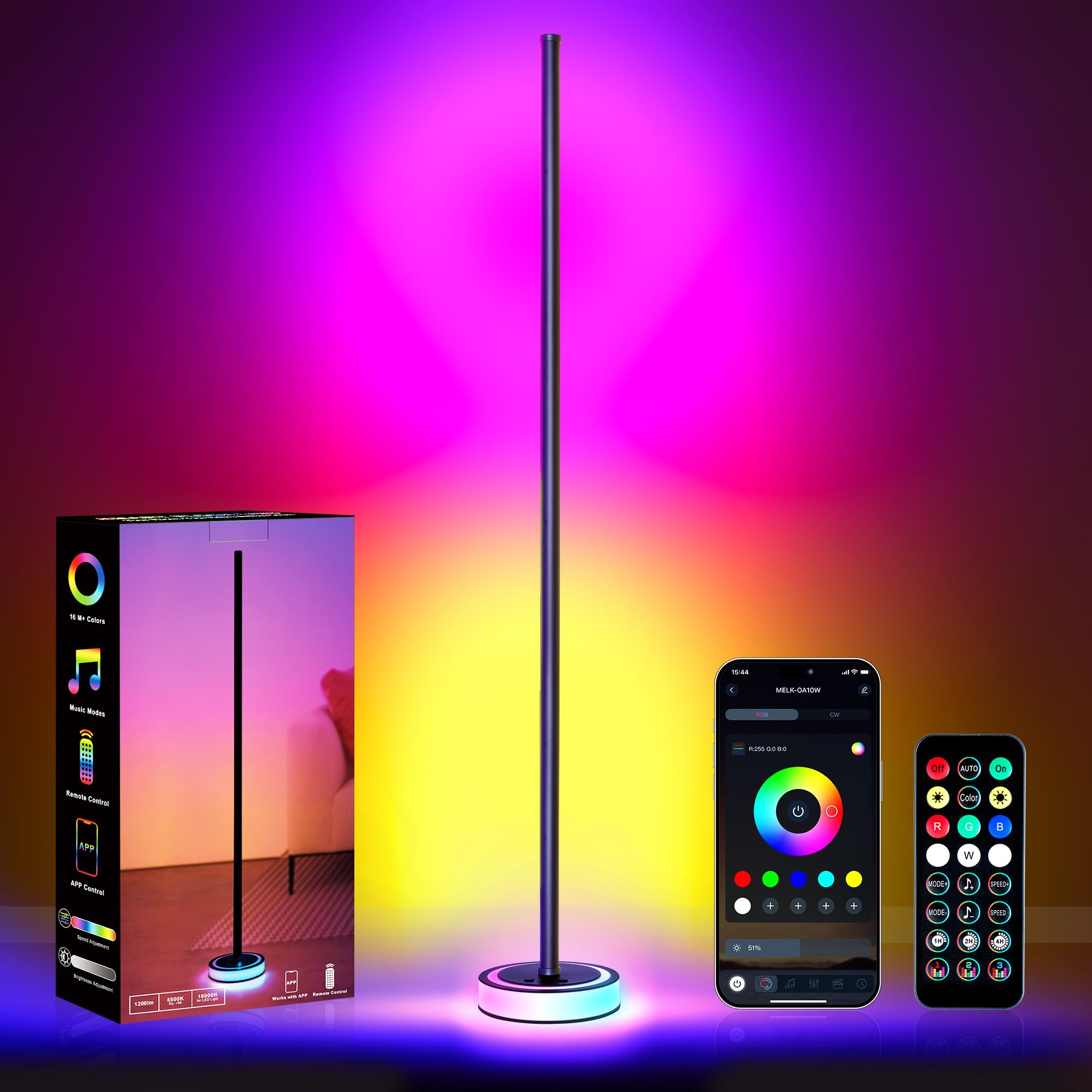
Our Top 3 Gaming Room Decor at a Glance
To narrow the table down, we looked for pieces with strong owner ratings, simple app or remote control, and a clear visual payoff in a real room. These three cover the most common needs among the best gaming room decor options: a desk upgrade for most setups, a cheap way to light a whole room, and a wall feature that becomes the centerpiece.
Best for Most Homes: Govee RGBIC Gaming Light Bars H6047
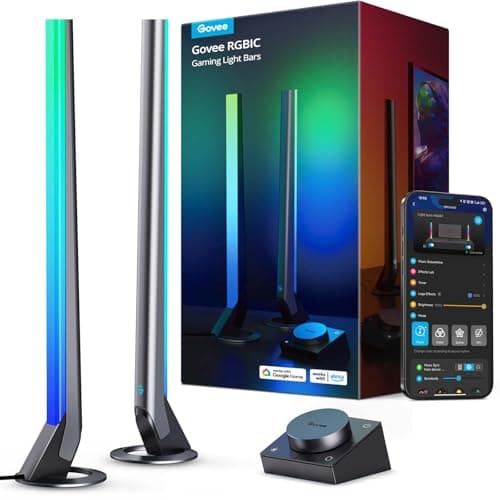
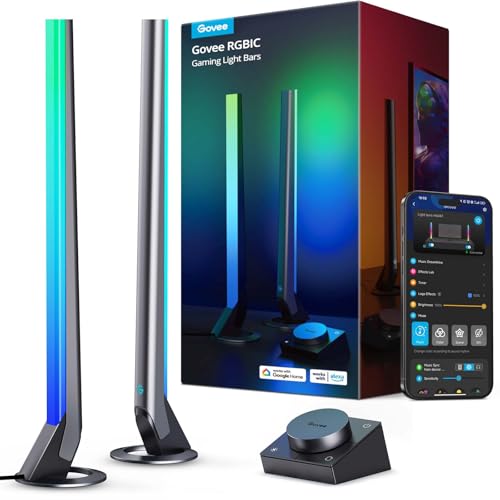
A pair of light bars on either side of a monitor or TV is the quickest way to make a setup look intentional, and this Govee kit is one of the best rated options in the category.
- RGBIC segments let different parts of each bar show different colors at once, with 60+ scene modes in the Govee Home app.
- A desktop dial controller handles power, brightness, colors, and modes without opening your phone.
- Audio reactive modes respond to game or movie sound, and the bars support Razer Synapse 3 for syncing with Razer Chroma gear.
The drawback is that it does not include a camera, so it cannot match colors to what is on screen. It suits gamers who want a polished desk or TV setup at a reasonable price, usually around $60.
Best Value: KSIPZE 100 ft LED Strip Lights
If you want color along the ceiling, behind a bed, or around a whole room, a long LED strip delivers the most glow per dollar. This KSIPZE roll has tens of thousands of ratings and sells for around $10.
- 100 feet of strip, enough to run around most bedrooms or a basement game area.
- Control through an app or the included IR remote, with brightness, speed, and mode settings.
- A built in microphone syncs colors to music, and a timer can turn the lights on and off automatically.
The catch is the adhesive backing: it needs a clean, dry surface, and peeling it off painted walls later can be messy. It suits teens, renters who plan carefully, and anyone decorating on a tight budget.
Best Splurge: Govee Glide Hexa Light Panels
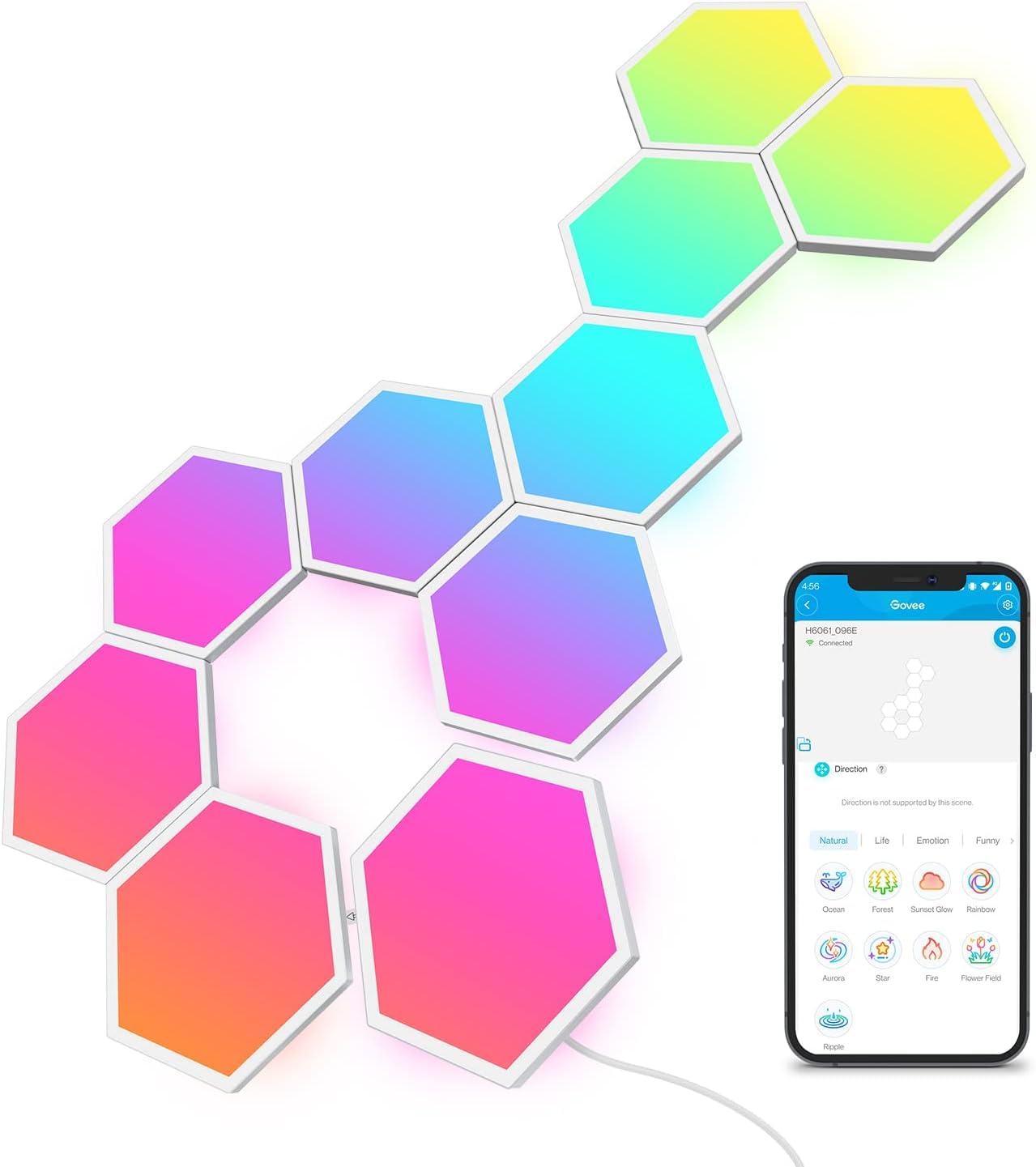
Hexagon wall panels are the signature look of many streaming setups, and they turn a blank wall behind your chair into a feature people notice on camera and in person.
- Hexagon panels that you can arrange in your own pattern on the wall.
- RGBIC lighting, so each panel can show its own color for moving effects.
- Controlled through the Govee Home app, the same app as the light bars, so a matched setup is simple.
The downside is price, at around $120, plus the time it takes to plan a layout before you stick anything to the wall. It suits gamers and streamers who want one standout piece rather than many small ones.
How to Choose the Best Gaming Room Decor
Gaming room decor covers everything from strip lights to wall panels and display shelves. Use these points to match a piece to your room, your gear, and the people who share the space.
Compatibility
Check which app runs the lights and whether it supports iOS and Android, plus Alexa or Google Assistant if you use voice control. If you already own Razer or other RGB peripherals, look for lights that sync with that software.
Sticking to one brand for most lights keeps everything in a single app, which matters more than any one feature.
Battery Life and Charging
Most gaming room lights plug into a wall outlet or a USB port rather than running on batteries. Plan where the cables will go before you buy, since a light bar that needs an outlet across the room ends up with a cord across the floor.
USB powered strips are handy behind a TV or monitor, where a port is already close by.
Core Performance
RGBIC lights can show several colors on one strip at once, while basic RGB strips show one color at a time. For a room that looks dynamic on camera, RGBIC is worth the extra cost.
Brightness and length matter too: a short strip will not light a ceiling, and a long one may be overkill for a desk.
Ease of Setup
Light bars and lamps work out of the box, while strips and wall panels take planning. Most connect over Wi Fi or Bluetooth through a phone app, so set aside a few minutes for pairing and a firmware update.
Measure the wall or desk first, and test the lights before you peel any adhesive.
Durability and Warranty
Adhesive strips are the weak point of most lighting, especially on textured or painted walls. Check the listing for warranty details, and keep the box until you know everything works in its final spot.
Shelves and signs should mount into studs or with proper anchors if they hold collectibles.
Price vs Features
Spend more where you look most, usually the wall behind the screen or the desk itself. A cheap strip around the ceiling plus one quality piece near the monitor often looks better than many mid priced items scattered around.
Stick with current models from established brands, since older versions may lose app support.
Types of Gaming Room Decor
Here is a quick look at the main price tiers and who each one suits.
| Type | Best For | Watch Out For |
|---|---|---|
| Budget strips and backlights | Ceilings, TVs, first setups | Adhesive and basic single color modes |
| Mid range light bars and lamps | Desk and TV areas | Need outlets or USB ports nearby |
| Premium wall panels | Streaming backdrops | Higher cost and careful layout |
| Kid friendly decor | Shared or younger players' rooms | Avoid flashing modes for sensitive kids |
Budget
LED strips and TV backlights, such as the KSIPZE roll or Kantutoe and Daymeet TV kits, add color for little money.
Mid range
Light bars, monitor lamps, and corner floor lamps bring brighter, more controllable color to the desk area.
Premium
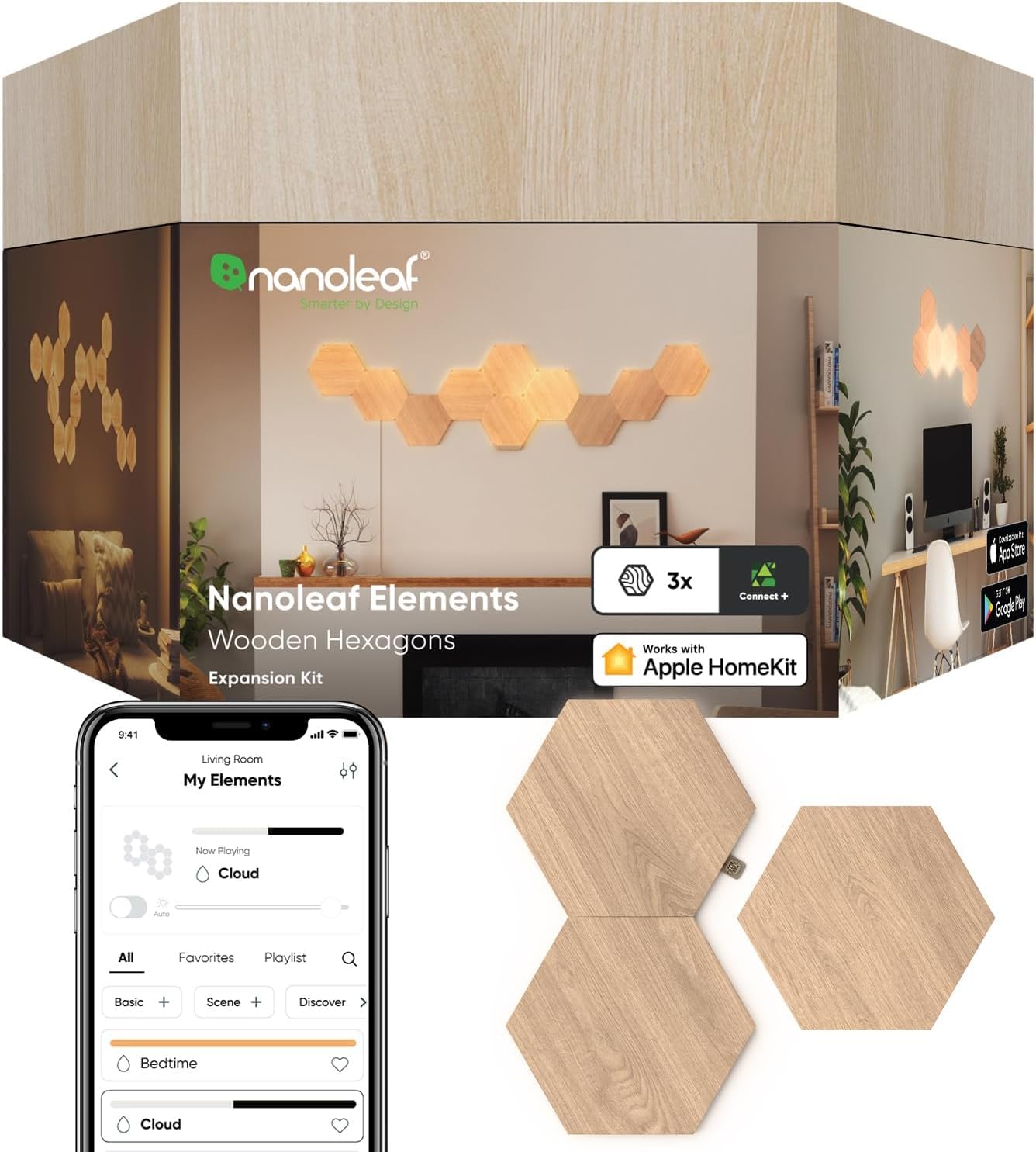
Wall panels from Govee or Nanoleaf and neon rope lights create a signature backdrop for streaming.
Kid friendly
Soft color modes, floating shelves for figures, and a custom gamer tag sign suit younger players.
Setup Tips
A little planning before the holidays makes new decor feel finished on day one instead of half installed.
Unboxing and First Setup
Create the app account, pair each light, and install firmware updates before mounting anything. It is much easier to fix a connection problem while the light is still on your desk.
Accessories Worth Adding
Cable clips, a power strip with a switch, and extra mounting tape solve most installation headaches. Floating shelves give collectibles a home so the room looks styled rather than cluttered.
Privacy and Parental Controls
Smart lights connect to your home network, so use a strong Wi Fi password and keep apps updated. For kids, set schedules so lights switch off at bedtime, and choose calmer modes over fast flashing effects.
Is Gaming Room Decor a Good Holiday Gift?
Yes, especially for teens, students, and adults who just moved into their own place. Lighting is personal enough to feel thoughtful but does not require knowing exact console or PC specs, which makes it safer than most gaming gear.
Pair light bars with a mouse pad or a small shelf for a complete gift. Order early and check Amazon's holiday delivery page for current cutoff dates, since popular lights can sell out close to the holidays.
Common Mistakes to Avoid
Skipping measurements is the most common error, leaving strips too short or panels too large for the wall. Mixing many brands means juggling several apps.
Ignoring outlet locations leads to cords across the floor. Finally, buying old models to save a few dollars can leave you with lights that no longer get app updates.
FAQs
Is gaming room decor worth buying this year?
Yes, if you spend most of your free time in that room. Smart lights are affordable now, and a few well placed pieces make a gaming space feel finished and more comfortable for long sessions.
Does gaming room decor work with iPhone and Android?
Most smart gaming lights work with both, since brands like Govee offer apps for iOS and Android. Check each listing for the supported app and voice assistants before buying.
How long does the battery last?
Most gaming room lights do not use batteries at all. Light bars, strips, and wall panels plug into an outlet or USB port, so they run as long as you like without recharging.
What accessories should I buy with gaming room decor?
Cable clips, a switched power strip, and spare mounting tape are the most useful extras. Floating shelves and a large desk mat round out the look.
When should you buy gaming room decor for the holidays?
Buy early in the season so you have time to set everything up and return anything that does not fit. Shopping early also avoids sold out colors and sizes near the holidays.
Final Thoughts
For most setups, the Govee light bars are the easiest upgrade, while the KSIPZE strip lights the most space for the least money and the Govee hexagon panels make a true centerpiece. Whichever direction you choose, the best gaming room decor is the kind that fits your space and gets used every day. Check the product table above for current prices on Amazon.