Best Budget Video Doorbell Camera: A Complete Buying Guide
Disclosure: We may earn a commission when you buy through links on this page, at no extra cost to you. As an Amazon Associate we earn from qualifying purchases. Learn more
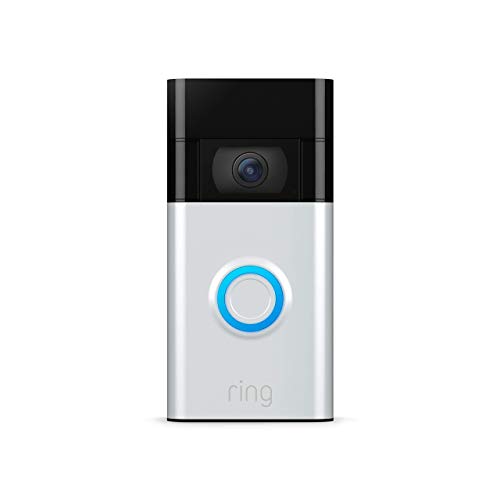
What to look for in an affordable video doorbell camera, from resolution and night vision to storage costs and installation.
Shopping for a video doorbell on a tight budget means weighing picture quality, dependable notifications, and installation hassle against a price tag that will not strain your wallet. A best budget video doorbell camera does not have to feel like a stripped-down compromise, but it does mean paying closer attention to the specs that pricier flagship models take for granted, including field of view, night vision clarity, and whether storage is included or billed monthly. This guide walks through the buying criteria that separate a smart purchase from a frustrating one, compares wired and battery-powered designs, explains what free versus paid storage really gets you, and covers installation and privacy questions that come up most often. By the end, you will know exactly what to prioritize for your entryway.

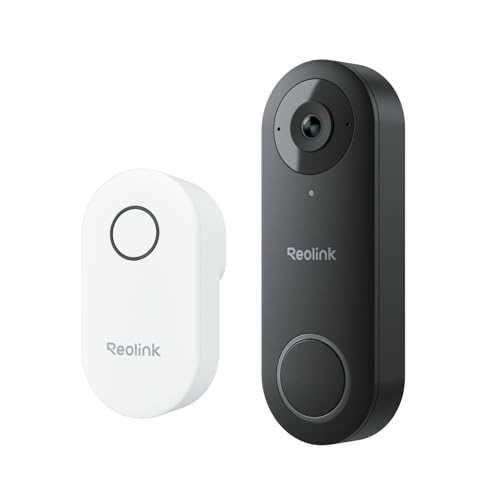
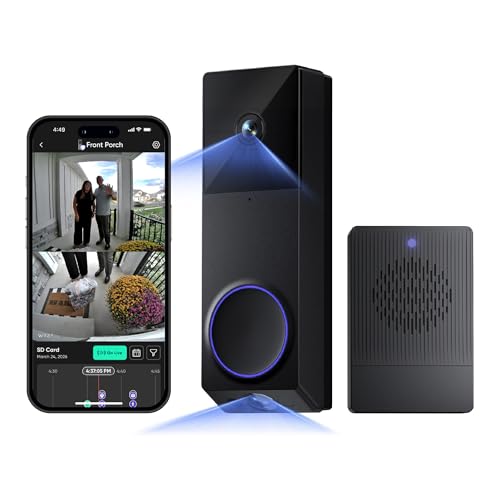

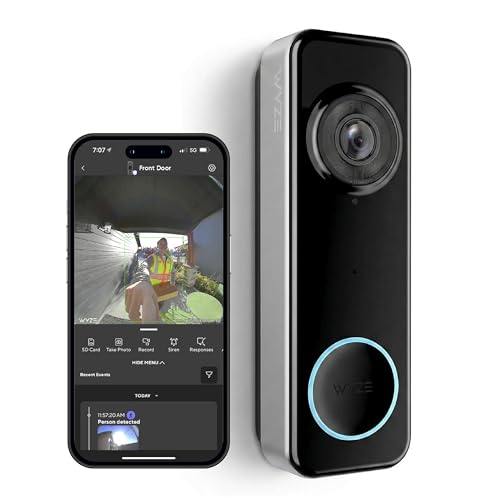
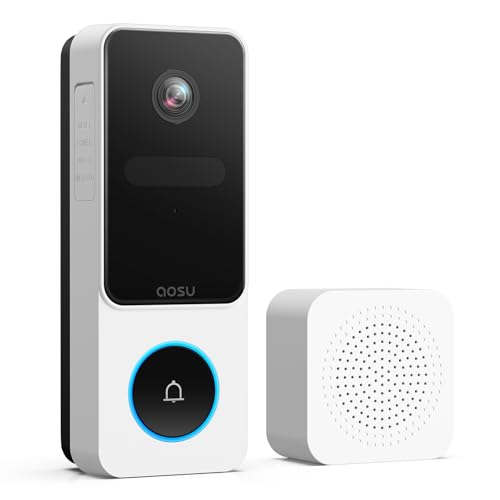
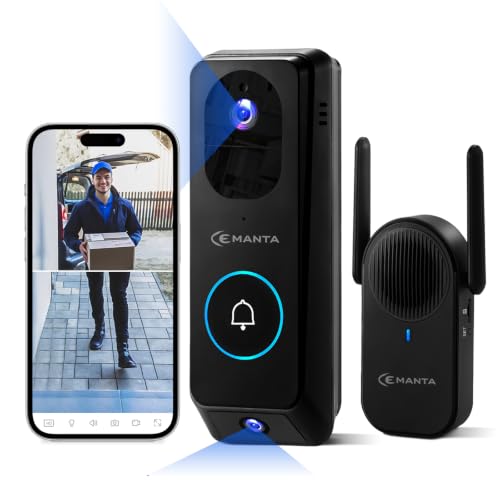
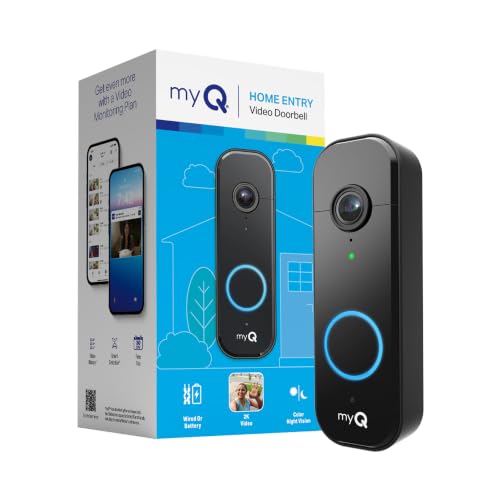
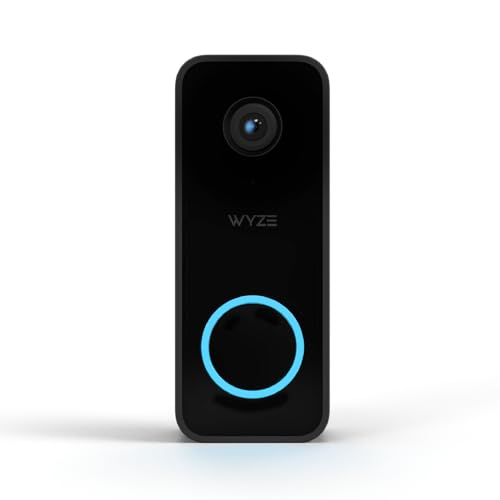
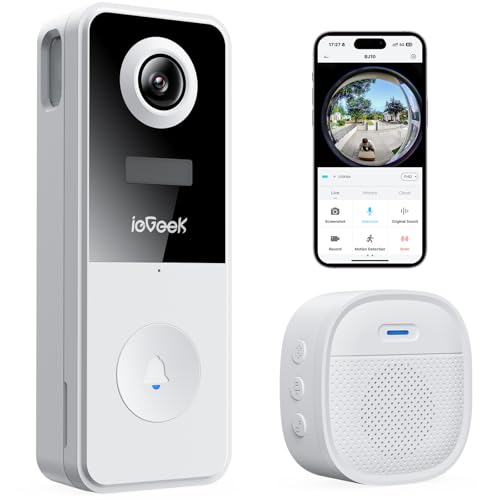
Video Quality and Coverage That Matter Most at the Door
Not every spec on a doorbell camera's box is worth chasing, but a handful genuinely affect how useful the footage is when you need it. At the entrance to your home, the camera has one job: capture a clear, complete view of whoever walks up, day or night.
Resolution and Sharpness
A budget camera in the 1080p to 2K range is usually enough to identify a face or read a package label from a normal doorstep distance. Going higher resolution mostly helps when you need to zoom into recorded footage later, so it is a nice bonus rather than a dealbreaker at this price point.
Field of View and Vertical Framing
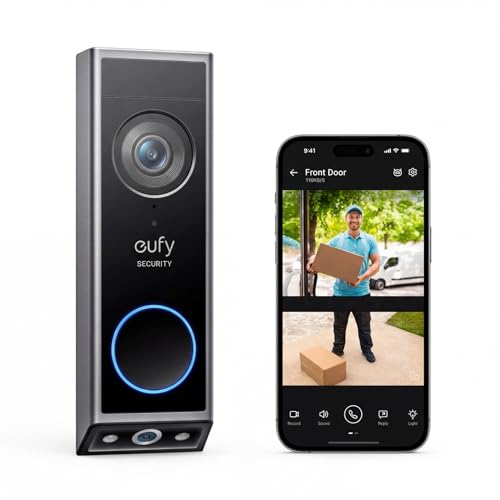
Doorbells sit at chest height, so a narrow lens often crops out a visitor's face or misses packages left on the ground. Look for a horizontal field of view around 150 to 180 degrees and, ideally, a vertical or head-to-toe framing mode so you actually see the whole person, not just their torso.
Night Vision and Two-Way Audio
Most porch visits happen after sunset in fall and winter, so infrared or color night vision is not optional. Two-way audio is just as important for budget shoppers, since it lets you tell a delivery driver where to leave a package without opening the door.
Wired Power Versus Battery Operation
This single decision shapes almost everything else about ownership, from installation time to how often you think about the device at all. Wired doorbells connect to your home's existing low-voltage doorbell wiring and a transformer, which means constant power, faster response when someone rings, and no charging schedule to remember. They tend to sit at the lower end of the price range too, since the hardware needs less battery management circuitry.
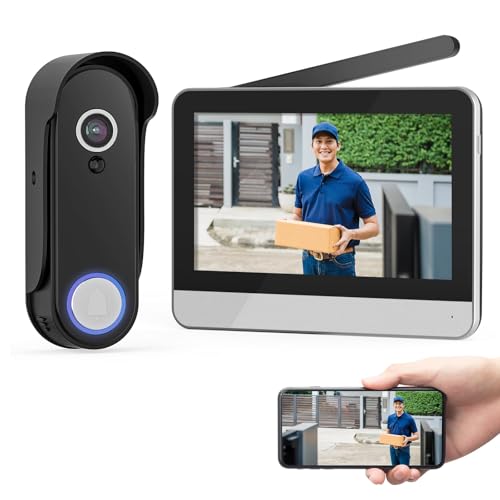
Battery-powered models trade that convenience for flexibility. They mount anywhere, including rentals and homes with no existing wiring, and they typically pair with a plug-in chime rather than tapping into your electrical system. The tradeoff is a battery that needs recharging every few weeks to a few months depending on how much motion it detects, and slightly slower wake-up time before video starts recording. If you are comparing standalone wireless options in more depth, a roundup of battery-powered doorbell models built for no-wiring installs is worth a look alongside this guide.
- Choose wired if your home already has doorbell wiring and a transformer rated for smart devices.
- Choose battery-powered if you rent, lack existing wiring, or want to relocate the camera later.
- Either option can deliver reliable budget performance, so let your home's wiring situation decide.
Free Storage Versus a Monthly Subscription
The sticker price is only part of the cost story with video doorbells, since many budget models are built around a cloud subscription that stores your recorded clips. Free tiers usually cap out around 24 to 72 hours of rolling storage, or they limit you to live view and instant alerts without any saved history at all. Paid plans generally run a modest monthly fee and unlock 30-day rolling storage, person detection, and the ability to save or share clips.
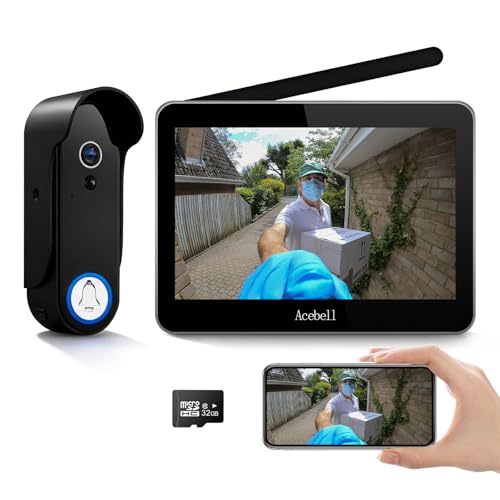
A growing number of budget doorbells sidestep the subscription entirely with a microSD card slot for local storage, which stores footage on the device itself with no recurring fee and no dependence on an internet connection to save a clip. The catch is that local storage can be physically removed or damaged, and some models still gate features like package detection behind a paid tier even when storage itself is free. If saving money long-term matters more than convenience, a doorbell with local storage support is usually the better bet at the budget end of the market. In practice, a best budget video doorbell camera is only as good as the storage plan behind it, so weighing that cost matters as much as the price tag on the box.
Getting It Mounted Without Calling an Electrician
Most budget doorbells are designed for a homeowner to install in under an hour, but the process differs quite a bit depending on wired versus battery power. Wired installation involves shutting off power at the breaker, removing the old doorbell, connecting two low-voltage wires, and mounting the new unit with the included screws. It is beginner-friendly work, but if your home has an unusual transformer voltage or no existing wiring at all, a licensed electrician is worth the modest cost rather than guessing.
Battery installation is simpler still: mount the bracket, snap in the camera, and plug the included chime into any outlet inside your home. The one recurring headache is chime compatibility. Some existing mechanical or digital chimes are not compatible with certain smart doorbells, which can leave your old chime silent or requires an add-on chime kit sold separately. Check compatibility with your specific chime model before buying, especially if keeping the sound of your existing doorbell matters to you.
Keeping Your Doorbell Footage Private and Secure
A camera pointed at your front door is only useful if the footage stays yours. Look for a doorbell with end-to-end encryption on both live streaming and stored recordings, along with two-factor authentication on the companion app, since these two features stop the vast majority of real-world account takeovers. Weak, reused passwords are the most common way these devices get compromised, not some sophisticated exploit, so a unique password paired with two-factor login covers most of the risk on its own.
Reliable motion detection and notification delivery matter for security too, not just privacy. A cheap doorbell that misses real visitors or floods your phone with false alerts for passing cars trains you to ignore notifications altogether, which defeats the purpose of owning one. If you are building out a wider system rather than a single device, pairing your doorbell with a broader smart home security setup can centralize alerts and cut down on notification fatigue.
Frequently Asked Questions
Do budget video doorbells work without Wi-Fi?
No, nearly all consumer video doorbells need a home Wi-Fi connection to send live video and push notifications to your phone. A weak signal at the front door is a common cause of missed alerts, so check your router's coverage there before buying.
How long does a battery-powered doorbell last on one charge?
Battery life ranges widely, from roughly one to six months depending on how much motion the camera detects and how often live view is used. Homes on busy streets or near sidewalks will see batteries drain faster than quiet cul-de-sacs.
Can I use a budget doorbell with my existing chime?
Sometimes, but not always. Digital and mechanical chimes vary in compatibility, so check the manufacturer's chime list before installing, or plan on using the doorbell's included plug-in chime instead.
Is local storage as reliable as cloud storage?
Local storage on a microSD card works well and avoids monthly fees, but it can be lost if the card fails or the doorbell itself is stolen. Cloud storage protects footage even if the physical device is damaged or removed.
Do I need a subscription to get motion alerts?
Basic motion alerts are typically free on most doorbells, but advanced features like package detection, activity zones, or person versus vehicle recognition are often locked behind a paid plan. Check exactly what the free tier includes before assuming.
Will a budget doorbell work in extreme heat or cold?
Most budget models are rated for typical outdoor temperature swings, but battery-powered units can lose charge faster in freezing weather and some cameras slow down in extreme heat. Wired doorbells tend to hold up more consistently in harsh climates since they are not relying on battery chemistry.
How much video quality am I really giving up at a lower price?
Less than you might expect. Many budget doorbells now ship with the same 1080p to 2K sensors found in mid-range models, so the price gap usually shows up in extras like storage plans, build materials, and smart home integrations rather than raw image quality, which is why a best budget video doorbell camera can still deliver sharp, usable footage.
Matching the Doorbell to How You Actually Live
The right choice comes down to your front door, not a spec sheet. Renters and anyone without existing wiring will get more value from a battery-powered model with local storage, while homeowners with working doorbell wiring often get faster response times and lower long-term cost from a wired option. Whichever route fits your home, prioritize field of view, night vision, and honest storage costs over flashy extras you will rarely use.