Best Big Screen Tablets of 2026: Complete Buying Guide
Disclosure: We may earn a commission when you buy through links on this page, at no extra cost to you. As an Amazon Associate I earn from qualifying purchases. Learn more

Pick among the best big screen tablets by matching screen size, system, storage and stylus support to reading, drawing, video or work.
A large tablet makes reading documents, watching video, sketching and working in split screen far more comfortable than a small one, and that is why many buyers search for the best big screen tablets. The trade off is weight, price and how you hold it, so the right choice depends on where you use it most. This guide explains the specs that matter for 11 to 14 inch tablets so you can match one to your routine.
Use the product table to compare screen size, storage and operating system side by side, then read the sections below to see what each spec means in daily use.



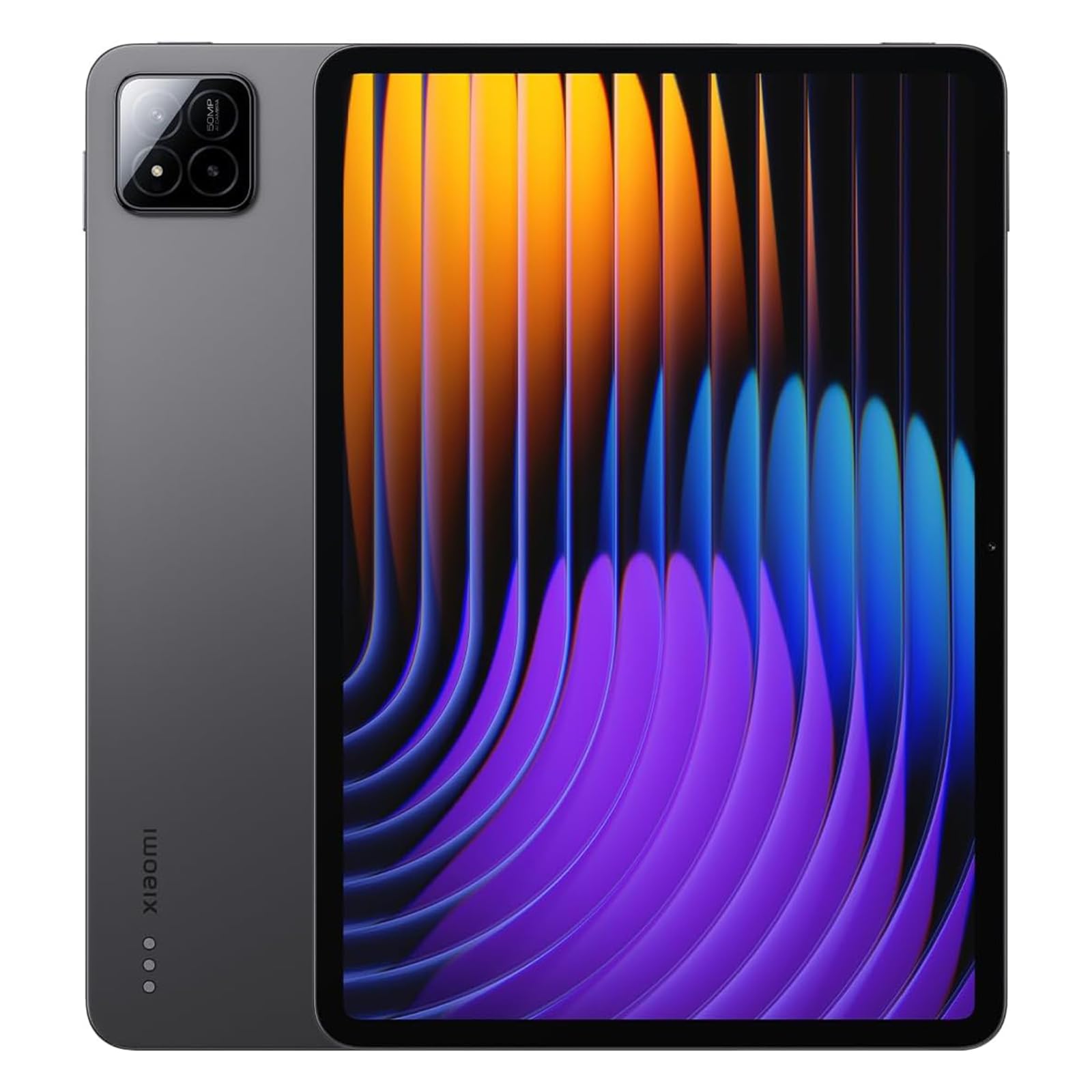
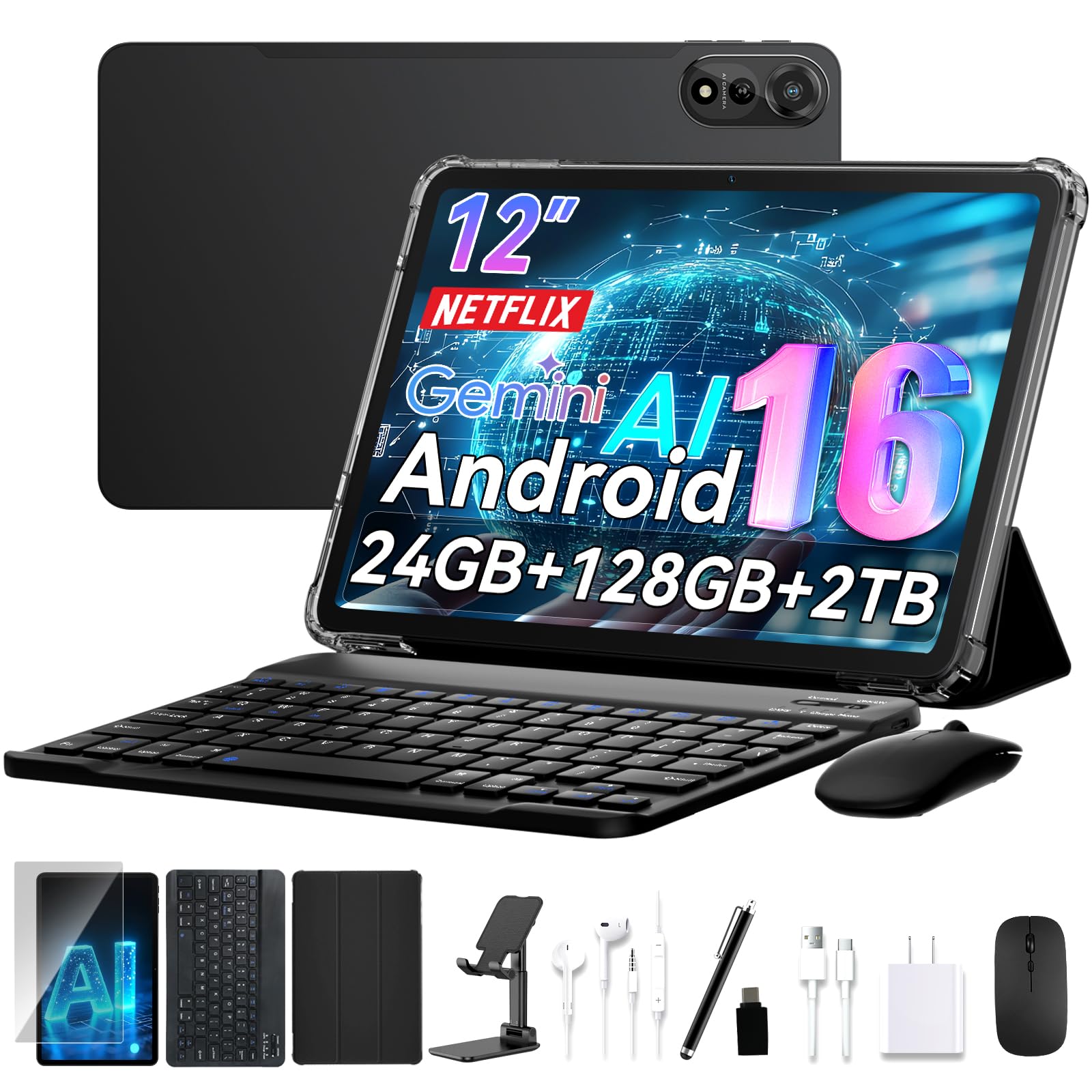
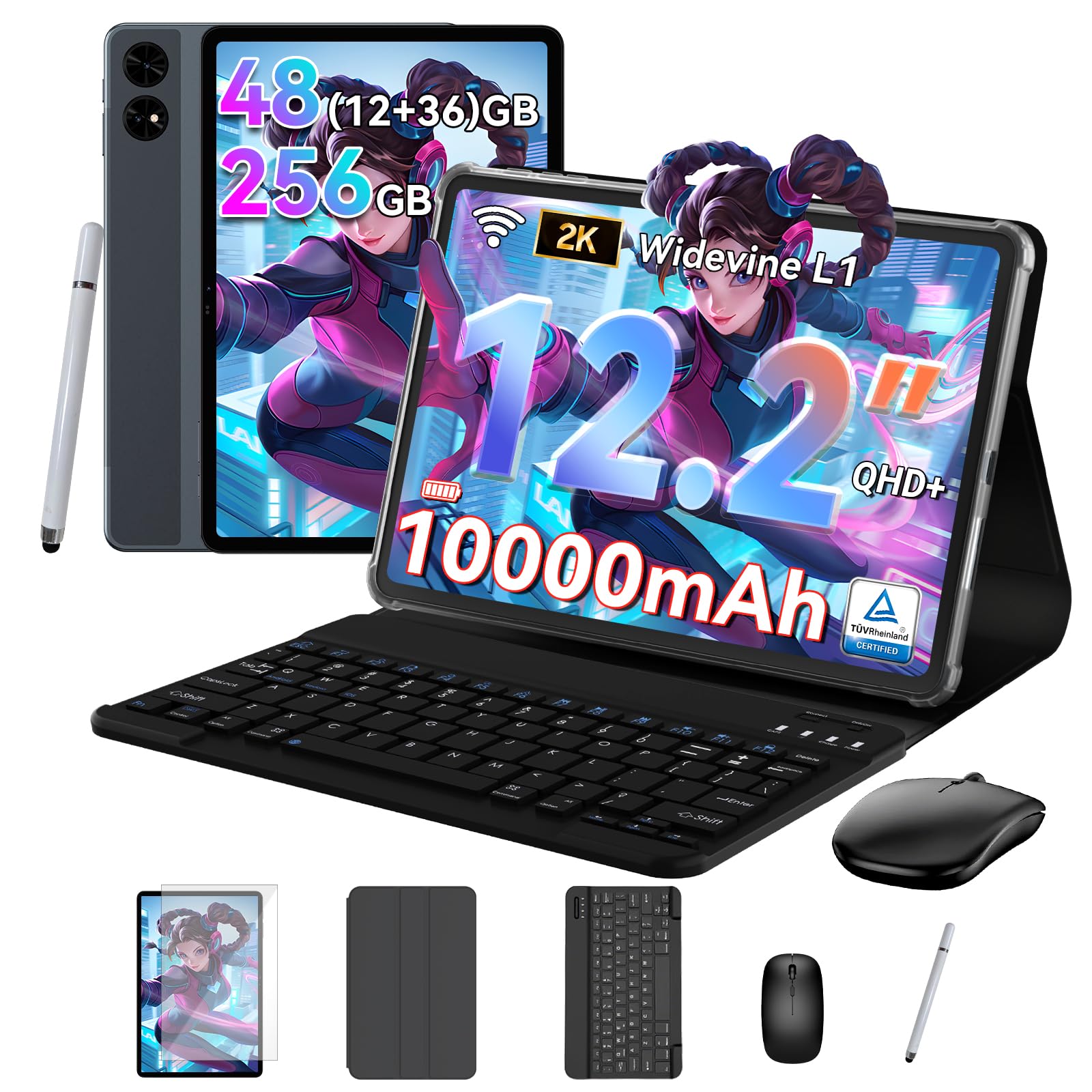

Who Should Buy a Big Screen Tablet
Students who read PDFs and take notes, artists who sketch, and home users who watch video or follow recipes all gain from a bigger display. Remote workers who pair a tablet with a keyboard case get a light second computer. If you mostly read in bed or carry a tablet in a small bag, a smaller model may be more comfortable, since large tablets are heavier and harder to hold one handed. For related reading, see the guides to the best big tablets, the best screen tablets and the best pc tablets.
Key Features to Compare
Screen Size, Resolution and Brightness
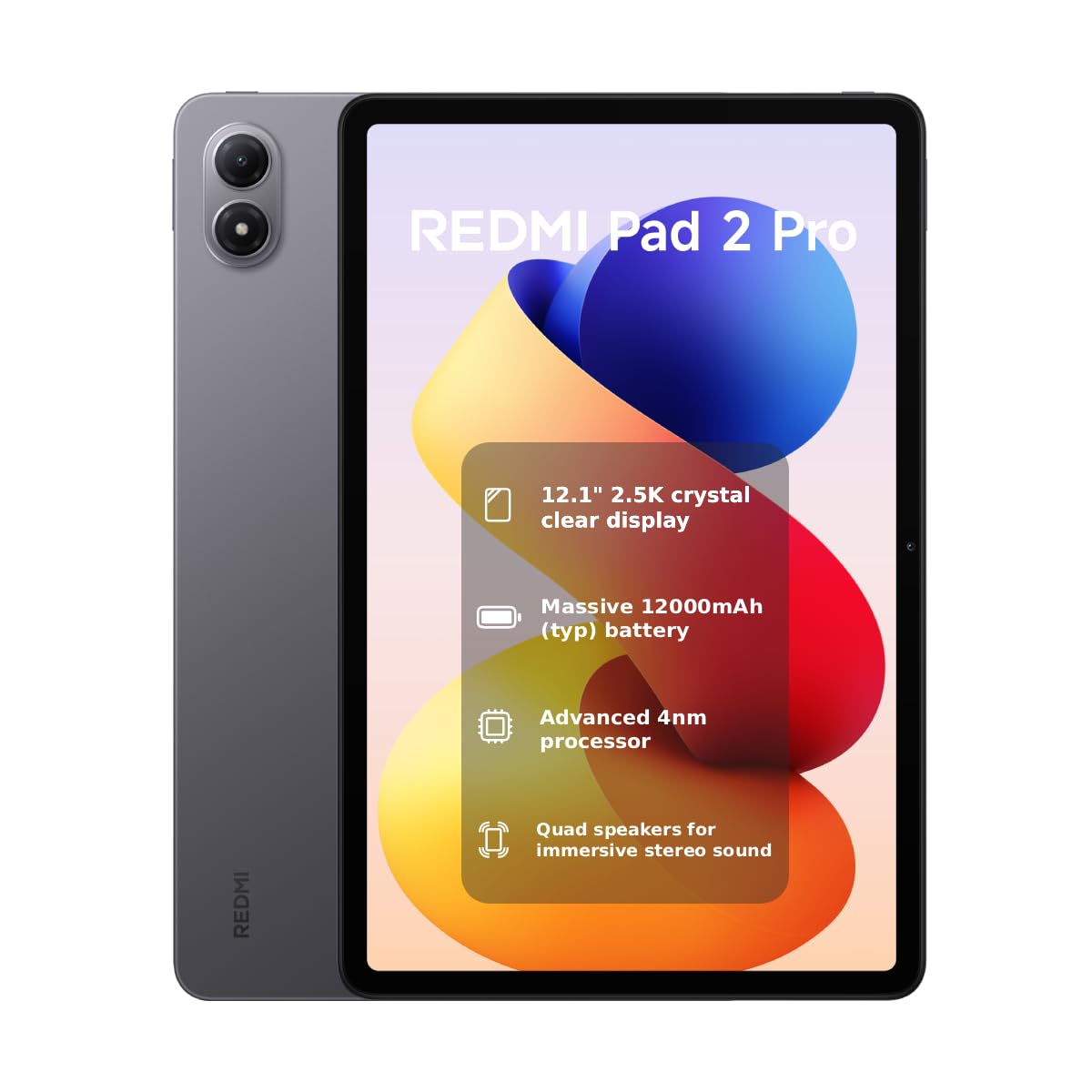
Tablets of about 11 inches are the entry point for a big screen, while 12 to 14 inch models give the most room for drawing and split screen work. Look beyond size to sharpness and brightness, because a large dim screen is less useful than a slightly smaller bright one. OLED panels offer deep contrast for video, and LCD panels are usually cheaper and bright enough for most rooms.
Operating System and Apps
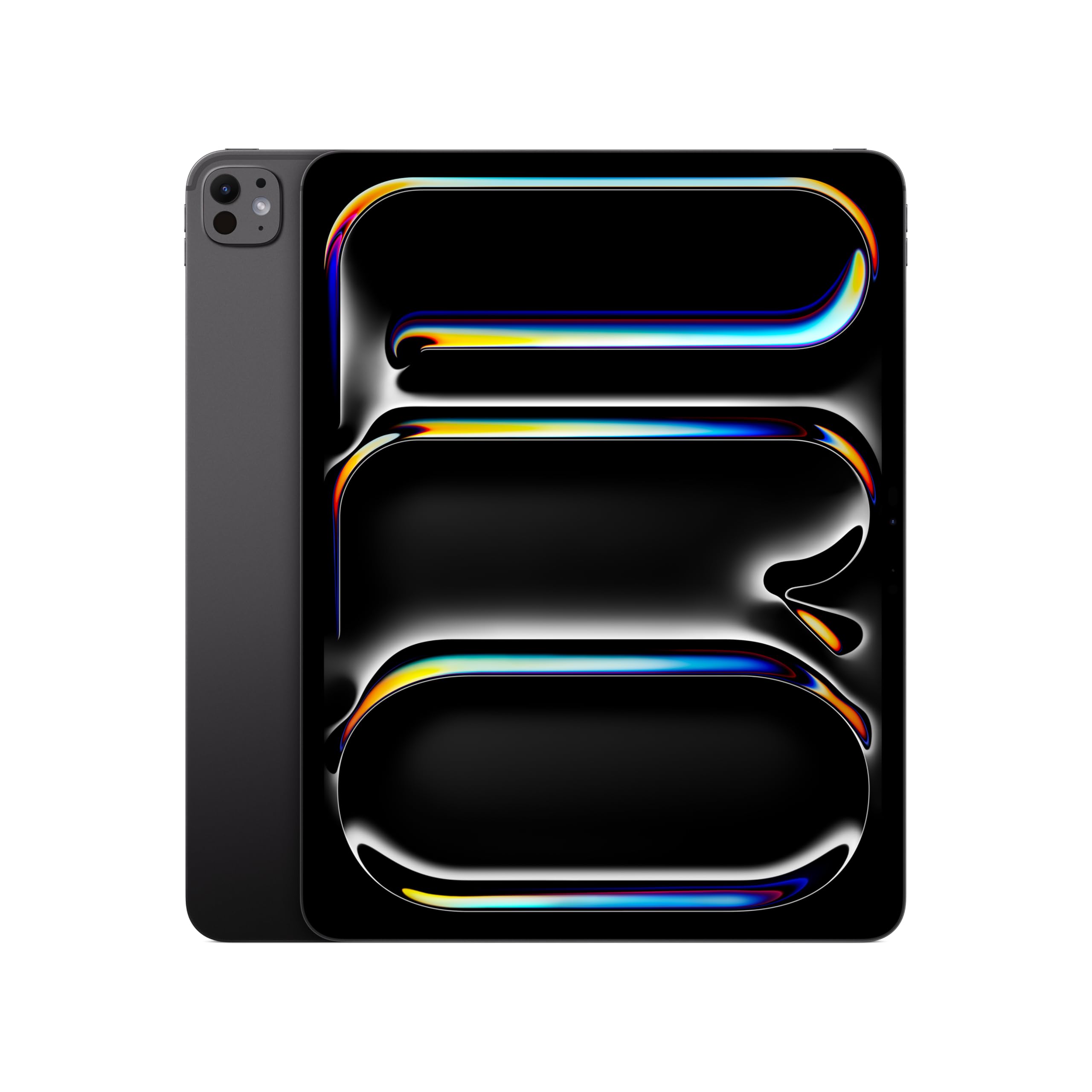
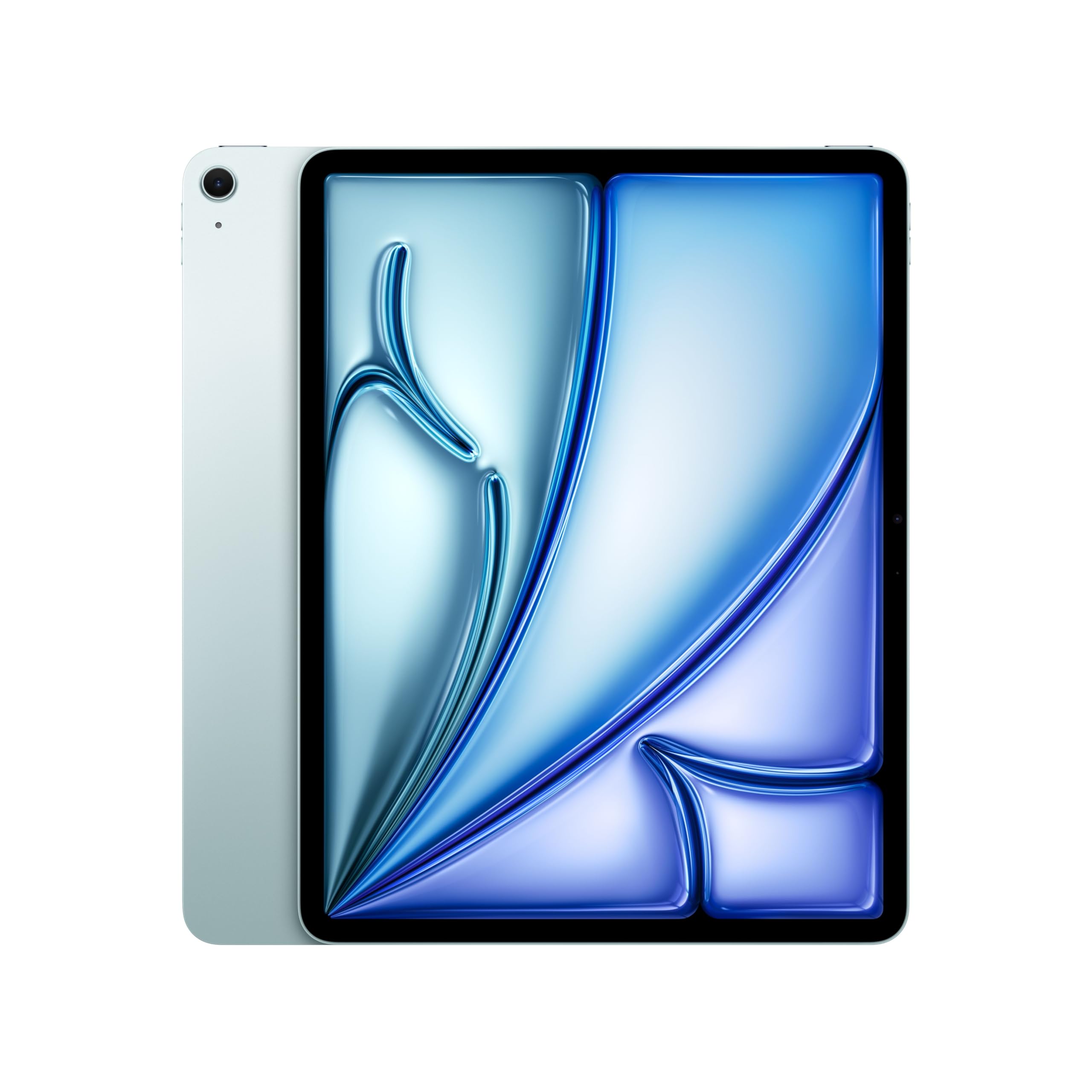
The system decides which apps you can run. iPadOS has the widest range of tablet optimized apps, especially for drawing, music and video editing. Android tablets offer flexible file handling, expandable storage on some models and good value. Windows tablets run full desktop programs but cost more and have shorter battery life. Pick the system that runs the apps you rely on.
Performance, Memory and Storage
For browsing, streaming and reading, a mid range processor and 4 to 8 GB of memory are enough. Drawing, multitasking and games benefit from more memory and a faster chip. Choose storage with room for downloaded video, games and art files, and check whether the tablet accepts a memory card, since not every model does.
Stylus and Keyboard Support
If you draw or handwrite notes, confirm stylus pressure support, palm rejection and whether the stylus charges with the tablet or is sold separately. If you type often, check that a keyboard case is available for the exact model, since these accessories raise the real cost.
Battery Life and Weight
A bigger screen uses more power, so check realistic usage for video and browsing, not just standby time. Large tablets weigh about one to two pounds, and the weight is noticeable during long handheld use. A stand or a case with a fold out cover helps for desk and kitchen use.
Software Updates
Check how long the maker promises software and security updates, because a tablet that stops updating ages quickly. Established brands usually publish update periods, and unbranded tablets often do not.
Types Compared
Large media tablets focus on a bright screen and good speakers for video and reading. Drawing and note taking tablets add stylus support and palm rejection. Productivity tablets pair a strong chip with keyboard accessories and desktop style multitasking. Budget large tablets deliver a big screen at a low price, with slower processors that suit browsing and video but struggle with demanding apps. Match the type to your most frequent use rather than to an occasional scenario.
How Much Should You Spend
Budget 11 to 12 inch tablets start at roughly $130 to $300 and handle video, reading and web browsing. Mid range tablets at roughly $300 to $700 add better screens, faster chips and longer update support. Premium 13 inch tablets cost roughly $1,000 and up and suit drawing, editing and laptop style work. Remember to budget for a case, stylus and keyboard, which can add a large share of the cost.
Setup and Daily Use
Add a screen protector and a case that supports the size and weight, and set up parental controls and backup before first use. Keep the tablet away from heat and damp, charge it with the supplied adapter and update the software. A stand reduces neck and wrist strain on long viewing sessions.
Common Mistakes to Avoid
- Choosing by screen size alone and ignoring weight and operating system.
- Skipping the cost of a case, stylus and keyboard when comparing prices.
- Buying minimal storage when you keep downloads or large art files.
- Ignoring the update policy on unbranded tablets.
- Skipping the return window and warranty details.
FAQ
What screen size counts as a big screen tablet?
Most buyers mean a screen around 11 inches or larger, with 12 to 14 inch models offering the most room for drawing and split screen work. Larger is not always better, since weight and price rise with size.
Is a big tablet good for reading?
Yes, for documents, comics and magazines, because text stays large and page turns feel natural. For long novel reading in bed, a smaller and lighter tablet or a dedicated reader may be easier on the wrists.
Do I need a stylus with a big screen tablet?
Only if you draw, annotate or handwrite notes, in which case stylus quality matters as much as the screen. If you only watch video and browse, a stylus adds cost without much daily value.
Can a big tablet replace a laptop?
It can for browsing, video, email and light document work, especially with a keyboard case. For heavy multitasking, large spreadsheets or specialist software, a laptop still offers more flexibility.
How much storage do I need?
For browsing and streaming, modest storage is enough, but downloaded video, games and art files fill space quickly. Choose more storage if you keep large files offline or cannot add a memory card later.
Final Thoughts
Start from your main use, pick the operating system that runs your apps, and put your money into screen quality, storage and update support before extras. Compare your shortlist in the product table, and the best big screen tablets for you will be the ones that feel comfortable on an ordinary weekday, not only on paper.